5.01 months ago
“Review”
good for creating posts
WEB5LAB

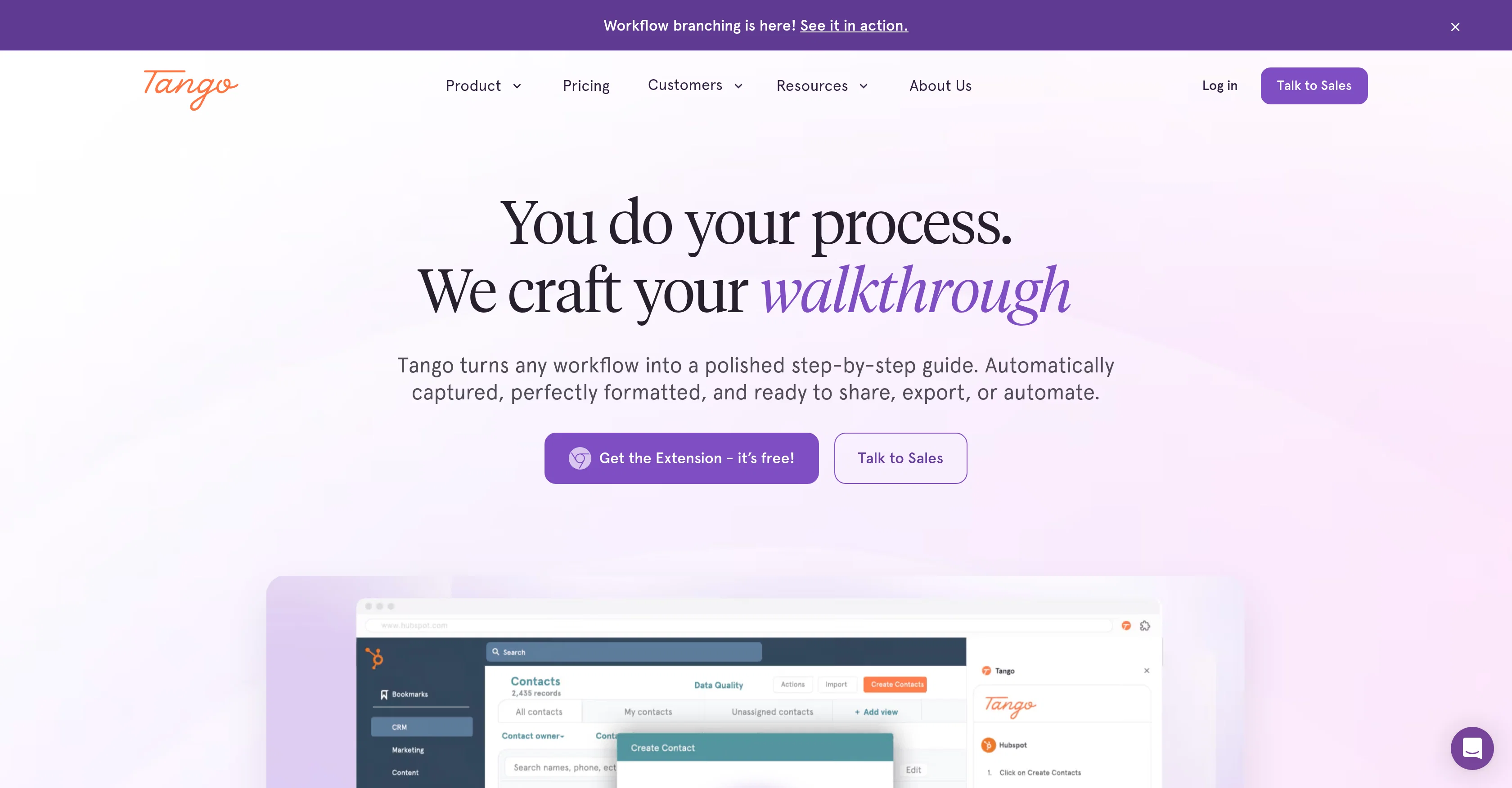
Turn any workflow into step-by-step guides instantly.
Tango is an interactive user guides creation software that transforms workflows into step-by-step guides easily and efficiently. It automates the process of capturing, formatting, and documenting workflows, thereby eliminating the need for manual instructions. With Tango's browser extension, users can document their processes and turn them into polished guides with screenshots, highlights, and customizable descriptions. Guides can be directly pinned to relevant areas inside tools, providing teammates with assistance exactly when needed. Beyond a simple guide, Tango allows users to run automations, handling repetitive tasks like clicking, navigating, typing, and form filling. Tango also includes an analysis feature, providing insights on who is completing processes, who is utilizing content, and identifying the specific steps where users may encounter difficulties. Its potential applications include standardizing processes, software roll-out, employee onboarding, and customer support. The software is designed to integrate with multiple platforms such as CRM, ERP, HRIS systems, and many web-based tools with no need for additional API setups. Help other people by letting them know if this AI was useful. Add your own prompts and outputs to help others understand how to use this AI.
When considering Tango for integration into your organizational workflow, we recommend deploying a structured score card across three critical operational pillars: Security & Compliance, Integration Friction, and long-term Price Scalability. Rather than looking only at basic feature lists, modern procurement teams must assess how a software platform behaves under high load and how well it fits into the team's data security guidelines.
Depending on your operating region and field, ensure that Tango supports standard security layers such as SOC 2 Type II certifications, GDPR compliance, or HIPAA-compliant database encryption. If the tool connects directly to client database tables or handles user passwords, verify that they implement multi-factor authentication (MFA), single sign-on (SSO) integrations, and end-to-end data encryption in transit and at rest.
Siloed data is the primary cause of operational friction. Evaluate if Tango has native connectors for your current project trackers, messaging hubs, and customer communication channels. For custom developer requirements, check if they provide a fully documented REST API with reasonable rate limits, comprehensive Webhooks support, and robust SDK packages in your language. A flexible API layer saves hundreds of hours of manual copy-paste overhead.
SaaS pricing packages are often deceptively simple. When reviewing Tango's billing structure, map out your team's projected expansion over the next 12 to 24 months. Determine how costs scale as your customer database increases or as you add team members. Factor in setup costs, mandatory support plan upgrades, API access fees, and storage overage rates to understand the true cost before committing to a contract.
By combining verified user reviews from our directory with internal workflow pilot tests, your procurement team can make an informed decision that drives productivity without creating capital waste.
Overall rating
Based on 13 reviews
good for creating posts
WEB5LAB
Hi TAAFT! I'm Henry, the founder of CartoMind. CartoMind offers a fully automated AI workflow to help you quickly organize text content and generate the perfect infographics to match. 【Why did I build this?】 When creating infographics with AI today, users are often forced to choose between two extremes. You either use generic AI image SaaS tools that trap you in complex prompt engineering and steep design learning curves with zero knowledge management, or you use products like NotebookLM. While they are fantastic for knowledge management, their infographic generation is just an afterthought, lacking design freedom and rich templates. 【Here is where CartoMind stands out:】 1. Lightweight knowledge & note management: We support uploading multiple file formats and automatically parsing text, allowing you to freely select the exact knowledge snippets you want to visualize. 2. Fully automated workflow: Based on your selected content, our AI automatically distills the key text elements and instantly matches you with the ideal infographic design from over 500 professional combinations. 3. Massive template library: A rich selection of infographic templates offering a true what-you-see-is-what-you-get experience. 【Who is using it?】 Marketers, educators, social media creators... In fact, anyone who needs to make their domain knowledge "visible" and loves to share it will find it incredibly useful. 【I can't wait for you all to try it out!】
Henry
not gonna lie, reading the name I was ready to start shooting an actual film. turns out it just makes a description and a cover. still, kinda cool for discovering new movie ideas
Miss Roso
Hey everyone, I’m Evaldas, co-founder of @Guideless, the fastest way to turn any browser workflow into a polished, AI-narrated video guide in minutes. No screen recording. No tedious editing. Just turn on the extension, click through your process as you normally would, and instantly get a share-ready guide. We recently shipped a major update: a sleeker UX and new high-quality AI voiceover characters — making guides sound and feel more vibrant than ever. Give @Guideless a try and see how effortless creating high-quality tutorials can be 🪄
Evaldas Bieliūnas
@Choosaro makes it much easier to compare options and make decisions with more clarity. I like that it gives structured analysis, scores, reasoning, strengths and weaknesses, and a clear recommendation instead of a generic AI answer. Very useful for reducing overthinking and choosing the best option faster.
Olivia Grace
We're live folks! Do check us out and drop your feedback or requests.
Shubh Saras
@MOVA Guide solves the ‘what should I do now?’ problem in seconds. Super intuitive way to discover personalized plans based on mood, time & budget. Surprisingly useful.
Mr Abier
Very interesting tool and useful ❤️👌🏽👏🏽🙏🏽
Béatrice Duval
No good at pdfs
Chris Cox
Its a promising project and works well so far. Wishing them all the best and godspeed.
Dipak Rautela
It works nicely. The autodraw function works really well, it easily detects what I’m trying to go for. W tool!
Orit Paredes
Amazing cool love it
Bebe
Just implemented your instruction out how to run drip campaigns automatically, nice! Getting prospect calls coming in
Jenn N.
Starting Price
Free plan available
Free tier available with optional paid upgrades.


