5.02 months ago
“Review”
nice holistic
Amit ImmI
Transform your voice into polished text instantly.
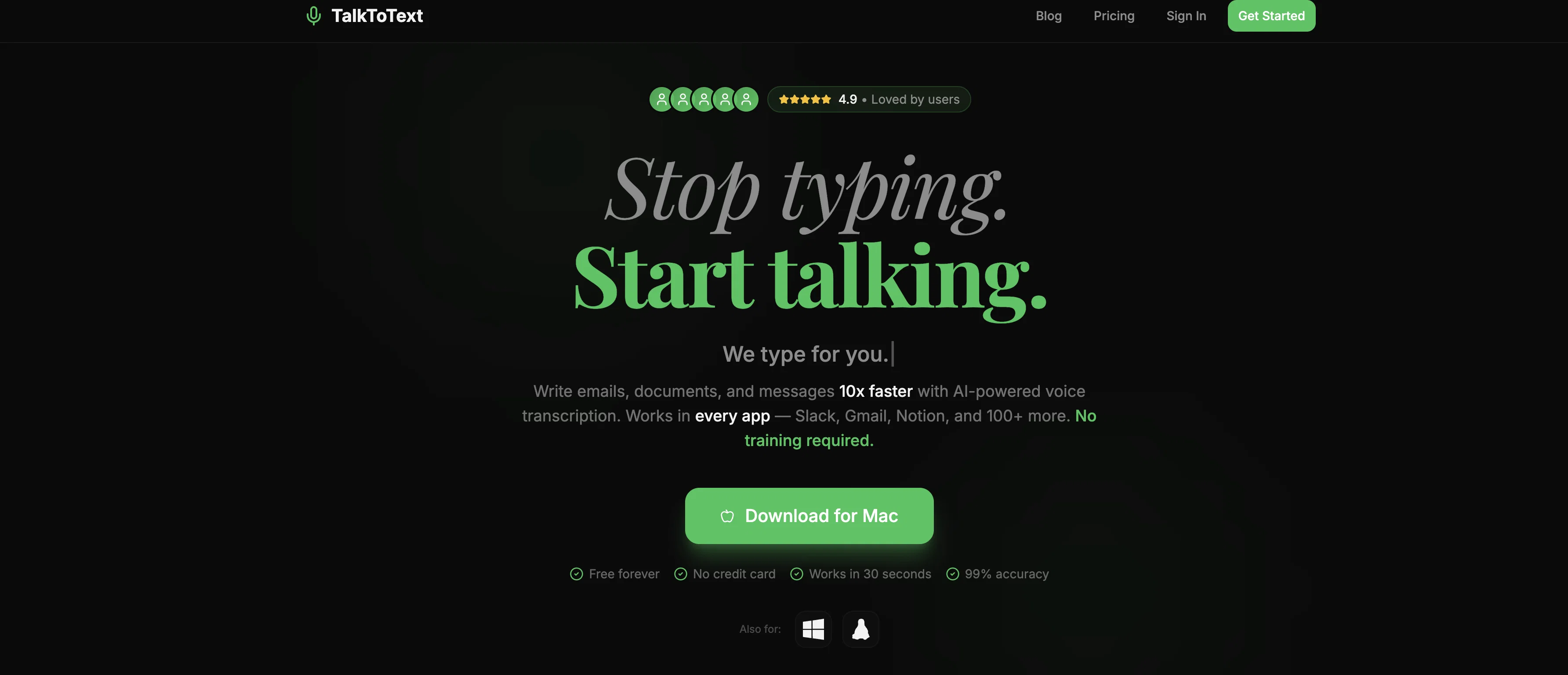
TalkToText is an advanced voice-to-text AI tool designed to convert speech into clear and refined written text. As a cutting-edge application, this tool seamlessly integrates and functions within a wide variety of platforms. These platforms include well-established communication and collaboration tools such as Slack, Gmail, and Notion, among others. The main aim of TalkToText is to improve the efficiency and convenience of text inputs by leveraging AI for automated speech recognition and transcription. Through this voice-to-text AI tool, users can quickly transform their spoken words into textual form, thereby reducing the effort and time spent on manual typing. The application thereby serves as a valuable tool for professionals, helping them streamline and hasten their note-taking, messaging, and documentation process. This is especially advantageous when speed is of the essence in swiftly drafting emails, noting down important points from meetings, or even transcribing conversations in real-time.In terms of its operation, users simply have to speak to the tool and it instantly transcribes their words into text within the chosen platform. The tool is set up to offer quick, seamless, and precise transcriptions. In summary, TalkToText is an ideal AI solution for those seeking an efficient, fast and accurate method for converting spoken language into text across various applications and tools. Help other people by letting them know if this AI was useful. Add your own prompts and outputs to help others understand how to use this AI.
When considering TalkToText for integration into your organizational workflow, we recommend deploying a structured score card across three critical operational pillars: Security & Compliance, Integration Friction, and long-term Price Scalability. Rather than looking only at basic feature lists, modern procurement teams must assess how a software platform behaves under high load and how well it fits into the team's data security guidelines.
Depending on your operating region and field, ensure that TalkToText supports standard security layers such as SOC 2 Type II certifications, GDPR compliance, or HIPAA-compliant database encryption. If the tool connects directly to client database tables or handles user passwords, verify that they implement multi-factor authentication (MFA), single sign-on (SSO) integrations, and end-to-end data encryption in transit and at rest.
Siloed data is the primary cause of operational friction. Evaluate if TalkToText has native connectors for your current project trackers, messaging hubs, and customer communication channels. For custom developer requirements, check if they provide a fully documented REST API with reasonable rate limits, comprehensive Webhooks support, and robust SDK packages in your language. A flexible API layer saves hundreds of hours of manual copy-paste overhead.
SaaS pricing packages are often deceptively simple. When reviewing TalkToText's billing structure, map out your team's projected expansion over the next 12 to 24 months. Determine how costs scale as your customer database increases or as you add team members. Factor in setup costs, mandatory support plan upgrades, API access fees, and storage overage rates to understand the true cost before committing to a contract.
By combining verified user reviews from our directory with internal workflow pilot tests, your procurement team can make an informed decision that drives productivity without creating capital waste.
Overall rating
Based on 20 reviews
nice holistic
Amit ImmI
your answer is much too general, so useless. You could have just tell me to ask Perplexity.
Ta
I think it's the best @Image Generator I ever found on the net. It gives more accurate image according to the prompt. And thank you for keeping it for free.
My Sawsiri
Not at all accurate…. The only thing similar between original and generated images were the clothes and accessories… face was absolutely new and unconnected.
Shvetank Sharma
We're LIVE :)
Ezzaky Ab.
V1.0 is live :)
Ezzaky Ab.
v1.0 is Live :)
Ezzaky Ab.
V1.0 Launched :)
Ezzaky Ab.
Hey Michael 🙂 Thanks for the honest feedback , and I totally understand where you're coming from. We recently added the tutorial to help new users understand the app quickly, but we hear you , we’ll look into making it optional. Also, just to clarify: we do offer a free plan! You should be able to create and preview documents without paying. If you ran into any issues, please reach out to us at support@WriteDoc.ai , we’d be happy to give you extra free credits and make things right. We’d love the chance to turn that 2⭐️ into a 5⭐️ , and your input helps us get better. Appreciate you giving it a shot! Best, The @WriteDoc.ai Team
Ezzaky Ab.
@Rocket is fast as heeeelll for spinning up prototypes when an idea hits. I've shipped small tools and MVPs with this as the foundation, saves days of boilerplate setup. Great one :)
Maarten Beast
Purely magic. It increases the productivity by a lot and the process is pretty addictive. I've been building websites like there's not tomorrow.
Geo Burlibasa
Really like how it finds connection in the content that I save. I don't think any other tool can do that.
amix ffx
Love it, but I returned my Mac because it's not a touchscreen, and I needed one to draw illustrations in www.firealpaca.com (freeware), so... if you ever make a PC/Linux version, ring the bell ;-) THX
Timeship
freeway is 100% free
tryfreeway
There are hundreds of FREE apps that offer this service, so why pay for it? Use the totally GRATIS add-ons and be liberated from monthly subscriptions!
Timeship
the founder is cool, definitely a recommendation if you have personal requests and grow the app along with you.
Samik Choudhury
This is my favourite, so handy and works brilliant
Colin Fitzpatrick
No other tool quite like this, it's pretty straightforward. Needed to extract a long interview from YouTube and it extracted everything, providing it in different meaningful formats in less than two minutes. Awesome
Juan Sierra
I already have another transcription tool, but this one is much better. I love the different features such as the summary, quiz, and chapters. It does a great job of them. I've only done one transcript so far to try it out, but I'm truly impressed and am going to grab another code. A couple things that would make it even better are: - the ability to rename the files and organize them through folders. - the ability to download a copy of the other features as well as the transcript. Copying and pasting it works, but doesn't keep the format.
dunn
One of the most accurate API's I've used for speech to text and summarization. Cost effective w/ bulk contracts too.
Mery
Starting Price
Free plan available
Free tier available with optional paid upgrades.


