5.02 months ago
“Review”
It really does what it says
Rodolfo Evangelista

Turn documents into premium PDF scans instantly.
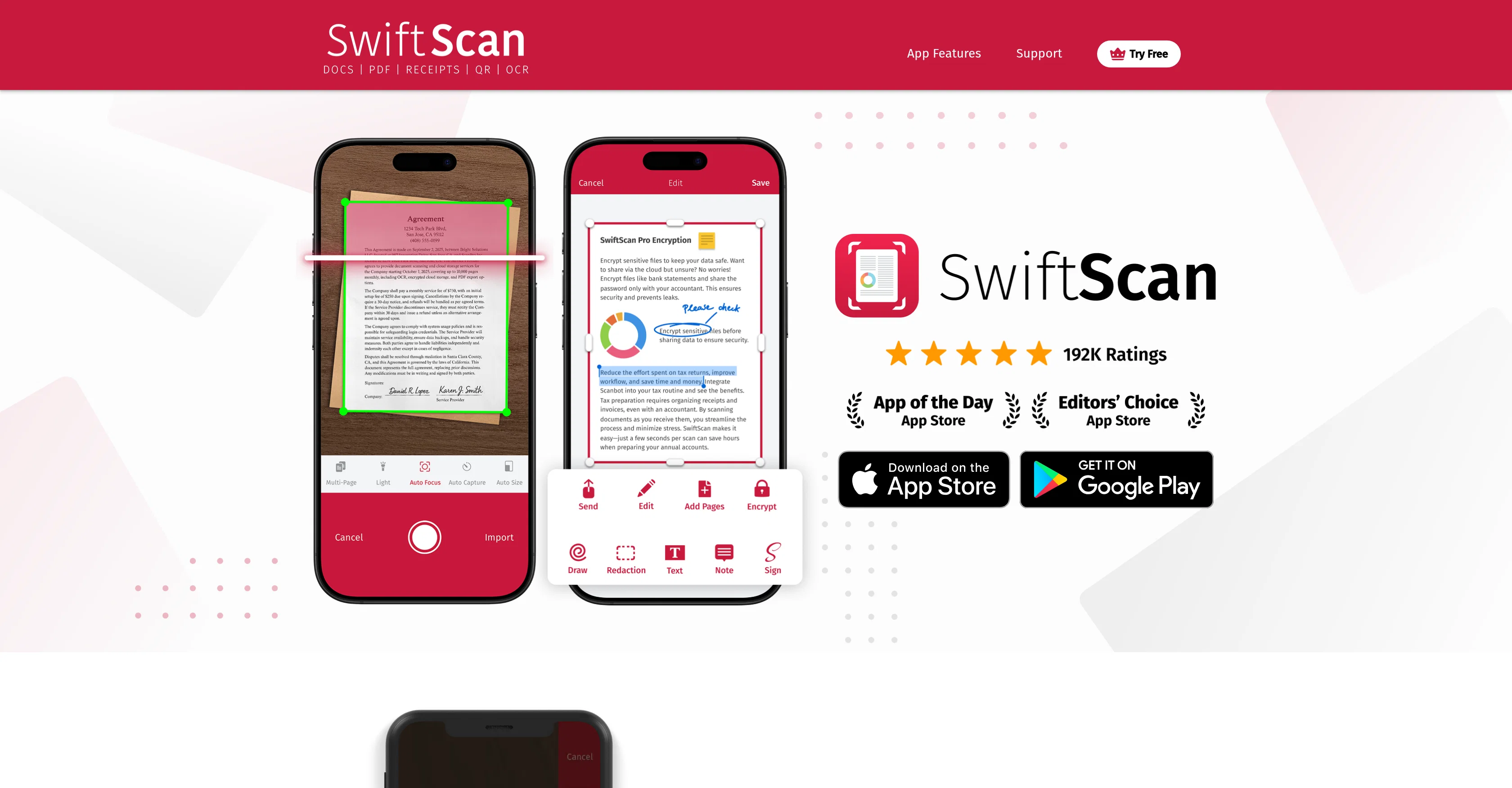
SwiftScan is an advanced scanning app available for iPhone, Android, and iPad devices. The main function of SwiftScan is to create premium quality scans and allow for immediate upload to a user's preferred cloud service. The tool showcases high-quality automatic capture with optimization features such as cropping. SwiftScan can scan a diverse array of materials including documents, receipts, sketchbooks, whiteboards, QR codes, and barcodes in different color modes for perfect scans. An integral feature of SwiftScan is its commitment to user privacy, ensuring no user data in documents is sent to third parties and that all text recognition is performed directly on the device. SwiftScan also boasts intuitive cloud integration, supporting all major cloud services and remembering a user's last folders for one-tap uploads. Beyond scanning, SwiftScan offers PDF manipulation tools that allow users to add notes, sign, highlight, remove pages, rearrange them or add new ones to PDF documents. It also includes a feature to send faxes directly from your phone, allowing users to scan, edit and send legally binding documents as faxes. The tool is consistently updated with new feature additions for maximizing functionality and has been highly received since its launch. Help other people by letting them know if this AI was useful. Add your own prompts and outputs to help others understand how to use this AI.
When considering SwiftScan for integration into your organizational workflow, we recommend deploying a structured score card across three critical operational pillars: Security & Compliance, Integration Friction, and long-term Price Scalability. Rather than looking only at basic feature lists, modern procurement teams must assess how a software platform behaves under high load and how well it fits into the team's data security guidelines.
Depending on your operating region and field, ensure that SwiftScan supports standard security layers such as SOC 2 Type II certifications, GDPR compliance, or HIPAA-compliant database encryption. If the tool connects directly to client database tables or handles user passwords, verify that they implement multi-factor authentication (MFA), single sign-on (SSO) integrations, and end-to-end data encryption in transit and at rest.
Siloed data is the primary cause of operational friction. Evaluate if SwiftScan has native connectors for your current project trackers, messaging hubs, and customer communication channels. For custom developer requirements, check if they provide a fully documented REST API with reasonable rate limits, comprehensive Webhooks support, and robust SDK packages in your language. A flexible API layer saves hundreds of hours of manual copy-paste overhead.
SaaS pricing packages are often deceptively simple. When reviewing SwiftScan's billing structure, map out your team's projected expansion over the next 12 to 24 months. Determine how costs scale as your customer database increases or as you add team members. Factor in setup costs, mandatory support plan upgrades, API access fees, and storage overage rates to understand the true cost before committing to a contract.
By combining verified user reviews from our directory with internal workflow pilot tests, your procurement team can make an informed decision that drives productivity without creating capital waste.
Overall rating
Based on 4 reviews
It really does what it says
Rodolfo Evangelista
It's accurate, it's fast, it's honest, it's free without sign-up.
Gablo Mo
Process patient referral documents way faster now. Pulls key medical history and relevant details instantly instead of me scanning through pages. Still review everything carefully but it flags what matters first.
Sarah Laura
I've tried a few essay grading AIs and @Examino is the best one in my opinion. Easy to use, great at handwritting recognition, and provides useful feedback to the students
Alice P
Starting Price
Free plan available
Free tier available with optional paid upgrades.


