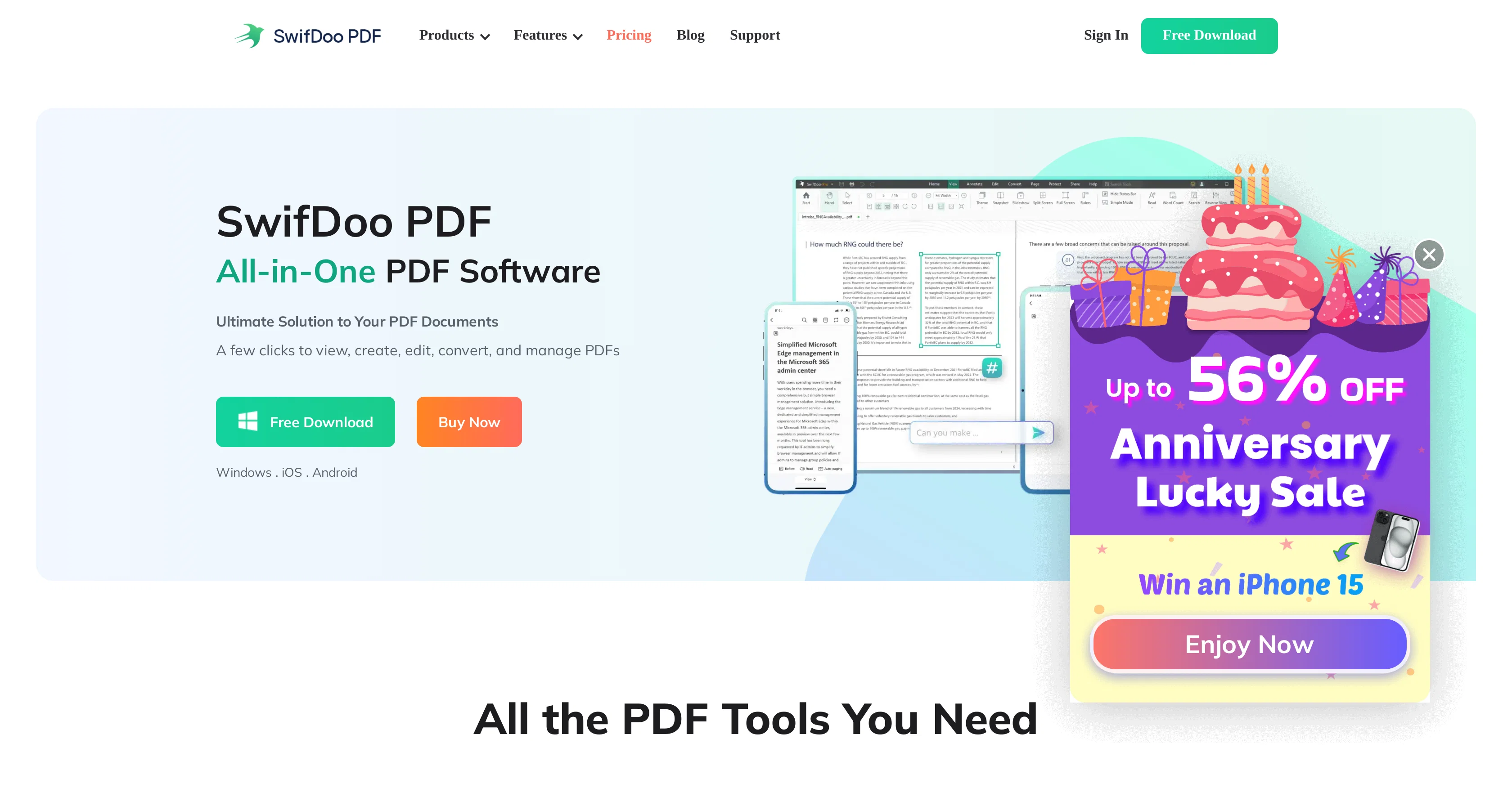
SwifDoo PDF is a comprehensive tool for managing and manipulating PDF files. Key features of this tool include the ability to create, convert, edit, annotate, and digitally sign PDFs.
Beyond general editing features such as text modification or hyperlink insertion, it also offers options to split or merge PDFs according to user needs.
The tool implements a PDF conversion utility that enables conversion to and from various document formats including Microsoft Word, Excel, and PowerPoint, as well as image formats like JPG and PNG, among others.
It also allows the conversion of CAD files such as DXF and DWG to PDF. Users can view PDFs in different accessible modes, and the tool supports multi-language translations of PDF content.
PDF compression without quality loss is another significant feature, with different levels of compression available according to user requirements. Security features such as password protection to restrict viewing, copying, printing and editing on PDFs are available too.
The tools AI capabilities enable it to summarise lengthy documents, translate content into different languages, chat, proofread, and rewrite PDFs. Additionally, it offers cloud storage for PDFs allowing universal access from anywhere.
SwifDoo PDF works on various platforms including Windows, iOS, and Android, thus enabling efficient PDF editing and management across devices.
Help other people by letting them know if this AI was useful.
Add your own prompts and outputs to help others understand how to use this AI.
Screenshot gallery
Pros & Cons
Pros
+PDF creation
+PDF conversion
+PDF editing
+Annotation feature
+Digital signature
+Hyperlink insertion
+PDF splitter
+PDF merger
+Converts CAD to PDF
+Multilanguage support
+Translate PDF
+PDF compressor
+Password protection
+Summarize documents
+Proof-reads PDFs
+Rewrites PDFs
+Cloud storage
+Cross-platform availability
+PDF viewing in accessible modes
+Translates chat
+Works on Windows
+Works on iOS
+Works on Android
+Supports various document formats
+Supports various image formats
+View modes for PDF
+Creates PDF from scratch
+Scans paper files to PDF
+OCR converter
+Batch compress option
+Combine multiple PDFs
+Split PDF in different ways
+Add notes on PDF
+Insert comments
+Add document stamps
+Insert images in PDFs
+Change font style, size, colour
+Add/delete text from PDFs
+Automatically summarizes lengthy documents
+Proofreads and rewrites PDFs
+Legally-binding e-signatures by handwriting, inputting text, adding images
+Two-level password protection
+Differentiated permissions
+Microsoft Office-like interface
+Quick response for PDF open
+Only takes up 30 MB disk space
+Automate PDF conversion
+Single tap translation
+PDF theme change
+PDF text replacement feature
+Translate and proofread PDFs
Cons
−Lacks Linux support
−Potentially confusing interface
−Limited cloud integrations
−No document versioning
−Lacks advanced editing features
−Lacks real time collaboration
−No OCR capabilities
−Not open source
−Higher system requirements
−Poor customer support
A Professional Framework to Evaluate SwifDoo PDF
When considering SwifDoo PDF for integration into your organizational workflow, we recommend deploying a structured score card across three critical operational pillars: Security & Compliance, Integration Friction, and long-term Price Scalability. Rather than looking only at basic feature lists, modern procurement teams must assess how a software platform behaves under high load and how well it fits into the team's data security guidelines.
1. Security and Database Compliance
Depending on your operating region and field, ensure that SwifDoo PDF supports standard security layers such as SOC 2 Type II certifications, GDPR compliance, or HIPAA-compliant database encryption. If the tool connects directly to client database tables or handles user passwords, verify that they implement multi-factor authentication (MFA), single sign-on (SSO) integrations, and end-to-end data encryption in transit and at rest.
2. API Coverage and Custom Integrations
Siloed data is the primary cause of operational friction. Evaluate if SwifDoo PDF has native connectors for your current project trackers, messaging hubs, and customer communication channels. For custom developer requirements, check if they provide a fully documented REST API with reasonable rate limits, comprehensive Webhooks support, and robust SDK packages in your language. A flexible API layer saves hundreds of hours of manual copy-paste overhead.
3. Total Cost of Ownership (TCO)
SaaS pricing packages are often deceptively simple. When reviewing SwifDoo PDF's billing structure, map out your team's projected expansion over the next 12 to 24 months. Determine how costs scale as your customer database increases or as you add team members. Factor in setup costs, mandatory support plan upgrades, API access fees, and storage overage rates to understand the true cost before committing to a contract.
By combining verified user reviews from our directory with internal workflow pilot tests, your procurement team can make an informed decision that drives productivity without creating capital waste.
Features of SwifDoo PDF
PDF Management
Document Editing
PDF Creation
Pdf Annotation
File Conversion
Digital Signing
From $2.5/Mo
SaaS1to10 verified reviews for SwifDoo PDF
Overall rating
★★★★★5.0
Based on 17 reviews
★★★★★5.01 months ago
“Review”
Makes it easy to get started with a presentation if you have an outline, but as soon as you want more control, you're better off using Google Slides. @Gamma's feature that I used the most was image generation - you can select among a variety of models (Ideogram, Flux, DALL-E, but not Midjourney), and it shows 3 variations to choose from. Performance is slow and a little janky, even in Chrome. Prompts and settings are often not respected - e.g. you set it to "preserve text" and just generate slides, and it goes onto dumping an entire 3 paragraphs of text in one slide. You can't overlay text over images (e.g. for image attribution), and there's no precise positioning control, or grouping elements. No way to control table layout, e.g. to have two images slide-by-side in full bleed mode. I tried @Gamma for a new presentation, but next time I need to make a presentation, I'll go back to Google Slides and generate images independently.
Dan Dascalescu
★★★★★5.01 months ago
“Review”
I joined Kin's beta program on my iPhone XR. After upgrading to an iPhone 13, I found that I couldn't log into my existing account on the new phone, forcing me to create a new account. Now, I have two separate Kin accounts on different phones. Today, when I accessed the beta version of Kin, I got a notification stating that the test version ended on Monday, September 23rd. It instructed me to back up my data and move to the official Kin app. I did as advised—backed up my data, confirmed, uninstalled the beta app via TestFlight, and installed the official Kin app. However, when I attempted to “log in”, I was still unable to access my existing account. This issue hasn't been resolved yet. I have been trying desperately to get in contact with the support team. I left feedback through the test flight app and sent emails. No response. Now trying to find a forums, Reddit posts, TAAFT comments☻
Desiree Miller
★★★★★5.01 months ago
“Review”
Did not work, keeps on thinking
Frank van Tussenbroek
★★★★★5.01 months ago
“Review”
Nice interface, but no good at PDF answers, especially tables data.
hifive szu
★★★★★5.01 months ago
“Review”
Such an impressive platform for all of us who are looking for more efficient ways to do the investigation. @OpenRead has the potential to solve our problems.
Zhuohang Tong
★★★★★5.01 months ago
“Review”
Such a great place to start out!
Helli Lang
★★★★★5.01 months ago
“Review”
This tool i found is super cool, I created 5 books from this tool to sell them online, which gives me great profit. I am creating more valuable books to spread knowledge, and earn some bucks as well 🤑.
Bilal Ashraf
★★★★★5.01 months ago
“Review”
Alternative for fast academic writing
Ivan Taslim
★★★★★5.01 months ago
“Review”
Suppppeeeeerrr! Wowwww! @Mindsmith is absolutely fantastic! It is incredibly useful, easy to use, and very professional.
Claudia Scilletta
★★★★★5.01 months ago
“Review”
Good application
Badi Ben
★★★★★5.01 months ago
“Review”
Great! I think @AI Lawyer is the best service I've ever seen. Perfect use. Prompting helps in the work
Yuri Gerasimov
★★★★★5.01 months ago
“Review”
easy to pick up and you get a few free file imports. it gives you results pretty fast, unfortunately i can't find a way to get back to these, they're locked behind the paid service.
Ron Jayson
★★★★★5.01 months ago
“Review”
The website is pretty good but there are only a limited number of responses
Probal Roy
★★★★★5.01 months ago
“Review”
After my first use, I think it's surprisingly good. The only drawback so far is the PDF export option for the report which is formatless.
Alejandro Correa
★★★★★5.01 months ago
“Review”
It's not free, it forces you to input an email before shoving a price tag in your face.
Arvoly XSL
★★★★★5.01 months ago
“Review”
As the service was in beta-testing stage, I created there a dozen of AI-generated courses for free. I wanted to use them. Those courses remained in my account as they started subscription tiers. But recently I have found out that they were deleted. The support didn't answer to my e-mail at all.
Oldfag TV
★★★★★5.02 months ago
“Review”
First week is free (hence 3 stars when it would have been 1 otherwise) then you have to pay £81 / year or £9 / month which for a light or occasional user is very expensive. There really needs to be a sensible ’document limit’ to back up the very good trial period.
alnessphotostudio steve
Pricing
Starting Price
From $16.00/user/month
Pricing may vary based on team size and features selected.