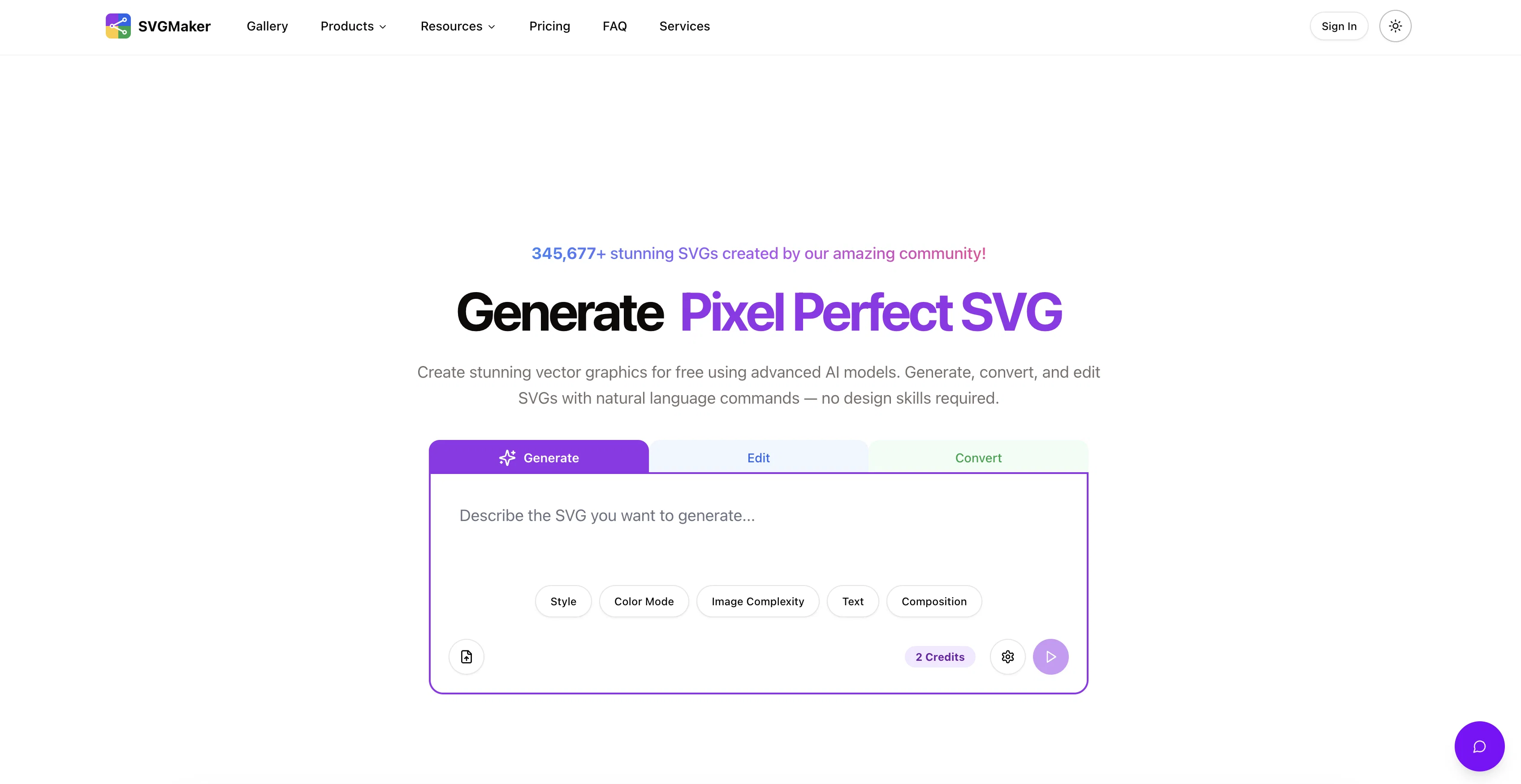
SVGMaker is an advanced AI-based tool for generating, converting, and editing vector graphics. The tool is designed for ease of use, making the creation of SVG icons, logos, and designs possible without requiring extensive design skills.
It allows users to generate, convert and modify SVGs using natural language commands. SVGMaker also provides an SVG editor that integrates free draw, brush controls, and advanced color selection.
The built-in editor is useful for users wanting complete control over their SVG artwork. It provides a simple sharing option where users can showcase their designs to others using a single link.
This feature brings efficiency to collaborative creative processes in teams, agencies, and classrooms.The tool comes with an image format converter which turns regular images into crisp, scalable SVGs in seconds, optimizing it for web, social, or user interface uses.
It also has an AI Prompt Enhancement feature to improve prompts for better result accuracy. With its innovative features, users can customize SVGs with style presets and effects and transform photos into vector art and illustrations.
The platform also offers API integration, enabling developers to generate, edit, and convert SVGs within their applications, making it suitable for custom workflow creation, automation tools design, and applications development.
Help other people by letting them know if this AI was useful.
Add your own prompts and outputs to help others understand how to use this AI.
Screenshot gallery
Pros & Cons
Pros
+Generates SVGs using commands
+SVG editing capability
+Free draw integrated
+Advanced color selection
+Sharing option for designs
+File converter for images
+Customization via style presets
+Option to transform photos
+API integration available
+Optimizes SVGs for web
+Suitable for custom workflows
+Natural language commands
+Complete control over designs
+Efficient team collaboration
+Suitable for classrooms
+Optimizes SVGs for social
+Creates pixel perfect illustrations
+Transforms regular images to SVG
+Efficiency in creative processes
+Can be used for UI designs
+The tool improves prompts
+Creates vector art
+Platform can be used by developers
+Integrated SVG editor
+Includes brush controls
+SVG customization
+Integration with applications
+MCP support for SVG
+Supports design-sharing and collaboration
+Converts images to SVG
+Hosts user interface design tools
+Provides photo-to-vector transformations
+Built for modern design and branding
+Offers design-ready SVG styles
+Comprehensive API support
+Supports rapid image to SVG conversion
+Generated vectors are high-quality
+Supports various color schemes
+Enhances pixel quality in custom designs
+Preserves image details in vectorization
+Minimalist and isometric styles support
+Facilitates API for custom workflows
Cons
−No multi-language support
−Lacks live customer support
−Visual customization limitations
−No offline version
−Limited art style presets
A Professional Framework to Evaluate SVGMaker.io
When considering SVGMaker.io for integration into your organizational workflow, we recommend deploying a structured score card across three critical operational pillars: Security & Compliance, Integration Friction, and long-term Price Scalability. Rather than looking only at basic feature lists, modern procurement teams must assess how a software platform behaves under high load and how well it fits into the team's data security guidelines.
1. Security and Database Compliance
Depending on your operating region and field, ensure that SVGMaker.io supports standard security layers such as SOC 2 Type II certifications, GDPR compliance, or HIPAA-compliant database encryption. If the tool connects directly to client database tables or handles user passwords, verify that they implement multi-factor authentication (MFA), single sign-on (SSO) integrations, and end-to-end data encryption in transit and at rest.
2. API Coverage and Custom Integrations
Siloed data is the primary cause of operational friction. Evaluate if SVGMaker.io has native connectors for your current project trackers, messaging hubs, and customer communication channels. For custom developer requirements, check if they provide a fully documented REST API with reasonable rate limits, comprehensive Webhooks support, and robust SDK packages in your language. A flexible API layer saves hundreds of hours of manual copy-paste overhead.
3. Total Cost of Ownership (TCO)
SaaS pricing packages are often deceptively simple. When reviewing SVGMaker.io's billing structure, map out your team's projected expansion over the next 12 to 24 months. Determine how costs scale as your customer database increases or as you add team members. Factor in setup costs, mandatory support plan upgrades, API access fees, and storage overage rates to understand the true cost before committing to a contract.
By combining verified user reviews from our directory with internal workflow pilot tests, your procurement team can make an informed decision that drives productivity without creating capital waste.
Features of SVGMaker.io
API
Vector Graphics
Svg Editing
SVG Conversion
SVG Generation
AI Technology
Free + From $10
SaaS1to10 verified reviews for SVGMaker.io
Overall rating
★★★★★5.0
Based on 21 reviews
★★★★★5.01 months ago
“Review”
The most humanly AI i have used so far but the problem is as soon as you start piling up messages in single chat session , it starts getting slow and at some point it starts freezing and also uses a lot of resources. For time being its okay to do 3 4 messages but as soon as we continue it has messages limitation and also starts getting very very slow . For the price of £18 per month this is unacceptable and with the newly introduced feature called project, if we start new chat within the project we cannot continue with the context we provided in other chats within same project. There are lot of improvements for them to work on. And to start with the its speed and its price
Bibash Katel
★★★★★5.01 months ago
“Review”
Loved the search engine ideas.
Amr عمرو Amin امين
★★★★★5.01 months ago
“Review”
A valuable resource. I think I will be using this site quite regularly.
Slavica Voss
★★★★★5.01 months ago
“Review”
Very interesting
Béatrice Duval
★★★★★5.01 months ago
“Review”
This tool i found is super cool, I created 5 books from this tool to sell them online, which gives me great profit. I am creating more valuable books to spread knowledge, and earn some bucks as well 🤑.
Bilal Ashraf
★★★★★5.01 months ago
“Review”
Suppppeeeeerrr! Wowwww! @Mindsmith is absolutely fantastic! It is incredibly useful, easy to use, and very professional.
Claudia Scilletta
★★★★★5.01 months ago
“Review”
B12 exceeded my expectations especially after I tried a few similar tools. Signing up took under a minute and because I offer a very specific set of services as a consultant, I didn't expect the AI to be able to capture my work, but it did a great job with creating content for me. I only had to make a few edits, add my bio, and was able to publish that same day. Now I get lots of compliments on my site and I've even tried their other tools like email marketing, which is great because the emails match my site's appearance. Overall I would recommend B12 as an effective, affordable, and easy to use website solution.
Katie G
★★★★★5.01 months ago
“Review”
After my first use, I think it's surprisingly good. The only drawback so far is the PDF export option for the report which is formatless.
Alejandro Correa
★★★★★5.01 months ago
“Review”
after playing around with it for a bit, i am now aware of how much i need this. i can already feel the hours of sleep coming back to me <3
Bru no no no
★★★★★5.01 months ago
“Review”
Really impressive! The suggestions were simple, and the image came out beautifully well too!
Jojo
★★★★★5.01 months ago
“Review”
As the service was in beta-testing stage, I created there a dozen of AI-generated courses for free. I wanted to use them. Those courses remained in my account as they started subscription tiers. But recently I have found out that they were deleted. The support didn't answer to my e-mail at all.
Oldfag TV
★★★★★5.01 months ago
“Review”
still background removing accuracy is required. it only 80% not 100%
Krutika Creations
★★★★★5.01 months ago
“Review”
pretty good ai.
Immortal king1
★★★★★5.01 months ago
“Review”
i love it my favorite thanks a lot
quali kio
★★★★★5.01 months ago
“Review”
nice holistic
Amit ImmI
★★★★★5.01 months ago
“Review”
Love this! I haven't laughed this hard at a website in years. The absurdity of some of these products combined with the straight-faced descriptions is just chefs kiss. What gets me is how well made it is, the generation is basically instant, the ui actually looks good and whoever wrote the prompts deserves a raise because the descriptions sound weirdly plausible while being completely ridiculous. Its the perfect example of high-effort pointless nonsense, absolutely made my day! Sometimes the internet just needs more stuff that exists purely for laughs and creative chaos. Kinda wondering what the business model is here tbh, feels like this would cost a lot just to run. 10/10 would waste time here again.
Astro
★★★★★5.01 months ago
“Review”
Not at all accurate…. The only thing similar between original and generated images were the clothes and accessories… face was absolutely new and unconnected.
Shvetank Sharma
★★★★★5.01 months ago
“Review”
I think it's the best @Image Generator I ever found on the net. It gives more accurate image according to the prompt. And thank you for keeping it for free.
My Sawsiri
★★★★★5.02 months ago
“Review”
Clean and fast website to get SVGs quickly! Recommended :)
Sam
★★★★★5.02 months ago
“Review”
Loved the app! I see real life use case for this and the opportunities are insane! Keep going you guys!