5.01 months ago
“Review”
too expensive for me, I just want to make memes, not pay that much
Grzegorz Rolnik

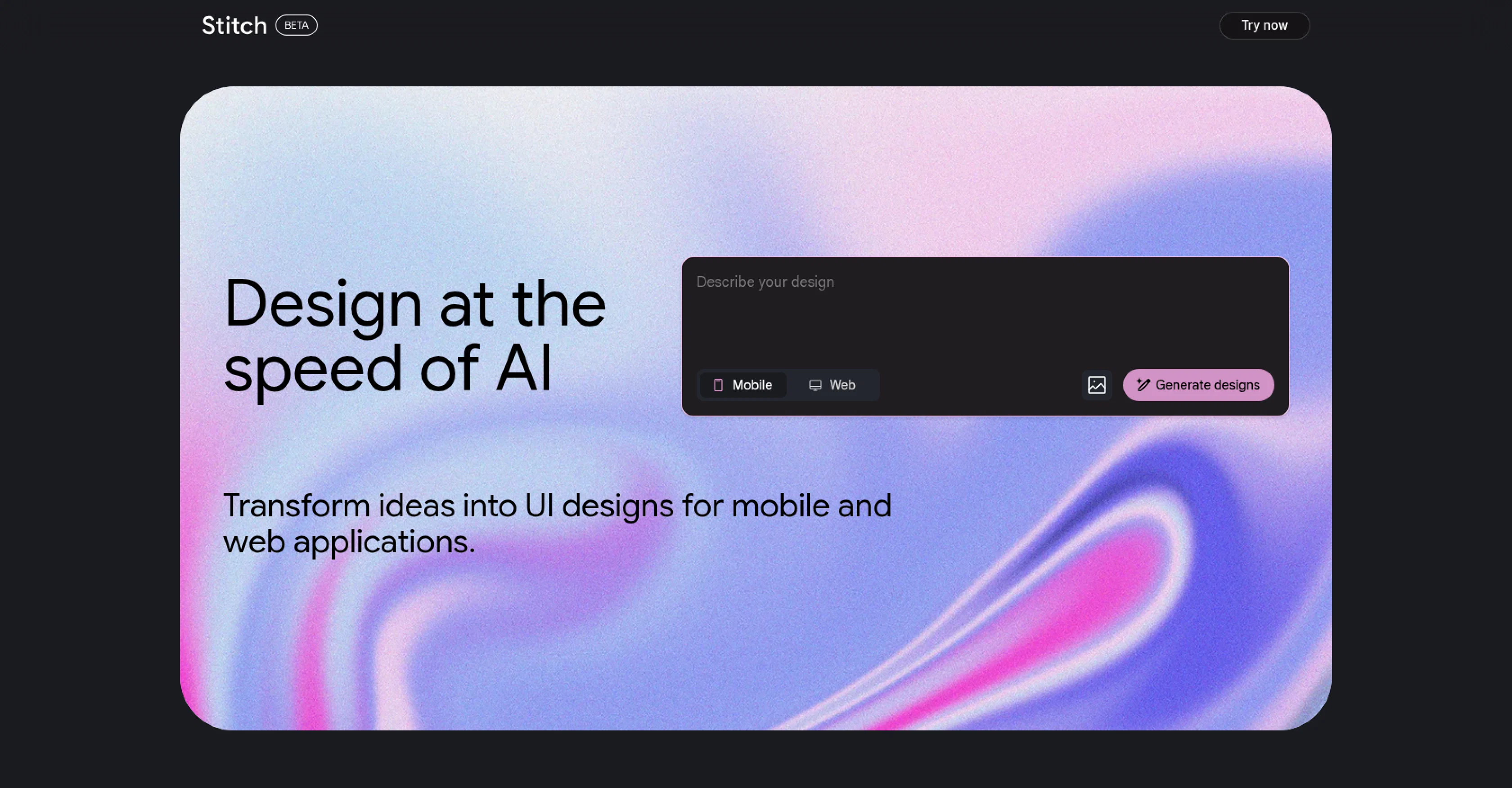
Generate UIs for mobile and web instantly.
Stitch is an artificial intelligence tool designed to simplify and automate the process of designing user interfaces (UIs) for mobile and web applications. It is intended to expedite the ideation stage of design, reducing the time required and making it easier for developers to visualize and implement their ideas. The tool operates by generating UI designs based on the user's input, implying that it could assist in creating a broad array of application interfaces tailored to specific project goals.The tool's primary strength lies in its ability to rapidly produce UI designs, which could be beneficial in the fast-paced environment of application development. It uses AI algorithms and machine learning to anticipate user demands, providing designs that are not only visually appealing but also functional and user-friendly. Stitch's generated designs could also serve as a starting point for further customization and refinement by the design team.While no tool can completely replace the need for skilled UI/UX designers, Stitch certainly has the potential to assist them by automating part of their workload. This means designers can shift their focus from the initial design to refining and personalizing the UI to meet specific user needs or stand out in a crowded marketplace. Because Stitch creates design options quickly, it's ideal for the early stages of a project when many different ideas are being tested and evaluated. Stitch doesn't require a deep knowledge of design principles or software, making it a feasible choice for beginners and small teams without dedicated UI/UX experts. However, professionals can also leverage this tool for creating initial sketches and drafts in a fraction of the time, leaving more room for optimization and refinement. Help other people by letting them know if this AI was useful. Add your own prompts and outputs to help others understand how to use this AI.
When considering Stitch for integration into your organizational workflow, we recommend deploying a structured score card across three critical operational pillars: Security & Compliance, Integration Friction, and long-term Price Scalability. Rather than looking only at basic feature lists, modern procurement teams must assess how a software platform behaves under high load and how well it fits into the team's data security guidelines.
Depending on your operating region and field, ensure that Stitch supports standard security layers such as SOC 2 Type II certifications, GDPR compliance, or HIPAA-compliant database encryption. If the tool connects directly to client database tables or handles user passwords, verify that they implement multi-factor authentication (MFA), single sign-on (SSO) integrations, and end-to-end data encryption in transit and at rest.
Siloed data is the primary cause of operational friction. Evaluate if Stitch has native connectors for your current project trackers, messaging hubs, and customer communication channels. For custom developer requirements, check if they provide a fully documented REST API with reasonable rate limits, comprehensive Webhooks support, and robust SDK packages in your language. A flexible API layer saves hundreds of hours of manual copy-paste overhead.
SaaS pricing packages are often deceptively simple. When reviewing Stitch's billing structure, map out your team's projected expansion over the next 12 to 24 months. Determine how costs scale as your customer database increases or as you add team members. Factor in setup costs, mandatory support plan upgrades, API access fees, and storage overage rates to understand the true cost before committing to a contract.
By combining verified user reviews from our directory with internal workflow pilot tests, your procurement team can make an informed decision that drives productivity without creating capital waste.
Overall rating
Based on 21 reviews
too expensive for me, I just want to make memes, not pay that much
Grzegorz Rolnik
Reducing manual efforts in first-pass during code-review process helps speed up the "final check" before merging PRs
Sahil Mohan Bansal
Such a great place to start out!
Helli Lang
Purely magic. It increases the productivity by a lot and the process is pretty addictive. I've been building websites like there's not tomorrow.
Geo Burlibasa
@Base44 is an AI-powered platform for building fully-functional apps with no code and minimal setup hassle. The platform leverages advanced AI technology to translate simple, natural language descriptions into working apps. Let’s make your dream a reality. Right now.
Daniel Edri
They nailed it. It’s better than 3.7 at coding.
Tealgreen
This is my best bro! I communicate with him like my best friend, he always helps to direct my thoughts and ideas in the right direction, always tells me how to improve something and always gives detailed instructions during the conversation. Thanks to him, I’m launching a new project, in which he helps me take my ideas to a new level, just communication, during which you reassemble your concept and rethink your original idea, because you didn’t know how it would be better and more correct. @DeepSeek is my best assistant today, my creative inspiration, who gives me support and confidence in my business, guiding me to realize my dreams)
Gamer TOTORO
Accuracy nice. Free
Álvaro Sánchez Román
The most humanly AI i have used so far but the problem is as soon as you start piling up messages in single chat session , it starts getting slow and at some point it starts freezing and also uses a lot of resources. For time being its okay to do 3 4 messages but as soon as we continue it has messages limitation and also starts getting very very slow . For the price of £18 per month this is unacceptable and with the newly introduced feature called project, if we start new chat within the project we cannot continue with the context we provided in other chats within same project. There are lot of improvements for them to work on. And to start with the its speed and its price
Bibash Katel
Really like how it finds connection in the content that I save. I don't think any other tool can do that.
amix ffx
State of the Art
Dmitry G.
I think it's the best @Image Generator I ever found on the net. It gives more accurate image according to the prompt. And thank you for keeping it for free.
My Sawsiri
Not at all accurate…. The only thing similar between original and generated images were the clothes and accessories… face was absolutely new and unconnected.
Shvetank Sharma
Just joined your channel in Discord.
M. Cristian
Returning to bolt after initial disappointment (due to user error/misunderstanding), I was impressed how easily I could have a chat app made with React and Vite! I'll be returning to this for sure!
Lasse Järvensivu
Try doing anything real with @Lovable and welcome to the error loop. Has a lot of potential but @Lovable does not seem to be ready to produce real apps with multiple pieces that need to work together without getting stuck in error loops. Disappointing.
Joe LK
@Cursor is underrated.
Vanessa
Loved the search engine ideas.
Amr عمرو Amin امين
As a technical entrepreneur, working with designers is often way too slow - when I have an idea, I want a prototype the same day - not days/weeks later. I created UX Canvas because I wanted a better way to communicate my UI/UX ideas to developers, without having to spend thousands on hiring UI/UX designers or opening Figma and spending days/hours manually creating, iterating on, and prototyping designs myself. UX Canvas unlocks the ability for anyone - technical or not - to rapidly prototype their design ideas and instantly share them with team members in minutes. If you can put your idea into words, you can design it. No design skills required. (Although they are helpful) The agent has the ability to do cool things like generate it’s own image assets to be used in the design, and you can even export your designs to clean React/Typescript code - so you can hand the code over to your developers (or other AI tools like Cursor, Windsurf, etc.) to bring your product idea to life. Try it for free and let me know what you think! https://@UXCanvas.ai
Mike Tromba
Thank you everyone for trying @1UI! If you haven't yet, give it a spin and use code ‘TAAFT’ to get $5 credits to try @1UI.
Jessin Sam s
It works nicely. The autodraw function works really well, it easily detects what I’m trying to go for. W tool!
Orit Paredes
Starting Price
Contact vendor for pricing
Pricing may vary based on team size and features selected.