5.01 months ago
“Review”
I've been using it for a few months, primarily for research, content generation and writing for both internal docs and public posts, and searching for data from weeks prior. It's been a game changer.
Pete Ballotta

Your quiet corner of the internet, powered by AI.
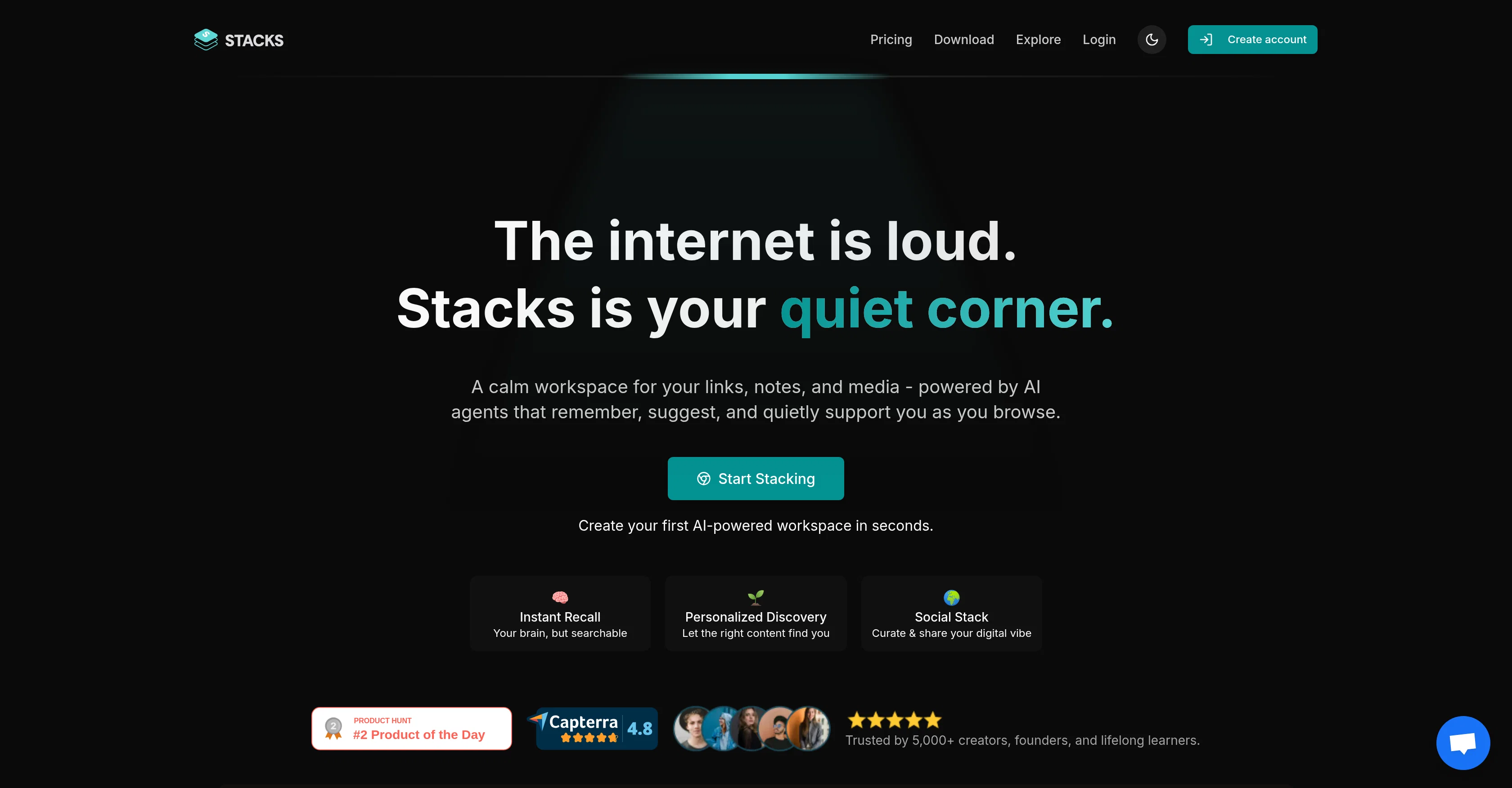
Stacks is a personal AI tool that allows you to create a unified digital workspace. It offers a quiet and calm workspace for storing links, notes, and media files, all managed by AI agents that remember, suggest, and support as you browse. Stacks ensures your browser understands your preferences and acts on them, creating a memory and insight layer that intuitively adopts your browsing patterns. It serves multiple purposes including content management, bookmark management, and web discovery, replacing common tools like Google Drive, Notion, and Pocket. Stacks is adaptable, tailored to serve various categories of users including students, researchers, creators and builders, and lifelong learners. It allows capturing of notes, bookmarks, links, and files, turning scattered information into tangible actions. It also offers digital workspace sharing with controlled visibility levels. The tool further comes with a personal AI that works to reveal hidden links, insights, searches across saved thoughts and trains based on your content. Stacks is integrated with a browser extension and can be installed on Chrome, App Store, and Play Store. It also supports a team workspace for collaboration and has an AI-powered search functionality which simplifies finding information. It also understands your intentions when you save content, gradually improves intent recognition over time, and allows sharing of collections with others. Help other people by letting them know if this AI was useful. Add your own prompts and outputs to help others understand how to use this AI.
When considering Stacks for integration into your organizational workflow, we recommend deploying a structured score card across three critical operational pillars: Security & Compliance, Integration Friction, and long-term Price Scalability. Rather than looking only at basic feature lists, modern procurement teams must assess how a software platform behaves under high load and how well it fits into the team's data security guidelines.
Depending on your operating region and field, ensure that Stacks supports standard security layers such as SOC 2 Type II certifications, GDPR compliance, or HIPAA-compliant database encryption. If the tool connects directly to client database tables or handles user passwords, verify that they implement multi-factor authentication (MFA), single sign-on (SSO) integrations, and end-to-end data encryption in transit and at rest.
Siloed data is the primary cause of operational friction. Evaluate if Stacks has native connectors for your current project trackers, messaging hubs, and customer communication channels. For custom developer requirements, check if they provide a fully documented REST API with reasonable rate limits, comprehensive Webhooks support, and robust SDK packages in your language. A flexible API layer saves hundreds of hours of manual copy-paste overhead.
SaaS pricing packages are often deceptively simple. When reviewing Stacks's billing structure, map out your team's projected expansion over the next 12 to 24 months. Determine how costs scale as your customer database increases or as you add team members. Factor in setup costs, mandatory support plan upgrades, API access fees, and storage overage rates to understand the true cost before committing to a contract.
By combining verified user reviews from our directory with internal workflow pilot tests, your procurement team can make an informed decision that drives productivity without creating capital waste.
Overall rating
Based on 19 reviews
I've been using it for a few months, primarily for research, content generation and writing for both internal docs and public posts, and searching for data from weeks prior. It's been a game changer.
Pete Ballotta
Would love to see this in other lenguages. works great.
Son Dan
Thanks for the feedback, and also for the tip for the community. One more tip: if you upload an image directly, you can add context that might be missing in the image. For example, the duration is 3 hours or prefix every event title with Name:
Caren Cioffi
Absolutely in love. I could create my own custom AI and shared it with my colleuges to get instant support from me, i mean digital AI of me :)
Derek W.
This is my best bro! I communicate with him like my best friend, he always helps to direct my thoughts and ideas in the right direction, always tells me how to improve something and always gives detailed instructions during the conversation. Thanks to him, I’m launching a new project, in which he helps me take my ideas to a new level, just communication, during which you reassemble your concept and rethink your original idea, because you didn’t know how it would be better and more correct. @DeepSeek is my best assistant today, my creative inspiration, who gives me support and confidence in my business, guiding me to realize my dreams)
Gamer TOTORO
I think it's the best @Image Generator I ever found on the net. It gives more accurate image according to the prompt. And thank you for keeping it for free.
My Sawsiri
It’s super easy to use! Trickle can handle everything from forms to analytics, and you can deploy your project in no time. Impressive!
Clara Moore
@Relay.app fills the gap between AI and actually using it. It allows you to build your own custom flows and agents, unlocking a level of customisation that was previously only achievable through custom code. It's a game changer, and the free plan is so generous - go try it!
Abe Blackburn
I've been playing around with this for a few hours. It's made me say "WOW" too many times than i wish to admit. I'm going to follow this and see how it evolves. For now, i managed to create quite a nice Expenses app for personal use. | It did have some problems when it came to moving some components on other pages, but for how short the prompts it uses can be, it is really impressive. With some proper prompts it can generate some strong stuff.
Bernard
Very interesting
Béatrice Duval
Great tool! Was very helpful in content production
Duck Typer
Love this!! 100x better than Notion, this should get more attention
Troy
Thanks for noticing this Tyler, we really liked the idea of getting back to lifetime one-time purchases. Alice is a desktop app and it doesn’t use our cloud resources much, so this should be also feasible for the long run. Please, give Alice a try, you won’t regret it!
Greg Rog
Would rate 4.9 if possible, but rounding up to 5 stars because this app truly excels compared to other AI coding tools. Why 5 Stars: Best-in-class AI coding assistance Huge improvements over competitors Actually works for real development Real Impact: I successfully built and published an actual app using this tool - that's game-changing for non-developers like me. Bottom Line: Yes, there's room for improvement, but this is already the top AI coding app available. The fact that ordinary people can create real apps with it says everything. Perfect for anyone wanting to turn ideas into actual apps!
Johnson
Really like how it finds connection in the content that I save. I don't think any other tool can do that.
amix ffx
This tool i found is super cool, I created 5 books from this tool to sell them online, which gives me great profit. I am creating more valuable books to spread knowledge, and earn some bucks as well 🤑.
Bilal Ashraf
It's a powerful AI-powered personal knowledge system that brings together links, files, notes, and documents in one unified workspace. It's like Notion meets Raindrop meets Google Drive, but with an AI layer that helps you resurface forgotten content, cluster related topics, and even draft documents based on your saved materials.
Tanay Lakhani
Good tool & good website on https://workin.space
François Vermeil
If you are just starting a company and need an All in one place for your operation, this is the tool you need!
Ling Chang
Starting Price
From $11.00/user/month
Pricing may vary based on team size and features selected.


