5.02 months ago
“Review”
This tool i found is super cool, I created 5 books from this tool to sell them online, which gives me great profit. I am creating more valuable books to spread knowledge, and earn some bucks as well 🤑.
Bilal Ashraf

Turn any text into natural-sounding audio in seconds.
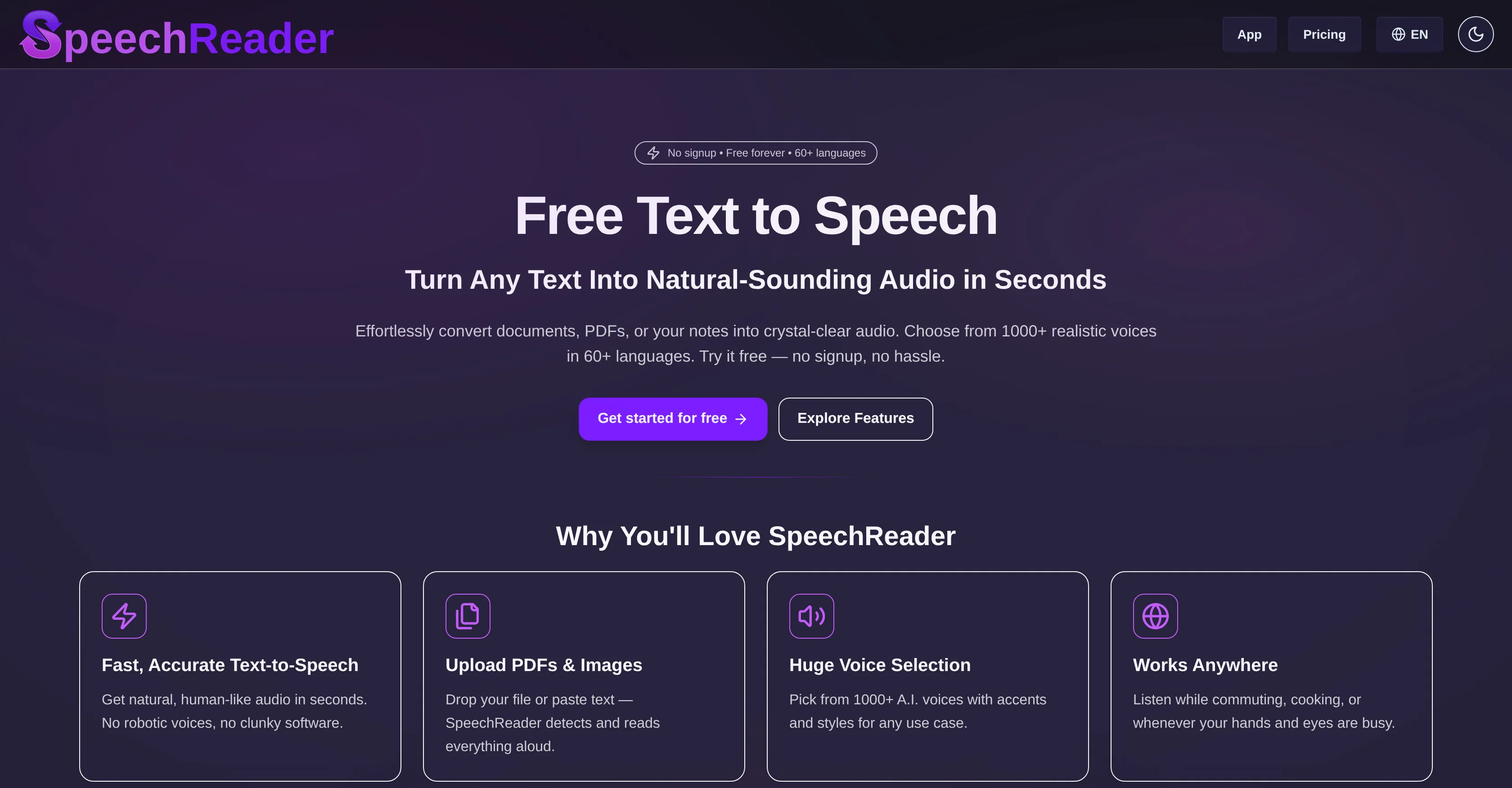
SpeechReader is a web-based text-to-speech tool powered by advanced speech synthesis algorithms. It allows users to convert written text into natural-sounding audio. By either pasting the text or uploading a file, the user can generate speech audio almost instantaneously. Emulating the tone, rhythm, and clarity of human speech, the generated voices provide a realistic and human-like listening experience. SpeechReader includes a vast selection of over 1000 AI voices in more than 60 languages making it versatile for different use-cases. The tool has a robust application range from reading text aloud for accessibility purposes to converting written content into audio files for videos, podcasts, or learning materials. Furthermore, it is used for generating AI voiceovers featuring expressive AI voices. SpeechReaders natural-sounding AI voices are differentiated by their contextual awareness ability, providing a nuanced and authentic speech output rather than flat robotic speech. This makes the tool an ideal fit for narration projects involving emotional speech or voice cloning. Users can experiment with various voice styles to best match the requirements of their projects. SpeechReader offers a free plan to get started and premium plans for additional high-quality speech features. It can also function offline fulfilling the need for a TTS generator, enabling users to convert text to speech and download the audio file locally. An inclusive tool, SpeechReader caters to visually impaired users by making text files and other content easily consumable. It has a user-friendly interface making it simple to use - one just needs to input their text, select an AI voice, and listen online or download the audio file. A trusted tool for reading, learning, and accessibility, SpeechReader, with its focus on delivering lifelike voices, has been adopted by both casual users and professionals alike. Help other people by letting them know if this AI was useful. Add your own prompts and outputs to help others understand how to use this AI.
When considering SpeechReader for integration into your organizational workflow, we recommend deploying a structured score card across three critical operational pillars: Security & Compliance, Integration Friction, and long-term Price Scalability. Rather than looking only at basic feature lists, modern procurement teams must assess how a software platform behaves under high load and how well it fits into the team's data security guidelines.
Depending on your operating region and field, ensure that SpeechReader supports standard security layers such as SOC 2 Type II certifications, GDPR compliance, or HIPAA-compliant database encryption. If the tool connects directly to client database tables or handles user passwords, verify that they implement multi-factor authentication (MFA), single sign-on (SSO) integrations, and end-to-end data encryption in transit and at rest.
Siloed data is the primary cause of operational friction. Evaluate if SpeechReader has native connectors for your current project trackers, messaging hubs, and customer communication channels. For custom developer requirements, check if they provide a fully documented REST API with reasonable rate limits, comprehensive Webhooks support, and robust SDK packages in your language. A flexible API layer saves hundreds of hours of manual copy-paste overhead.
SaaS pricing packages are often deceptively simple. When reviewing SpeechReader's billing structure, map out your team's projected expansion over the next 12 to 24 months. Determine how costs scale as your customer database increases or as you add team members. Factor in setup costs, mandatory support plan upgrades, API access fees, and storage overage rates to understand the true cost before committing to a contract.
By combining verified user reviews from our directory with internal workflow pilot tests, your procurement team can make an informed decision that drives productivity without creating capital waste.
Overall rating
Based on 26 reviews
This tool i found is super cool, I created 5 books from this tool to sell them online, which gives me great profit. I am creating more valuable books to spread knowledge, and earn some bucks as well 🤑.
Bilal Ashraf
Great tool! Was very helpful in content production
Duck Typer
I already have another transcription tool, but this one is much better. I love the different features such as the summary, quiz, and chapters. It does a great job of them. I've only done one transcript so far to try it out, but I'm truly impressed and am going to grab another code. A couple things that would make it even better are: - the ability to rename the files and organize them through folders. - the ability to download a copy of the other features as well as the transcript. Copying and pasting it works, but doesn't keep the format.
dunn
State of the Art
Dmitry G.
It's really frustrating when you try to select something you want, only to be immediately redirected to a subscription-based payment model. There's no opportunity to even test things out, which kills the enthusiasm right away. It seems like everything is geared towards subscriptions nowadays, and it's a turn-off. Companies should prioritize transparency and give customers a chance to try out products before committing to a subscription. Practices like these erode consumer trust and deter many potential customers.
X X
🌟🌟🌟🌟🌟 This AI prompt generation tool is exceptional! It vividly brought to life the jungle scene I envisioned, capturing every detail with remarkable accuracy. The natural expressions, vibrant colors, and serene atmosphere were perfectly rendered. Highly recommended for creative projects!
Sukul Das PANIKA
wonderful tool,thanks
chandrapala perera
Needs to learn about different art schools, imo: doesn’t seem to understand the concept of cubism.
Catherine Karaguézian
nice holistic
Amit ImmI
your answer is much too general, so useless. You could have just tell me to ask Perplexity.
Ta
I think it's the best @Image Generator I ever found on the net. It gives more accurate image according to the prompt. And thank you for keeping it for free.
My Sawsiri
Great site. I visit it daily for readings.
David Fletcher
VideoWeb AI is an useful AI tool for my video creation. I like the video to video feature that I can create the anime video with my videos.
Leo Li
Great!! It was easy and it was quick! Thank you
Ramona Emerick
I really appreciate you trying it out and sharing this! 🙏 The tools should work, but sometimes the verification gets stuck depending on the network. I’ll work on making this smoother. Thanks again!
Shawn Lee
The most humanly AI i have used so far but the problem is as soon as you start piling up messages in single chat session , it starts getting slow and at some point it starts freezing and also uses a lot of resources. For time being its okay to do 3 4 messages but as soon as we continue it has messages limitation and also starts getting very very slow . For the price of £18 per month this is unacceptable and with the newly introduced feature called project, if we start new chat within the project we cannot continue with the context we provided in other chats within same project. There are lot of improvements for them to work on. And to start with the its speed and its price
Bibash Katel
you could good review with on of my social media tools
Carl Expert
Hey Adrian, thanks for the review! I hear your criticism and that's why I added a cheaper plan. You can get it for less than $4 now.
Artur Meinzer
I like that the ai support many languages the only disadvantage is that the free version is limited and the paid version is also high $8 per month!!
Adrian
No supp for Macedonian language
Kire Zezoski
I didn't get to the voices. I don't give my credit card information up front. I clicked away as soon as I saw that. It's a shame too, the pricing structure looked great.
David Marshall
Great video!
Andrei
superb, e gratis, merge blana, in EN se aude ideal
jon doe
At last, we have a voice AI hub that works like OpenRouter.
Hank Darren
Great AI voices, though still monotonous and robotic, or rather too neutral, with almost zero voice inflections! Excellent to read news, articles, essays, and any nonfiction books. BTW, computers should be allowed to TALK to us for free, like in the Star Trek TV series. Our future grandchildren will laugh at us for "paying" to use this everyday option, biting the hook to "monthly subscriptions" like gullible fish and then getting up to 1,000 words per month" under the so-called Pro version ;-) This is crazy!
Timeship
too expensive for me, I just want to make memes, not pay that much
Grzegorz Rolnik
Starting Price
Free plan available
Free tier available with optional paid upgrades.


