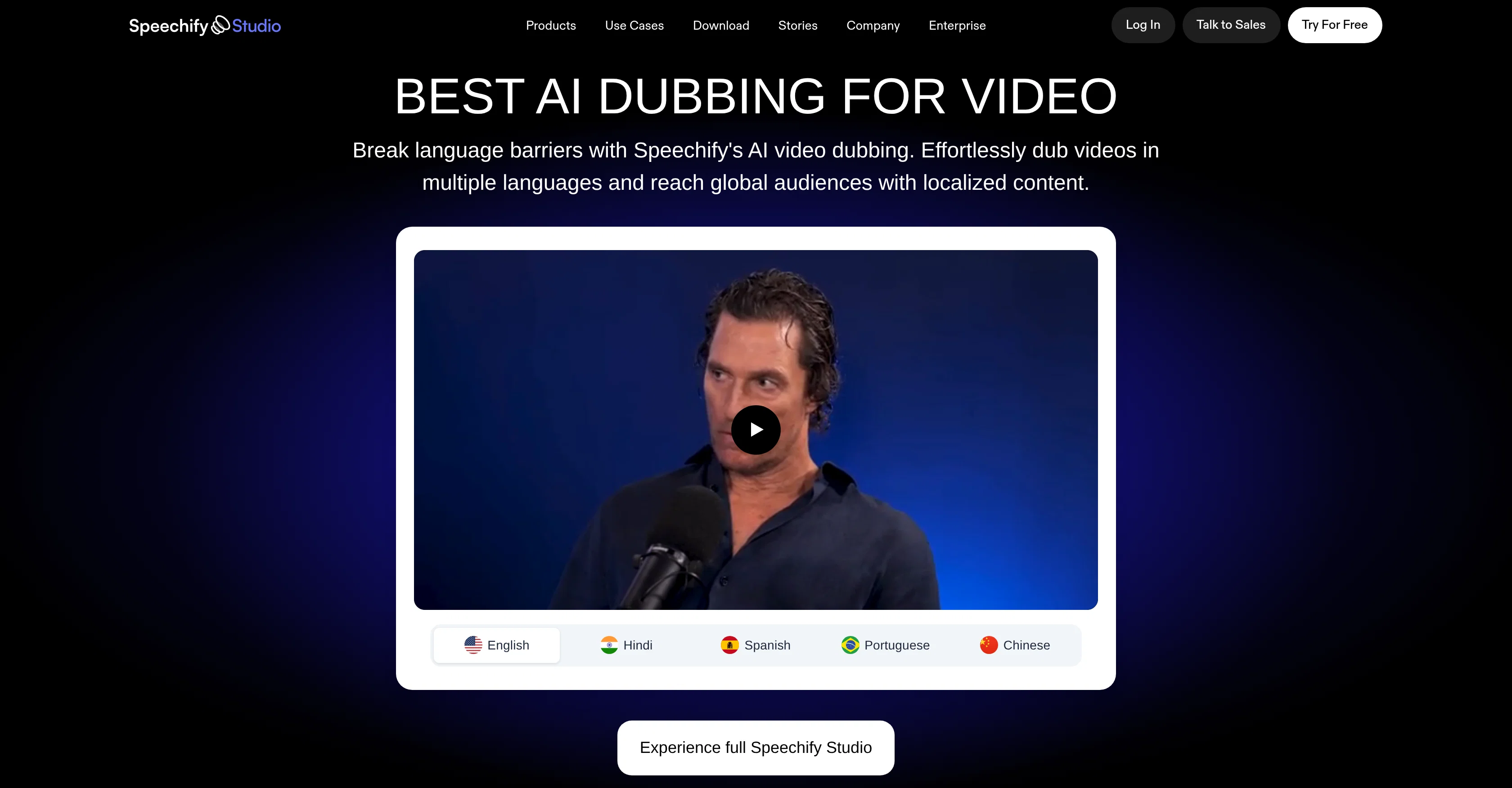
Speechify's AI Dubbing tool leverages advanced artificial Intelligence to automate the dubbing of video content. Chiefly, this allows for the transformation of existing videos into multiple languages, eliminating the reliance on traditional dubbing processes which often necessitate human translators and voice actors.
The tool aids in breaking language barriers, enhancing content accessibility and connecting with global audiences by localizing the original audio. Speechify's AI dubbing tool operates right in the browser, and apart from English, it supports a wide range of languages, offering an efficient way to localize video content for diverse global viewership.
This tool, aimed at providing an efficient solution for translating and voicing video content to other languages, embraces the possibility of reaching larger audiences and ensuring the comprehensibility of content across different languages and regions.
Help other people by letting them know if this AI was useful.
Add your own prompts and outputs to help others understand how to use this AI.
Screenshot gallery
Pros & Cons
Pros
+Automated video dubbing
+Supports multiple languages
+Operates in browser
+Enhances content accessibility
+Breaks language barriers
+Efficient localization of videos
+No need for translators
+No need for voice actors
+Wide global audience reach
+Dubs new or existing videos
+Requires no expensive equipment
+Zero learning curve
+Produces human-like voices
+Supports 60+ languages and accents
+Useful for content creation
+Useful for training videos
+Useful for marketing videos
+Supports voice cloning
+Requires only 20-second voice recording
+Allows creation of content at scale
+Produces high-quality dubbing
+Enhances personalized audio experiences
Cons
−Browser-based operation
−Requires internet connectivity
−Potential translations inaccuracies
−May lack emotional nuances
−No offline mode
−Language selection limitations
−Limited voice options
−Requires script upload
−Automated voice pacing issues
−Possible dialect disparities
A Professional Framework to Evaluate Speechify AI Dubbing
When considering Speechify AI Dubbing for integration into your organizational workflow, we recommend deploying a structured score card across three critical operational pillars: Security & Compliance, Integration Friction, and long-term Price Scalability. Rather than looking only at basic feature lists, modern procurement teams must assess how a software platform behaves under high load and how well it fits into the team's data security guidelines.
1. Security and Database Compliance
Depending on your operating region and field, ensure that Speechify AI Dubbing supports standard security layers such as SOC 2 Type II certifications, GDPR compliance, or HIPAA-compliant database encryption. If the tool connects directly to client database tables or handles user passwords, verify that they implement multi-factor authentication (MFA), single sign-on (SSO) integrations, and end-to-end data encryption in transit and at rest.
2. API Coverage and Custom Integrations
Siloed data is the primary cause of operational friction. Evaluate if Speechify AI Dubbing has native connectors for your current project trackers, messaging hubs, and customer communication channels. For custom developer requirements, check if they provide a fully documented REST API with reasonable rate limits, comprehensive Webhooks support, and robust SDK packages in your language. A flexible API layer saves hundreds of hours of manual copy-paste overhead.
3. Total Cost of Ownership (TCO)
SaaS pricing packages are often deceptively simple. When reviewing Speechify AI Dubbing's billing structure, map out your team's projected expansion over the next 12 to 24 months. Determine how costs scale as your customer database increases or as you add team members. Factor in setup costs, mandatory support plan upgrades, API access fees, and storage overage rates to understand the true cost before committing to a contract.
By combining verified user reviews from our directory with internal workflow pilot tests, your procurement team can make an informed decision that drives productivity without creating capital waste.
Features of Speechify AI Dubbing
Video Dubbing
Video Localization
Automated Translation
Language Translation
Content Accessibility
Voice Synthesis
Free + From $19/Mo
SaaS1to10 verified reviews for Speechify AI Dubbing
Overall rating
★★★★★5.0
Based on 14 reviews
★★★★★5.01 months ago
“Review”
One thing worth spelling out on the page: how quickly a fix shows up in answers. People fix a page, re-run the prompt the same afternoon, see nothing, and conclude the work was pointless - when the real lag depends on recrawling and on how often the engine refreshes what it holds. Does the tool set that expectation anywhere in the flow?
Seonix AI
★★★★★5.02 months ago
“Review”
@VoisLabs is a promising voice-tech platform that makes multilingual voice creation simple, fast, and highly practical for real-world use cases.
POOJA VINOD
★★★★★5.02 months ago
“Review”
Steer clear of this by any cost ! it gives you ONE video for free and then ask you for no less than FIFTY dollars a month for only FIVE videos ! they must be crazy with all the alternatives.
Sims Kiefer
★★★★★5.02 months ago
“Review”
As a beginner in short-form video creation, I found @Aniv AI surprisingly easy to use. It helped me move from a simple story idea to a finished video quickly, without needing experience in scripting, storyboarding, asset creation, or video production. Having the whole workflow in one place made the process feel much more approachable, especially for a first-time creator. It is a great tool for anyone who wants to turn ideas into short drama videos without a traditional production setup.
Horan
★★★★★5.02 months ago
“Review”
Great video ad platform, easy to use and effective!
Leo Drew
★★★★★5.02 months ago
“Review”
@Vocallab AI is honestly the easiest tool I’ve ever used. The interface is super simple and intuitive. Generations take less than 2 seconds. The quality is also incredible. The voices sound very realistic — almost like real people. You can even add emotions and details like coughs, laughs, sighs, and other subtle effects, which makes everything feel much more natural and alive. Highly recommend it to anyone working with content, videos, or voice projects.
Your food guide
★★★★★5.02 months ago
“Review”
Really good product, simple and no bs 👍
Etienne Dupuis
★★★★★5.02 months ago
“Review”
Cool tool and easy to use.
Nirit Altony
★★★★★5.02 months ago
“Review”
Love how it offers stuff for both free and premium users. huge thanks to the devs and keep it up!
Burner Cruz
★★★★★5.02 months ago
“Review”
gooooooooooood
Khaled Mahmoud
★★★★★5.02 months ago
“Review”
Terrible, just terrible. You have to pay money to buy credits, and you start at zero. What a waste of effort!
Jamie Buchanan
★★★★★5.02 months ago
“Review”
Seemed good UI at first. But the quality is not good at all.
Sayanwita Khaskel
★★★★★5.02 months ago
“Review”
This software helps me watch various educational videos on YouTube without any obstacles, significantly improving my learning efficiency.
Venkatesh Boddu
★★★★★5.02 months ago
“Review”
That greedy AI wants me to pay something for premium I don't want. WE JUST WANT THE FREE TRIAL.