5.01 months ago
“Review”
Let’s give it a try.
Kane

AI spreadsheet & data analyst. 10x your productivity.
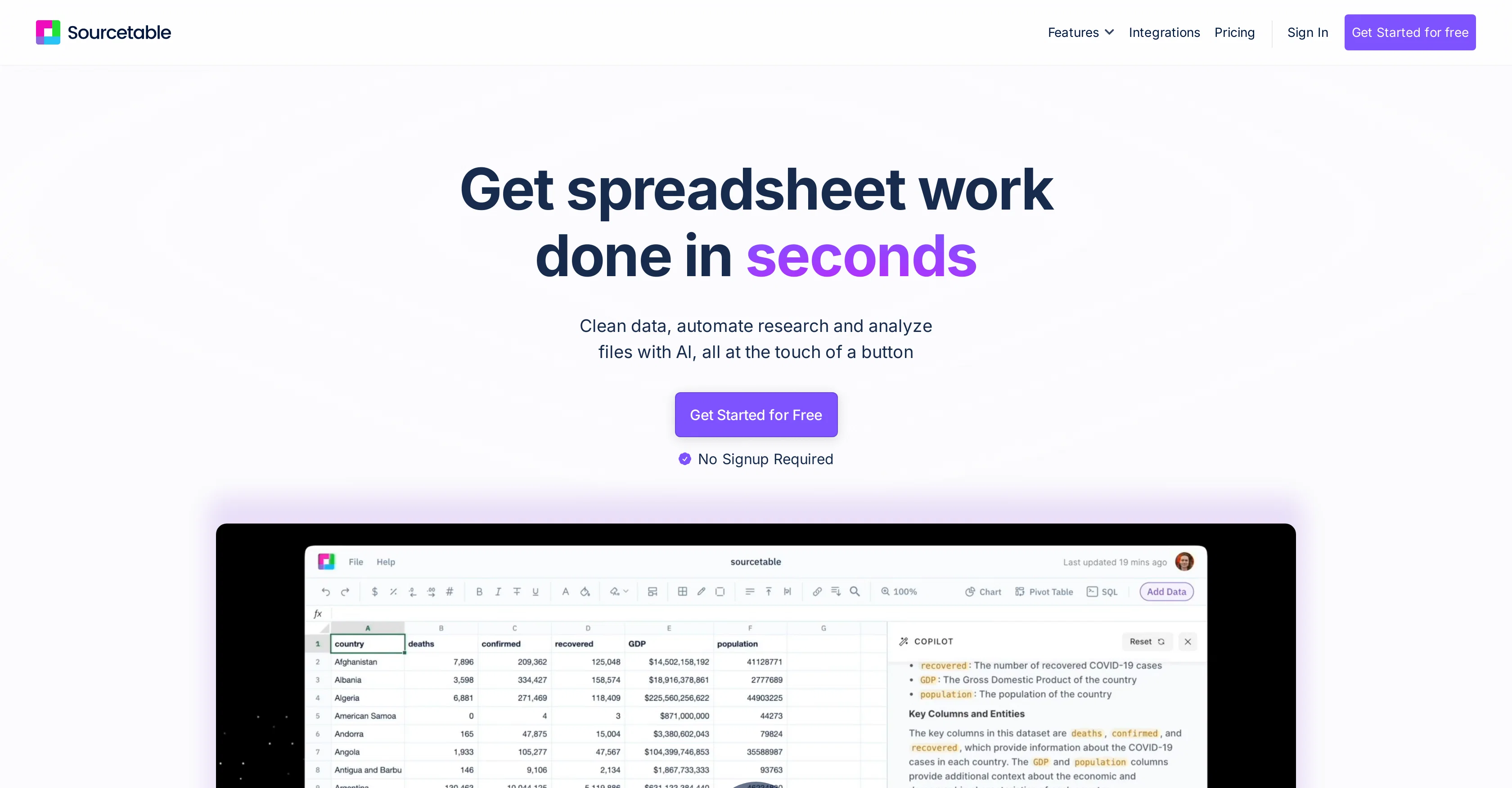
Sourcetable is now the best spreadsheet for AI analysis. In this release: all top AI models (OpenAI, Anthropic, DeepSeek, Grok, Llama, etc.), long context windows (1m+ tokens), fast & slow thinking, spreadsheet template building, context history, formula assistance, data cleaning, data enrichment, and more. This release comes with data science mode including a python virtual environment, popular libraries including Plotly, Bokeh, MatplotLib, StatsModels, SciPy, Numpy, Pandas and moer: https://blog.sourcetable.com/data-science/ Web search: https://blog.sourcetable.com/web-search-meet-sourcetable/ Data Visualizations, charting, graphing, embeds & PDF download: https://blog.sourcetable.com/charting-graphing-interactive-embeds/ Data connectors via Superagents, allowing you to analyze data from any database, application, API or MCP server on the Internet: https://sourcetable.com/superagents. Analyze data from Google Analytics, Hubspot, Salesforce, Stripe, Google Ads, Quickbooks, Postgres, MySQL, BigQuery, etc. For product education, Sourcetable comes packed with a full AI trainer out of the box: just ask the AI how to solve a problem and it will help. We also packaged "autopilot" mode, where Sourcetable will do the spreadsheet work for you automatically. Pretty cool. Under the hood, there's a full SQL engine for advanced reporting and analytics. If you'd like to see the SQL or Python generated for work, just ask the AI. Help other people by letting them know if this AI was useful. Add your own prompts and outputs to help others understand how to use this AI.
When considering Sourcetable — AI spreadsheet & data analystv1.0 for integration into your organizational workflow, we recommend deploying a structured score card across three critical operational pillars: Security & Compliance, Integration Friction, and long-term Price Scalability. Rather than looking only at basic feature lists, modern procurement teams must assess how a software platform behaves under high load and how well it fits into the team's data security guidelines.
Depending on your operating region and field, ensure that Sourcetable — AI spreadsheet & data analystv1.0 supports standard security layers such as SOC 2 Type II certifications, GDPR compliance, or HIPAA-compliant database encryption. If the tool connects directly to client database tables or handles user passwords, verify that they implement multi-factor authentication (MFA), single sign-on (SSO) integrations, and end-to-end data encryption in transit and at rest.
Siloed data is the primary cause of operational friction. Evaluate if Sourcetable — AI spreadsheet & data analystv1.0 has native connectors for your current project trackers, messaging hubs, and customer communication channels. For custom developer requirements, check if they provide a fully documented REST API with reasonable rate limits, comprehensive Webhooks support, and robust SDK packages in your language. A flexible API layer saves hundreds of hours of manual copy-paste overhead.
SaaS pricing packages are often deceptively simple. When reviewing Sourcetable — AI spreadsheet & data analystv1.0's billing structure, map out your team's projected expansion over the next 12 to 24 months. Determine how costs scale as your customer database increases or as you add team members. Factor in setup costs, mandatory support plan upgrades, API access fees, and storage overage rates to understand the true cost before committing to a contract.
By combining verified user reviews from our directory with internal workflow pilot tests, your procurement team can make an informed decision that drives productivity without creating capital waste.
Overall rating
Based on 25 reviews
Let’s give it a try.
Kane
Personal top 5 most convenient tools for creating content for website or social media. Writing text and generating images immediately
Juju
I’ve been using it for a month now and I have decided to keep it for a year. There definitely are some kinks they can still work out like file management, but it’s very good at it’s core function: it generally does a good job answering questions and most times identifies PDFs automatically and correctly. The browser plugin works great, and it’s very nice that @Papers allows you to add your university’s library API so you can automatically download PDFs that are accessible through your institution (sometimes it refuses to download some @Papers, so you just have to downlow it yourself and manually add it). The iPad and Android apps are serviceable. Every once in a while it will mess up the PDF identification, especially with @Papers from either very old sources or online-only journals. Things they must work on: * A much better system to annotate PDFs (the post-it type notes are cumbersome). * Introduce a notepad attached to each PDF or some way to easily link and save the AI’s output to the PDF. Currently, you have to add a little post it note and then paste the text there. * Keep the AI answers available after closing the documents. If you close the document by mistake or have several open and wish to close some, the ai conversation will be reset. * I REALLY wish that you could get citations and links to where the info was from extracted from PDFs. Currently, I have found Coral.ai does a much better job of showing you where the info came from and it even highlights it for you. Give it a try, their 30-day no credit card needed trial allowed me to truly test it, and now I’m a yearly subscriber looking forward for new additions and releases.
JB
Excellent chatbot, very functional and easy to teach. It took me a while to vary the prompt, but I ended up getting a great result when I put it through a stress test. I give 4 stars because I think this AI can still improve. In any case I recommend it.
Waltdege
The site has a fantastic presentation and from what we tested the features are perfect. Congratulations to the development team
Tudonumclic Consultoria
Just implemented your instruction out how to run drip campaigns automatically, nice! Getting prospect calls coming in
Jenn N.
I've been playing around with this for a few hours. It's made me say "WOW" too many times than i wish to admit. I'm going to follow this and see how it evolves. For now, i managed to create quite a nice Expenses app for personal use. | It did have some problems when it came to moving some components on other pages, but for how short the prompts it uses can be, it is really impressive. With some proper prompts it can generate some strong stuff.
Bernard
This tool i found is super cool, I created 5 books from this tool to sell them online, which gives me great profit. I am creating more valuable books to spread knowledge, and earn some bucks as well 🤑.
Bilal Ashraf
It's really frustrating when you try to select something you want, only to be immediately redirected to a subscription-based payment model. There's no opportunity to even test things out, which kills the enthusiasm right away. It seems like everything is geared towards subscriptions nowadays, and it's a turn-off. Companies should prioritize transparency and give customers a chance to try out products before committing to a subscription. Practices like these erode consumer trust and deter many potential customers.
X X
I'm still testing the tool yet it looks very promising. I tested it with a 5.5k words Academic text that I had previously red. I tested the Key points feature, it does work!
Ivana González
after playing around with it for a bit, i am now aware of how much i need this. i can already feel the hours of sleep coming back to me <3
Bru no no no
Reducing manual efforts in first-pass during code-review process helps speed up the "final check" before merging PRs
Sahil Mohan Bansal
Really like how it finds connection in the content that I save. I don't think any other tool can do that.
amix ffx
B12 exceeded my expectations especially after I tried a few similar tools. Signing up took under a minute and because I offer a very specific set of services as a consultant, I didn't expect the AI to be able to capture my work, but it did a great job with creating content for me. I only had to make a few edits, add my bio, and was able to publish that same day. Now I get lots of compliments on my site and I've even tried their other tools like email marketing, which is great because the emails match my site's appearance. Overall I would recommend B12 as an effective, affordable, and easy to use website solution.
Katie G
O GPT faz uma análise melhor e mais personalizada.
Vinicius Vilela
Just type what you need — AI fills Sheets™, Docs™, and Slides™. FREE Forever with your API key for up to 100 execution per month! Zero formula typing, natural language instructions, zero complexity. Fill spreadsheets, create and edit documents, generate slide presentations, create images, and more.
AiAssistWorks Contact
It's genius. Amazing tool. PDF generation might be improved, but apart from that is amazing.
Aleksander Lukashou
I use Sourcetable for quick data analysis and visualizations with natural-language queries. I'm working with Excel files and our Postgres database. It feels like an AI analyst built into a spreadsheet for turning raw data into clear reports. (Like ChatGPT + Excel, but better.)
Eoin McMillan
Pretty good makes things easier for ya
Lorenzo Caldas Rubio
AMAZING TOOL MAKE MY WORK MORE EASY..
Ummer khan
Looks like you're using Quant https://sourcetable.com/quant
Eoin McMillan
I use it to teach me more about financial instruments and do complex charting and trading/options analysis. I used to work at a hedge fund but there is still so much for me to learn and Sourcetable makes it possible for me.
Andrew Grosser
unclear what is in, no trial
Nadja Petranovskaja
@TabTabTab has been so useful to me since starting a company!
Francois Laberge
SheetAI was very handy in sorting, fixing and all sorts of tools. This tool is also well documented, so if you need help figuring something out, chances are they will have the info you need.
Jorelle Joseph
Starting Price
Free plan available
Free tier available with optional paid upgrades.


