5.01 months ago
“Review”
Perfect user friendly tool for creating contents to post on LinkedIn. Highly recommended!
Meghali Bhoge

10X your professional growth on LinkedIn
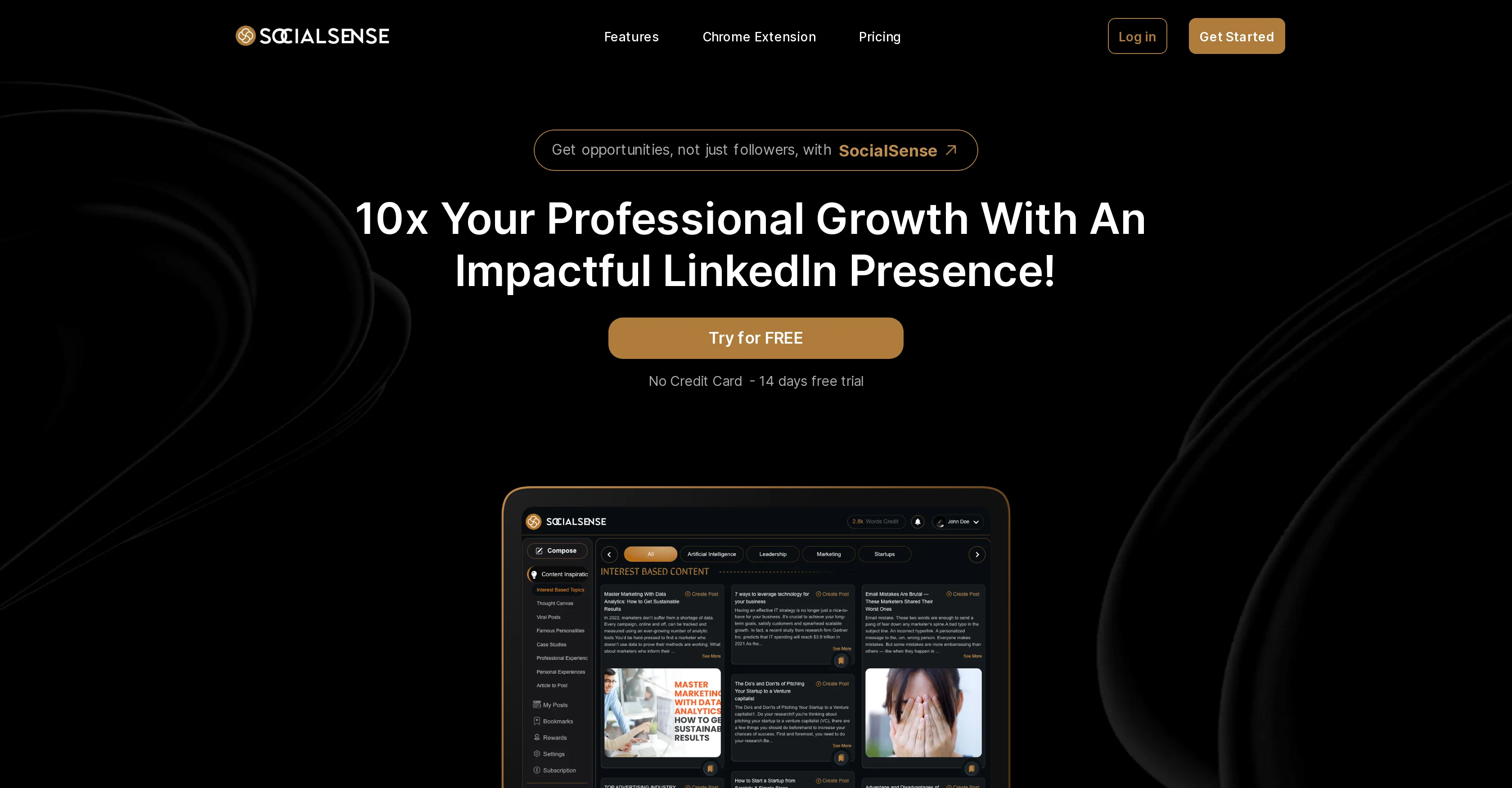
SocialSense is a personal branding platform aimed at enhancing professionals' presence on their LinkedIn profiles. The platform utilizes a content inspiration hub that offers users access to a plethora of industry topics, viral posts, thought canvases and case studies. These resources are aimed at assisting users to generate quality content for their LinkedIn profiles. The platform also boasts of a unique feature to experiment with different content styles or the option to leverage its AI assistant for autonomous content generation. Other features include the ability to bookmark idea offerings for future reference and an edit feature for seamless adjustments with a preview option to visualize posts. More notably, SocialSense integrates with a Chrome Extension that aids users to generate impactful, authoritative comments in a quick manner. This features aims to facilitate more meaningful engagement with other LinkedIn profiles. A variety of affordable plans are available, allowing users access to multiple features, including content inspiration hub, different platform features, and full access to the Chrome extension. SocialSense is suitable for individuals and agencies that desire to expand their LinkedIn presence by producing effective and engaging content. Help other people by letting them know if this AI was useful. Add your own prompts and outputs to help others understand how to use this AI.
When considering SocialSense for integration into your organizational workflow, we recommend deploying a structured score card across three critical operational pillars: Security & Compliance, Integration Friction, and long-term Price Scalability. Rather than looking only at basic feature lists, modern procurement teams must assess how a software platform behaves under high load and how well it fits into the team's data security guidelines.
Depending on your operating region and field, ensure that SocialSense supports standard security layers such as SOC 2 Type II certifications, GDPR compliance, or HIPAA-compliant database encryption. If the tool connects directly to client database tables or handles user passwords, verify that they implement multi-factor authentication (MFA), single sign-on (SSO) integrations, and end-to-end data encryption in transit and at rest.
Siloed data is the primary cause of operational friction. Evaluate if SocialSense has native connectors for your current project trackers, messaging hubs, and customer communication channels. For custom developer requirements, check if they provide a fully documented REST API with reasonable rate limits, comprehensive Webhooks support, and robust SDK packages in your language. A flexible API layer saves hundreds of hours of manual copy-paste overhead.
SaaS pricing packages are often deceptively simple. When reviewing SocialSense's billing structure, map out your team's projected expansion over the next 12 to 24 months. Determine how costs scale as your customer database increases or as you add team members. Factor in setup costs, mandatory support plan upgrades, API access fees, and storage overage rates to understand the true cost before committing to a contract.
By combining verified user reviews from our directory with internal workflow pilot tests, your procurement team can make an informed decision that drives productivity without creating capital waste.
Overall rating
Based on 21 reviews
Perfect user friendly tool for creating contents to post on LinkedIn. Highly recommended!
Meghali Bhoge
This is really helpful, I use StoryBrand for all my website messaging and creating a brand script always takes quite a lot of work. Awesome tool
Bob Singor
Hey! @Summify developer here. which summary style did you tried in which language? could you send us the video to examine? Best, Ry contact@Summify.io
Ray
Used this for a quick ebook draft and it got the structure down pretty well. The first chapters were stronger than the later ones, but it’s a useful starting point if you want to turn an idea into something readable fast.
Niraj Katy
No way to test it. Only paid options. The 7 days trial requires a credit card. this sounds as a scham
Roberto Lopez
After not even ONE try, it asks for Pro. No success, just imo developer hyper-greed. Avoid!
Katrina Silas
When I want to sign up on the @Ideogram website with "Continue with Google" and press it, the sentence "Please choose an option to continue" appears below the banner and no action happens. Anybody can help me?
Michael Ryan
You have the option to waitlist or you can login with your email/pass or google account. I chose google. Once inside you have a suite of tools but im sure when you go to publish you have to sign up for a paid plan. So if your looking for a free option it will be branded. Use at your own risk. Thanks
Col Cooper
Isn't it intriguing how all three other reviews for this "website builder" share the exact same profile photo?
Desiree Miller
I joined Kin's beta program on my iPhone XR. After upgrading to an iPhone 13, I found that I couldn't log into my existing account on the new phone, forcing me to create a new account. Now, I have two separate Kin accounts on different phones. Today, when I accessed the beta version of Kin, I got a notification stating that the test version ended on Monday, September 23rd. It instructed me to back up my data and move to the official Kin app. I did as advised—backed up my data, confirmed, uninstalled the beta app via TestFlight, and installed the official Kin app. However, when I attempted to “log in”, I was still unable to access my existing account. This issue hasn't been resolved yet. I have been trying desperately to get in contact with the support team. I left feedback through the test flight app and sent emails. No response. Now trying to find a forums, Reddit posts, TAAFT comments☻
Desiree Miller
It's sad to see people want to try your tool out but you have no free sample for them. This may be the best tool out there, but, as mentioned, going through with the AI for minutes to explain what you want, then being prompted to pay, without even knowing if it CAN create something, is discouraging. I hope we can get a free sample or preview at one point, im interested in this one.
Ron Jayson
An amazing app, I love the share feature and the comment section summaries
Silvia Cho
After my first use, I think it's surprisingly good. The only drawback so far is the PDF export option for the report which is formatless.
Alejandro Correa
Great idea, but does not find what you are looking for-about the same as Google Scholar
Andy
The website is pretty good but there are only a limited number of responses
Probal Roy
Been using @Typoro for nearly two months, to date this is the best LinkedIn content tool I’ve used. My impressions and reach has grown on LinkedIn since using, I’ve tested other tools in the past and they never really made a dent in impressions. The @Typoro team are developing quickly and releasing new features plus updating current ones to make them better. Highly recommend.
Steven Haggerty
Time saving. Works well when you add great ideas. But also helps to build content easy and reduces stress, especially when you are running out of ideas. Overall a great tool!
Sabina D
The content generated from @Cclarity is quite impressive. It helps me save a lot of time thinking about content during marketing and other features like leads and analysis look amazing
Công Phan Huy
Fantastic tool for anyone who is looking to promote their personal brand and gain followers on Linkedin with no experience. The tool has a lot of potential to grow and as someone who has recently purchased the tool I'm hoping for more topics in settings.
Ed Soltani
@Postline.ai will help many influencers and creators like me . This tool is amazing.
Mayank Agarwal
I'm using it to significantly reduce time to make high-quality post. it works much better that regular chatgpt/claude
Islam Midov
Starting Price
From $16.00/user/month
Pricing may vary based on team size and features selected.