5.01 months ago
“Review”
interesting ai tool, quickly let you create a good looking website.. thumbs up
avoda mehabait

AI-powered YouTube video summaries in a snap.
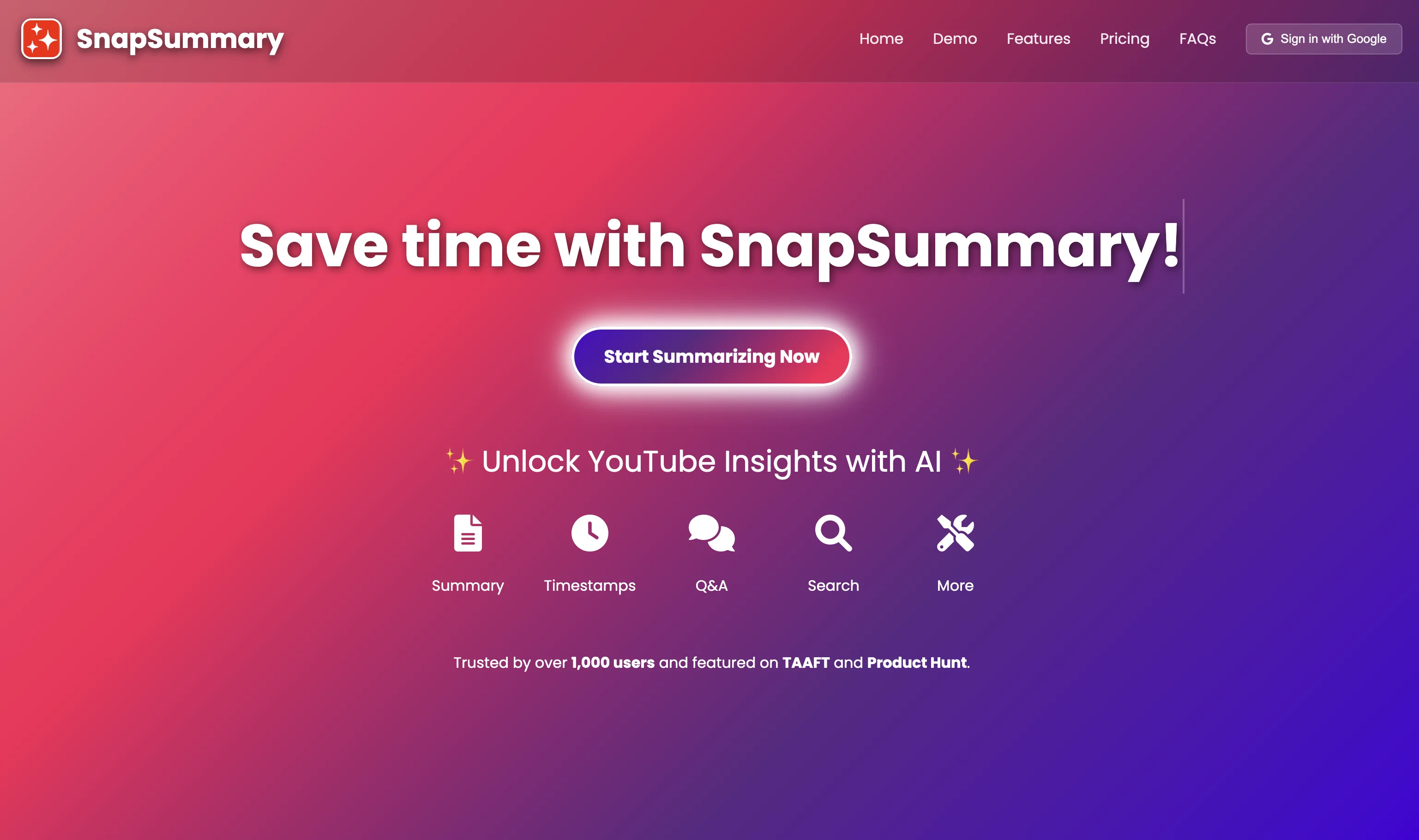
SnapSummary is an AI-driven tool designed to summarize YouTube videos efficiently and conveniently. The tool provides users with the means to paste any YouTube URL and consequently receive a succinct summary of its content. The length of the synopsis can be adjusted according to user preference. SnapSummary is capable of generating two types of summaries: Overall Summary and Timestamp Summary. The Overall Summary provides a general summarization of the entire video, whereas the Timestamp Summary breaks down the content into more digestible parts according to video timestamps. One unique feature of SnapSummary includes a Chat with Video function. Here, users can engage in a simulated dialogue with the given video by asking direct questions, to which the tool strives to return accurate responses based on the video's core discussions aided by AI interpretation. A Search Term function is also available. It allows users to identify and locate specific mentions or terms within the video. The tool aims to ensure smooth user experience but also provides support in case of error fetching summaries or dissatisfaction with the response format. Extensive information about the tool, along with its policies and terms of use, is easily accessible through links to various informational pages including FAQs, About, Terms & Conditions, Privacy Policy, and Cookie Policy. Help other people by letting them know if this AI was useful. Add your own prompts and outputs to help others understand how to use this AI.
When considering SnapSummary for integration into your organizational workflow, we recommend deploying a structured score card across three critical operational pillars: Security & Compliance, Integration Friction, and long-term Price Scalability. Rather than looking only at basic feature lists, modern procurement teams must assess how a software platform behaves under high load and how well it fits into the team's data security guidelines.
Depending on your operating region and field, ensure that SnapSummary supports standard security layers such as SOC 2 Type II certifications, GDPR compliance, or HIPAA-compliant database encryption. If the tool connects directly to client database tables or handles user passwords, verify that they implement multi-factor authentication (MFA), single sign-on (SSO) integrations, and end-to-end data encryption in transit and at rest.
Siloed data is the primary cause of operational friction. Evaluate if SnapSummary has native connectors for your current project trackers, messaging hubs, and customer communication channels. For custom developer requirements, check if they provide a fully documented REST API with reasonable rate limits, comprehensive Webhooks support, and robust SDK packages in your language. A flexible API layer saves hundreds of hours of manual copy-paste overhead.
SaaS pricing packages are often deceptively simple. When reviewing SnapSummary's billing structure, map out your team's projected expansion over the next 12 to 24 months. Determine how costs scale as your customer database increases or as you add team members. Factor in setup costs, mandatory support plan upgrades, API access fees, and storage overage rates to understand the true cost before committing to a contract.
By combining verified user reviews from our directory with internal workflow pilot tests, your procurement team can make an informed decision that drives productivity without creating capital waste.
Overall rating
Based on 27 reviews
interesting ai tool, quickly let you create a good looking website.. thumbs up
avoda mehabait
No other tool quite like this, it's pretty straightforward. Needed to extract a long interview from YouTube and it extracted everything, providing it in different meaningful formats in less than two minutes. Awesome
Juan Sierra
Suppppeeeeerrr! Wowwww! @Mindsmith is absolutely fantastic! It is incredibly useful, easy to use, and very professional.
Claudia Scilletta
after playing around with it for a bit, i am now aware of how much i need this. i can already feel the hours of sleep coming back to me <3
Bru no no no
Faster than sifting through reddit myself. TY for building.
Sean M
Great tool for my video content
Silvia Cho
This tool i found is super cool, I created 5 books from this tool to sell them online, which gives me great profit. I am creating more valuable books to spread knowledge, and earn some bucks as well 🤑.
Bilal Ashraf
Produce nice picture and is fast but does a horrible job if you are no a white dude
Anderson Torres
Amazing title choices! I put in a title idea with a one sentence video description and got back amazing title options.
Caroline Flansbaum
I joined Kin's beta program on my iPhone XR. After upgrading to an iPhone 13, I found that I couldn't log into my existing account on the new phone, forcing me to create a new account. Now, I have two separate Kin accounts on different phones. Today, when I accessed the beta version of Kin, I got a notification stating that the test version ended on Monday, September 23rd. It instructed me to back up my data and move to the official Kin app. I did as advised—backed up my data, confirmed, uninstalled the beta app via TestFlight, and installed the official Kin app. However, when I attempted to “log in”, I was still unable to access my existing account. This issue hasn't been resolved yet. I have been trying desperately to get in contact with the support team. I left feedback through the test flight app and sent emails. No response. Now trying to find a forums, Reddit posts, TAAFT comments☻
Desiree Miller
The humanization is good it bypasses most AI detectors; besides you don't need to pay for it, it just gives like a promotion at the end of the message that is not annoying at all. So, it doesn't have a limitation of free tokens or something like that.
Sergio
superb, e gratis, merge blana, in EN se aude ideal
jon doe
10 MB Limit does limit usability best if .pdf contains NO images.
Steve Bastiman
I think it's the best @Image Generator I ever found on the net. It gives more accurate image according to the prompt. And thank you for keeping it for free.
My Sawsiri
Keep improving!
Abubakr Jajja
Use it for more focused, less hallucinated result
Fatih Baltacı
Thanks for free credits. Please 🙏 adapt for mobile💪
Budget Plusit
Works just fine
David
Absolutely amazing technology! Highly recommend for anyone wanting to get a summery of a YouTube video.
AI777
They really improved. Along with the generated video summary, they now: - added a generator tool that can make detailed notes with relevant timestamps - added an AI chatbot to ask questions about the video - added a 'search term' look-up to find when a specific term was used in the video - added 'additional tools' that can do all sorts of things
Andrea B
I have kept a free tier so everyone can still use @SnapSummary. After working full time to build it and running it at a loss, I had to switch to freemium to keep it going and continue improving. :)
Harry Carson
@SnapSummary works better but, hate to say it, it's no longer 100% free, it's freemium.
Katrina Silas
It works perfectly but only 1 free credits per week, so use it wisely.
Shubh G
The tool works fast and accurate. Good job.
Nikola
Pretty useful
Bizarro1
Might as well use Harpa for this, that's free.
Eric Van de Kerckhove
An amazing app, I love the share feature and the comment section summaries
Silvia Cho
Starting Price
Free plan available
Free tier available with optional paid upgrades.


