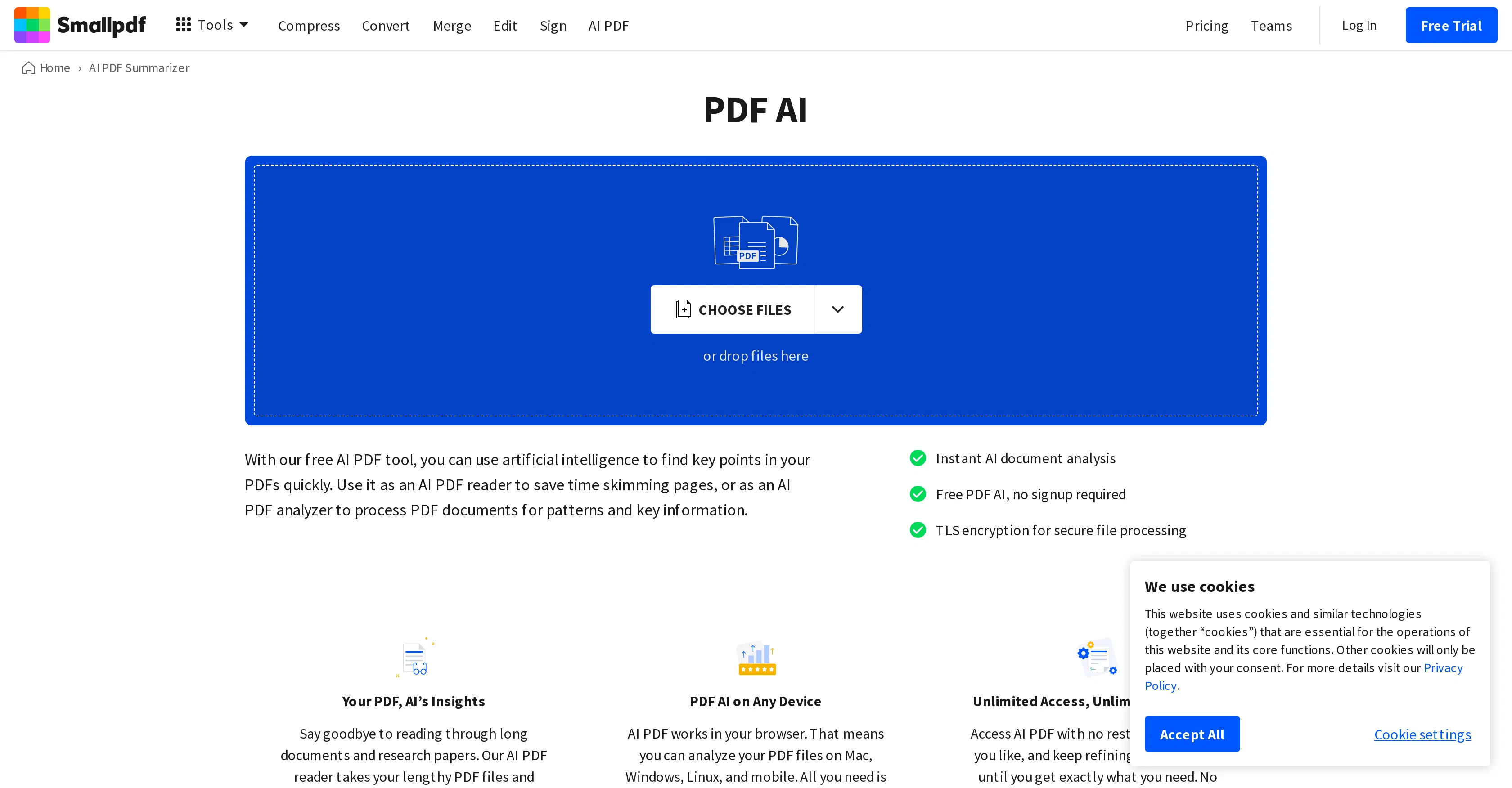
PDF AI by Smallpdf is an innovative tool that uses artificial intelligence to analyze and extract essential insights from PDF documents. The platform offers various features that cater to different PDF-related needs.
Its primary function is as an AI PDF summarizer, which scans lengthy contents of files and generates key takeaways within seconds. The AI document analysis feature accurately reads text and converts images into readable file formats.
The tool also includes a feature for secure file processing using TLS encryption. Users may use the AI chat prompt to question their document, benefiting from the tool's intuitive, user-friendly interface to make complex tasks easy.
A click-to-copy feature is incorporated for each AI response, which allows users to efficiently incorporate key information into their work. Besides these, PDF AI provides additional document management tools for organizing PDFs such as merging, splitting, rotating, deleting, or extracting pages.
It also offers a range of conversion tools to convert PDFs to Word, Excel, PPT, or JPG or vice versa. It also offers features to watermark or redact PDFs, add page numbers and more.
The tool is fully accessible on any internet browser on multiple devices. It is designed for straightforward, insightful interactions, offering unlimited potential without sign-up or cost.
Help other people by letting them know if this AI was useful.
Add your own prompts and outputs to help others understand how to use this AI.
Screenshot gallery
Pros & Cons
Pros
+Generates key takeaways quickly
+Accurate text analysis
+Image to text conversion
+Secure file processing (TLS encryption)
+Intuitive, user-friendly interface
+PDF merging
+PDF splitting
+Content-rotating
+Document deletion option
+Page extraction
+PDF to Word conversion
+PDF to Excel conversion
+PDF to PPT conversion
+PDF to JPG conversion
+Word to PDF conversion
+Excel to PDF conversion
+PPT to PDF conversion
+JPG to PDF conversion
+Digital watermarking available
+Redaction tool included
+Page numbering
+Accessible on any browser
+Works on multiple devices
+No sign-up required
+Free of charge
+Instant insights
+Supports multiple file formats
+Drag and drop functionality
+PDF compression
+PDF editing
+eSign PDF
+PDF protection
+PDF unlocking
+PDF flattening
+PDF OCR
+Integrated PDF scanner
+PDF annotator
+Tool for cropping PDF
+Multi-language support
+Supports mobile usage
+Question generator
+Integrated PDF reader
Cons
−Limited to PDF documents
−Limited image to text conversion
−Requires internet browser access
−No application version
−Depends on internet connection
−Security concerns with sensitive documents
−No offline version
A Professional Framework to Evaluate SmallPDF
When considering SmallPDF for integration into your organizational workflow, we recommend deploying a structured score card across three critical operational pillars: Security & Compliance, Integration Friction, and long-term Price Scalability. Rather than looking only at basic feature lists, modern procurement teams must assess how a software platform behaves under high load and how well it fits into the team's data security guidelines.
1. Security and Database Compliance
Depending on your operating region and field, ensure that SmallPDF supports standard security layers such as SOC 2 Type II certifications, GDPR compliance, or HIPAA-compliant database encryption. If the tool connects directly to client database tables or handles user passwords, verify that they implement multi-factor authentication (MFA), single sign-on (SSO) integrations, and end-to-end data encryption in transit and at rest.
2. API Coverage and Custom Integrations
Siloed data is the primary cause of operational friction. Evaluate if SmallPDF has native connectors for your current project trackers, messaging hubs, and customer communication channels. For custom developer requirements, check if they provide a fully documented REST API with reasonable rate limits, comprehensive Webhooks support, and robust SDK packages in your language. A flexible API layer saves hundreds of hours of manual copy-paste overhead.
3. Total Cost of Ownership (TCO)
SaaS pricing packages are often deceptively simple. When reviewing SmallPDF's billing structure, map out your team's projected expansion over the next 12 to 24 months. Determine how costs scale as your customer database increases or as you add team members. Factor in setup costs, mandatory support plan upgrades, API access fees, and storage overage rates to understand the true cost before committing to a contract.
By combining verified user reviews from our directory with internal workflow pilot tests, your procurement team can make an informed decision that drives productivity without creating capital waste.
Features of SmallPDF
PDF Management
PDF Conversion
Document Summarization
Data Extraction
Text Analytics
Image To Text Conversion
SaaS1to10 verified reviews for SmallPDF
Overall rating
★★★★★5.0
Based on 17 reviews
★★★★★5.02 months ago
“Review”
First week is free (hence 3 stars when it would have been 1 otherwise) then you have to pay £81 / year or £9 / month which for a light or occasional user is very expensive. There really needs to be a sensible ’document limit’ to back up the very good trial period.
alnessphotostudio steve
★★★★★5.02 months ago
“Review”
I tried using it twice at different times but it didn't work.
Lucas Sales
★★★★★5.02 months ago
“Review”
A huge disappointment. It fails standard tasks that Sonnet 3.5 completes with no issue. I’ll be skipping this version.
Tealgreen
★★★★★5.02 months ago
“Review”
The renders look cinematic straight out of the gate. @FLUX handles texture and lighting beautifully.
Filip Backlund
★★★★★5.02 months ago
“Review”
Since discovering this tool in January 2024, my workflow as an entrepreneur, educator, and content creator has undergone a complete transformation, becoming far more efficient. With a total of +13,617 snippets used, I have managed to save +3,811 hours of work that were previously spent on repetitive and tedious tasks. Its ability to combine web scraping features with @AI Blaze instructions makes it far superior and more user-friendly compared to other technical alternatives. This system has truly become a bridge for me to stop worrying about exhausting operational details and shift my focus entirely to things that are essential in my career. Although the features that currently exist are already very solid and comprehensive, I see a great opportunity for improvement if @AI Blaze supported open-source models like DeepSeek or GLM. Giving users the option to add external API keys independently would be an amazing update that provides unlimited flexibility for users. Overall, this is the best productivity solution that continues to provide exceptional value to my community even after two years of active use.
Iwan Kurniawan
★★★★★5.02 months ago
“Review”
Being able to tell it to create an app for anything I want - for myself or for the AI to use is the coolest thing!
Seth
★★★★★5.02 months ago
“Review”
very impressive, will use again
josh Rawlinson
★★★★★5.02 months ago
“Review”
Beautiful//videos
Tanu singh
★★★★★5.02 months ago
“Review”
Can’t use it without an invite code.
Steven
★★★★★5.02 months ago
“Review”
@Cursor is underrated.
Vanessa
★★★★★5.02 months ago
“Review”
Absolutely in love. I could create my own custom AI and shared it with my colleuges to get instant support from me, i mean digital AI of me :)
Derek W.
★★★★★5.02 months ago
“Review”
Edisa, thanks for the reply. Didn't know about the confidentiality guarantee.
Kevin Corrigan
★★★★★5.02 months ago
“Review”
Accuracy nice. Free
Álvaro Sánchez Román
★★★★★5.02 months ago
“Review”
Reducing manual efforts in first-pass during code-review process helps speed up the "final check" before merging PRs
Sahil Mohan Bansal
★★★★★5.02 months ago
“Review”
i would say it gives the mind a sense of clarity
Emmanuella Marshall
★★★★★5.02 months ago
“Review”
It's genius. Amazing tool. PDF generation might be improved, but apart from that is amazing.
Aleksander Lukashou
★★★★★5.02 months ago
“Review”
O GPT faz uma análise melhor e mais personalizada.
Vinicius Vilela
Pricing
Starting Price
Contact vendor for pricing
Pricing may vary based on team size and features selected.