5.02 months ago
“Review”
The website asks you for a phone number located only in the US. No choice but to select another location. I can't make an account and login because of that.
Paula Vergara
Converts slides to notes.
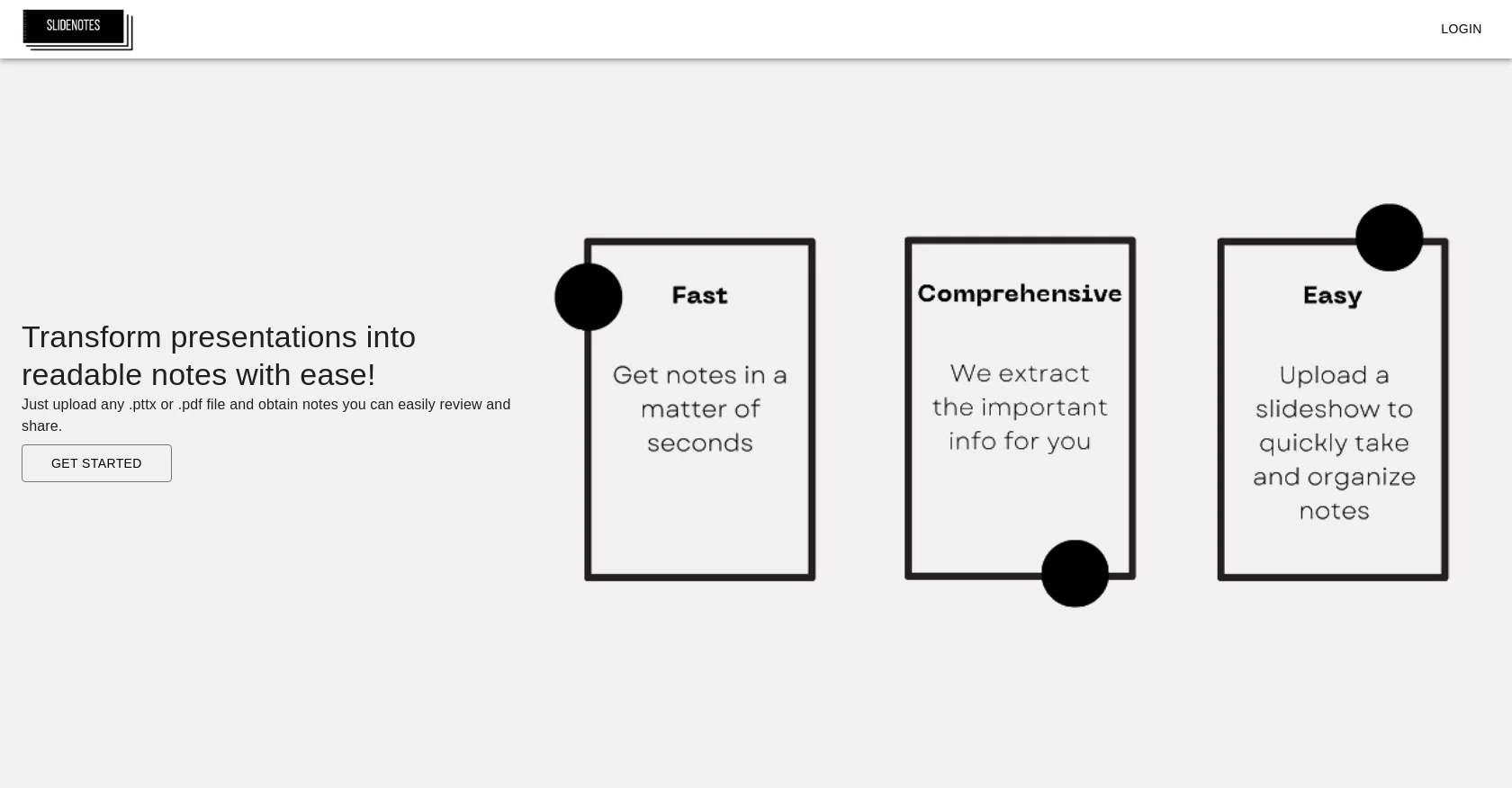
SlideNotes is a tool designed to automatically convert slide presentations into written notes. By simply uploading a PowerPoint or PDF file, SlideNotes generates a corresponding set of text notes that can be easily reviewed and shared. This is particularly useful for those who prefer to read and reference information in textual format rather than relying solely on visual aids.SlideNotes is touted for being a fast, comprehensive, and easy-to-use tool. It offers a quick solution to creating concise notes from lengthy slides, making it an ideal tool for students, educators, and business professionals alike. The tool is capable of identifying important keywords and phrases in the presentation and summarizing them in a logical, coherent manner in the generated notes.Overall, SlideNotes helps to streamline the process of creating usable notes from presentations, ultimately saving time and improving productivity. Its ability to convert multiple file formats and its user-friendly interface make it a valuable addition to anyone's toolkit. Help other people by letting them know if this AI was useful. Add your own prompts and outputs to help others understand how to use this AI.
When considering SlideNotes for integration into your organizational workflow, we recommend deploying a structured score card across three critical operational pillars: Security & Compliance, Integration Friction, and long-term Price Scalability. Rather than looking only at basic feature lists, modern procurement teams must assess how a software platform behaves under high load and how well it fits into the team's data security guidelines.
Depending on your operating region and field, ensure that SlideNotes supports standard security layers such as SOC 2 Type II certifications, GDPR compliance, or HIPAA-compliant database encryption. If the tool connects directly to client database tables or handles user passwords, verify that they implement multi-factor authentication (MFA), single sign-on (SSO) integrations, and end-to-end data encryption in transit and at rest.
Siloed data is the primary cause of operational friction. Evaluate if SlideNotes has native connectors for your current project trackers, messaging hubs, and customer communication channels. For custom developer requirements, check if they provide a fully documented REST API with reasonable rate limits, comprehensive Webhooks support, and robust SDK packages in your language. A flexible API layer saves hundreds of hours of manual copy-paste overhead.
SaaS pricing packages are often deceptively simple. When reviewing SlideNotes's billing structure, map out your team's projected expansion over the next 12 to 24 months. Determine how costs scale as your customer database increases or as you add team members. Factor in setup costs, mandatory support plan upgrades, API access fees, and storage overage rates to understand the true cost before committing to a contract.
By combining verified user reviews from our directory with internal workflow pilot tests, your procurement team can make an informed decision that drives productivity without creating capital waste.
Overall rating
Based on 23 reviews
The website asks you for a phone number located only in the US. No choice but to select another location. I can't make an account and login because of that.
Paula Vergara
website is amazing!
Violet Saxton
This site is amazing! I use it all the time for work
Madeleine
@SlideNotes is amazing! I use it all the time to help me quickly summarize my lectures.
Madeleine Doi
@Paula Vergara I understand where they are coming from, its only available to users in the U.S... The review: HOWEVER if you are in the U.S (I'm not I just happen to have a phone from the US and a US phone number) then its OK I like that they have a lifetime deal where you can purchase it once outright that's always a plus. However the notes that it gives ARE TOO SIMPLISTIC, I use them for PDF lessons (works with PDF) to get a grasp on the lesson before I study it but the notes it spits out are just TOO General, nothing brokrn down or in detail Example (From Slide Notes): - Communication in global business and marketing organizations requires consideration of cultural differences. - Cultural awareness is crucial as various regional, national, and local cultures have different communication preferences and expectations. - Factors to consider in communication dynamics include punctuality, formality, urgency, teamwork dynamics, and negotiation strategies. - Business partners should be understood in terms of their communication styles, punctuality, and preferred communication mediums. If you are just looking for a quick main idea, one and done no in depth study notes this is for you but if you NEED in-depth notes this one is not for you.
Denise Calvert (Corporate Finance Student)
very good ai, only offers 3 uploads per month though, was able to login and create an account successfully.
Duster
Suppppeeeeerrr! Wowwww! @Mindsmith is absolutely fantastic! It is incredibly useful, easy to use, and very professional.
Claudia Scilletta
Free Start with a Free Experience $0 /mo
Vitus Bering
It took me less than 20 minutes to create infographic perfection- all the other AI design sites I tried, and I tried them all, weren't able to give me what I wanted in 1 way or another. Outline Ninja helped me create my infographic
Gay Shirer
After my first use, I think it's surprisingly good. The only drawback so far is the PDF export option for the report which is formatless.
Alejandro Correa
It created some decent logos. They are great as a start point
Samuel Barlet
easy to pick up and you get a few free file imports. it gives you results pretty fast, unfortunately i can't find a way to get back to these, they're locked behind the paid service.
Ron Jayson
It's not free, it forces you to input an email before shoving a price tag in your face.
Arvoly XSL
I’ve tried many AI writing tools in the past, but this one actually delivers content that sounds human and ranks. I love how you can create a full SEO blog post with just a keyword… and it’s ready to publish in one click. That saves me so much time. Also, small win for the wallet — use code FSL25 to get 25% off on any plan. Definitely helped me out when testing it for the first time. 👍 Hope this helps someone else who’s been struggling like I was!
Jason
Undetectable.wtf is better bypasses everything maintaining thee integrity of the text.
LiteEagle
I tried NovelGPT a template in @Agentgpt and it did an excellent job writing the first two episodes of my novel complete with character descriptions, setting,plot points and well I think you get the point. Great tool can't wait to see it out of beta.
Kelli Crose
Makes it easy to get started with a presentation if you have an outline, but as soon as you want more control, you're better off using Google Slides. @Gamma's feature that I used the most was image generation - you can select among a variety of models (Ideogram, Flux, DALL-E, but not Midjourney), and it shows 3 variations to choose from. Performance is slow and a little janky, even in Chrome. Prompts and settings are often not respected - e.g. you set it to "preserve text" and just generate slides, and it goes onto dumping an entire 3 paragraphs of text in one slide. You can't overlay text over images (e.g. for image attribution), and there's no precise positioning control, or grouping elements. No way to control table layout, e.g. to have two images slide-by-side in full bleed mode. I tried @Gamma for a new presentation, but next time I need to make a presentation, I'll go back to Google Slides and generate images independently.
Dan Dascalescu
It's really frustrating when you try to select something you want, only to be immediately redirected to a subscription-based payment model. There's no opportunity to even test things out, which kills the enthusiasm right away. It seems like everything is geared towards subscriptions nowadays, and it's a turn-off. Companies should prioritize transparency and give customers a chance to try out products before committing to a subscription. Practices like these erode consumer trust and deter many potential customers.
X X
I'm still testing the tool yet it looks very promising. I tested it with a 5.5k words Academic text that I had previously red. I tested the Key points feature, it does work!
Ivana González
after playing around with it for a bit, i am now aware of how much i need this. i can already feel the hours of sleep coming back to me <3
Bru no no no
Would be better if they let you use your own text as an option.
William Lowe
As the service was in beta-testing stage, I created there a dozen of AI-generated courses for free. I wanted to use them. Those courses remained in my account as they started subscription tiers. But recently I have found out that they were deleted. The support didn't answer to my e-mail at all.
Oldfag TV
O GPT faz uma análise melhor e mais personalizada.
Vinicius Vilela
Starting Price
Contact vendor for pricing
Pricing may vary based on team size and features selected.


