“Review”
AI Notebook does what it promises, it's a decent on the go note-taking app. I like the automated tweak of these newer note-taking apps. I can just throw in pdfs, voice memos or youtube videos, and it'll generate all type oof different format like summaries, mind maps or flashcards. Extremely useful for students and professionals as it digest lengthy materials into small chunks of text. Recommended for anyone looking for a no-frills note taker tool
John Hong
“Review”
Thanks for noticing this Tyler, we really liked the idea of getting back to lifetime one-time purchases. Alice is a desktop app and it doesn’t use our cloud resources much, so this should be also feasible for the long run. Please, give Alice a try, you won’t regret it!
Greg Rog
“Review”
Hi there! I tested it myself and didn’t run into any errors, maybe try again now
Antonia Mitrea
“Review”
It’s super easy to use! Trickle can handle everything from forms to analytics, and you can deploy your project in no time. Impressive!
Clara Moore
“Review”
@LaunchLemonade is brilliant! AI for everyone.
meena sangar
“Review”
Purely magic. It increases the productivity by a lot and the process is pretty addictive. I've been building websites like there's not tomorrow.
Geo Burlibasa
“Review”
Easy to start and made a customer support agent for my website in a few minutes!
PeersIdea Inc.
“Review”
Awesome tool! I have crafted my own tool, but @Syft is the best!
Jonathan Bahu
“Review”
Simple, fun, with endless possibilities.
Daniel Garaiacu
“Review”
Immo currently best solution if you want to convert / enchant your how-to tutorials to more professional!
asusi zuppa
“Review”
I’ve been using @Collate to go through technical PDFs, and it’s been surprisingly handy. Summarizing docs and being able to ask questions directly saves me time, especially when I’m skimming through research or API references. No sign-ups, works offline, and everything stays on my device — which I appreciate.
Harman
“Review”
Very interesting
Béatrice Duval
“Review”
Really impressive! The suggestions were simple, and the image came out beautifully well too!
Jojo
“Review”
It doesn't make much sense...
Lincoln Kern
“Review”
Not at all accurate…. The only thing similar between original and generated images were the clothes and accessories… face was absolutely new and unconnected.
Shvetank Sharma
“Review”
Great tool! Was very helpful in content production
Duck Typer
“Review”
I think it's the best @Image Generator I ever found on the net. It gives more accurate image according to the prompt. And thank you for keeping it for free.
My Sawsiri
“Review”
a productive AI tool that really help much to my content creation
yuyu
“Review”
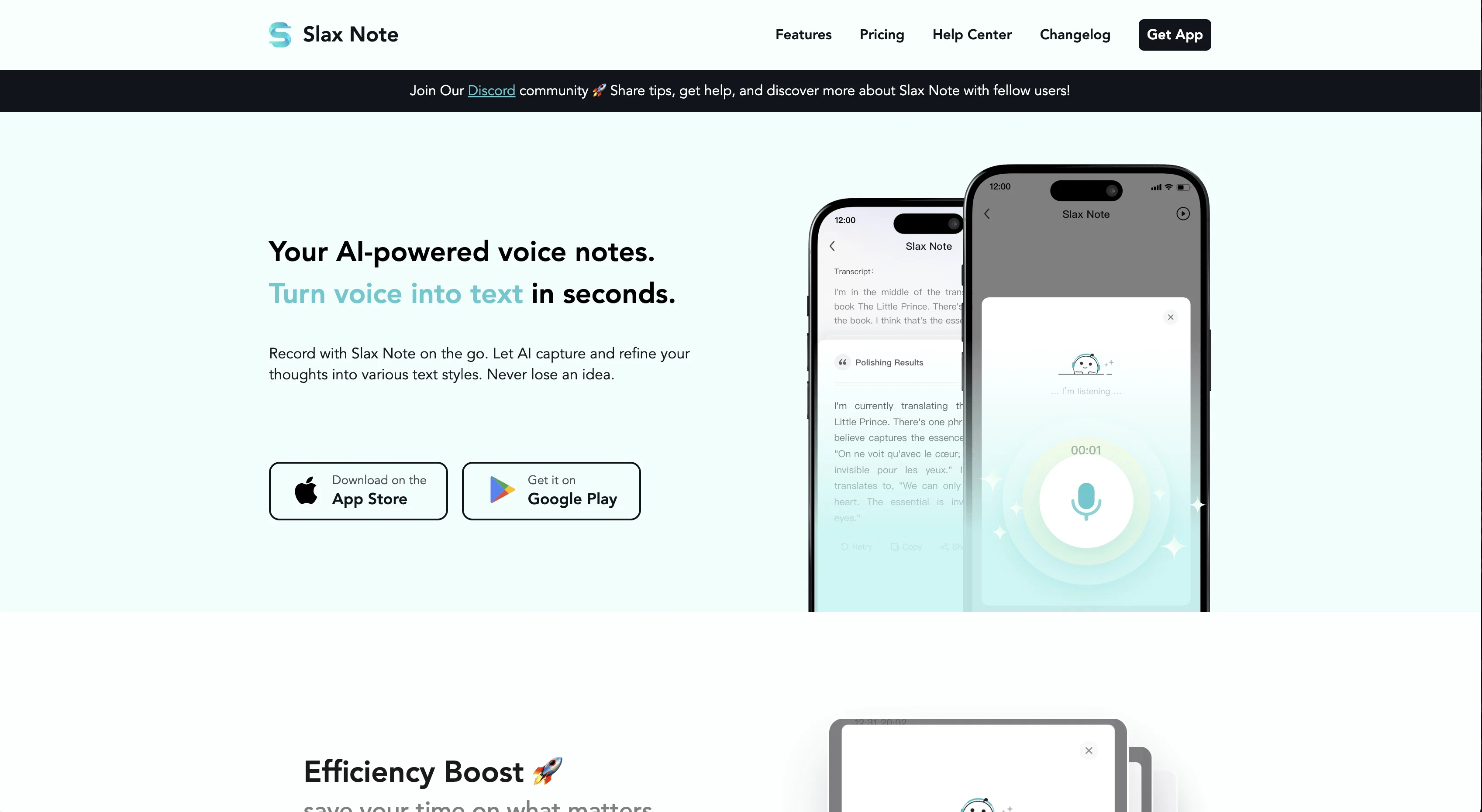
A fantastic AI assistant tool that has tremendously boosted my work efficiency. Its speech - to - text is really accurate. Fast - talking or a bit of noise? No problem. It rarely makes mistakes. So impressive!
Frank Liu
“Review”
@Slax Note is extremely user - friendly. Even the elderly can use it. One - click recording is so simple. The whole process, from recording to sharing, is a breeze.
Pan Zane
“Review”
@Slax Note rocks! It's great for recording casual talks. No more worries about forgetting chat content as it catches every word clearly. So convenient!
Kun Yao
“Review”
The AI polishing in @Slax Note is a real lifesaver. It quickly polishes rough voice - to - text notes. No more long - hours of editing. Saves so much time and effort.
www
“Review”
Like this App.Super helpful for language learners. Records lectures, and AI helps with understanding. Plus, it supports multiple languages, which is amazing!
Wessson W
“Review”
My go - to during meetings. When I can't use a laptop, it records and transcribes meeting points perfectly. Ensures I don't miss anything. Easy to review later.
Zesen Huang
“Review”
Its speech - to - text is really accurate. Fast - talking or a bit of noise? No problem. It rarely makes mistakes. So impressive!
luca wu
“Review”
A must - have for writers. It lets you jot down ideas anywhere, anytime. Just record them when inspiration strikes. Later, pick what you need for writing, like a portable idea bank.
JK H
“Review”
I'm really sorry to hear that you're not satisfied with the translations in our product. By "very bad", do you mean they are not idiomatic or there are grammar mistakes? We truly appreciate your feedback and will make every effort to improve the translations.
Jane Kuo
“Review”
Translation is very bad
Manuel Balasso
“Review”
This AI productivity tool truly streamlines my tasks and helps me stay focused throughout the day - a real game-changer for boosting efficiency!
ashleyb8893
“Review”
This AI productivity tool has truly revolutionized how I manage my tasks, making it effortless to stay organized and focused throughout the day!
brookem4356
“Review”
While it does write your notes it only transcribes no audio. and it doesn’t even allow for you to update the title or a description of the recording. Lastly, the section items section doesn’t work.
Robert Taylor
“Review”
Save the time!
Asrul Hanafi
“Review”
Probably the best class lecture focused note taking I've seen yet. But the prices are steep and only given 30 free minutes a month.
Blake Hawthorne