5.02 months ago
“Review”
teHelp other people by letting them know if this AI was useful.
Vsal Kumar

AI-powered custom code for Webflow, without limits.
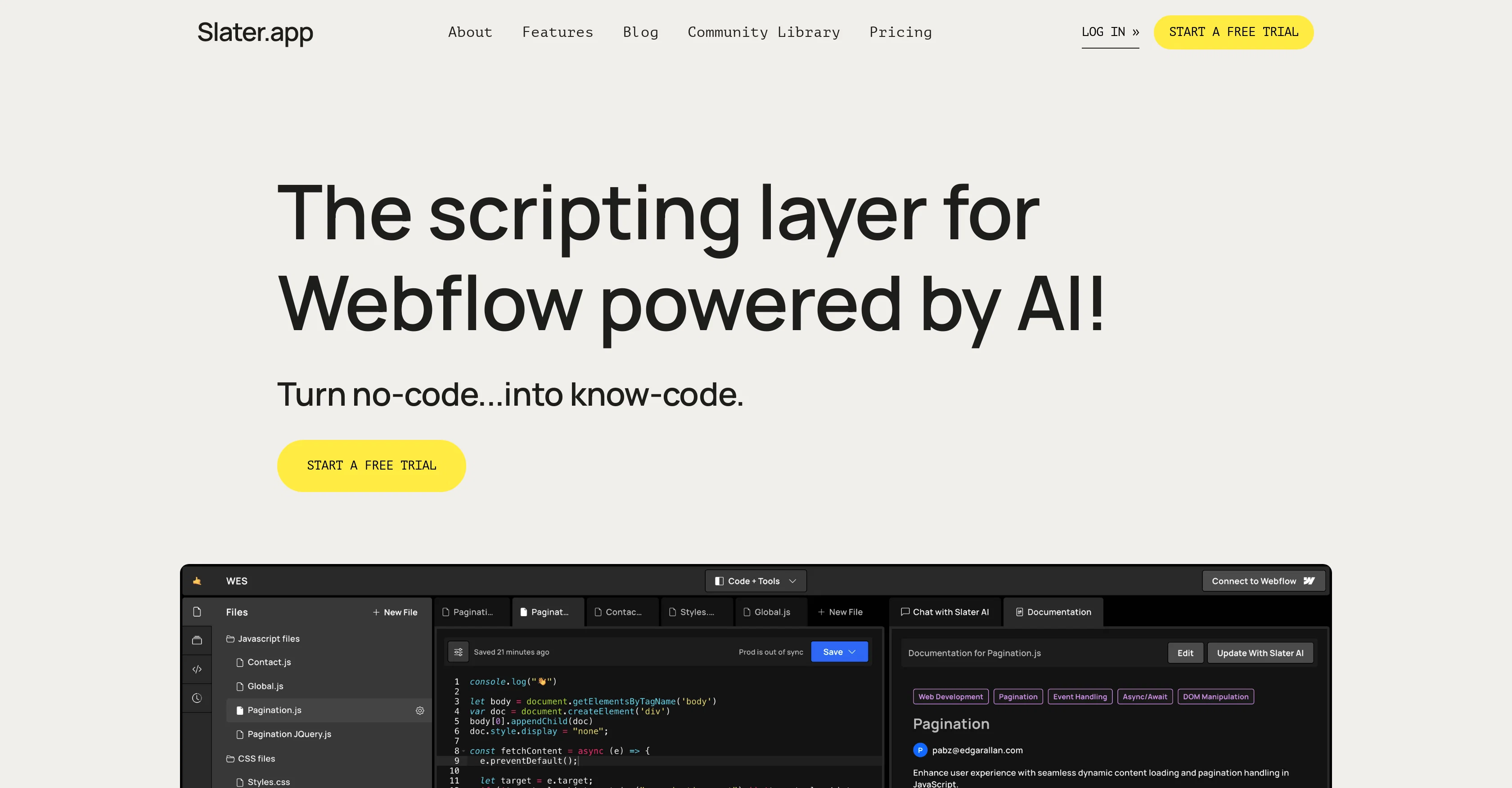
Slater is a modern coding environment designed for web development purposes, specifically adapting and built-in for Webflow projects. It utilizes artificial intelligence to assist users in generating custom code efficiently, without confinements on the volume of characters used. Unlike traditional methods where constant publishing is required, Slater allows users to work on JavaScript frequently without constant publishing. This feature comes in handy for Webflow professionals working on project development and makes the development process smoother. Slater aims to transform the no-code landscape into a platform where users are more knowledgeable and proficient in coding. It eases the process of adding custom code by providing a hands-on coding experience to its users, making it an essential tool for Webflow designers and developers with ranging levels of JavaScript knowledge. User testimonials suggest the platform offers ease of use and enhances speed in the development process. Apart from this, it provides the ability to save for development or production purposes and it is seen as an optimal tool for the Webflow community. Help other people by letting them know if this AI was useful. Add your own prompts and outputs to help others understand how to use this AI.
When considering Slater for integration into your organizational workflow, we recommend deploying a structured score card across three critical operational pillars: Security & Compliance, Integration Friction, and long-term Price Scalability. Rather than looking only at basic feature lists, modern procurement teams must assess how a software platform behaves under high load and how well it fits into the team's data security guidelines.
Depending on your operating region and field, ensure that Slater supports standard security layers such as SOC 2 Type II certifications, GDPR compliance, or HIPAA-compliant database encryption. If the tool connects directly to client database tables or handles user passwords, verify that they implement multi-factor authentication (MFA), single sign-on (SSO) integrations, and end-to-end data encryption in transit and at rest.
Siloed data is the primary cause of operational friction. Evaluate if Slater has native connectors for your current project trackers, messaging hubs, and customer communication channels. For custom developer requirements, check if they provide a fully documented REST API with reasonable rate limits, comprehensive Webhooks support, and robust SDK packages in your language. A flexible API layer saves hundreds of hours of manual copy-paste overhead.
SaaS pricing packages are often deceptively simple. When reviewing Slater's billing structure, map out your team's projected expansion over the next 12 to 24 months. Determine how costs scale as your customer database increases or as you add team members. Factor in setup costs, mandatory support plan upgrades, API access fees, and storage overage rates to understand the true cost before committing to a contract.
By combining verified user reviews from our directory with internal workflow pilot tests, your procurement team can make an informed decision that drives productivity without creating capital waste.
Overall rating
Based on 7 reviews
teHelp other people by letting them know if this AI was useful.
Vsal Kumar
this is a banger tool
Curran Van Waarde
Very useful. Simple
Zeca Guedes
wow, I just tried this and I'm actually shocked as to how good this is... Half the price of using GPT/Claude to help me with my notetaking and it's honestly 10x faster. This is a gamechanger for me, thank you!!
Ashton Tarantino
@AnythingLLM is easy to use, and allows us to build private databases using several (any) kinds of media (text, pdf, audio, etc) and use it as a source of knowledge for any LLM you might wonder to experiment!
Francisco Bischoff
Says nsfw and isn’t. Clickbait
Brian
your answer is much too general, so useless. You could have just tell me to ask Perplexity.
Ta
Starting Price
Free plan available
Free tier available with optional paid upgrades.