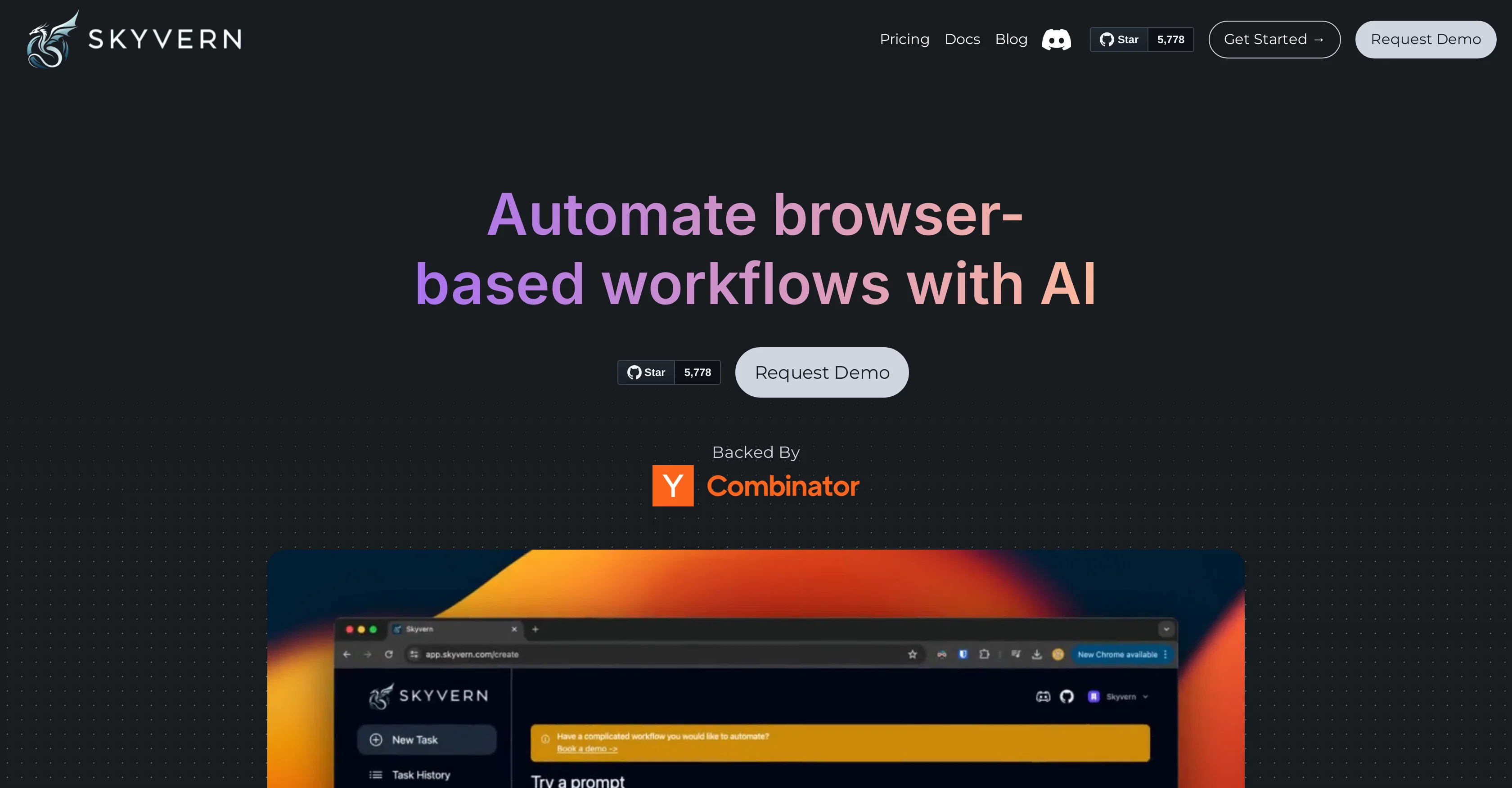
Skyvern is an artificial intelligence-powered tool offering automation services for various browser-based workflows. Built as an API-first product, this tool enables users to automate complex tasks via API calls, effectively freeing up time and improving efficiency.
Skyvern utilizes a combination of computer vision and AI, enabling it to understand and respond to context on any website. It allows commands in natural language, simplifying the execution of more complex tasks with user-friendly instructions.
Skyvern provides near unlimited scalability, executing workflows in the cloud simultaneously, enhancing productivity. Essential features include explainable AI decisions accompanied by clear summaries and justifications for actions, providing transparency in operations.
The tool also facilitates data extraction in various schema, including CSV or JSON. Supporting authentication, Skyvern can access user accounts, including support for two-factor authentication (2FA).
Additionally, the tool understands how to solve CAPTCHAs, can target proxies at various geographical levels, and scan invoices, forms, and websites in multiple languages.
Skyvern is trusted by professionals and teams for its reliable services and innovative application in automating discrete online tasks.
Help other people by letting them know if this AI was useful.
Add your own prompts and outputs to help others understand how to use this AI.
Screenshot gallery
Pros & Cons
Pros
+API-first product
+Understands context on websites
+Natural language commands
+Near unlimited scalability
+Cloud-based workflow execution
+Transparency in operations
+Supports CSV and JSON formats
+Includes authentication support
+Supports two-factor authentication
+Solves CAPTCHAs
+Target proxies at various geographical levels
+Multi-language support
+Reliability in services
+Handles discrete online tasks
+Facilitates data extraction
+Supported by professionals and teams
+User-friendly instructions
+Preferred by professionals
+Automates browser-based workflows
+Works on any website
+Understands content on a webpage
+Executes complex tasks simply
+Justifies every action
+Supports precise zip-code level targeting
+Automates procurement pipelines
+Can fill dynamic and multi-step forms
+Fetches invoices from many vendors
+Capable of handling government forms
+Works in any language
+Generate engaging blog posts
+Revises content maintaining original meaning
+SEO-friendly product descriptions
+Innovative article ideas
+Clear summaries of lengthy articles
+Instant phrase and sentence generation
Cons
−Reliance on API calls
−No offline functionality
−Potential privacy issues
−Depends heavily on proxies
−Limited context misunderstanding
−Over-reliance on cloud execution
−Authentication security concerns
−CAPTCHA solving ethical concerns
−Potential scalability limits
−Vulnerability to website changes
A Professional Framework to Evaluate Skyvern
When considering Skyvern for integration into your organizational workflow, we recommend deploying a structured score card across three critical operational pillars: Security & Compliance, Integration Friction, and long-term Price Scalability. Rather than looking only at basic feature lists, modern procurement teams must assess how a software platform behaves under high load and how well it fits into the team's data security guidelines.
1. Security and Database Compliance
Depending on your operating region and field, ensure that Skyvern supports standard security layers such as SOC 2 Type II certifications, GDPR compliance, or HIPAA-compliant database encryption. If the tool connects directly to client database tables or handles user passwords, verify that they implement multi-factor authentication (MFA), single sign-on (SSO) integrations, and end-to-end data encryption in transit and at rest.
2. API Coverage and Custom Integrations
Siloed data is the primary cause of operational friction. Evaluate if Skyvern has native connectors for your current project trackers, messaging hubs, and customer communication channels. For custom developer requirements, check if they provide a fully documented REST API with reasonable rate limits, comprehensive Webhooks support, and robust SDK packages in your language. A flexible API layer saves hundreds of hours of manual copy-paste overhead.
3. Total Cost of Ownership (TCO)
SaaS pricing packages are often deceptively simple. When reviewing Skyvern's billing structure, map out your team's projected expansion over the next 12 to 24 months. Determine how costs scale as your customer database increases or as you add team members. Factor in setup costs, mandatory support plan upgrades, API access fees, and storage overage rates to understand the true cost before committing to a contract.
By combining verified user reviews from our directory with internal workflow pilot tests, your procurement team can make an informed decision that drives productivity without creating capital waste.
Features of Skyvern
API
Automation
Workflow Automation
Browser Automation
Artificial Intelligence
API First Product
Free + From $0.10
SaaS1to10 verified reviews for Skyvern
Overall rating
★★★★★5.0
Based on 22 reviews
★★★★★5.01 months ago
“Review”
I tried NovelGPT a template in @Agentgpt and it did an excellent job writing the first two episodes of my novel complete with character descriptions, setting,plot points and well I think you get the point. Great tool can't wait to see it out of beta.
Kelli Crose
★★★★★5.01 months ago
“Review”
🌟🌟🌟🌟🌟 This AI prompt generation tool is exceptional! It vividly brought to life the jungle scene I envisioned, capturing every detail with remarkable accuracy. The natural expressions, vibrant colors, and serene atmosphere were perfectly rendered. Highly recommended for creative projects!
Sukul Das PANIKA
★★★★★5.01 months ago
“Review”
nice holistic
Amit ImmI
★★★★★5.01 months ago
“Review”
Not at all accurate…. The only thing similar between original and generated images were the clothes and accessories… face was absolutely new and unconnected.
Shvetank Sharma
★★★★★5.01 months ago
“Review”
handy browser
Sai Teja PCV
★★★★★5.01 months ago
“Review”
A huge disappointment. It fails standard tasks that Sonnet 3.5 completes with no issue. I’ll be skipping this version.
Tealgreen
★★★★★5.01 months ago
“Review”
Thanks! So happy to hear you're liking @FlowPost.
CodeConda
★★★★★5.01 months ago
“Review”
A better and cheaper alternative to Manus. Love it.
Joyce He
★★★★★5.01 months ago
“Review”
The site has a fantastic presentation and from what we tested the features are perfect. Congratulations to the development team
Tudonumclic Consultoria
★★★★★5.01 months ago
“Review”
The most humanly AI i have used so far but the problem is as soon as you start piling up messages in single chat session , it starts getting slow and at some point it starts freezing and also uses a lot of resources. For time being its okay to do 3 4 messages but as soon as we continue it has messages limitation and also starts getting very very slow . For the price of £18 per month this is unacceptable and with the newly introduced feature called project, if we start new chat within the project we cannot continue with the context we provided in other chats within same project. There are lot of improvements for them to work on. And to start with the its speed and its price
Bibash Katel
★★★★★5.01 months ago
“Review”
Loved the search engine ideas.
Amr عمرو Amin امين
★★★★★5.01 months ago
“Review”
State of the Art
Dmitry G.
★★★★★5.01 months ago
“Review”
I think it's the best @Image Generator I ever found on the net. It gives more accurate image according to the prompt. And thank you for keeping it for free.
My Sawsiri
★★★★★5.01 months ago
“Review”
Just another Chrome browser. Installed it. Don't see any AI anywhere. Don't waste your time. Sticking with Arc browser.
Geo
★★★★★5.01 months ago
“Review”
Absolutely in love. I could create my own custom AI and shared it with my colleuges to get instant support from me, i mean digital AI of me :)
Derek W.
★★★★★5.01 months ago
“Review”
Hello 👋, I'm Luc, @SurfMind creator. I built this tool to solve my own problem of getting instant AI assistance on tab without switching tabs and disrupting my flows. I hope you find it just as helpful!
SurfMind Wave
★★★★★5.01 months ago
“Review”
A great tool without a doubt. However I prefer to have something that stays under my sight, like a separate app or a browser extension.
kanawati
★★★★★5.01 months ago
“Review”
It’s a fast, sleek, and feature-rich browser that makes multitasking effortless and browsing more enjoyable. Highly recommended!
melbin
★★★★★5.01 months ago
“Review”
It is really easy to use. Best of all, you can use the built-in free VPN to access content from anywhere in the world. I just recently found out that you can also stream FIFA games with this feature. It's so good!
GigaChad
★★★★★5.02 months ago
“Review”
Pretty brilliant concept! Uses LLMs to automate browser actions instead of manually building error-prone tasks, which require constant maintenance. Looking forward to seeing Skyvern mature and be usable across a wider set of use cases!
Trevor Sullivan
★★★★★5.02 months ago
“Review”
The solution works! And it’s resilient to changes to the website designs and tagging and process. I highly recommend it for operational tasks that involves moving through various webpages to collect a piece of information or make an action.
Shob Maz
★★★★★5.02 months ago
“Review”
Skyvern proved to be an invaluable tool for developing an automated job application MVP, offering robust browser automation capabilities that made it ideal for building a job application bot. Its straightforward integration and reliable browser control functionality made it a solid choice for automating the complex workflows involved in job applications at scale.