5.01 months ago
“Review”
It's not free, it forces you to input an email before shoving a price tag in your face.
Arvoly XSL

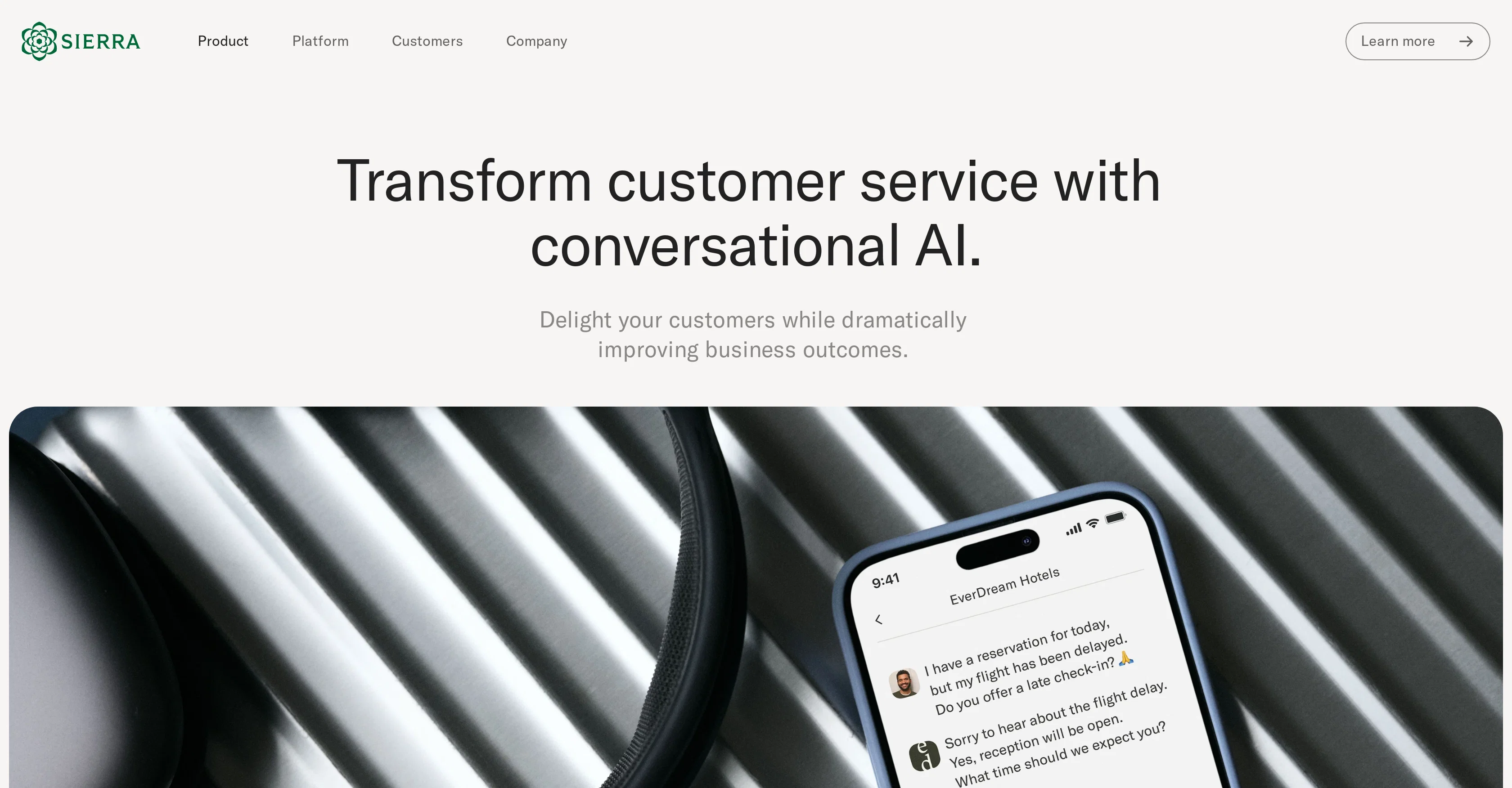
Transform customer service with conversational AI.
Sierra is a conversational AI product designed to transform customer service. Its AI agents utilize language processing and human-level reasoning to deliver empathetic customer support intuitively and authentically. With the capability to understand context, jargon, typos, and adapt to each customer's specific needs and emotions, Sierra provides responsive and inclusive support in the language of the user's choice. Beyond answering questions, Sierra AI agents take real-time actions to solve customer's problems, including processing exchanges, scheduling deliveries, updating subscriptions, or changing reservations. When unable to solve a problem, the agent prepares a detailed summary to facilitate effective and efficient management of escalations by customer service teams. Sierra ensures around-the-clock service, scalability during high demand periods and it is continuously updated to be ready for new products or policies. The AI agent continually learns from interactions to improve its performance. Sierra also features built-in quality assurance workflows, tagging and categorizing each conversation for tracking and optimization. It is designed with focus on trust, security and compliance, with the AI agents only accessing the users record systems in a predefined and controlled manner to adhere to established policies and security procedures. Help other people by letting them know if this AI was useful. Add your own prompts and outputs to help others understand how to use this AI.
When considering Sierra for integration into your organizational workflow, we recommend deploying a structured score card across three critical operational pillars: Security & Compliance, Integration Friction, and long-term Price Scalability. Rather than looking only at basic feature lists, modern procurement teams must assess how a software platform behaves under high load and how well it fits into the team's data security guidelines.
Depending on your operating region and field, ensure that Sierra supports standard security layers such as SOC 2 Type II certifications, GDPR compliance, or HIPAA-compliant database encryption. If the tool connects directly to client database tables or handles user passwords, verify that they implement multi-factor authentication (MFA), single sign-on (SSO) integrations, and end-to-end data encryption in transit and at rest.
Siloed data is the primary cause of operational friction. Evaluate if Sierra has native connectors for your current project trackers, messaging hubs, and customer communication channels. For custom developer requirements, check if they provide a fully documented REST API with reasonable rate limits, comprehensive Webhooks support, and robust SDK packages in your language. A flexible API layer saves hundreds of hours of manual copy-paste overhead.
SaaS pricing packages are often deceptively simple. When reviewing Sierra's billing structure, map out your team's projected expansion over the next 12 to 24 months. Determine how costs scale as your customer database increases or as you add team members. Factor in setup costs, mandatory support plan upgrades, API access fees, and storage overage rates to understand the true cost before committing to a contract.
By combining verified user reviews from our directory with internal workflow pilot tests, your procurement team can make an informed decision that drives productivity without creating capital waste.
Overall rating
Based on 17 reviews
It's not free, it forces you to input an email before shoving a price tag in your face.
Arvoly XSL
I'm still testing the tool yet it looks very promising. I tested it with a 5.5k words Academic text that I had previously red. I tested the Key points feature, it does work!
Ivana González
The @AI Phone helped me a lot during my last short trip. I can use it to make international calls easily without getting a sim card. When making reservations at restaurants and asking for information about scenic spots, the functions of live call captioning, highlighting information and prompting terms make me, a non-native speaker, no longer afraid of conversation. Even after hanging up the phone, I can review the information without having to grab a pen to write it down. Imagine that after you make a phone call, all the key information, such as the location of the restaurant and the phone number of the contact, are saved and highlighted in the record. What a worry-free and magical experience it is!
hong chen
This is a really useful tool for recruiters. It makes the screening process faster and fair, and the AI interviews feel very natural.
Hailey Morgan
It took me less than 20 minutes to create infographic perfection- all the other AI design sites I tried, and I tried them all, weren't able to give me what I wanted in 1 way or another. Outline Ninja helped me create my infographic
Gay Shirer
@FineVoice Video to Audio feature is now live. Generate high-quality sound effects and music that perfectly matches the visuals, actions, and environment in your videos.
Fineshare
Would be better if they let you use your own text as an option.
William Lowe
@KeywordSearch creates AI Ad Targeting audiences for YouTube
Aleric Heck
Works but I cannot understand what's the use. I was expecting it to give me some videos
Samartha Venkatramana
After my first use, I think it's surprisingly good. The only drawback so far is the PDF export option for the report which is formatless.
Alejandro Correa
after playing around with it for a bit, i am now aware of how much i need this. i can already feel the hours of sleep coming back to me <3
Bru no no no
O GPT faz uma análise melhor e mais personalizada.
Vinicius Vilela
As the service was in beta-testing stage, I created there a dozen of AI-generated courses for free. I wanted to use them. Those courses remained in my account as they started subscription tiers. But recently I have found out that they were deleted. The support didn't answer to my e-mail at all.
Oldfag TV
I wasn't able to use this one (I have my API key)
Pauline LeBlanc
I already have another transcription tool, but this one is much better. I love the different features such as the summary, quiz, and chapters. It does a great job of them. I've only done one transcript so far to try it out, but I'm truly impressed and am going to grab another code. A couple things that would make it even better are: - the ability to rename the files and organize them through folders. - the ability to download a copy of the other features as well as the transcript. Copying and pasting it works, but doesn't keep the format.
dunn
WhatsApp and Messenger integrations don't work very well. Support team is very sporadic. Still couldn't get it to work consistently despite best effort to fix.
Orion Chin
@GPT Trainer is run by a highly responsive management team and support staff. Questions are answered quickly, feature requests are incorporated quickly. We have multiple chatbots that are live with GPT Traner, including for Healthcare, hospitality and solar energy providers. We highly recommend for both value and quality.
John Griffith
Starting Price
Contact vendor for pricing
Pricing may vary based on team size and features selected.