Help other people by letting them know if this AI was useful.
Add your own prompts and outputs to help others understand how to use this AI.
Screenshot gallery
Pros & Cons
Pros
+Converts both images and text
+Serves individual and commercial users
+Pay-as-you-go business model
+Fast video generation
+Permanent cloud storage
+Diverse use-case offerings
+No subscription requirement
+Product promotional video capability
+Pet animation video capability
+User guidance and insights
+Versatile due to diverse models
+Quick video turnaround (~60 seconds)
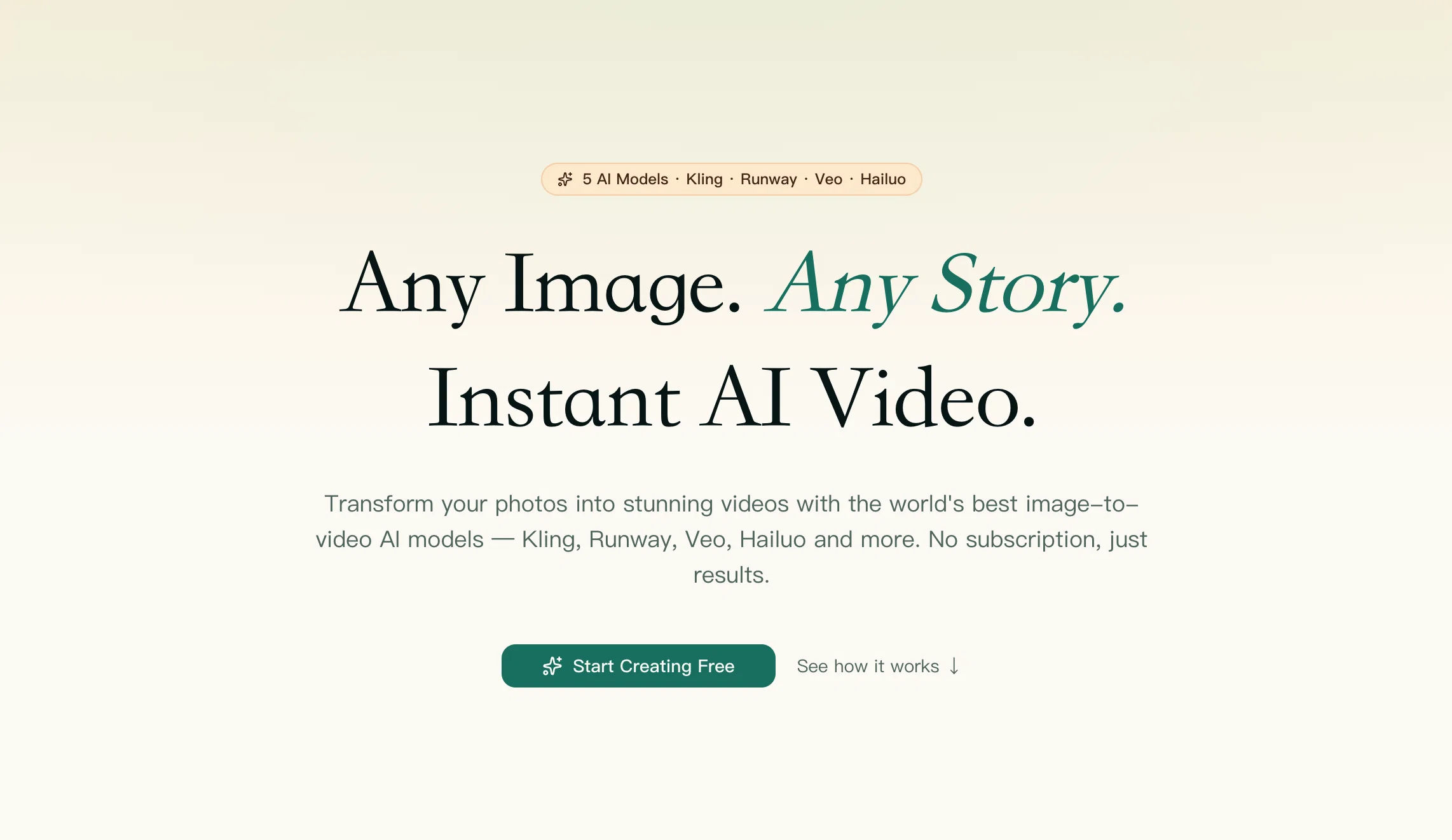
+Multiple model availability (Kling, Runway, Hailuo, Veo, Seedance 2)
+Optimized tools for specific cases
+Image-to-video transformation
+Text-to-video transformation
+Kling usage for product imagery
+Veo usage for text animation
+Quality as per advanced models
+Creation process accessible to users
+Unlimited video storage
+Single platform for leading models
+No surprise cost calculations
+Under-a-minute results generation
+Functional across different use cases
+Facilitates product promotion via videos
+Animate pet photos
+Informative about image-to-text process
+Exact cost visibility pre-generation
+Serves as a comprehensive system
+Leading model consolidation
+Versatility with model selection
+Professional promotional video production
+Effortless idea/story visualization
+No 14-day expiry limitation
+Permanent video availability
+Real-time model performance view
+Direct user engagement with models
+Commercial usability of videos
+Real video generation demonstrations
+All-inclusive image-to-video tutorial
+Pre-configured tools for inexperienced users
+Market insight provision in real-time
+Accessible on sign up
+Free credits on signup
+Use individual or all models
Cons
−Pay-per-use model
−Limited image formats supported
−Limited models provided
−Doesn't specify video resolutions
−No offline availability
−Limited pre-configured tools
−Doesn't support batch processing
−Ambiguous pricing structure
−No API provided
−No free trial option
A Professional Framework to Evaluate Shotra
When considering Shotra for integration into your organizational workflow, we recommend deploying a structured score card across three critical operational pillars: Security & Compliance, Integration Friction, and long-term Price Scalability. Rather than looking only at basic feature lists, modern procurement teams must assess how a software platform behaves under high load and how well it fits into the team's data security guidelines.
1. Security and Database Compliance
Depending on your operating region and field, ensure that Shotra supports standard security layers such as SOC 2 Type II certifications, GDPR compliance, or HIPAA-compliant database encryption. If the tool connects directly to client database tables or handles user passwords, verify that they implement multi-factor authentication (MFA), single sign-on (SSO) integrations, and end-to-end data encryption in transit and at rest.
2. API Coverage and Custom Integrations
Siloed data is the primary cause of operational friction. Evaluate if Shotra has native connectors for your current project trackers, messaging hubs, and customer communication channels. For custom developer requirements, check if they provide a fully documented REST API with reasonable rate limits, comprehensive Webhooks support, and robust SDK packages in your language. A flexible API layer saves hundreds of hours of manual copy-paste overhead.
3. Total Cost of Ownership (TCO)
SaaS pricing packages are often deceptively simple. When reviewing Shotra's billing structure, map out your team's projected expansion over the next 12 to 24 months. Determine how costs scale as your customer database increases or as you add team members. Factor in setup costs, mandatory support plan upgrades, API access fees, and storage overage rates to understand the true cost before committing to a contract.
By combining verified user reviews from our directory with internal workflow pilot tests, your procurement team can make an informed decision that drives productivity without creating capital waste.
Features of Shotra
Shotra
AI Video Generation
Video Creation
Image To Video
Fast Video Generation
Advanced AI Models
Free + From $19
SaaS1to10 verified reviews for Shotra
Overall rating
★★★★★5.0
Based on 15 reviews
★★★★★5.02 months ago
“Review”
Been using ofox for about 2 months now, mainly to route between Claude and DeepSeek in my coding workflow. The single API key thing actually works — just swap the model name, no SDK changes. Saved me from managing 3 different API keys and billing dashboards. Response times are fine from Asia, no complaints. The 1-star review is weird, this thing just works.
chris yang
★★★★★5.02 months ago
“Review”
good for beginners & really awesome features, yet to be integrated within themselves
Lucas Azevedo Furlan
★★★★★5.02 months ago
“Review”
Started out good and has real potential, but the owners got greedy. You used to be charged 1 credit for each generation and got 20 free credits a day. Now you get 30 credits, but (for example Flux pro ultra) costs 9 credits and some change, meaning you get just 3 credits a day in reality. And when a run fails you are still charged so if you click a fourth time and it fails, they subtract and put you into credit debt (negative credits). Greed... the downfall of so many AI art websites. You are better off just buying a miniPC with good memory and good video card and downloading Flux to your computer and running it locally. The pricing? Let's do the math. $2 for 200 credits, but a Flux ultra run will cost you 9.97 credits. So for $2 you get actually 20 runs, and that is what you used to get each day for free. Totally not worth your money, especially when they charge you for failed runs too and the fact that on the average, it will take you 5 or 6 runs to get a decent picture that doesn't have deformed hands or other defects or deviations from what you are looking for. Better to download stable diffusion and run flux on it or uses any of the other local ways to run AI art if you can.
Mic
★★★★★5.02 months ago
“Review”
NOT Working!! support@AdsCreator.com I acidently forgot my trial, and you billed me for 1 year subscription. Its been a month since im trying to contact someone for refund but you EMaiL does NOT work, every time google respond to email saying that your server is.notnworking. checked your mail on websites and it does not exist. support@AdsCreator.com @ThumbnailCreator.com @KeywordSearch @VideoIdeas.ai
Kiza TheMan
★★★★★5.02 months ago
“Review”
Thanks for your feedback! We are also shipping some exciting new features this month!
Saverio Pulizzi
★★★★★5.02 months ago
“Review”
Absolutely in love. I could create my own custom AI and shared it with my colleuges to get instant support from me, i mean digital AI of me :)
Derek W.
★★★★★5.02 months ago
“Review”
State of the Art
Dmitry G.
★★★★★5.02 months ago
“Review”
Easily the best Chat GPT alternative... A hidden Gem. A few issues with reasoning models but overall awesome product
Ali Morris
★★★★★5.02 months ago
“Review”
All tools and models in one place, handy and cost-effective!
quinta diminuita
★★★★★5.02 months ago
“Review”
I mainly used Himedia AI for image creation and got surprisingly realistic outputs. Prompt control feels intuitive compared with some other tools.
KoooU
★★★★★5.02 months ago
“Review”
Many ai models help me create videos I love
long ff
★★★★★5.02 months ago
“Review”
Requires previous login, not fully free
Elenimotoon
★★★★★5.02 months ago
“Review”
Feels illegal to be this early, quick run with @Grok Imagine: great for teaser bits. The image-to-video pass holds up for shorts ~6s loops with decent motion and sound sync. Style range is solid. Access sits behind the Grok sub on mobile, so not fully free and I’d love longer clips!
Herbert Kemp
★★★★★5.02 months ago
“Review”
a friend sent me this the other day. veo, grok, seedance all run from one upload and it's actually fast. ui doesn't fight me. no complaints.