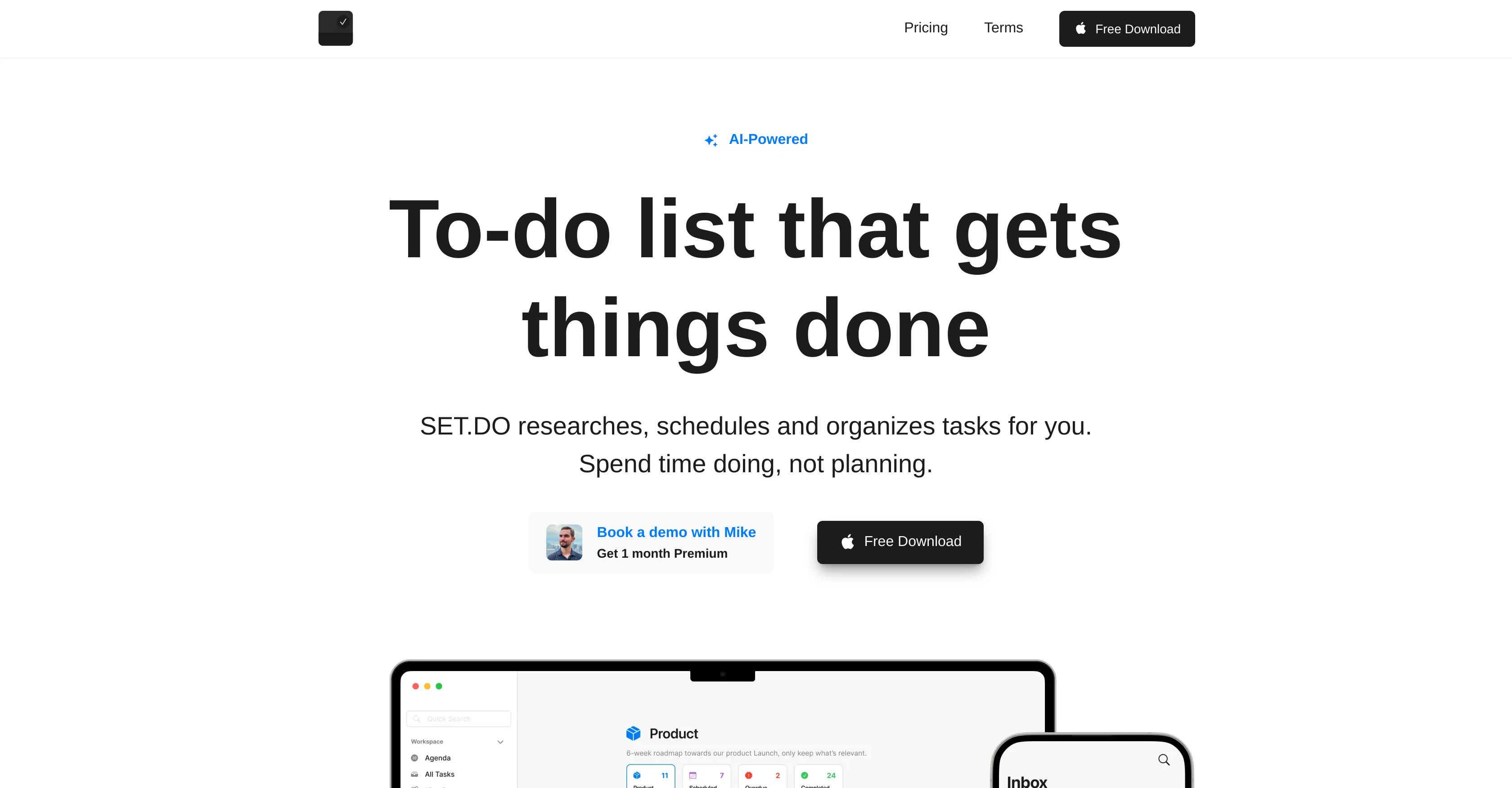
SET.DO is an AI-powered application designed to simplify task management. It offers capabilities such as planning, organizing, and researching for different projects.
SET.DO uses AI to conduct research related to tasks, saving users from starting every task scratch and providing valuable resources needed for execution.
The tool also generates subtasks, breaking down complex tasks into more manageable parts for easier handling and implementation. SET.DO features automatic scheduling and duration estimation which assists in structuring your tasks over time.
The app sorts and organizes tasks, keeping your task inbox relevant and tidy. The application also offers customization features where you can personalize your workflow and view your tasks through a visual timeline.
Users have the option to group tasks into personalized projects and add-ons like Date, Time, Duration, Attachments, Recurrence, and Reminders to tasks are enabled, providing more context and reminders.
Theme customization is another feature where users can choose or create themes for their AI planner. SET.DO is available on iPhone and Mac and offers both free and premium plans.
Help other people by letting them know if this AI was useful.
Add your own prompts and outputs to help others understand how to use this AI.
Screenshot gallery
Pros & Cons
Pros
+Task research automation
+Generates subtasks
+Automatic scheduling
+Duration estimation
+Task sorting and organization
+Personalizable workflow
+Visual timeline of tasks
+Group tasks into projects
+Task add-ons: Date, Time, Duration
+Task add-ons: Attachments, Recurrence, Reminders
+Theme customization
+Available on iPhone and Mac
+Free and premium plans
+Generates task descriptions
+Split complex tasks
+Relevant task inbox
+Timeline view
+Personalized projects
+Switchable themes
+Customizable themes
+Insights and analytics
+Personalizable projects
+Unlimited timeline (Premium)
+Unlimited reminders (Premium)
+In-app task history (Premium)
+Scheduled tasks reminder
+Advanced task features
+Early access features (Premium)
+Organize tasks in projects
+Flexible pricing options
+Task recurrence option
+Automatic task cleaning and organization
Cons
−Limited platform availability
−No Android support
−Limited task research
−Limited subtask splitting
−No Windows support
−Pricey premium plan
−Limited personal projects in free version
−Single user focus
−Lacks collaboration features
A Professional Framework to Evaluate SET.DO
When considering SET.DO for integration into your organizational workflow, we recommend deploying a structured score card across three critical operational pillars: Security & Compliance, Integration Friction, and long-term Price Scalability. Rather than looking only at basic feature lists, modern procurement teams must assess how a software platform behaves under high load and how well it fits into the team's data security guidelines.
1. Security and Database Compliance
Depending on your operating region and field, ensure that SET.DO supports standard security layers such as SOC 2 Type II certifications, GDPR compliance, or HIPAA-compliant database encryption. If the tool connects directly to client database tables or handles user passwords, verify that they implement multi-factor authentication (MFA), single sign-on (SSO) integrations, and end-to-end data encryption in transit and at rest.
2. API Coverage and Custom Integrations
Siloed data is the primary cause of operational friction. Evaluate if SET.DO has native connectors for your current project trackers, messaging hubs, and customer communication channels. For custom developer requirements, check if they provide a fully documented REST API with reasonable rate limits, comprehensive Webhooks support, and robust SDK packages in your language. A flexible API layer saves hundreds of hours of manual copy-paste overhead.
3. Total Cost of Ownership (TCO)
SaaS pricing packages are often deceptively simple. When reviewing SET.DO's billing structure, map out your team's projected expansion over the next 12 to 24 months. Determine how costs scale as your customer database increases or as you add team members. Factor in setup costs, mandatory support plan upgrades, API access fees, and storage overage rates to understand the true cost before committing to a contract.
By combining verified user reviews from our directory with internal workflow pilot tests, your procurement team can make an informed decision that drives productivity without creating capital waste.
Features of SET.DO
Task Management
Planning Tool
Project Management
Organizing Tool
Research Automation
Automatic Scheduling
Free + From $4/Mo
SaaS1to10 verified reviews for SET.DO
Overall rating
★★★★★5.0
Based on 15 reviews
★★★★★5.01 months ago
“Review”
This AI automation tool is fantastic! It has saved me so much time by handling my daily tasks efficiently. It's incredibly user-friendly and integrates seamlessly with other software. Highly recommended for boosting productivity!
Jonathan Bertoldi
★★★★★5.01 months ago
“Review”
I think it is great!!
WhatsApp Number Checker
★★★★★5.01 months ago
“Review”
I like the desktop version, it can record and transcribe my meetings. Pretty accurate transcript and summary.
akihouse98
★★★★★5.01 months ago
“Review”
My inbox was flooded before @AImReply—and it’s not anymore! Thanks, @AImReply
Nathan Hughess
★★★★★5.01 months ago
“Review”
wow, I just tried this and I'm actually shocked as to how good this is... Half the price of using GPT/Claude to help me with my notetaking and it's honestly 10x faster. This is a gamechanger for me, thank you!!
Ashton Tarantino
★★★★★5.01 months ago
“Review”
This is a great tool! I have a question. The first time I created an Interactive Lesson, the published result had a transcript of the podcast which interacted simultaneously with the mindmap. After navigating out of that window, I can't access this again. Is there a way to access it? Currently it only shows an outline, the podcast and mindmap with no transcript or mindmap interactivity.
Fly Soul O
★★★★★5.01 months ago
“Review”
filters my spam calls
Robin Haw
★★★★★5.01 months ago
“Review”
I tried using it but the website has too many bugs.
João Neiva
★★★★★5.01 months ago
“Review”
You can now ask AI about your typed note. This issue has been fixed.
MyMemo
★★★★★5.01 months ago
“Review”
I can't explain how impressed i am by this. I've seen tools to help you brainstorm ideas, but not one to break your task down into big steps, then little steps for each of these. Plus "games" to help come up with more ideas for your project. I'm excited to use this!
ImpulseOscar
★★★★★5.01 months ago
“Review”
It is not free. So i couldnt test anything
Isa Venancio
★★★★★5.02 months ago
“Review”
Would love to see this in other lenguages. works great.
Son Dan
★★★★★5.02 months ago
“Review”
Hey everyone! I’m Martin — co-founder, builder, and creator of @OneTask 🚀 @OneTask is specifically designed for people with ADHD and other creatives who can’t be bothered to spend time “managing” their tasks, and instead need an app that just helps them get things done. We have a Todoist and Google Calendar integration, and offer many other features that will help you optimize your life. Let me know if you have any questions! As of this writing, we have a special lifetime deal featured on our website — be sure to catch it before it’s gone! Martin
Martin Adams
★★★★★5.02 months ago
“Review”
@Bracket makes your task list proactive. Instead of hunting tasks across tools, @Bracket captures them straight from Slack and Email (for now :P). It automates follow-ups, takes accountability for your tasks, and eliminates the hours wasted maintaining task systems. Operate where your work happens —> no context switching, no dropped balls, just a team that actually follows through. Try @Bracket free, sign up to the waitlist today.
Dor Linhard
★★★★★5.02 months ago
“Review”
Easy to use and the AI does its work but it is not something extraordinary. But the AI can do nothing more as it does right now