5.01 months ago
“Review”
Yes, I'm using Windows currently.
koi

AI note taker that captures Google Meet essentials.
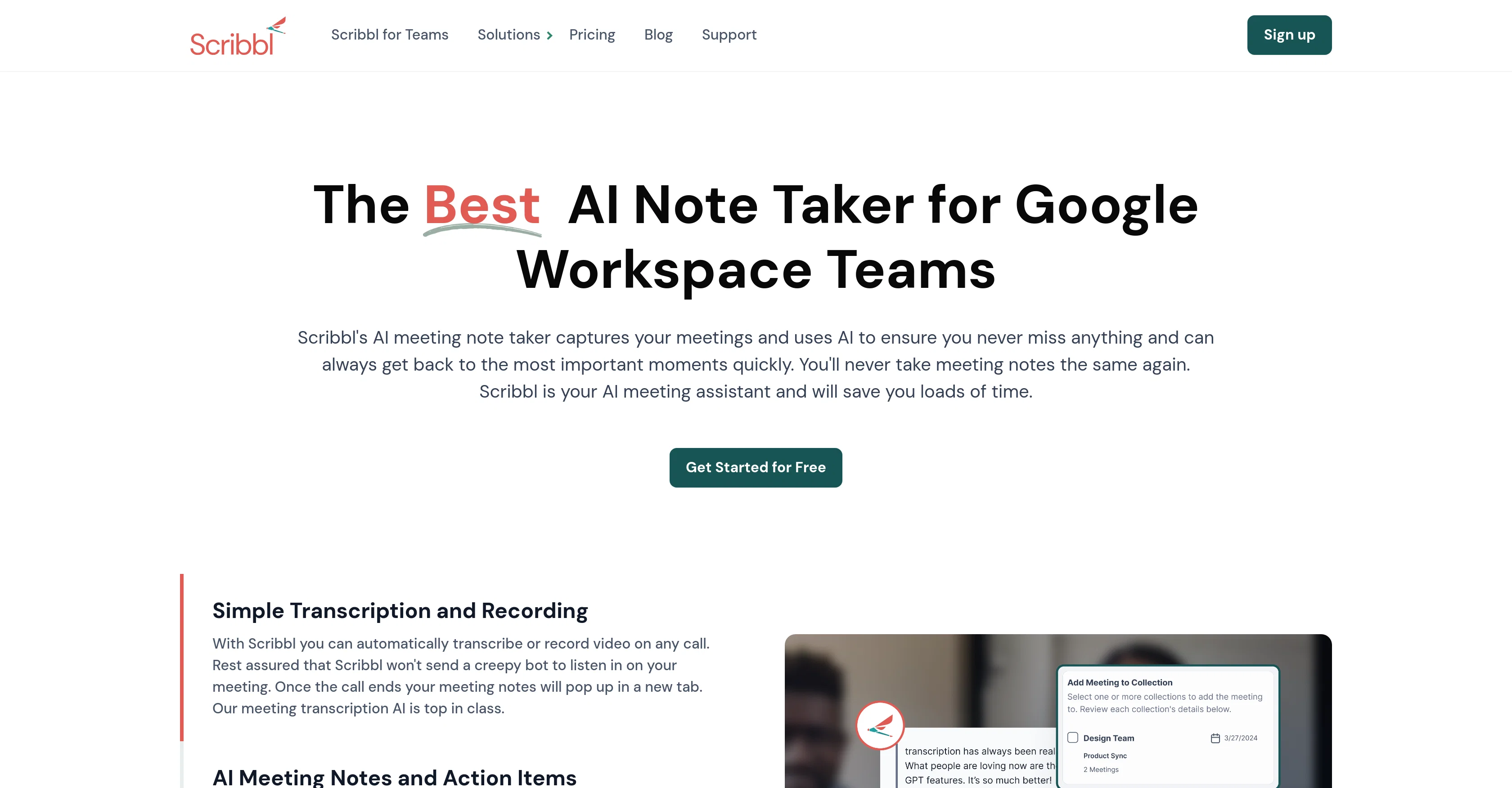
Scribbl is an AI meeting assistant designed to facilitate note-taking during Google Meet meetings. It automatically transcribes or records the content of the meeting, allowing users to reference and manage notes with ease. Following the conclusion of a meeting, Scribbl provides a breakdown of the discussion into comprehensible subjects, improving understanding and recall of the dialogue. The tool also assists users in locating key segments of the meeting by combining the video recording, transcription and analysis performed by the AI. Sharing of notes is streamlined, and users can easily distribute notes within or outside their team. Its functionality extends to team-level, auto-sharing notes with designated team members and integration with other team tools for seamless inter-team coordination. The tool operates entirely through a Chrome extension, meaning it doesn't require invasive methods like bot calls. Help other people by letting them know if this AI was useful. Add your own prompts and outputs to help others understand how to use this AI.
When considering Scribbl for integration into your organizational workflow, we recommend deploying a structured score card across three critical operational pillars: Security & Compliance, Integration Friction, and long-term Price Scalability. Rather than looking only at basic feature lists, modern procurement teams must assess how a software platform behaves under high load and how well it fits into the team's data security guidelines.
Depending on your operating region and field, ensure that Scribbl supports standard security layers such as SOC 2 Type II certifications, GDPR compliance, or HIPAA-compliant database encryption. If the tool connects directly to client database tables or handles user passwords, verify that they implement multi-factor authentication (MFA), single sign-on (SSO) integrations, and end-to-end data encryption in transit and at rest.
Siloed data is the primary cause of operational friction. Evaluate if Scribbl has native connectors for your current project trackers, messaging hubs, and customer communication channels. For custom developer requirements, check if they provide a fully documented REST API with reasonable rate limits, comprehensive Webhooks support, and robust SDK packages in your language. A flexible API layer saves hundreds of hours of manual copy-paste overhead.
SaaS pricing packages are often deceptively simple. When reviewing Scribbl's billing structure, map out your team's projected expansion over the next 12 to 24 months. Determine how costs scale as your customer database increases or as you add team members. Factor in setup costs, mandatory support plan upgrades, API access fees, and storage overage rates to understand the true cost before committing to a contract.
By combining verified user reviews from our directory with internal workflow pilot tests, your procurement team can make an informed decision that drives productivity without creating capital waste.
Overall rating
Based on 18 reviews
Yes, I'm using Windows currently.
koi
Not available in Spain AppStore. :( Looks good...
Kidd5EO
It's very easy to use, completely free, and even supports files up to 1GB in size.
pierre
It is the bet transcription tool I’ve ever used. I quit taking notes after I discovered @Transkriptor.
Ayse
its very good
Dennis Müller
👋 Hey everyone — I’m Yusef, founder of @Jamy. We built @Jamy because we were tired of wasting time after meetings — rewriting notes, chasing action items, and trying to remember what was actually said. @Jamy handles all of that automatically: it joins your calls, transcribes, summarizes, pulls tasks and quotes, and even sends branded follow-ups. It works with Zoom, Google Meet, Teams, and phone calls — and connects with tools like Slack, Trello, and Notion. If you’re curious, give it a spin — @Jamy.ai. Would love your feedback! — Yusef
Yusef Jacobs
super reliable and fast to build agents that automate in the background for me! i like the daily *help me prep for my meetings* agent alot!
Manas Ojha
freeway is 100% free
tryfreeway
I like the desktop version, it can record and transcribe my meetings. Pretty accurate transcript and summary.
akihouse98
I already have another transcription tool, but this one is much better. I love the different features such as the summary, quiz, and chapters. It does a great job of them. I've only done one transcript so far to try it out, but I'm truly impressed and am going to grab another code. A couple things that would make it even better are: - the ability to rename the files and organize them through folders. - the ability to download a copy of the other features as well as the transcript. Copying and pasting it works, but doesn't keep the format.
dunn
We built Stella to help decode verbal and nonverbal behaviour during video calls into clear next steps. It auto-notes, summarizes, and flags where attention rose or dropped—then points to the exact clip to coach the rep. We’ve tightened discovery and sped up follow-ups without rewatching meetings.
David Simak
Very interesting
Béatrice Duval
Paid Pro user. Link import has been down on my account since July 28 — one public YouTube URL pasted manually into their web form fails with errCode 10011 "online link lambda time out", Vimeo fails with 10010. Local uploads work fine. Opened a ticket July 29 with full error details. 12 replies over 11 days, no diagnosis, no ETA, no refund decision. No status page, no incident notice. If your workflow depends on transcribing from URLs, be aware that this can break silently and that support has no mechanism for telling you when or whether it will come back.
Marat Aksanov
I've tried 10 note-taking tools, and so far this is the best. My work is now much simpler and more efficient.
Happy Kid
Definitely worth trying. Using for weeks now.
Mark Schmidt
Super simple, beautiful integration into a broad range of workflows.
David Samuels
Hey this is Tan, I'm the creator of NotesBot. I created this tool because I needed it for my own meetings. After using myself and getting great summarization reviews from my peers, I decided to release it to the public. After release, we realized people were also using it for Dungeons and Dragons, I then added a DnD mode. This tool is non-invasive, very easy to set up, and perfect for meetings. I hope you enjoy using it!
Tan Arin
Very interesting tool and useful ❤️👌🏽👏🏽🙏🏽
Béatrice Duval
Starting Price
Free plan available
Free tier available with optional paid upgrades.


