5.01 months ago
“Review”
Would be better if they let you use your own text as an option.
William Lowe

Capture and record screens effortlessly on Mac.
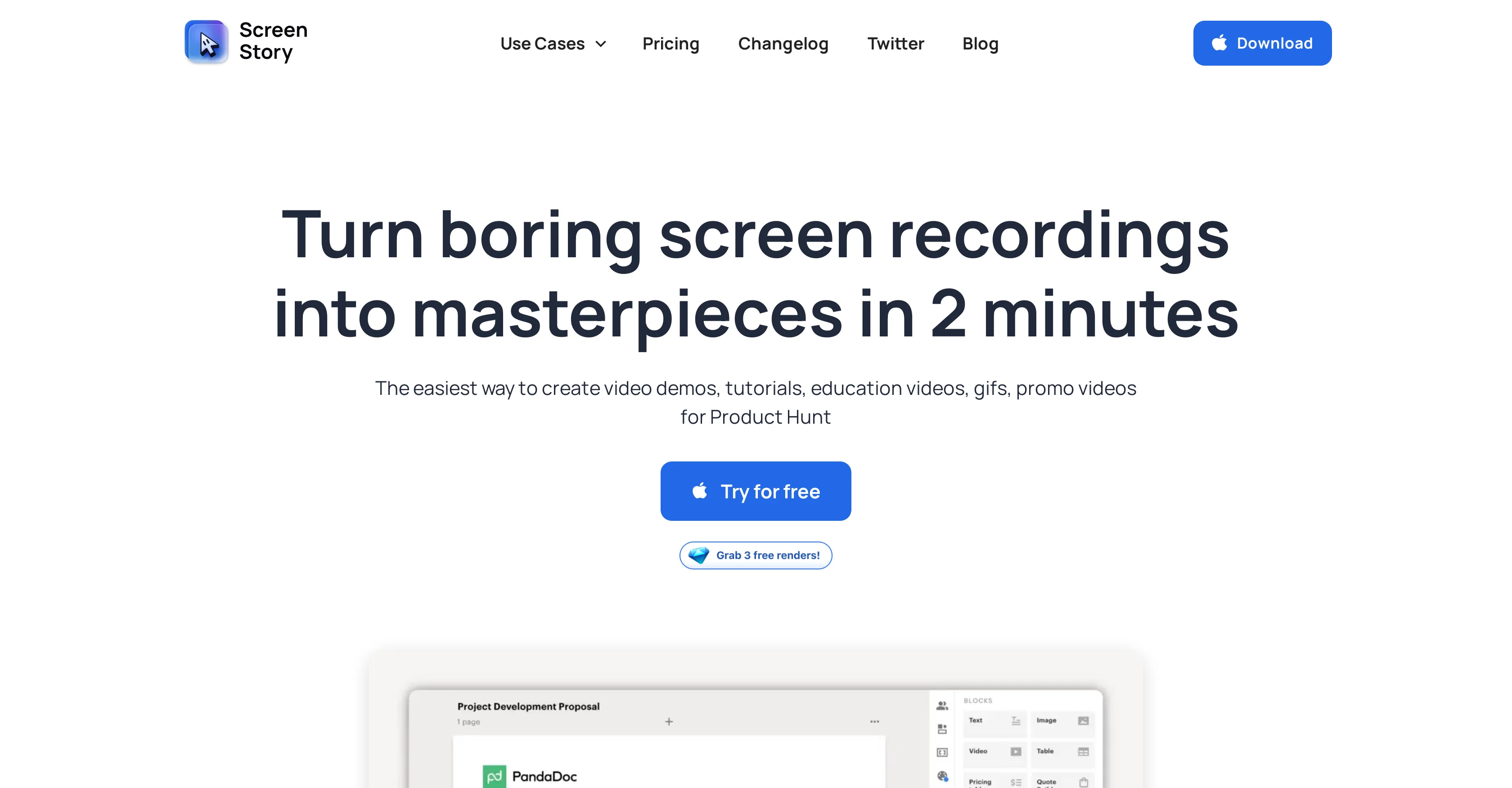
ScreenStory is a Mac screen recorder tool designed to capture and record screens with user-friendly functionality. The primary application of this tool is in creating a wide range of video content, including product demos, tutorials, video reactions, presentations, prospecting videos, and employee onboarding materials. The tool has the potential to transform mundane screen recordings into masterpieces, offering features to enhance video demos, promos, educational videos, and graphics interchange format (GIFs) creations. It applies automatic enhancements to your videos, such as cursor animation, AutoZoom and AutoFollow clicks which saves users a significant amount of time. Furthermore, ScreenStory offers options to alter cursor settings, choose from a variety of backgrounds, and record in different formats including GIF, mp4, 60 FPS, and 4K. ScreenStory enables the recording of voiceover and supports selfie camera functionality, permitting an efficient switch between user, screen or a combination of both. The tool is currently compatible only with MacOS and a Windows OS version is in development. It offers multiple pricing options to cater to different needs, from free trial to monthly and yearly plans. ScreenStory commits to regularly updating the tool with new and exciting features, and has a roadmap for the development of additional functionality such as recording mobile apps. Help other people by letting them know if this AI was useful. Add your own prompts and outputs to help others understand how to use this AI.
When considering ScreenStory for integration into your organizational workflow, we recommend deploying a structured score card across three critical operational pillars: Security & Compliance, Integration Friction, and long-term Price Scalability. Rather than looking only at basic feature lists, modern procurement teams must assess how a software platform behaves under high load and how well it fits into the team's data security guidelines.
Depending on your operating region and field, ensure that ScreenStory supports standard security layers such as SOC 2 Type II certifications, GDPR compliance, or HIPAA-compliant database encryption. If the tool connects directly to client database tables or handles user passwords, verify that they implement multi-factor authentication (MFA), single sign-on (SSO) integrations, and end-to-end data encryption in transit and at rest.
Siloed data is the primary cause of operational friction. Evaluate if ScreenStory has native connectors for your current project trackers, messaging hubs, and customer communication channels. For custom developer requirements, check if they provide a fully documented REST API with reasonable rate limits, comprehensive Webhooks support, and robust SDK packages in your language. A flexible API layer saves hundreds of hours of manual copy-paste overhead.
SaaS pricing packages are often deceptively simple. When reviewing ScreenStory's billing structure, map out your team's projected expansion over the next 12 to 24 months. Determine how costs scale as your customer database increases or as you add team members. Factor in setup costs, mandatory support plan upgrades, API access fees, and storage overage rates to understand the true cost before committing to a contract.
By combining verified user reviews from our directory with internal workflow pilot tests, your procurement team can make an informed decision that drives productivity without creating capital waste.
Overall rating
Based on 19 reviews
Would be better if they let you use your own text as an option.
William Lowe
that's such a great AI
piw
Hi thanks for pointing this out, we've checked and can confirm that the thing is in fact doing the thing 🫡
Osum
@KeywordSearch creates AI Ad Targeting audiences for YouTube
Aleric Heck
A little biased, but I think it's great.
Dawson Whitfield
Such an impressive platform for all of us who are looking for more efficient ways to do the investigation. @OpenRead has the potential to solve our problems.
Zhuohang Tong
Suppppeeeeerrr! Wowwww! @Mindsmith is absolutely fantastic! It is incredibly useful, easy to use, and very professional.
Claudia Scilletta
After my first use, I think it's surprisingly good. The only drawback so far is the PDF export option for the report which is formatless.
Alejandro Correa
I'm still testing the tool yet it looks very promising. I tested it with a 5.5k words Academic text that I had previously red. I tested the Key points feature, it does work!
Ivana González
after playing around with it for a bit, i am now aware of how much i need this. i can already feel the hours of sleep coming back to me <3
Bru no no no
As the service was in beta-testing stage, I created there a dozen of AI-generated courses for free. I wanted to use them. Those courses remained in my account as they started subscription tiers. But recently I have found out that they were deleted. The support didn't answer to my e-mail at all.
Oldfag TV
After trying this feature for a few days, I found that it writes more human-like articles than ordinary AI-generated ones, with higher depth and less wordiness than traditional AI articles.
Ryan
Selamat siang saya akan membagikan tutorial gimana caranya mengedit video di aplikasi capcut
Rhyben Rinto
It is not free. So i couldnt test anything
Isa Venancio
I already have another transcription tool, but this one is much better. I love the different features such as the summary, quiz, and chapters. It does a great job of them. I've only done one transcript so far to try it out, but I'm truly impressed and am going to grab another code. A couple things that would make it even better are: - the ability to rename the files and organize them through folders. - the ability to download a copy of the other features as well as the transcript. Copying and pasting it works, but doesn't keep the format.
dunn
O GPT faz uma análise melhor e mais personalizada.
Vinicius Vilela
This one's a winner! Thank you for building this. Just used it for my product demo at grapha.ai
Prince Harshan
its really cool
Trevor job
Hi folks - I'm Charles, the founder of @Wizardly. I built this app to help marketing, product, and sales teams instantly create polished product videos without requiring expensive professional video editing. Try it out to see how to turn a quick screen recording into professional, customer-ready video today. We have lot's of cool features in the pipe but feel free to share feedback and suggestions once you give the app a spin! 🙏🏻
Charles Brun (Charles)
Starting Price
From $16.00/user/month
Pricing may vary based on team size and features selected.


