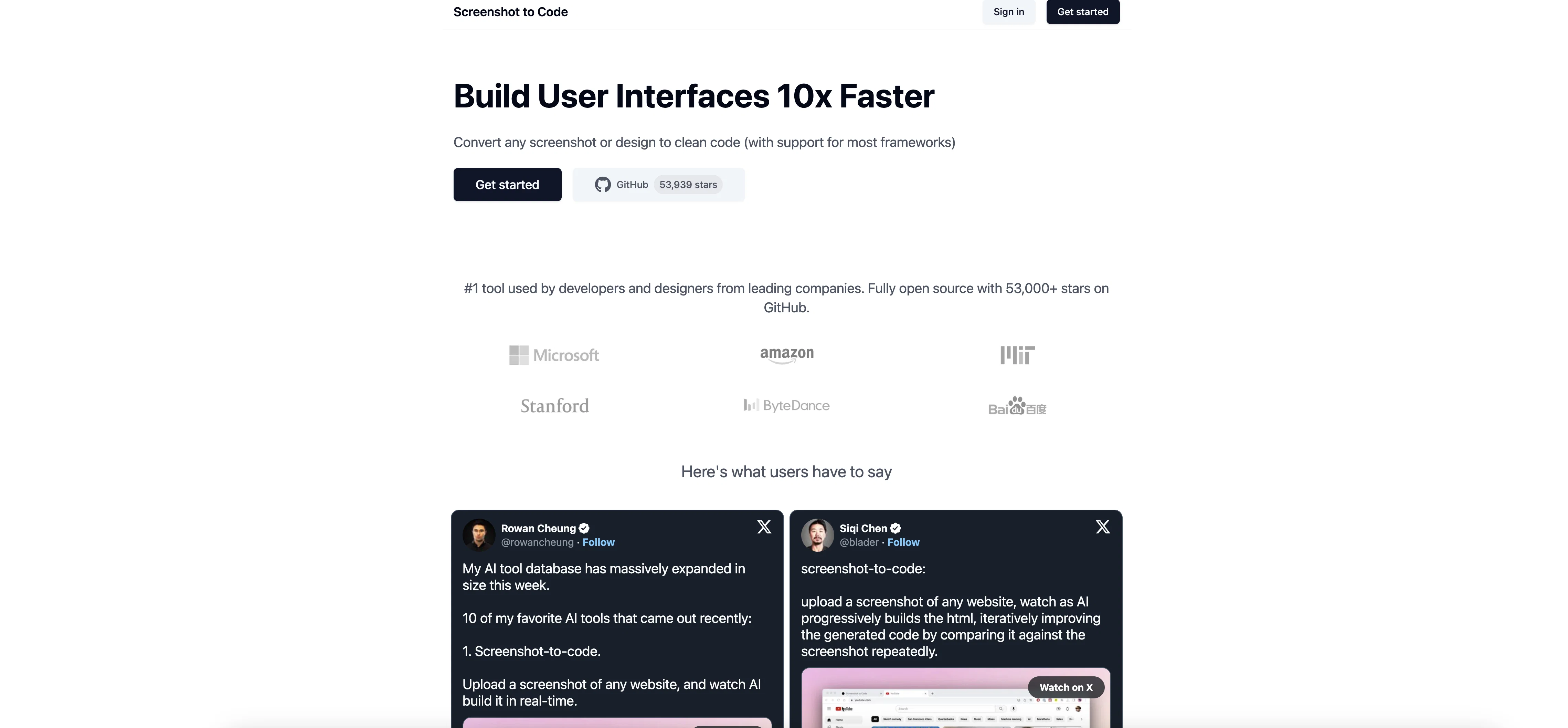
Screenshot to Code is an AI-powered tool that enables users to convert screenshots or designs into functional and clean code. It primarily supports HTML and Tailwind generation, allowing for quick and efficient web page building from visual designs.
The platform offers multiple input methods, including drag and drop, paste from clipboard, and direct upload. A unique feature extends to capturing and converting screenshots from a given URL.
User navigation and usage on Screenshot to Code require account creation, providing options for sign-in via GitHub, Google, or regular email. It is imperative to note that using the service signifies acceptance of its terms of service and agreement for occasional product updates via email.
The platform is a valuable resource for developers, designers, or anyone involved in quick prototyping, bridging the gap between visual design and coding, and accelerating the development process by automating code generation from designs.
Help other people by letting them know if this AI was useful.
Add your own prompts and outputs to help others understand how to use this AI.
Screenshot gallery
Pros & Cons
Pros
+HTML and Tailwind support
+Efficient webpage building
+Multiple input methods
+Drag and drop input
+Paste from clipboard input
+Direct upload input
+URL screenshot conversion
+GitHub login option
+Google login option
+Email login option
+Automated code generation
+Design to code conversion
+Ideal for quick prototyping
+Clean code generation
+Terms of service acceptance
+Email product updates
Cons
−Requires account creation
−Limited to HTML and Tailwind
−Limited input methods
−Requires acceptance of terms
−Potential email updates
−No offline usage
−No conversion to other languages
−Dependent on website's uptime
−Limited sign-in options
−No mobile support
A Professional Framework to Evaluate Screenshot to Code
When considering Screenshot to Code for integration into your organizational workflow, we recommend deploying a structured score card across three critical operational pillars: Security & Compliance, Integration Friction, and long-term Price Scalability. Rather than looking only at basic feature lists, modern procurement teams must assess how a software platform behaves under high load and how well it fits into the team's data security guidelines.
1. Security and Database Compliance
Depending on your operating region and field, ensure that Screenshot to Code supports standard security layers such as SOC 2 Type II certifications, GDPR compliance, or HIPAA-compliant database encryption. If the tool connects directly to client database tables or handles user passwords, verify that they implement multi-factor authentication (MFA), single sign-on (SSO) integrations, and end-to-end data encryption in transit and at rest.
2. API Coverage and Custom Integrations
Siloed data is the primary cause of operational friction. Evaluate if Screenshot to Code has native connectors for your current project trackers, messaging hubs, and customer communication channels. For custom developer requirements, check if they provide a fully documented REST API with reasonable rate limits, comprehensive Webhooks support, and robust SDK packages in your language. A flexible API layer saves hundreds of hours of manual copy-paste overhead.
3. Total Cost of Ownership (TCO)
SaaS pricing packages are often deceptively simple. When reviewing Screenshot to Code's billing structure, map out your team's projected expansion over the next 12 to 24 months. Determine how costs scale as your customer database increases or as you add team members. Factor in setup costs, mandatory support plan upgrades, API access fees, and storage overage rates to understand the true cost before committing to a contract.
By combining verified user reviews from our directory with internal workflow pilot tests, your procurement team can make an informed decision that drives productivity without creating capital waste.
Features of Screenshot to Code
Design To Code
Visual Design To Coding
HTML Generation
Code Automation
Development Process Acceleration
Screenshot Conversion
Free + From $15/Mo
SaaS1to10 verified reviews for Screenshot to Code
Overall rating
★★★★★5.0
Based on 19 reviews
★★★★★5.01 months ago
“Review”
You have the option to waitlist or you can login with your email/pass or google account. I chose google. Once inside you have a suite of tools but im sure when you go to publish you have to sign up for a paid plan. So if your looking for a free option it will be branded. Use at your own risk. Thanks
Col Cooper
★★★★★5.01 months ago
“Review”
I would highly recommend for researches and students. useful to manage your articles and use AI to get the key points.
Hamed Mousavi
★★★★★5.01 months ago
“Review”
@FineVoice Video to Audio feature is now live. Generate high-quality sound effects and music that perfectly matches the visuals, actions, and environment in your videos.
Fineshare
★★★★★5.01 months ago
“Review”
I've been playing around with this for a few hours. It's made me say "WOW" too many times than i wish to admit. I'm going to follow this and see how it evolves. For now, i managed to create quite a nice Expenses app for personal use. | It did have some problems when it came to moving some components on other pages, but for how short the prompts it uses can be, it is really impressive. With some proper prompts it can generate some strong stuff.
Bernard
★★★★★5.01 months ago
“Review”
Isn't it intriguing how all three other reviews for this "website builder" share the exact same profile photo?
Desiree Miller
★★★★★5.01 months ago
“Review”
Zero GPT which is supposed to be covered detects it with 100% certainty. So... No.
Stephan Tual
★★★★★5.01 months ago
“Review”
Seems to be working for me. Maybe try again?
Aramis
★★★★★5.01 months ago
“Review”
Reducing manual efforts in first-pass during code-review process helps speed up the "final check" before merging PRs
Sahil Mohan Bansal
★★★★★5.01 months ago
“Review”
It created some decent logos. They are great as a start point
Samuel Barlet
★★★★★5.01 months ago
“Review”
Nice interface, but no good at PDF answers, especially tables data.
hifive szu
★★★★★5.01 months ago
“Review”
Alternative for fast academic writing
Ivan Taslim
★★★★★5.01 months ago
“Review”
It's sad to see people want to try your tool out but you have no free sample for them. This may be the best tool out there, but, as mentioned, going through with the AI for minutes to explain what you want, then being prompted to pay, without even knowing if it CAN create something, is discouraging. I hope we can get a free sample or preview at one point, im interested in this one.
Ron Jayson
★★★★★5.01 months ago
“Review”
B12 exceeded my expectations especially after I tried a few similar tools. Signing up took under a minute and because I offer a very specific set of services as a consultant, I didn't expect the AI to be able to capture my work, but it did a great job with creating content for me. I only had to make a few edits, add my bio, and was able to publish that same day. Now I get lots of compliments on my site and I've even tried their other tools like email marketing, which is great because the emails match my site's appearance. Overall I would recommend B12 as an effective, affordable, and easy to use website solution.
Katie G
★★★★★5.01 months ago
“Review”
I'm still testing the tool yet it looks very promising. I tested it with a 5.5k words Academic text that I had previously red. I tested the Key points feature, it does work!
Ivana González
★★★★★5.01 months ago
“Review”
It doesn’t include the specified text. It doesn’t allow you to describe the logo
David April
★★★★★5.01 months ago
“Review”
O GPT faz uma análise melhor e mais personalizada.
Vinicius Vilela
★★★★★5.01 months ago
“Review”
Very cool app! Build was fast as, and with a few tweaks I fully launched my website in 1 hour!
Joe Smythe
★★★★★5.01 months ago
“Review”
I think it's the best @Image Generator I ever found on the net. It gives more accurate image according to the prompt. And thank you for keeping it for free.