5.02 months ago
“Review”
It's great to have free tools of such high value
N Lito
Extract copyable text from any image instantly.
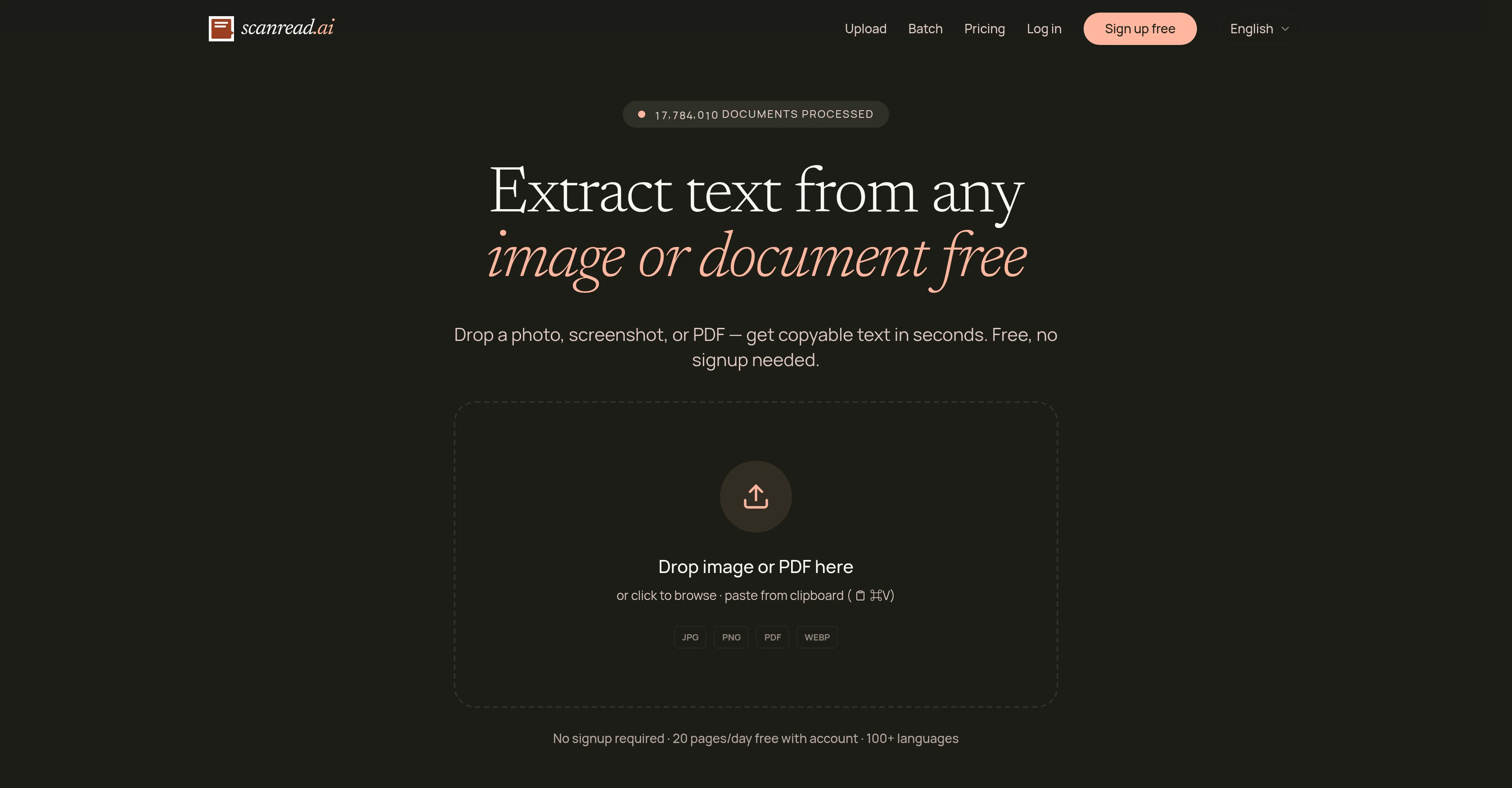
ScanRead.ai is a tool that extracts text from images and documents for ease of editing and use. The tool is compatible with various formats like photos, screenshots, PDFs, and even includes support for handwriting recognition. The functionality extends to converting handwritten notes into typed text, making scanned PDF documents searchable and copyable, pulling text from screenshots, and working with different kinds of documents including receipts, contracts, textbooks, and notes. Notably, it supports over 100 languages, broadening its accessibility and user base. ScanRead.ai is equipped with different features tailored for specific tasks such as Image to Text, PDF to Word, and Handwriting to Text, among others. Text lifted using the tool can be immediately copied, downloaded, or shared via a link. This simplifies the process of digitising print materials and converting them into editable content. The tool aims to provide valuable assistance to users who handle documents in various formats and need to convert them into text data. Privacy and data security are assured according to their policy, and the tool is freely accessible without the need for signup, although account creation allows greater daily use. Help other people by letting them know if this AI was useful. Add your own prompts and outputs to help others understand how to use this AI.
When considering ScanRead for integration into your organizational workflow, we recommend deploying a structured score card across three critical operational pillars: Security & Compliance, Integration Friction, and long-term Price Scalability. Rather than looking only at basic feature lists, modern procurement teams must assess how a software platform behaves under high load and how well it fits into the team's data security guidelines.
Depending on your operating region and field, ensure that ScanRead supports standard security layers such as SOC 2 Type II certifications, GDPR compliance, or HIPAA-compliant database encryption. If the tool connects directly to client database tables or handles user passwords, verify that they implement multi-factor authentication (MFA), single sign-on (SSO) integrations, and end-to-end data encryption in transit and at rest.
Siloed data is the primary cause of operational friction. Evaluate if ScanRead has native connectors for your current project trackers, messaging hubs, and customer communication channels. For custom developer requirements, check if they provide a fully documented REST API with reasonable rate limits, comprehensive Webhooks support, and robust SDK packages in your language. A flexible API layer saves hundreds of hours of manual copy-paste overhead.
SaaS pricing packages are often deceptively simple. When reviewing ScanRead's billing structure, map out your team's projected expansion over the next 12 to 24 months. Determine how costs scale as your customer database increases or as you add team members. Factor in setup costs, mandatory support plan upgrades, API access fees, and storage overage rates to understand the true cost before committing to a contract.
By combining verified user reviews from our directory with internal workflow pilot tests, your procurement team can make an informed decision that drives productivity without creating capital waste.
Overall rating
Based on 10 reviews
It's great to have free tools of such high value
N Lito
Wow, so good
Neskwusss
Solid. Not perfect but it gets the job done and the updates have been pretty consistent
smith tom
Maybe you don’t have a subscription, so there are no credits on your account, and a lot of features require credits to use.
Span Chen
You get 300 credits upon signing up, which is enough to test out the app and see its potential. I had a bit of fun with it. It takes a few minutes to generate content, but the results are impressive. There are many styles, modifiers, and customization options available. I would definitely use this for content creation or storytelling.
Daniel Garaiacu
Honestly, @MySpec saved us from a massive rewrite. We used to just start coding and hope the architecture would figure itself out (spoiler: it didn't, it was pure spaghetti). Using this tool completely changed how we plan. It forces you to get crystal-clear on the specs and scalability before you lay down a single line of code. If you’re tired of 3 AM tech-debt panic attacks, just try it. Seriously.
Reverse Music
The most humanly AI i have used so far but the problem is as soon as you start piling up messages in single chat session , it starts getting slow and at some point it starts freezing and also uses a lot of resources. For time being its okay to do 3 4 messages but as soon as we continue it has messages limitation and also starts getting very very slow . For the price of £18 per month this is unacceptable and with the newly introduced feature called project, if we start new chat within the project we cannot continue with the context we provided in other chats within same project. There are lot of improvements for them to work on. And to start with the its speed and its price
Bibash Katel
I got some top quality results after learning how to prompt songs 🤩
Claes Lanng
Went from a C to an A in Cognitive Psychology using @Thea!!
Sarah White
Really impressed with @audien.to so far. I dropped in a meeting recording and got a clean transcript plus useful notes in just a few minutes, without having to tweak much. The speaker tags and filler cleanup make it way easier to share with the team.
Gemini Omni Video - AI video generator that works like a creative conversation
Starting Price
Free plan available
Free tier available with optional paid upgrades.


