5.02 months ago
“Review”
Looks great, helps my family a lot!
mikew12044@lofiey.com

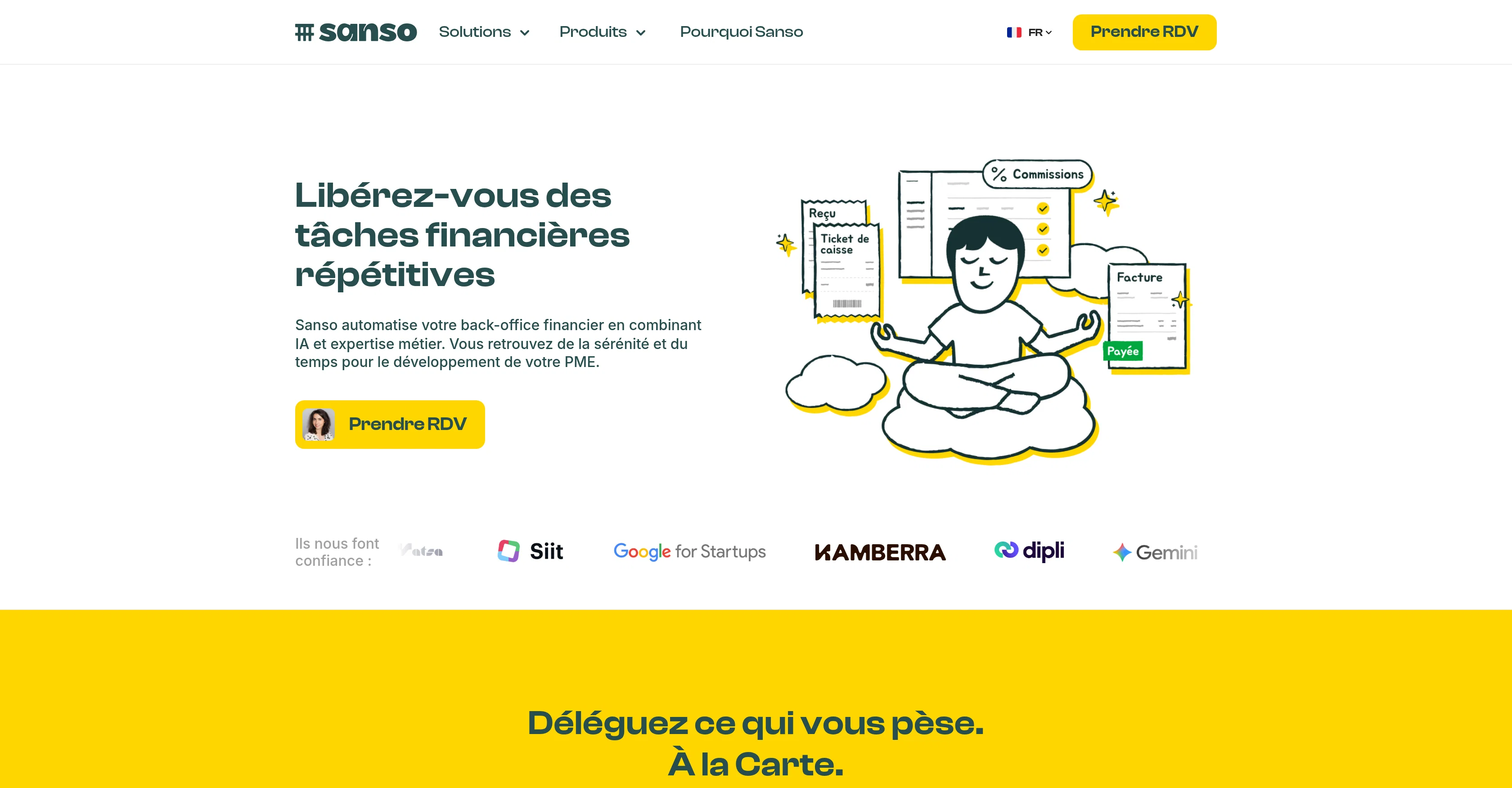
Librez-vous des tches financires rptitives
Sanso is an intelligent assistant dedicated to automating financial management related aspects for small and medium-sized enterprises (SMEs). This financial assistant is designed to liberate businesses from time-consuming financial tasks. The primary attributes of Sanso includes invoice collection, bank reconciliations, and the process of follow-ups on outstanding payments that are overdue.The AI-powered tool operates as an integrated layer overlaying existing frameworks, to automate back-office financial operations while maintaining consistency with current setups. There is no obligation for a new hire or the addition of an unfamiliar tool. This helps businesses maintain their peace of mind without taking on the additional stress of learning new software or technology.The main solutions offered by Sanso cover everyday financial management tasks. The tool collects all your invoices, automatically resolving issues related to forgotten invoices. It matches transactions, invoices, fees, and credits automatically with minimal manual input, closing the gap for bank reconciliation.In terms of payment tracking, Sanso manages the unpaid dues expediting payments to improve cash flow. Sanso even offers an end-to-end service where all your financial back-office is managed by it. When there are limitations to automation, expert guidance is available to ensure reliability and a smooth operation.Furthermore, Sanso allows for seamless integration with existing infrastructures, requiring no substantial modifications or additions and avoiding disruption to ongoing business operations. It is possible to connect existing accounts such as billing, accounting, emails etc., effortlessly and get started with Sanso without interrupting current activities. Help other people by letting them know if this AI was useful. Add your own prompts and outputs to help others understand how to use this AI.
When considering Sanso for integration into your organizational workflow, we recommend deploying a structured score card across three critical operational pillars: Security & Compliance, Integration Friction, and long-term Price Scalability. Rather than looking only at basic feature lists, modern procurement teams must assess how a software platform behaves under high load and how well it fits into the team's data security guidelines.
Depending on your operating region and field, ensure that Sanso supports standard security layers such as SOC 2 Type II certifications, GDPR compliance, or HIPAA-compliant database encryption. If the tool connects directly to client database tables or handles user passwords, verify that they implement multi-factor authentication (MFA), single sign-on (SSO) integrations, and end-to-end data encryption in transit and at rest.
Siloed data is the primary cause of operational friction. Evaluate if Sanso has native connectors for your current project trackers, messaging hubs, and customer communication channels. For custom developer requirements, check if they provide a fully documented REST API with reasonable rate limits, comprehensive Webhooks support, and robust SDK packages in your language. A flexible API layer saves hundreds of hours of manual copy-paste overhead.
SaaS pricing packages are often deceptively simple. When reviewing Sanso's billing structure, map out your team's projected expansion over the next 12 to 24 months. Determine how costs scale as your customer database increases or as you add team members. Factor in setup costs, mandatory support plan upgrades, API access fees, and storage overage rates to understand the true cost before committing to a contract.
By combining verified user reviews from our directory with internal workflow pilot tests, your procurement team can make an informed decision that drives productivity without creating capital waste.
Overall rating
Based on 17 reviews
Looks great, helps my family a lot!
mikew12044@lofiey.com
Ideal for stock-watchlist and not missing trade setups that correspond to my strategy.
Builder
that's such a great AI
piw
The most humanly AI i have used so far but the problem is as soon as you start piling up messages in single chat session , it starts getting slow and at some point it starts freezing and also uses a lot of resources. For time being its okay to do 3 4 messages but as soon as we continue it has messages limitation and also starts getting very very slow . For the price of £18 per month this is unacceptable and with the newly introduced feature called project, if we start new chat within the project we cannot continue with the context we provided in other chats within same project. There are lot of improvements for them to work on. And to start with the its speed and its price
Bibash Katel
It has everything that I need in one place: ChatGPT, Copywriting templates, AI Images, Audio Transcription.
Dmytro
too expensive for me, I just want to make memes, not pay that much
Grzegorz Rolnik
Reducing manual efforts in first-pass during code-review process helps speed up the "final check" before merging PRs
Sahil Mohan Bansal
Very interesting
Béatrice Duval
I think the software is really good.
Jiahui Zhou
I joined Kin's beta program on my iPhone XR. After upgrading to an iPhone 13, I found that I couldn't log into my existing account on the new phone, forcing me to create a new account. Now, I have two separate Kin accounts on different phones. Today, when I accessed the beta version of Kin, I got a notification stating that the test version ended on Monday, September 23rd. It instructed me to back up my data and move to the official Kin app. I did as advised—backed up my data, confirmed, uninstalled the beta app via TestFlight, and installed the official Kin app. However, when I attempted to “log in”, I was still unable to access my existing account. This issue hasn't been resolved yet. I have been trying desperately to get in contact with the support team. I left feedback through the test flight app and sent emails. No response. Now trying to find a forums, Reddit posts, TAAFT comments☻
Desiree Miller
This tool i found is super cool, I created 5 books from this tool to sell them online, which gives me great profit. I am creating more valuable books to spread knowledge, and earn some bucks as well 🤑.
Bilal Ashraf
State of the Art
Dmitry G.
Not at all accurate…. The only thing similar between original and generated images were the clothes and accessories… face was absolutely new and unconnected.
Shvetank Sharma
I think it's the best @Image Generator I ever found on the net. It gives more accurate image according to the prompt. And thank you for keeping it for free.
My Sawsiri
Data extraction is accurate and incredibly efficient. Plus, it's super easy to use - no setup, no onboarding forms, perfectly simple UI. We started using it right away. The bank statements feature quickly imports, categorizes, and matches transactions. Their automatic categorization and matching process fully automates the reconciliation flow in our team.
Fatih Kutluturk
Very happy with this tool. It has everything to make my work loads faster
David Milly
This team took the time to understand the industry, problem and its users and designed a perfectly engineered solution. Kudos.
Junaid Ali
Starting Price
Contact vendor for pricing
Pricing may vary based on team size and features selected.