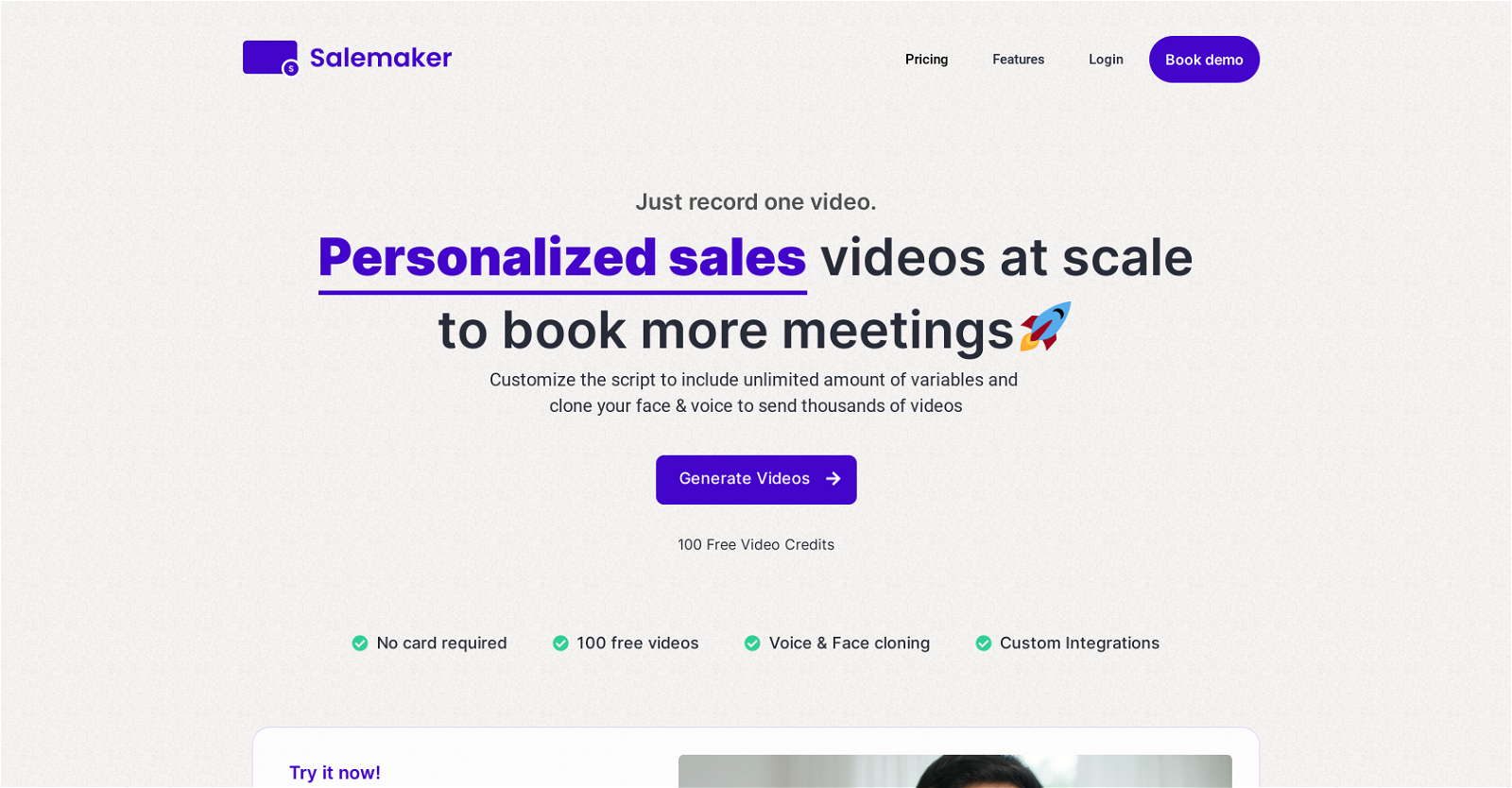
Automate sending loom-style personalized videos. Clone your voice and face, upload thousands of leads, enable website background, and send personalized videos at scale.
Salemaker also supports enrichment where we can further personalize the script by scraping your lead's website. You can also get a custom landing page with a CTA and track analytics.
We offer affiliate and white-labeling services as well and have an API for integrations.
Help other people by letting them know if this AI was useful.
Add your own prompts and outputs to help others understand how to use this AI.
Screenshot gallery
Pros & Cons
Pros
+Generates personalized sales videos
+Voice cloning and face-syncing
+Script customization
+Integration with calendar apps
+Shareable landing pages
+Customizable video thumbnails
+Dynamic video backgrounds
+Lead engagement tracking
+Upcoming features like enrichment
+Video dubbing in multiple languages
+Flexible pricing plans
+Lifetime access availability
+Bulk video generation
+Exclusive landing page for each video
+CSV file upload for lead details
+Branded landing page customization
+Video captions
+ROI tracking
+Personalized message integration
+Custom integrations
+Priority 24/7 support
+API access
+White labelling
+Provides personalized thumbnails
+Record once, use multiple times
+Variable script contents
+Interactive content
+Data utilization
+Web enrichment for personalization
Cons
−Potential data privacy issues
−Requires CSV for personalization
−Voice cloning not perfect
−Face-syncing can be unnatural
−Dynamic backgrounds limited
−Dependent on analytics
−Video captioning coming soon
−One-time payment model uncertainty
A Professional Framework to Evaluate Salemaker
When considering Salemaker for integration into your organizational workflow, we recommend deploying a structured score card across three critical operational pillars: Security & Compliance, Integration Friction, and long-term Price Scalability. Rather than looking only at basic feature lists, modern procurement teams must assess how a software platform behaves under high load and how well it fits into the team's data security guidelines.
1. Security and Database Compliance
Depending on your operating region and field, ensure that Salemaker supports standard security layers such as SOC 2 Type II certifications, GDPR compliance, or HIPAA-compliant database encryption. If the tool connects directly to client database tables or handles user passwords, verify that they implement multi-factor authentication (MFA), single sign-on (SSO) integrations, and end-to-end data encryption in transit and at rest.
2. API Coverage and Custom Integrations
Siloed data is the primary cause of operational friction. Evaluate if Salemaker has native connectors for your current project trackers, messaging hubs, and customer communication channels. For custom developer requirements, check if they provide a fully documented REST API with reasonable rate limits, comprehensive Webhooks support, and robust SDK packages in your language. A flexible API layer saves hundreds of hours of manual copy-paste overhead.
3. Total Cost of Ownership (TCO)
SaaS pricing packages are often deceptively simple. When reviewing Salemaker's billing structure, map out your team's projected expansion over the next 12 to 24 months. Determine how costs scale as your customer database increases or as you add team members. Factor in setup costs, mandatory support plan upgrades, API access fees, and storage overage rates to understand the true cost before committing to a contract.
By combining verified user reviews from our directory with internal workflow pilot tests, your procurement team can make an informed decision that drives productivity without creating capital waste.
Features of Salemaker
API
Sales
Personalization
Video Generation
Video Customization
Video Marketing
From $39
SaaS1to10 verified reviews for Salemaker
Overall rating
★★★★★5.0
Based on 17 reviews
★★★★★5.01 months ago
“Review”
I'm usually kinda skeptical with tools that send stuff over email, but this one had the full book in my inbox in like a min. You can even pick how and what you wanna download, it has text, cover, epub, pdf. The story was an interesting read too. As a heads up though, you only get 1 free book and the max that you can go for is 10 chapters, which adds up to about 20-something pages, so basically don't expect a full novel is what I'm saying. Still really good overall.
Niraj Katy
★★★★★5.01 months ago
“Review”
Great accuracy and easy to crosscheck with the provided hyperlinks to the sources.
Marius Schmitt
★★★★★5.01 months ago
“Review”
I've been playing around with this for a few hours. It's made me say "WOW" too many times than i wish to admit. I'm going to follow this and see how it evolves. For now, i managed to create quite a nice Expenses app for personal use. | It did have some problems when it came to moving some components on other pages, but for how short the prompts it uses can be, it is really impressive. With some proper prompts it can generate some strong stuff.
Bernard
★★★★★5.01 months ago
“Review”
Useful tool for visualizing traffic flowing through your website. Does what GA4 does but without the headache and unnecessary learning curve.
Nic Miller
★★★★★5.01 months ago
“Review”
It's genius. Amazing tool. PDF generation might be improved, but apart from that is amazing.
Aleksander Lukashou
★★★★★5.01 months ago
“Review”
@KeywordSearch creates AI Ad Targeting audiences for YouTube
Aleric Heck
★★★★★5.01 months ago
“Review”
im not receiving the code in my email
aiden shop
★★★★★5.01 months ago
“Review”
Everything is working normally. Best,
Stefan Mitrovic
★★★★★5.01 months ago
“Review”
It is not free. So i couldnt test anything
Isa Venancio
★★★★★5.01 months ago
“Review”
B12 exceeded my expectations especially after I tried a few similar tools. Signing up took under a minute and because I offer a very specific set of services as a consultant, I didn't expect the AI to be able to capture my work, but it did a great job with creating content for me. I only had to make a few edits, add my bio, and was able to publish that same day. Now I get lots of compliments on my site and I've even tried their other tools like email marketing, which is great because the emails match my site's appearance. Overall I would recommend B12 as an effective, affordable, and easy to use website solution.
Katie G
★★★★★5.01 months ago
“Review”
For now the best browser based AI scraper i have ever used.
Jason Shirazi
★★★★★5.01 months ago
“Review”
It's sad to see people want to try your tool out but you have no free sample for them. This may be the best tool out there, but, as mentioned, going through with the AI for minutes to explain what you want, then being prompted to pay, without even knowing if it CAN create something, is discouraging. I hope we can get a free sample or preview at one point, im interested in this one.
Ron Jayson
★★★★★5.01 months ago
“Review”
Fantastic tool for anyone who is looking to promote their personal brand and gain followers on Linkedin with no experience. The tool has a lot of potential to grow and as someone who has recently purchased the tool I'm hoping for more topics in settings.
Ed Soltani
★★★★★5.01 months ago
“Review”
This tool i found is super cool, I created 5 books from this tool to sell them online, which gives me great profit. I am creating more valuable books to spread knowledge, and earn some bucks as well 🤑.
Bilal Ashraf
★★★★★5.01 months ago
“Review”
We will give you guys a go! thanks!
Silent Co
★★★★★5.01 months ago
“Review”
Suppppeeeeerrr! Wowwww! @Mindsmith is absolutely fantastic! It is incredibly useful, easy to use, and very professional.
Claudia Scilletta
★★★★★5.01 months ago
“Review”
I think the software is really good.
Jiahui Zhou
Pricing
Starting Price
From $14.00/user/month
Pricing may vary based on team size and features selected.