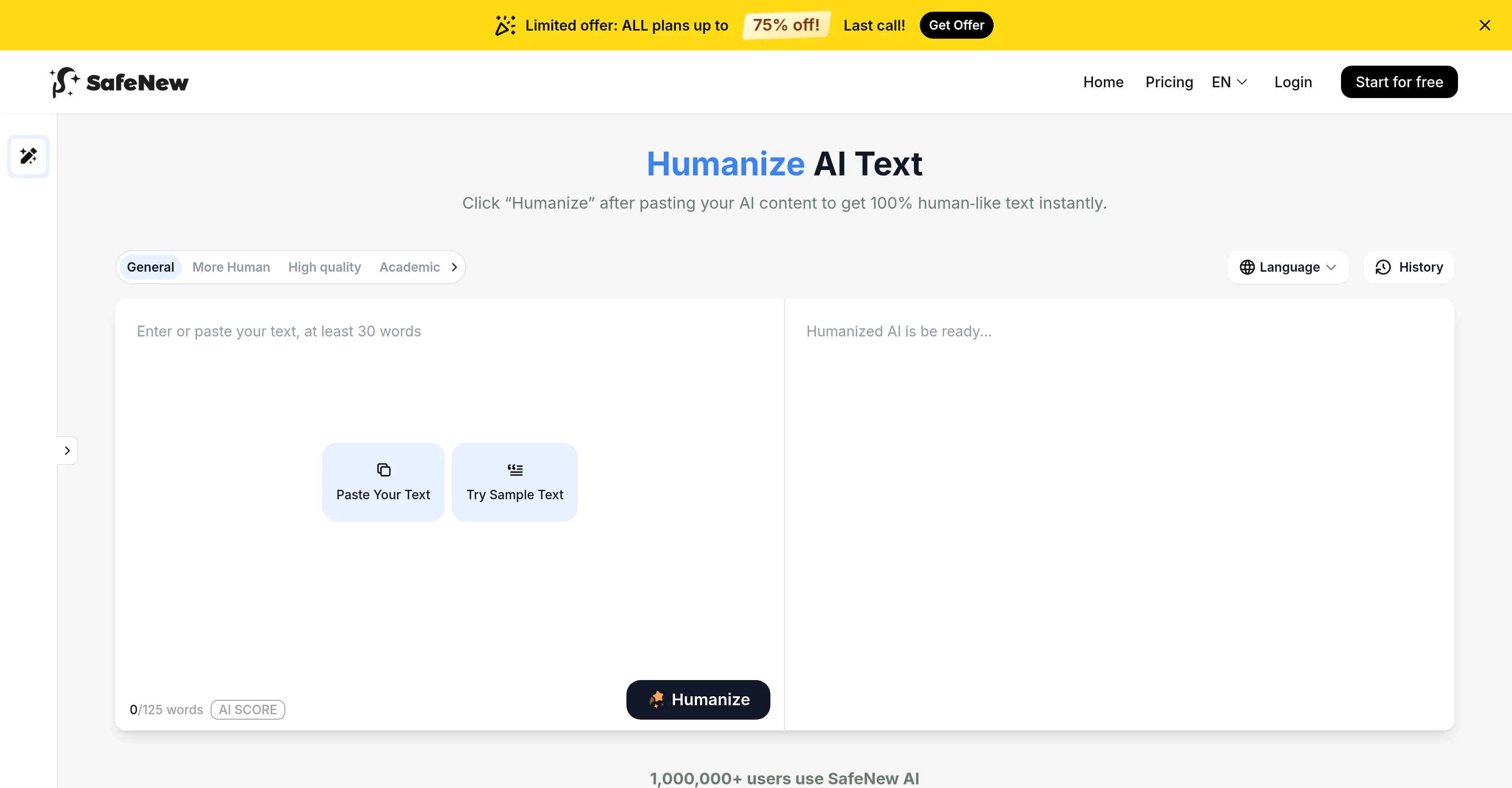
SafeNew AI Humanizer is a tool designed to enhance AI-generated text by making it more human-like. The tool aims at transforming machine-created content forthwith, without forgoing the intended message or style.
The AI-driven solution is unique in its approach as it creates a dedicated AI model for each user, ensuring that each set of content maintains its distinct style and intent.
Utilizing extensive human-written corpora, the AI model embodies both coherence and fluency. Beyond just humanizing, SafeNew strives to improve the quality of the content, reducing redundancy, rectifying grammatical errors, and enhancing clarity without altering the core meaning.
It progressively revises the text until it becomes more readable, lucid, and smoother. The tool is designed to cater to users requiring authentic human-quality text such as marketing professionals, students, academicians, SEO writers, and content creators.
For marketers, SafeNew assists in creating and humanizing persuasive copy for various platforms. Students and academicians can convert AI-generated research summaries and essay drafts into personalized writing that complies with academic norms.
Meanwhile, SEO writers and content creators can refine AI-drafted articles into natural, human-like text specifically crafted for search engine optimization and reader engagement.
It ensures that the tone and style of the content are preserved, making it seem as if a human wrote it. For personalized text that reflects individual writing styles, the tool builds private models trained solely on the user's writing, safeguarding content authenticity.
Help other people by letting them know if this AI was useful.
Add your own prompts and outputs to help others understand how to use this AI.
Screenshot gallery
Pros & Cons
Pros
+Preserves original message and style
+Reduces textual redundancy
+Corrects grammatical errors
+Enhances text clarity
+Improves overall content quality
+Supports multiple user profiles
+Personalized academic text conversion
+SEO content refinement
+Adopts user writing style
+Free trial available
+Supports multiple languages
+Private model for user-specific writing
+Rewrites until text smoother
+Fulfills professional standards for marketers
+Maintains consistent brand language
+Individual style preservation
+Authentic feeling text
+Tailored solutions for professionals
+Ideal for content creators
+Verifies quality in one place
+Different subscription plans available
+Vocabulary choices reflect user's style
+Multilingual support
+Private rewrite model
+Rewrites preserving intent and style
+Automatic quality improvement
+Student-founded startup
+Iterative text rewriting for readability
+Detailed FAQs provided on site
+Comply with linguistic norms
+Supports academic norms
+Multiple major languages support
Cons
−Doesn't support batch processing
−No shared algorithms
−No one-size-fits-all output
−Expensive for unlimited usage
−No private model in basic plan
−Limited words for basic and pro plans
−No private rewriting for all plans
−Limited rewriting model in basic plan
−Humanizing limited to 750 words per request in basic plan
−Produced model only based on user's writing
A Professional Framework to Evaluate SafeNew AI Humanizer
When considering SafeNew AI Humanizer for integration into your organizational workflow, we recommend deploying a structured score card across three critical operational pillars: Security & Compliance, Integration Friction, and long-term Price Scalability. Rather than looking only at basic feature lists, modern procurement teams must assess how a software platform behaves under high load and how well it fits into the team's data security guidelines.
1. Security and Database Compliance
Depending on your operating region and field, ensure that SafeNew AI Humanizer supports standard security layers such as SOC 2 Type II certifications, GDPR compliance, or HIPAA-compliant database encryption. If the tool connects directly to client database tables or handles user passwords, verify that they implement multi-factor authentication (MFA), single sign-on (SSO) integrations, and end-to-end data encryption in transit and at rest.
2. API Coverage and Custom Integrations
Siloed data is the primary cause of operational friction. Evaluate if SafeNew AI Humanizer has native connectors for your current project trackers, messaging hubs, and customer communication channels. For custom developer requirements, check if they provide a fully documented REST API with reasonable rate limits, comprehensive Webhooks support, and robust SDK packages in your language. A flexible API layer saves hundreds of hours of manual copy-paste overhead.
3. Total Cost of Ownership (TCO)
SaaS pricing packages are often deceptively simple. When reviewing SafeNew AI Humanizer's billing structure, map out your team's projected expansion over the next 12 to 24 months. Determine how costs scale as your customer database increases or as you add team members. Factor in setup costs, mandatory support plan upgrades, API access fees, and storage overage rates to understand the true cost before committing to a contract.
By combining verified user reviews from our directory with internal workflow pilot tests, your procurement team can make an informed decision that drives productivity without creating capital waste.
Features of SafeNew AI Humanizer
AI Humanizing
Text Enhancement
Human Like Writing
Text Generation
Reader Engagement
Content Quality Improvement
Free + From $9.99/Mo
SaaS1to10 verified reviews for SafeNew AI Humanizer
Overall rating
★★★★★5.0
Based on 21 reviews
★★★★★5.02 months ago
“Review”
this one is actually pretty fun for sketching out tattoo ideas. i threw in a rough sleeve concept and it gave me a few decent directions to work from, even if some of the linework got a little messy. wouldn’t take the result straight to the artist, but it’s a solid jump-off point.
Stefan Angelo
★★★★★5.02 months ago
“Review”
Very useful. Simple
Zeca Guedes
★★★★★5.02 months ago
“Review”
Its Not Free Its fully paid even you cant access few seconds without payment. not recommended.
Nikhil Nishad
★★★★★5.02 months ago
“Review”
It has changed the way I do product discovery now
Artem Bukhinchenko
★★★★★5.02 months ago
“Review”
I liked it, it was easy to use and the generated website was perfect.
Ibrahim Taisir
★★★★★5.02 months ago
“Review”
Can’t use it without an invite code.
Steven
★★★★★5.02 months ago
“Review”
Classic tool 😮💨 Loving Gen 4, it's wild how good the motion consistency is. It feels like a full studio in your browser. Big W guys keep it up!
Chris Studioz
★★★★★5.02 months ago
“Review”
A whole new way of learning how to code
Francisco Silverio
★★★★★5.02 months ago
“Review”
killer one!!!!
Daniel Melegari
★★★★★5.02 months ago
“Review”
Very interesting
Béatrice Duval
★★★★★5.02 months ago
“Review”
I joined Kin's beta program on my iPhone XR. After upgrading to an iPhone 13, I found that I couldn't log into my existing account on the new phone, forcing me to create a new account. Now, I have two separate Kin accounts on different phones. Today, when I accessed the beta version of Kin, I got a notification stating that the test version ended on Monday, September 23rd. It instructed me to back up my data and move to the official Kin app. I did as advised—backed up my data, confirmed, uninstalled the beta app via TestFlight, and installed the official Kin app. However, when I attempted to “log in”, I was still unable to access my existing account. This issue hasn't been resolved yet. I have been trying desperately to get in contact with the support team. I left feedback through the test flight app and sent emails. No response. Now trying to find a forums, Reddit posts, TAAFT comments☻
Desiree Miller
★★★★★5.02 months ago
“Review”
Such a great place to start out!
Helli Lang
★★★★★5.02 months ago
“Review”
Alternative for fast academic writing
Ivan Taslim
★★★★★5.02 months ago
“Review”
State of the Art
Dmitry G.
★★★★★5.02 months ago
“Review”
WE USE @D-ID AT THE COLORADO VIRTUAL CREATIVE FACTORY...AND LOVE IT.
Franco Arteseros
★★★★★5.02 months ago
“Review”
is it possible to add slovak language?
Zuzana Feriancová
★★★★★5.02 months ago
“Review”
Best one! The only one that does not add mistakes to fool AI detectors.
Handofaek
★★★★★5.02 months ago
“Review”
V1.0 Launched :)
Ezzaky Ab.
★★★★★5.02 months ago
“Review”
@Clever AI Humanizer is a smart solution for making AI text more 'human' at no cost. I've tried it myself, and the results are truly natural, not robotic. Highly recommended for those who frequently use AI for content! 👍🏼
JEFRIE DYLAN
★★★★★5.02 months ago
“Review”
Hey TAAFT, real talk. AI gives you ideas. But, it doesn't give you a voice. Enter @Humanize.sh. We make AI text sound like a real person, not a bot. Fast, private, and low effort. How: Paste. @Humanize. Copy. Done. Works with ChatGPT, Gemini, Claude, and all the usual suspects. Made for students who want clear essays, honest emails to profs, and captions that don’t scream “generated”. Teachers, creators, everyone welcome. Privacy: we never store your text. Want a demo? Drop one sentence and we'll @Humanize it live :)
Humanize
★★★★★5.02 months ago
“Review”
Zero GPT which is supposed to be covered detects it with 100% certainty. So... No.