5.02 months ago
“Review”
Amazing tool to get things done! Trully amazing use of AI
Andres

AI-native desktop workspace for complex document work.
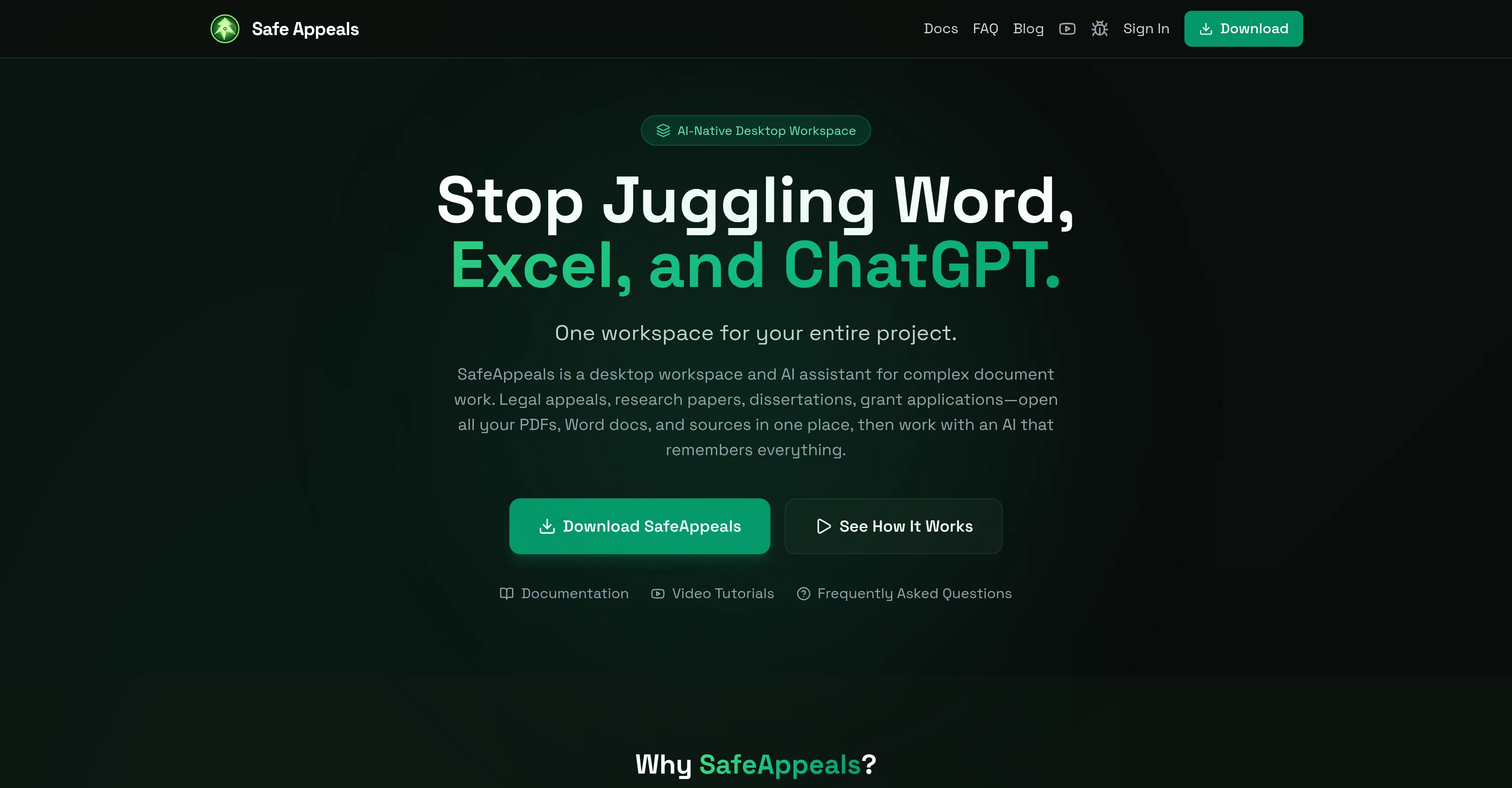
Safe Appeals operates as an AI-native desktop workspace particularly designed for executing complex document-related tasks. Its utility ranges from managing legal appeals to writing dissertations, and conducting research papers to crafting grant applications. The software allows the users to open all of their files, whether PDFs, Word documents, and other relevant sources in one hub, instead of juggling between different applications. This one-stop workspace combines the capabilities of your usual document editors Word, Excel, and PDF, which means users can write papers, annotate sources, and administer citations all in one platform. Another salient feature is its integrated AI assistant that keeps track of the entire project, including documents, notes, and prior conversations. This context-aware AI feature enhances the software's organization and efficiency, mitigating the need for re-assessing and copying-and-pasting tasks. Moreover, this tool enables users to turn scattered files towards an organized project in just a matter of minutes. Safe Appeals is free to download, with certain AI functionalities requiring credits. Additionally, the software permits Bring-Your-Own-Key (BYOK) for a fee-free access point. Suitable for individuals or entities dealing with document and research-intense tasks, like legal practitioners, graduate students, academic researchers, and consultants. Help other people by letting them know if this AI was useful. Add your own prompts and outputs to help others understand how to use this AI.
When considering Safe Appeals for integration into your organizational workflow, we recommend deploying a structured score card across three critical operational pillars: Security & Compliance, Integration Friction, and long-term Price Scalability. Rather than looking only at basic feature lists, modern procurement teams must assess how a software platform behaves under high load and how well it fits into the team's data security guidelines.
Depending on your operating region and field, ensure that Safe Appeals supports standard security layers such as SOC 2 Type II certifications, GDPR compliance, or HIPAA-compliant database encryption. If the tool connects directly to client database tables or handles user passwords, verify that they implement multi-factor authentication (MFA), single sign-on (SSO) integrations, and end-to-end data encryption in transit and at rest.
Siloed data is the primary cause of operational friction. Evaluate if Safe Appeals has native connectors for your current project trackers, messaging hubs, and customer communication channels. For custom developer requirements, check if they provide a fully documented REST API with reasonable rate limits, comprehensive Webhooks support, and robust SDK packages in your language. A flexible API layer saves hundreds of hours of manual copy-paste overhead.
SaaS pricing packages are often deceptively simple. When reviewing Safe Appeals's billing structure, map out your team's projected expansion over the next 12 to 24 months. Determine how costs scale as your customer database increases or as you add team members. Factor in setup costs, mandatory support plan upgrades, API access fees, and storage overage rates to understand the true cost before committing to a contract.
By combining verified user reviews from our directory with internal workflow pilot tests, your procurement team can make an informed decision that drives productivity without creating capital waste.
Overall rating
Based on 19 reviews
Amazing tool to get things done! Trully amazing use of AI
Andres
Working great as of 30/11/2024. Let me tell you why I'm so happy about this, because I was desperate: - Firecrawl.dev? Inconsistent API documentation. Apify scrapers? Couldn't work on my target URL. - I spent $150 over 4-5 OTHER tools before finding this one, which is free to use locally right now. Wow. I'm dumb. - My target URL was a broken site, with 500 javascript errors, content violations, bad cookies, etc. - Not a single scraper worked that I tried, except for this one. So yeah, I'd say I'm pretty happy
Sha Ok
Use full workspaces multiple people can use this ai
Rajkumar Dyagala
Everything is working normally. Best,
Stefan Mitrovic
After not even ONE try, it asks for Pro. No success, just imo developer hyper-greed. Avoid!
Katrina Silas
I use Bolt every day as my main GPT client. Easier to use than ChatGPT, Daniel has made a great app here 👏 He's also very receptive to feedback, and has taken some of my ideas and bug reports on board 👍 Keep up the good work! Recommended ⭐
James Ivings
Accuracy nice. Free
Álvaro Sánchez Román
Hi thanks for pointing this out, we've checked and can confirm that the thing is in fact doing the thing 🫡
Osum
Great idea, but does not find what you are looking for-about the same as Google Scholar
Andy
A valuable resource. I think I will be using this site quite regularly.
Slavica Voss
Very interesting
Béatrice Duval
I joined Kin's beta program on my iPhone XR. After upgrading to an iPhone 13, I found that I couldn't log into my existing account on the new phone, forcing me to create a new account. Now, I have two separate Kin accounts on different phones. Today, when I accessed the beta version of Kin, I got a notification stating that the test version ended on Monday, September 23rd. It instructed me to back up my data and move to the official Kin app. I did as advised—backed up my data, confirmed, uninstalled the beta app via TestFlight, and installed the official Kin app. However, when I attempted to “log in”, I was still unable to access my existing account. This issue hasn't been resolved yet. I have been trying desperately to get in contact with the support team. I left feedback through the test flight app and sent emails. No response. Now trying to find a forums, Reddit posts, TAAFT comments☻
Desiree Miller
Such an impressive platform for all of us who are looking for more efficient ways to do the investigation. @OpenRead has the potential to solve our problems.
Zhuohang Tong
Suppppeeeeerrr! Wowwww! @Mindsmith is absolutely fantastic! It is incredibly useful, easy to use, and very professional.
Claudia Scilletta
your answer is much too general, so useless. You could have just tell me to ask Perplexity.
Ta
Phenonmal assistant!
Cav
@LaunchLemonade is brilliant! AI for everyone.
meena sangar
A very simple-to-use, yet very powerful app. It made my work so much easier, my scanned and downloaded files are no longer a mess.
Filip Pendovski
I was part of the beta trials and @TidyDocs has made it so much easier to manage my receipts and invoices.
Sebastian Lorentz
Starting Price
From $17.00/user/month
Pricing may vary based on team size and features selected.


