5.01 months ago
“Review”
yes its useful
Roberto Martina

Label images faster than ever with AI.
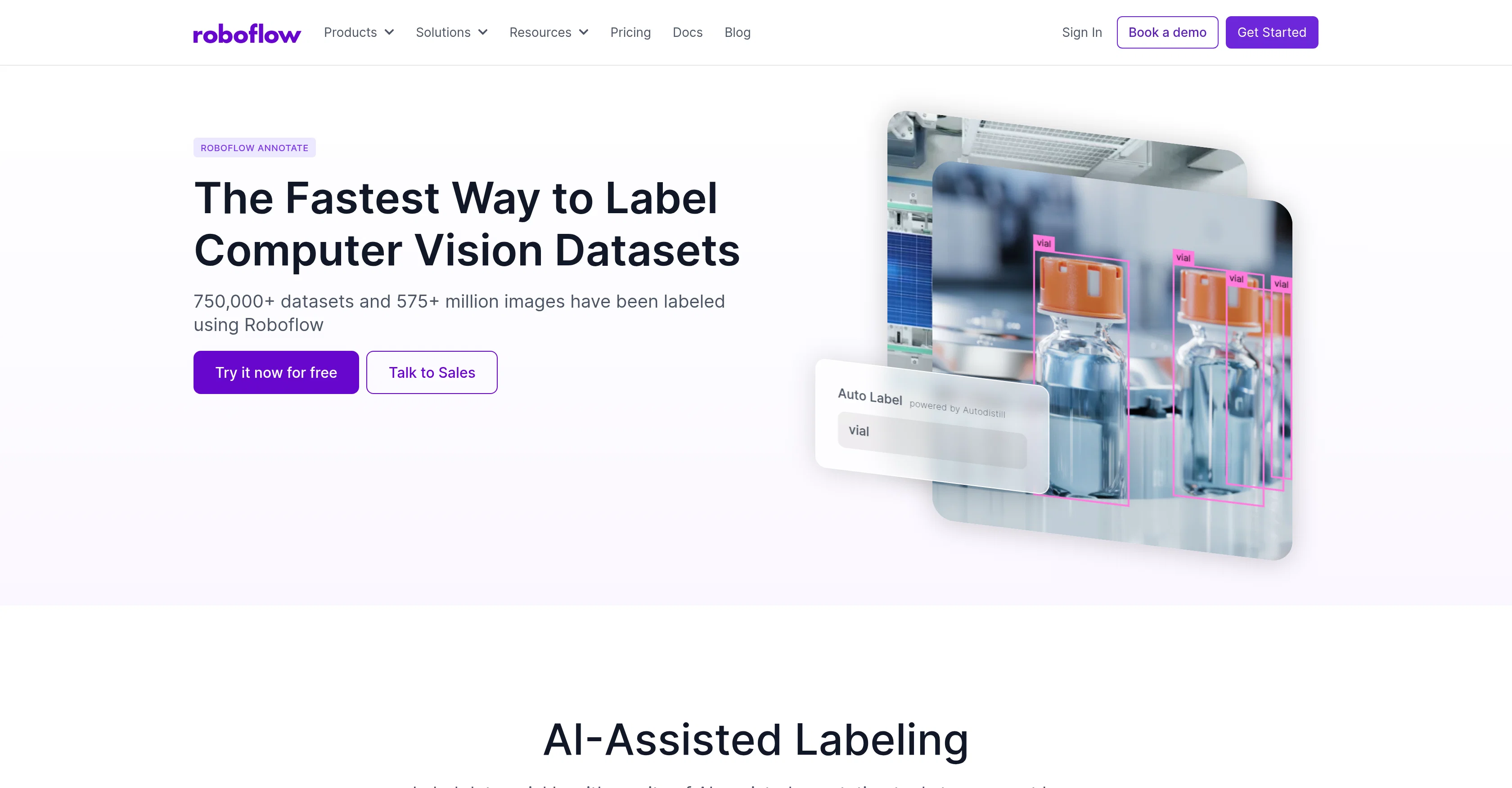
Roboflow Annotate is a tool designed for quick labeling of training data, suitable for use in diverse industries. Being equipped with AI-assisted data annotation capabilities, this tool aids in accelerating data labeling tasks, whether it be human-augmented labeling or full automation of the data labeling pipeline. It also offers features such as Smart Polygon and Label Assist powered by Meta AI's Segment Anything 2 model, which help in creating polygon annotations and reducing human labeling time. These enhanced features also help in annotating thousands of images in minutes.Roboflow Annotate manages datasets by automating the process of identifying anomalies and areas of low performance to improve dataset quality. In addition, the platform includes pre-processing and augmentation capabilities, which can generate multiple versions of each image in the dataset to maintain model generalization.The tool provides dataset search and analytical features for curating, organizing and visualizing data, assisting in the creation of high-quality datasets. For versatile computer vision projects, Roboflow Annotate offers different labeling functions, including Object Detection, Instance Segmentation, Keypoint Detection, and Classification. It also facilitates real-time teamwork and project management, allowing for uploading, assigning, periodically reviewing, and approving annotations.Notably, the tool ensures secure role-based access and maintains a record of all changes made, thereby providing annotation insights for streamlined operations. For organizations in need of larger labeling workflows, Roboflow offers managed labeling services to quickly scale up operations while preserving data quality and speed. Help other people by letting them know if this AI was useful. Add your own prompts and outputs to help others understand how to use this AI.
When considering Roboflow Annotate for integration into your organizational workflow, we recommend deploying a structured score card across three critical operational pillars: Security & Compliance, Integration Friction, and long-term Price Scalability. Rather than looking only at basic feature lists, modern procurement teams must assess how a software platform behaves under high load and how well it fits into the team's data security guidelines.
Depending on your operating region and field, ensure that Roboflow Annotate supports standard security layers such as SOC 2 Type II certifications, GDPR compliance, or HIPAA-compliant database encryption. If the tool connects directly to client database tables or handles user passwords, verify that they implement multi-factor authentication (MFA), single sign-on (SSO) integrations, and end-to-end data encryption in transit and at rest.
Siloed data is the primary cause of operational friction. Evaluate if Roboflow Annotate has native connectors for your current project trackers, messaging hubs, and customer communication channels. For custom developer requirements, check if they provide a fully documented REST API with reasonable rate limits, comprehensive Webhooks support, and robust SDK packages in your language. A flexible API layer saves hundreds of hours of manual copy-paste overhead.
SaaS pricing packages are often deceptively simple. When reviewing Roboflow Annotate's billing structure, map out your team's projected expansion over the next 12 to 24 months. Determine how costs scale as your customer database increases or as you add team members. Factor in setup costs, mandatory support plan upgrades, API access fees, and storage overage rates to understand the true cost before committing to a contract.
By combining verified user reviews from our directory with internal workflow pilot tests, your procurement team can make an informed decision that drives productivity without creating capital waste.
Overall rating
Based on 15 reviews
yes its useful
Roberto Martina
It's not free at all, you have to pay
Miro Luk
don't see how this is different form DALL-E or midjourneu
Lenny Deus
Very helpful tool in my design process and coming up with new features!
The Snow Center
It sure does Kristina, give it another go , try and refresh the page.
Daniel Garaiacu
Amazing site
Xzine Hub
Working fine for mee.. no such issues
Yusuf Reid
Doesn't work on a PDF I uploaded. Seems like it just wants to collect (l)users.
Kitty Machine
Very good 👍
Ahrar Hossain Evan
you're right.. I went back to the site and realized i had not signed up. Will remove my comment.
Lenny Deus
okayyy this is actually way closer to what i expected from @FilmmakerPRO lol. tossed in a short horror concept and got a pretty sick visual draft back fast. a few transitions felt kinda cheesy, but the overall vibe was there and it gave me enough to build on. solid little tool.
Miss Roso
No bg musics
power uz
Very good, they give a lot of loans, unlike other similar ones, and the quality is good and convenient
Bari Hamelson
Honestly, with the website looking the way it does on 5.4.2024, I feel discouraged to even try it for free. First impressions matter IMO. It would be great to have a showcase of products, etc
Vineet Sinha
Great avatar generation tool!
Ethan Webb
Starting Price
Free plan available
Free tier available with optional paid upgrades.


