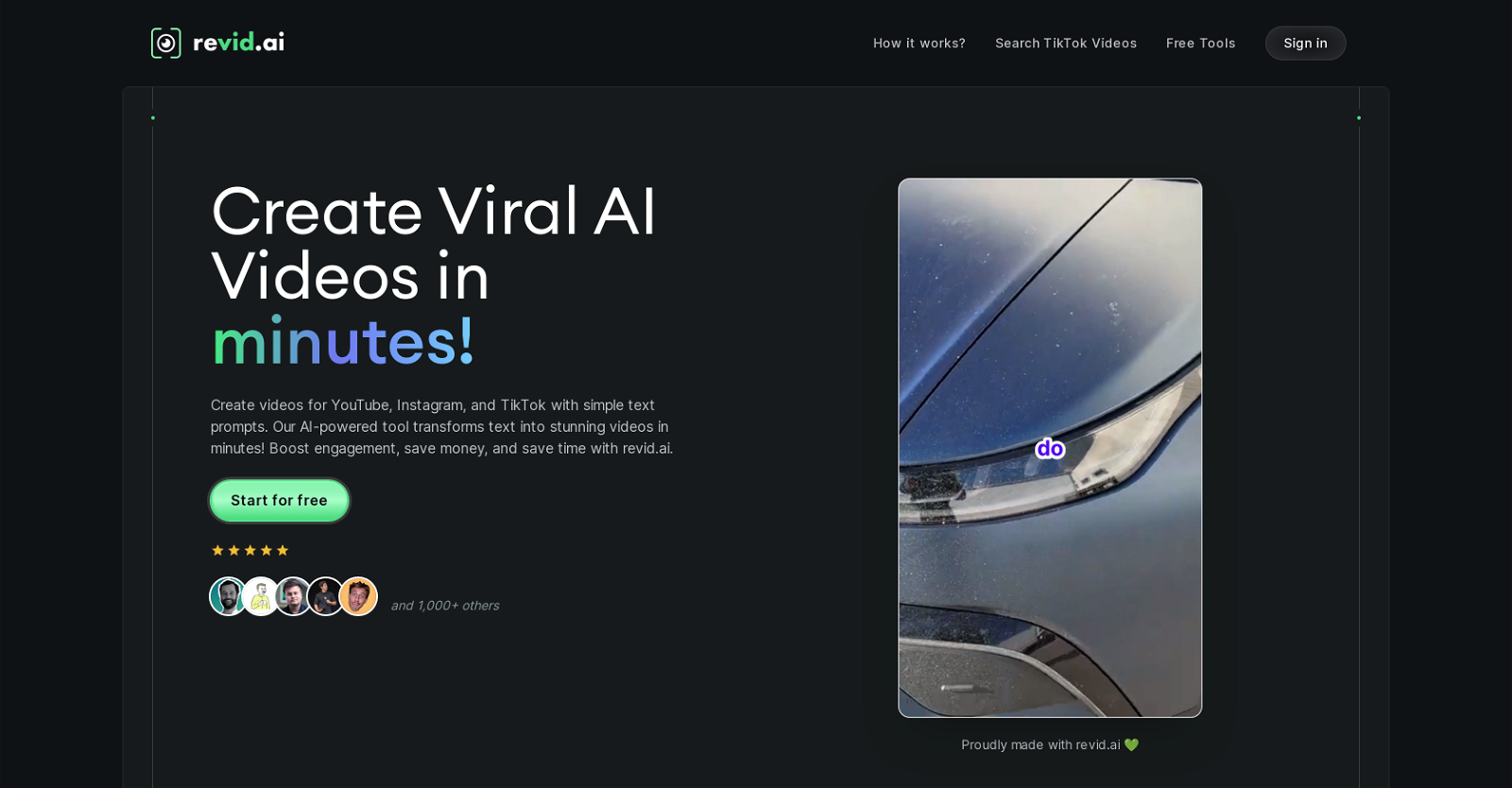
Revid.ai is an AI-powered tool designed to transform text into short engaging videos, with a focus on social media platforms like YouTube, Instagram, and TikTok.
Users input their text or a link, and the tool generates a script and creates a video within minutes. The tool's AI can identify and repurpose high-impact content to fuel video creation, saving time and adding value.
Apart from generating scripts and designing videos, Revid.ai can automatically monitor specified content sources like blogs, Twitter, or LinkedIn accounts and create content from them.
The tool has features for generating voiceovers, adding animations, and producing diverse formats of engaging content. It comes with intuitive interfaces and smart features that simplify video creation, requiring no advanced video editing skills from the user.
Users have a high degree of control over the AI-generated content, including the ability to fine-tune the visuals, pacing, and other defining elements of the videos.
The tool supports high quality video exports in multiple resolutions, offering precise frame rate control. Revid.ai also provides various pre-made tools, allowing users to turn their text, podcasts, interviews, or Reddit posts into standalone videos or even AI-avatar videos.
Help other people by letting them know if this AI was useful.
Add your own prompts and outputs to help others understand how to use this AI.
Screenshot gallery
Pros & Cons
Pros
+Transforms text into videos
+Script generation within minutes
+Repurposes high-impact content
+Automatically monitors content sources
+Generates voiceovers
+Adds animations
+Requires no video editing skills
+User control over content
+Fine-tune visuals and pacing
+Supports multiple video resolutions
+Precise frame rate control
+Pre-made tools provided
+Turns podcasts, interviews into videos
+Converts Reddit posts into videos
+Increases video engagement significantly
+Efficient content transformation for TikTok
+Viral content generation
+Advanced search functionality
+Effortless video storytelling
+Customisable video templates
+Aids in audience and business growth
+Data privacy and security
+Significant time and effort saving
+Automation feature for video creation
+Provides competitive edge in content creation
+Supports text and link as input
+Tools for creating TikTok videos
+Converts YouTube videos into short clips
+Converts tweets into videos
+Turns audio into video
+Optimized visuals for maximum impact
+Automatically creates content from favourite sources
Cons
−Limited to short videos
−No direct file uploads
−No live action content
−Single user control
−Automated content may lack originality
−Limited content sourcing platforms
−Varying video export quality
−Could lack personalization
−Reliant on text for creation
−May struggle with complex scripts
A Professional Framework to Evaluate Revid
When considering Revid for integration into your organizational workflow, we recommend deploying a structured score card across three critical operational pillars: Security & Compliance, Integration Friction, and long-term Price Scalability. Rather than looking only at basic feature lists, modern procurement teams must assess how a software platform behaves under high load and how well it fits into the team's data security guidelines.
1. Security and Database Compliance
Depending on your operating region and field, ensure that Revid supports standard security layers such as SOC 2 Type II certifications, GDPR compliance, or HIPAA-compliant database encryption. If the tool connects directly to client database tables or handles user passwords, verify that they implement multi-factor authentication (MFA), single sign-on (SSO) integrations, and end-to-end data encryption in transit and at rest.
2. API Coverage and Custom Integrations
Siloed data is the primary cause of operational friction. Evaluate if Revid has native connectors for your current project trackers, messaging hubs, and customer communication channels. For custom developer requirements, check if they provide a fully documented REST API with reasonable rate limits, comprehensive Webhooks support, and robust SDK packages in your language. A flexible API layer saves hundreds of hours of manual copy-paste overhead.
3. Total Cost of Ownership (TCO)
SaaS pricing packages are often deceptively simple. When reviewing Revid's billing structure, map out your team's projected expansion over the next 12 to 24 months. Determine how costs scale as your customer database increases or as you add team members. Factor in setup costs, mandatory support plan upgrades, API access fees, and storage overage rates to understand the true cost before committing to a contract.
By combining verified user reviews from our directory with internal workflow pilot tests, your procurement team can make an informed decision that drives productivity without creating capital waste.
Features of Revid
Video Creation
AI Powered
Content Transformation
Social Media Marketing
Automated Content Generation
Script Generation
From $32/Mo
SaaS1to10 verified reviews for Revid
Overall rating
★★★★★5.0
Based on 26 reviews
★★★★★5.01 months ago
“Review”
As the service was in beta-testing stage, I created there a dozen of AI-generated courses for free. I wanted to use them. Those courses remained in my account as they started subscription tiers. But recently I have found out that they were deleted. The support didn't answer to my e-mail at all.
Oldfag TV
★★★★★5.01 months ago
“Review”
this is not for free -_-
Abdalrhman Alsayed
★★★★★5.01 months ago
“Review”
Its amazing.. I can find almost everything
alexandra matos
★★★★★5.01 months ago
“Review”
I think it's the best @Image Generator I ever found on the net. It gives more accurate image according to the prompt. And thank you for keeping it for free.
My Sawsiri
★★★★★5.01 months ago
“Review”
Great website!
Karan Monyal
★★★★★5.01 months ago
“Review”
Well polished storyboard tool with excellent graphic insert options.
Kingi Gilbert
★★★★★5.01 months ago
“Review”
Wonderful tool for generation short videos may add options for more voices
Rishikesh Bhushan
★★★★★5.01 months ago
“Review”
It's amazing, I have already used it to create a personal website.
Dvlin
★★★★★5.01 months ago
“Review”
For now the best browser based AI scraper i have ever used.
Jason Shirazi
★★★★★5.01 months ago
“Review”
Suppppeeeeerrr! Wowwww! @Mindsmith is absolutely fantastic! It is incredibly useful, easy to use, and very professional.
Claudia Scilletta
★★★★★5.01 months ago
“Review”
It's sad to see people want to try your tool out but you have no free sample for them. This may be the best tool out there, but, as mentioned, going through with the AI for minutes to explain what you want, then being prompted to pay, without even knowing if it CAN create something, is discouraging. I hope we can get a free sample or preview at one point, im interested in this one.
Ron Jayson
★★★★★5.01 months ago
“Review”
Everything is working normally. Best,
Stefan Mitrovic
★★★★★5.01 months ago
“Review”
It's genius. Amazing tool. PDF generation might be improved, but apart from that is amazing.
Aleksander Lukashou
★★★★★5.01 months ago
“Review”
I tried a chat section. It's pretty cool, I used another company that's very similar to yours but it didn't recognize speech nearly as well as yours does. The only negative feedback I have for you is the web app seems a little bit buggy on my phone sometimes when you click to hold down for speech it doesn't work very well you have to try it a couple times. I like it though I'm going to try it again.
Igor Durov
★★★★★5.01 months ago
“Review”
I already have another transcription tool, but this one is much better. I love the different features such as the summary, quiz, and chapters. It does a great job of them. I've only done one transcript so far to try it out, but I'm truly impressed and am going to grab another code. A couple things that would make it even better are: - the ability to rename the files and organize them through folders. - the ability to download a copy of the other features as well as the transcript. Copying and pasting it works, but doesn't keep the format.
dunn
★★★★★5.01 months ago
“Review”
This tool i found is super cool, I created 5 books from this tool to sell them online, which gives me great profit. I am creating more valuable books to spread knowledge, and earn some bucks as well 🤑.
Bilal Ashraf
★★★★★5.02 months ago
“Review”
excellent to use! very helpful in my content creation journey. the UI is elegant and easy to navigate, plus the founder keeps on shipping new features faster than I can imagine. love the product 👏
Medhansh Malhotra
★★★★★5.02 months ago
“Review”
I tried it but it takes ages and still did not give me the video I requested. Keeps running in circles "Preparing everything..." and nothing happens.
Imène M
★★★★★5.02 months ago
“Review”
Expensive compare to Autoshorts.ai
Bradley Jobe
★★★★★5.02 months ago
“Review”
Simply cannot work for scientific/credible videos.
Kelsey Parker
★★★★★5.02 months ago
“Review”
5 star and Ai is the best to guide anybody Ai helps many things like hardwork is easy due to use of Ai .You help in your study
Mohit Singh
★★★★★5.02 months ago
“Review”
Misleading! Said you dont need credit card to start for free. when I signed up it was not available and I had to buy credits to try the tool.
Saad Saiyed
★★★★★5.02 months ago
“Review”
This app is so cool, I use it daily to find trending topics then make a little short video! I’m already seeing results from views on socials like TikTok
Aims Whitter
★★★★★5.02 months ago
“Review”
Very cool tool that gives me free hours to cut my videos into shorts. Wish to get more referral bonus hours. If it could deal the video faster that would be even better.👍🏻
Siying Bai (Maria)
★★★★★5.02 months ago
“Review”
@Opus Clip is clutch fr
gregory brooks
★★★★★5.02 months ago
“Review”
Generating captions was super fast like seconds. Wish they had Anton font though
bob miller
Pricing
Starting Price
From $10.00/user/month
Pricing may vary based on team size and features selected.