5.01 months ago
“Review”
The website is pretty good but there are only a limited number of responses
Probal Roy

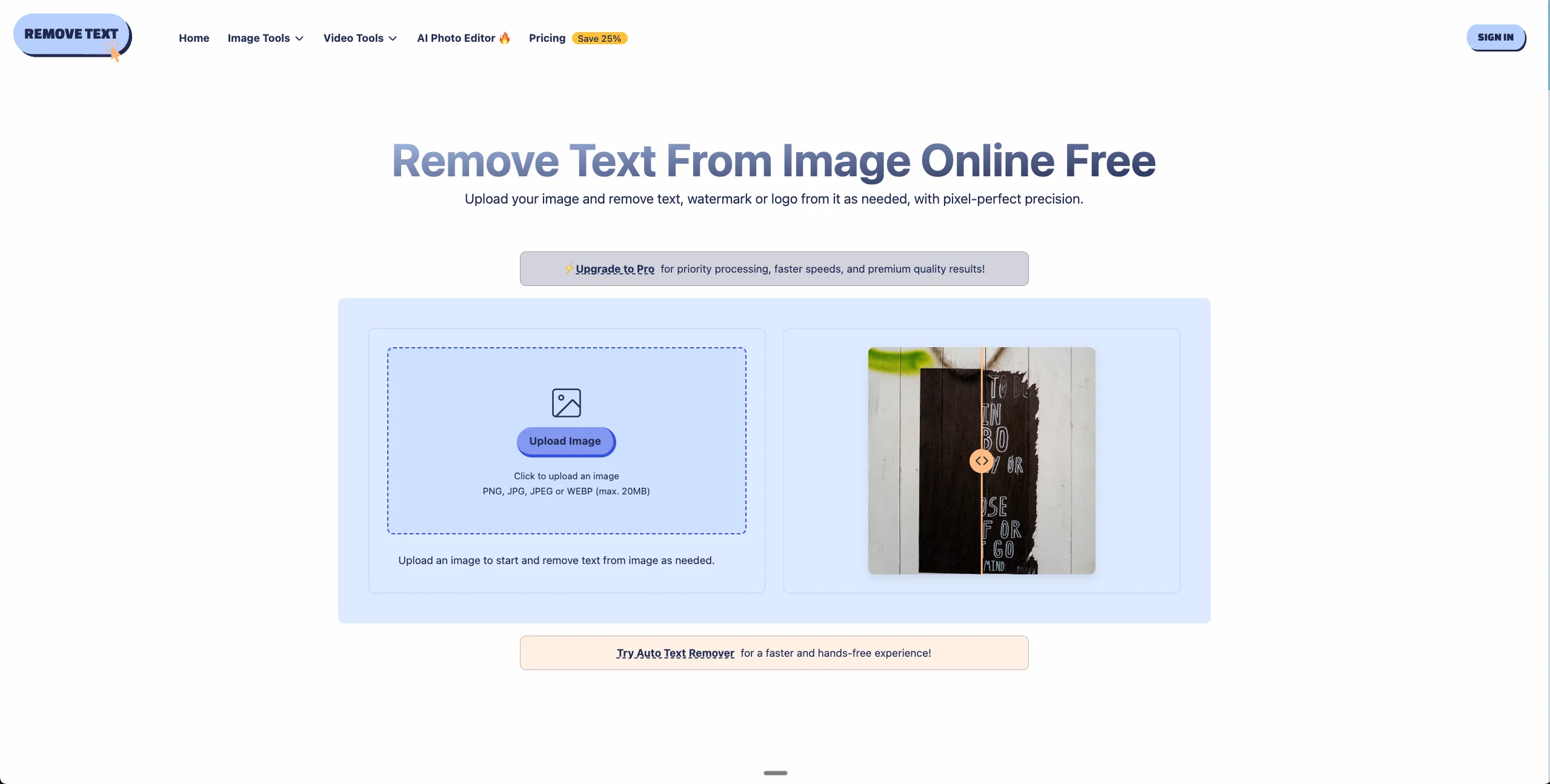
Remove unwanted text, watermark or logo from images online free.
Remove Text From Image Online Free is an AI-driven tool that eliminates unwanted text, watermarks, or logos from images with great precision. This tool uses advanced AI algorithms for text detection across diverse image backgrounds and styles. The system meticulously spots fonts, colors, and text locations, making it dependable for complex overlays. An integral part of this tool is its intelligent image restoration feature, which ensures no traces are left behind in the process of removing text from the image. This is achieved through an advanced reconstruction engine that seamlessly regenerates the underlying image texture. The tool supports a secure online workflow, allowing users to upload files, process them, and download the results, all within their browser environment. It offers multi-format support with JPEG, PNG, BMP, and WEBP, accommodating a wide range of use-cases. Moreover, it includes a preview option, enabling users to approve changes before downloading. With a privacy-by-design approach, all user uploads are encrypted and automatically deleted post-download. An added advantage is the batch removal feature, which supports the uploading and processing of multiple image files simultaneously, saving time and maintaining uniform quality. For images containing multiple text blocks, users can select multiple regions to perform the remove-text operation in a single session. Help other people by letting them know if this AI was useful. Add your own prompts and outputs to help others understand how to use this AI.
When considering Remove Text From Image for integration into your organizational workflow, we recommend deploying a structured score card across three critical operational pillars: Security & Compliance, Integration Friction, and long-term Price Scalability. Rather than looking only at basic feature lists, modern procurement teams must assess how a software platform behaves under high load and how well it fits into the team's data security guidelines.
Depending on your operating region and field, ensure that Remove Text From Image supports standard security layers such as SOC 2 Type II certifications, GDPR compliance, or HIPAA-compliant database encryption. If the tool connects directly to client database tables or handles user passwords, verify that they implement multi-factor authentication (MFA), single sign-on (SSO) integrations, and end-to-end data encryption in transit and at rest.
Siloed data is the primary cause of operational friction. Evaluate if Remove Text From Image has native connectors for your current project trackers, messaging hubs, and customer communication channels. For custom developer requirements, check if they provide a fully documented REST API with reasonable rate limits, comprehensive Webhooks support, and robust SDK packages in your language. A flexible API layer saves hundreds of hours of manual copy-paste overhead.
SaaS pricing packages are often deceptively simple. When reviewing Remove Text From Image's billing structure, map out your team's projected expansion over the next 12 to 24 months. Determine how costs scale as your customer database increases or as you add team members. Factor in setup costs, mandatory support plan upgrades, API access fees, and storage overage rates to understand the true cost before committing to a contract.
By combining verified user reviews from our directory with internal workflow pilot tests, your procurement team can make an informed decision that drives productivity without creating capital waste.
Overall rating
Based on 15 reviews
The website is pretty good but there are only a limited number of responses
Probal Roy
It is very receptive to the prompts and gives very aesthetically pleasing results.
Arianna
I especially like that there's a colored side to guide the artist as reference
Kristoff 1 Skalet 1
2 times I tried and it threw error. it is not clear how to use it.
marcelo prizmic
It’s good tool, but needs work when I write what supposed to be written is not working properly
Omar Ibrahim
The art is whimsical and fun. The style is absolutely a joy to work with and I love how the characters look. The only struggle I have is for the prompt to understand what I want. I understand you have to be absolutely explicit with your instructions, but when I ask for a mother hugging two of her children, I get the children hugging each other instead or the mother is hugging only one child. I am unsure how to get the three to hug at once. But the style is on point. Keep up the good work!
MD
nice holistic
Amit ImmI
your answer is much too general, so useless. You could have just tell me to ask Perplexity.
Ta
It’s quite nice! It does exactly what it suggests, which is amazing too.
Jojo
very good image
Bristan “Capesterre” Carbier
still background removing accuracy is required. it only 80% not 100%
Krutika Creations
Really impressive! The suggestions were simple, and the image came out beautifully well too!
Jojo
There were no aristocratic Asians and Africans in ancient Rome.
Sándor Gajdos
Not at all accurate…. The only thing similar between original and generated images were the clothes and accessories… face was absolutely new and unconnected.
Shvetank Sharma
I think it's the best @Image Generator I ever found on the net. It gives more accurate image according to the prompt. And thank you for keeping it for free.
My Sawsiri
Starting Price
Free plan available
Free tier available with optional paid upgrades.


