5.01 months ago
“Review”
Looks great, helps my family a lot!
mikew12044@lofiey.com

AI video cleanup for reposts, ads, and reuse
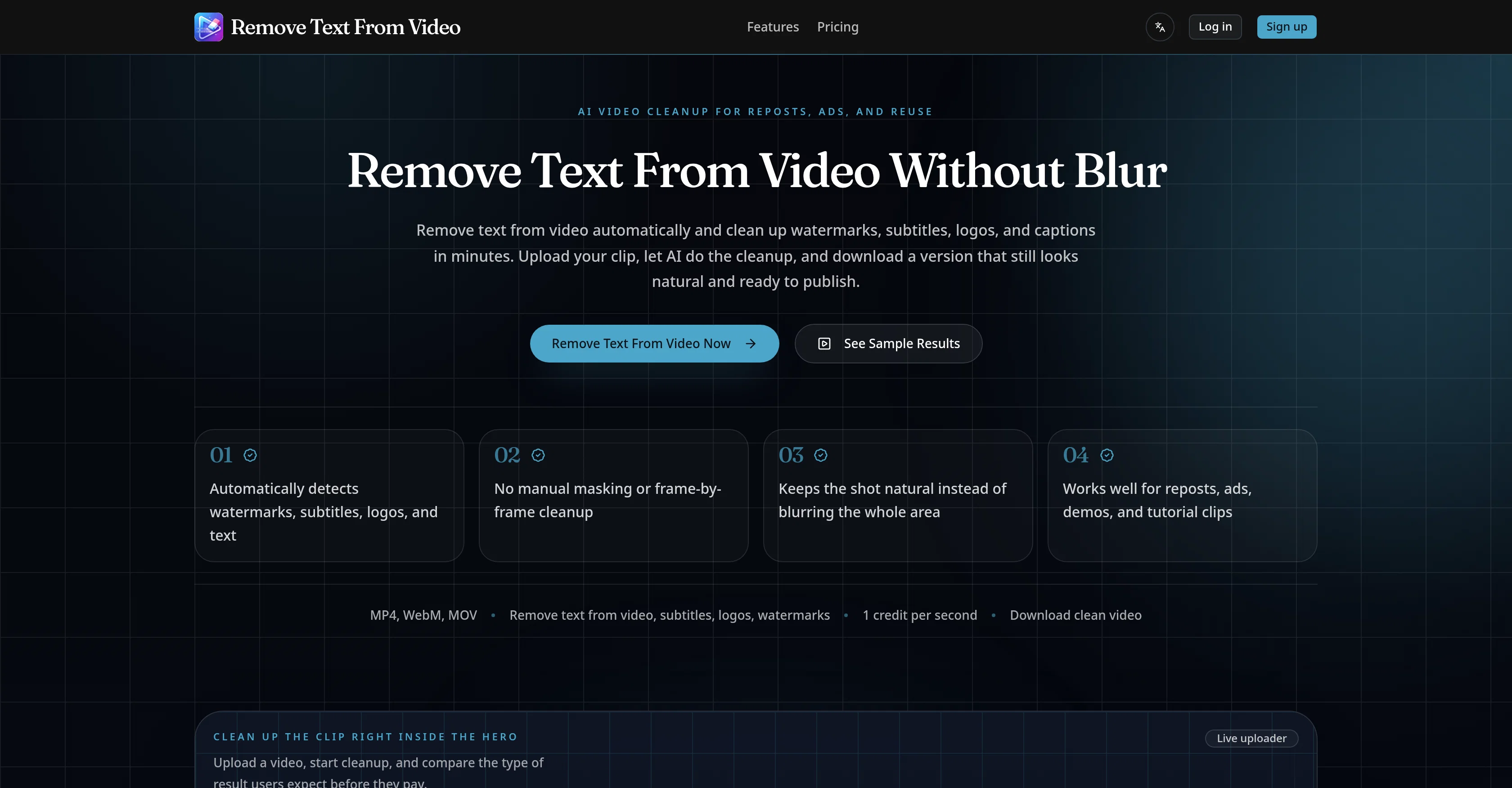
This AI-powered tool is designed to remove text from videos automatically, notably cleaning up watermarks, subtitles, logos, and captions in a matter of minutes. The tool ensures the cleaned-up video looks natural and remains publication-ready, eliminating the need for manual masking or frame-by-frame cleanup. It is capable of handling various formats, including MP4, WebM, and MOV. The AI not only removes text but also detects and cleans distracting areas found in videos. This function is particularly handy when dealing with mixed overlays of text, subtitles, logos, and watermarks concurrently. Unlike other tools that might resort to heavy blurring, this tool makes the video scene look natural while removing the unwanted text, ensuring the end result is suitable for editing, reposting, and advertising. The tool is also versatile and can facilitate the removal of text for various reuse needs such as the cleanup of short-form reposts on platforms like TikTok, Reels, and Shorts. It can remove burned-in subtitles from talking-head clips to make them easier to localize or re-edit. Brands can use it to remove distracting corner logos or labels from product demo videos. It's an ideal tool for cleaning up old tutorial footage, user-generated content ads, and archived footage where titles, captions, or lower-thirds are no longer applicable.Removing text from a video is as simple as uploading the desired video, letting the AI do the cleanup, and downloading the cleaned-up version ready for reuse. The tool is designed for teams and individual users who need to clean video clips for reposting or repurposing. Help other people by letting them know if this AI was useful. Add your own prompts and outputs to help others understand how to use this AI.
When considering Remove Text From Video.net for integration into your organizational workflow, we recommend deploying a structured score card across three critical operational pillars: Security & Compliance, Integration Friction, and long-term Price Scalability. Rather than looking only at basic feature lists, modern procurement teams must assess how a software platform behaves under high load and how well it fits into the team's data security guidelines.
Depending on your operating region and field, ensure that Remove Text From Video.net supports standard security layers such as SOC 2 Type II certifications, GDPR compliance, or HIPAA-compliant database encryption. If the tool connects directly to client database tables or handles user passwords, verify that they implement multi-factor authentication (MFA), single sign-on (SSO) integrations, and end-to-end data encryption in transit and at rest.
Siloed data is the primary cause of operational friction. Evaluate if Remove Text From Video.net has native connectors for your current project trackers, messaging hubs, and customer communication channels. For custom developer requirements, check if they provide a fully documented REST API with reasonable rate limits, comprehensive Webhooks support, and robust SDK packages in your language. A flexible API layer saves hundreds of hours of manual copy-paste overhead.
SaaS pricing packages are often deceptively simple. When reviewing Remove Text From Video.net's billing structure, map out your team's projected expansion over the next 12 to 24 months. Determine how costs scale as your customer database increases or as you add team members. Factor in setup costs, mandatory support plan upgrades, API access fees, and storage overage rates to understand the true cost before committing to a contract.
By combining verified user reviews from our directory with internal workflow pilot tests, your procurement team can make an informed decision that drives productivity without creating capital waste.
Overall rating
Based on 16 reviews
Looks great, helps my family a lot!
mikew12044@lofiey.com
The most humanly AI i have used so far but the problem is as soon as you start piling up messages in single chat session , it starts getting slow and at some point it starts freezing and also uses a lot of resources. For time being its okay to do 3 4 messages but as soon as we continue it has messages limitation and also starts getting very very slow . For the price of £18 per month this is unacceptable and with the newly introduced feature called project, if we start new chat within the project we cannot continue with the context we provided in other chats within same project. There are lot of improvements for them to work on. And to start with the its speed and its price
Bibash Katel
Great product to offload the data analytics workflow.
Pedro A Porras Luraschi
Reducing manual efforts in first-pass during code-review process helps speed up the "final check" before merging PRs
Sahil Mohan Bansal
Very interesting
Béatrice Duval
I got some top quality results after learning how to prompt songs 🤩
Claes Lanng
I have been using @Saufter, and I'm blown away. It has created a marketing newsletters for all of my sales leads, and is giving me data on which leads are interacting with the newsletters, it has created a new 'recently active' segment. I just got the fully drafted campaign in my inbox last week. Very cool!
Ryan Mason
Really like how it finds connection in the content that I save. I don't think any other tool can do that.
amix ffx
This tool i found is super cool, I created 5 books from this tool to sell them online, which gives me great profit. I am creating more valuable books to spread knowledge, and earn some bucks as well 🤑.
Bilal Ashraf
State of the Art
Dmitry G.
Went from a C to an A in Cognitive Psychology using @Thea!!
Sarah White
B12 exceeded my expectations especially after I tried a few similar tools. Signing up took under a minute and because I offer a very specific set of services as a consultant, I didn't expect the AI to be able to capture my work, but it did a great job with creating content for me. I only had to make a few edits, add my bio, and was able to publish that same day. Now I get lots of compliments on my site and I've even tried their other tools like email marketing, which is great because the emails match my site's appearance. Overall I would recommend B12 as an effective, affordable, and easy to use website solution.
Katie G
Many ai models help me create videos I love
long ff
this AI is great!!!!!!!
sina1marvel
I think it's the best @Image Generator I ever found on the net. It gives more accurate image according to the prompt. And thank you for keeping it for free.
My Sawsiri
Not at all accurate…. The only thing similar between original and generated images were the clothes and accessories… face was absolutely new and unconnected.
Shvetank Sharma
Starting Price
Free plan available
Free tier available with optional paid upgrades.


