5.02 months ago
“Review”
Amazing deep research feature! Haven't seen this level of execution through any other tool. It gives a designed socket to view a presentation at the end.
Zarrak Mushtaq

Fix Blurry Faces & Restore Memories
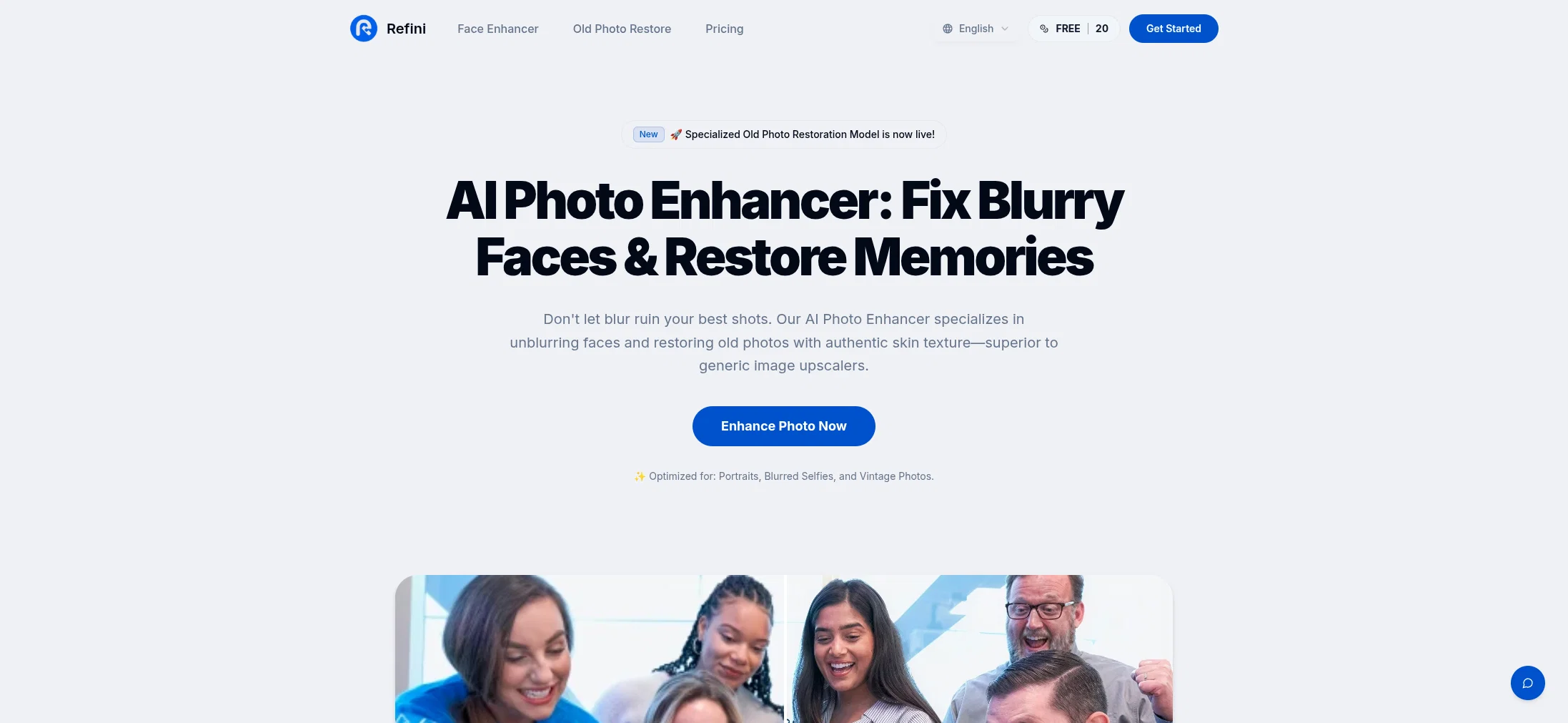
Refini Photo Enhancer is an AI-powered tool designed to improve the quality of images. With the ability to restore lost details and reconstruct fine textures, it delivers professional, camera-grade results, transforming blurry photos into high-quality masterpieces. The tool features a range of enhancements, such as 4x AI upscaling that increases image resolution without detail loss, optimum for printing, e-commerce, and high-resolution displays. In addition, it includes a denoising function that eliminates digital noise from low-light photos, restoring sharpness and providing a professional finish. The deblur and sharpening features help transform out-of-focus images into distinct, professional-grade photos. Refini Photo Enhancer can be used for various scenarios, including portrait photography, e-commerce product shots, and real estate photos. It also offers photo restoration capabilities, allowing users to revive old, damaged or faded photos through AI-powered restoration techniques. The process is simple and intuitive, involving uploading an image, letting the AI analyze and perfect the image, and downloading the enhanced, high-definition photo. Compatible with a range of devices, Refini ensures the privacy and security of users' photos. Help other people by letting them know if this AI was useful. Add your own prompts and outputs to help others understand how to use this AI.
When considering Refini for integration into your organizational workflow, we recommend deploying a structured score card across three critical operational pillars: Security & Compliance, Integration Friction, and long-term Price Scalability. Rather than looking only at basic feature lists, modern procurement teams must assess how a software platform behaves under high load and how well it fits into the team's data security guidelines.
Depending on your operating region and field, ensure that Refini supports standard security layers such as SOC 2 Type II certifications, GDPR compliance, or HIPAA-compliant database encryption. If the tool connects directly to client database tables or handles user passwords, verify that they implement multi-factor authentication (MFA), single sign-on (SSO) integrations, and end-to-end data encryption in transit and at rest.
Siloed data is the primary cause of operational friction. Evaluate if Refini has native connectors for your current project trackers, messaging hubs, and customer communication channels. For custom developer requirements, check if they provide a fully documented REST API with reasonable rate limits, comprehensive Webhooks support, and robust SDK packages in your language. A flexible API layer saves hundreds of hours of manual copy-paste overhead.
SaaS pricing packages are often deceptively simple. When reviewing Refini's billing structure, map out your team's projected expansion over the next 12 to 24 months. Determine how costs scale as your customer database increases or as you add team members. Factor in setup costs, mandatory support plan upgrades, API access fees, and storage overage rates to understand the true cost before committing to a contract.
By combining verified user reviews from our directory with internal workflow pilot tests, your procurement team can make an informed decision that drives productivity without creating capital waste.
Overall rating
Based on 16 reviews
Amazing deep research feature! Haven't seen this level of execution through any other tool. It gives a designed socket to view a presentation at the end.
Zarrak Mushtaq
Very cool tool that gives me free hours to cut my videos into shorts. Wish to get more referral bonus hours. If it could deal the video faster that would be even better.👍🏻
Siying Bai (Maria)
Total waste of time: Advertises $19/month, but with AI, it actually starts at $149/month. Spent an hour struggling with an unfriendly platform just to figure this out.
Eugene Symaniuk
I told my team to use this for their projects and it's a huge help!
cayober
Purely magic. It increases the productivity by a lot and the process is pretty addictive. I've been building websites like there's not tomorrow.
Geo Burlibasa
Thanks for your great feedback Gregory. A feature in @Macky that is designed for more specific industry-specific information is the "Ask @Macky" one. In this feature you can use your own promopting to get outputs that are specific to the business question being asked. Also, at the end of each output you have an opportunity to ask any detailed question you want about the output to get more specific responses. You can drill down several times to get further insights using this feature. Hope this helps!
Kinetic Consulting
Note from the Founder: Try the web app before you try its chrome extension. It's very powerful - I use it for my own linkedin posts, comments
Junaid Khalid
Generating captions was super fast like seconds. Wish they had Anton font though
bob miller
Might as well use Harpa for this, that's free.
Eric Van de Kerckhove
Accuracy nice. Free
Álvaro Sánchez Román
nice holistic
Amit ImmI
still background removing accuracy is required. it only 80% not 100%
Krutika Creations
Not at all accurate…. The only thing similar between original and generated images were the clothes and accessories… face was absolutely new and unconnected.
Shvetank Sharma
Great!! I used a blurry photo of mine and tried two different modes, Soft and Balanced, and the effect was very good! But the tips for different enhance modes could be more detailed so that I can better judge which enhance mode my photos. The effect of enhancing the picture is still very good!
Ethan Smith
I really enjoy using @Remini, but I can only rate it three stars for two main reasons: 1. The ads in the free version are too long and disrupt the experience. 2. The pro version is extremely expensive, making it hard to justify the upgrade.
Eugene Bridger
I’ve used PhotoGrid for 8 years—it’s amazing! The new AI Eraser
Lee Carrie
Starting Price
From $11.00/user/month
Pricing may vary based on team size and features selected.