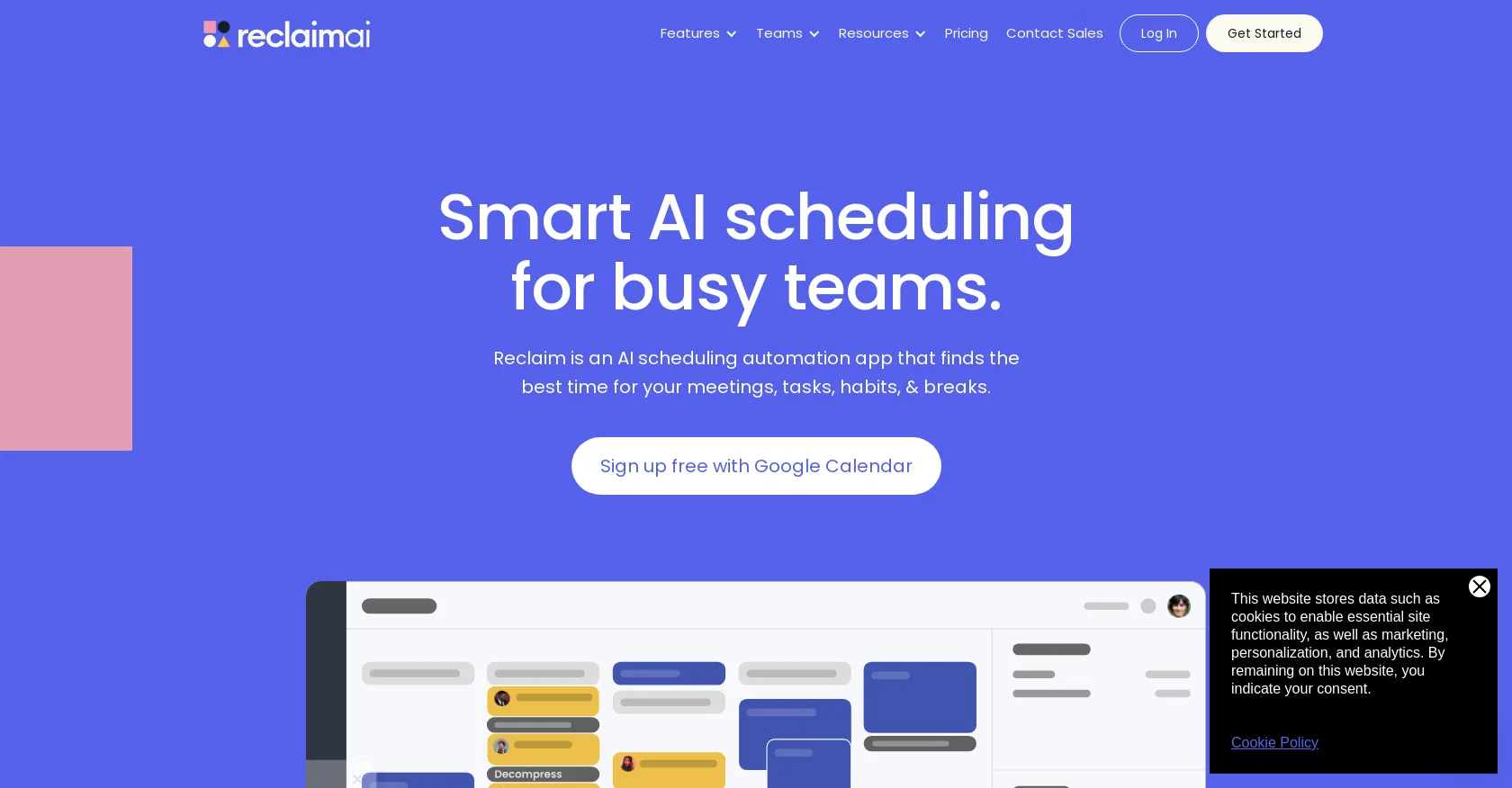
Reclaim AI is an AI-driven app designed to assist teams in smart scheduling. With its automation capabilities, Reclaim aims to create more time for teams by efficiently scheduling tasks, habits, meetings, and breaks.
The app integrates seamlessly with Google Calendar and is used and trusted by over 25,000 companies.Reclaim offers a range of features tailored to different teams' needs.
For product teams, it enables them to defend "No-Meeting Days" and focus time, integrate task lists with calendars, assign and prioritize work, and auto-schedule meetings with team members and users.
Sales teams can benefit from booking more meetings using high-priority Scheduling Links and auto-scheduling 1:1 meetings with key accounts. HR teams can prevent burnout, boost productivity with "No-Meeting Days," and automate breaks to prevent meeting fatigue.
Engineering teams can integrate project management apps, defend "No-Meeting Days" and focus time, protect calendars from being overrun by meetings, and track time across tasks and projects.
Marketing teams can defend time for recurring marketing activities, book meetings using smart Scheduling Links, auto-schedule tasks to calendars, analyze productivity stats, and auto-schedule regular 1:1 time with contractors.
Finance teams can auto-schedule 1:1 meetings with clients, book more meetings with high-priority Scheduling Links, balance meetings and heads-down work, defend time for recurring activities and habits, and keep schedules flexible for new appointments.Overall, Reclaim AI offers a comprehensive solution for teams to optimize their scheduling and maximize productivity while improving work-life balance.
Help other people by letting them know if this AI was useful.
Add your own prompts and outputs to help others understand how to use this AI.
Screenshot gallery
Pros & Cons
Pros
+Optimized team scheduling
+Efficient task automation
+Prevents meeting fatigue
+Defends 'No-Meeting Days'
+Google Calendar integration
+Used by 25,000+ companies
+Offers team-specific features
+Task list and calendar integration
+Auto-schedule meetings feature
+Auto-schedule tasks to calendar
+High-priority Scheduling Links
+Defend time for recurrent activities
+Schedule flexibility for new appointments
+Automatically find best time for meetings
+Integrates with project management apps
+Tracks time across tasks and projects
+Boost team productivity
+Improves work-life balance
+Automatically schedules tasks to coworkers
+Syncs with Slack status
+Creates 'No-Meeting Days'
+Automatically scheduled breaks
+Limits meeting hours
+Automatically synchronizes calendars
+Prevents calendar from being overrun
+Supports various work tools integration
+Auto-schedules 1:1 meetings
+Schedule based on priority
+Offers Smart 1:1 meetings
+Buffer Time for break after meetings
+Protects personal time
+Supports Google Calendar
+Automatically finds time for habits
+Automatically deletes blocks when feature is turned off
+Never alters or declines existing events
+Availability maximization
+Can delete account instantly from UI
+Automatically finds best time to work on tasks
+Integrates favorite work tools
+Create perfect plan for each day
+Automatically schedule breaks and travel around meetings
+Prevents overcrowded calendars
+Improves communication in team
+Allows setting of working hours
+Maximize calendar availability for meetings
+Analytics productivity metrics
+Best for busy schedule holders
Cons
−Only integrates with Google Calendar
−Lacks Outlook 365 support
−Limited app integrations
−Limited customizability of tasks
−No mention of multi-language support
−Lacks advanced analytics reports
−Cannot manually override scheduled tasks
−No desktop application available
−No offline mode
−Over-reliance on automation
A Professional Framework to Evaluate ReclaimAI
When considering ReclaimAI for integration into your organizational workflow, we recommend deploying a structured score card across three critical operational pillars: Security & Compliance, Integration Friction, and long-term Price Scalability. Rather than looking only at basic feature lists, modern procurement teams must assess how a software platform behaves under high load and how well it fits into the team's data security guidelines.
1. Security and Database Compliance
Depending on your operating region and field, ensure that ReclaimAI supports standard security layers such as SOC 2 Type II certifications, GDPR compliance, or HIPAA-compliant database encryption. If the tool connects directly to client database tables or handles user passwords, verify that they implement multi-factor authentication (MFA), single sign-on (SSO) integrations, and end-to-end data encryption in transit and at rest.
2. API Coverage and Custom Integrations
Siloed data is the primary cause of operational friction. Evaluate if ReclaimAI has native connectors for your current project trackers, messaging hubs, and customer communication channels. For custom developer requirements, check if they provide a fully documented REST API with reasonable rate limits, comprehensive Webhooks support, and robust SDK packages in your language. A flexible API layer saves hundreds of hours of manual copy-paste overhead.
3. Total Cost of Ownership (TCO)
SaaS pricing packages are often deceptively simple. When reviewing ReclaimAI's billing structure, map out your team's projected expansion over the next 12 to 24 months. Determine how costs scale as your customer database increases or as you add team members. Factor in setup costs, mandatory support plan upgrades, API access fees, and storage overage rates to understand the true cost before committing to a contract.
By combining verified user reviews from our directory with internal workflow pilot tests, your procurement team can make an informed decision that drives productivity without creating capital waste.
Features of ReclaimAI
Scheduling
Time Management
Teamwork
AI Optimization
Productivity Tool
Agenda Management
Free + From $8/Mo
SaaS1to10 verified reviews for ReclaimAI
Overall rating
★★★★★5.0
Based on 19 reviews
★★★★★5.01 months ago
“Review”
The most humanly AI i have used so far but the problem is as soon as you start piling up messages in single chat session , it starts getting slow and at some point it starts freezing and also uses a lot of resources. For time being its okay to do 3 4 messages but as soon as we continue it has messages limitation and also starts getting very very slow . For the price of £18 per month this is unacceptable and with the newly introduced feature called project, if we start new chat within the project we cannot continue with the context we provided in other chats within same project. There are lot of improvements for them to work on. And to start with the its speed and its price
Bibash Katel
★★★★★5.01 months ago
“Review”
do the job well
Rifky
★★★★★5.02 months ago
“Review”
i cant live without it, using it more then a year now. Love it!
Dawid Paliczuk
★★★★★5.02 months ago
“Review”
Very helpful, use daily.
Daan van Rossum
★★★★★5.02 months ago
“Review”
Couldn't live without it.
Ryan
★★★★★5.02 months ago
“Review”
Loved the search engine ideas.
Amr عمرو Amin امين
★★★★★5.02 months ago
“Review”
Very interesting
Béatrice Duval
★★★★★5.02 months ago
“Review”
Such an impressive platform for all of us who are looking for more efficient ways to do the investigation. @OpenRead has the potential to solve our problems.
Zhuohang Tong
★★★★★5.02 months ago
“Review”
As the service was in beta-testing stage, I created there a dozen of AI-generated courses for free. I wanted to use them. Those courses remained in my account as they started subscription tiers. But recently I have found out that they were deleted. The support didn't answer to my e-mail at all.
Oldfag TV
★★★★★5.02 months ago
“Review”
Such a great place to start out!
Helli Lang
★★★★★5.02 months ago
“Review”
State of the Art
Dmitry G.
★★★★★5.02 months ago
“Review”
I tried NovelGPT a template in @Agentgpt and it did an excellent job writing the first two episodes of my novel complete with character descriptions, setting,plot points and well I think you get the point. Great tool can't wait to see it out of beta.
Kelli Crose
★★★★★5.02 months ago
“Review”
I'm still testing the tool yet it looks very promising. I tested it with a 5.5k words Academic text that I had previously red. I tested the Key points feature, it does work!
Ivana González
★★★★★5.02 months ago
“Review”
after playing around with it for a bit, i am now aware of how much i need this. i can already feel the hours of sleep coming back to me <3
Bru no no no
★★★★★5.02 months ago
“Review”
Good idea, but full of bug. It removed my lunch to put a working task, the report bug form doesn't let you write anything. I'm out
Maxime
★★★★★5.02 months ago
“Review”
I tried using it but the website has too many bugs.
João Neiva
★★★★★5.02 months ago
“Review”
This has quickly become one of my favourite tools. It makes planning and scheduling so much easier. Also made a video about it https://youtu.be/Uf2ydOjlo2Y
J.I.
★★★★★5.02 months ago
“Review”
Good job dud good job , i wanna try sure
Moto Designer Pradeep Kushagra Patel
★★★★★5.02 months ago
“Review”
Thanks for the feedback, and also for the tip for the community. One more tip: if you upload an image directly, you can add context that might be missing in the image. For example, the duration is 3 hours or prefix every event title with Name: