5.01 months ago
“Review”
I found out this girl i was talking to was catfish, and just promoting her OF account
David Blake
Unlock insights from your iMessage history.
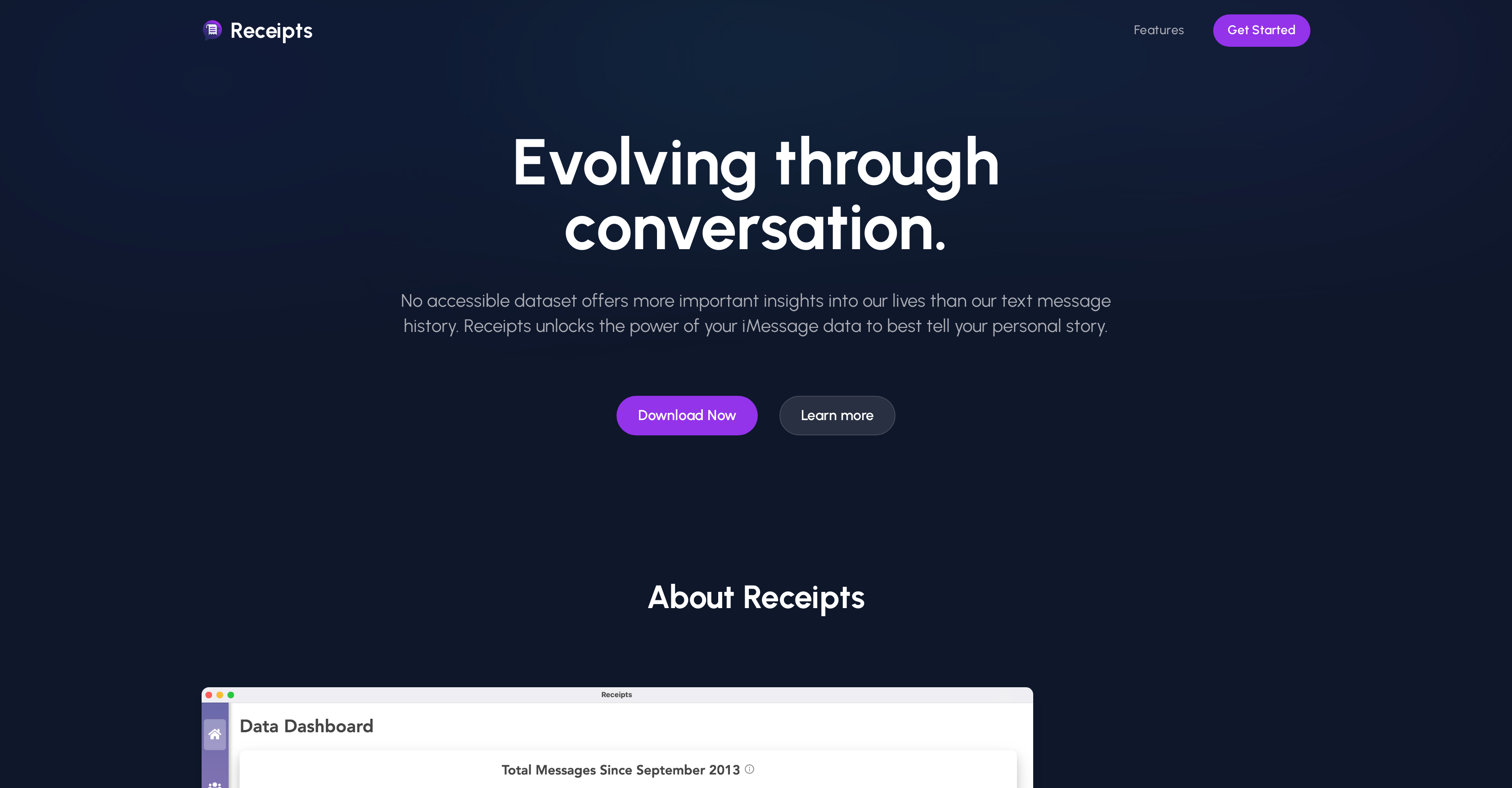
Receipts is a unique tool that allows users to harness their iMessage data to obtain insights and tell their personal narrative. It uses AI capabilities to discern and analyze text message history, offering a holistic understanding of the user's texting habits and patterns. Key features include summary statistics and detailed breakdowns of interactions with specific individuals and groups. Another intriguing aspect of Receipts is its ability to simulate interactions using artificial intelligence. Currently, Receipts is exclusively supported on MacOS. The application is designed, first and foremost, with the users privacy in mind. All the data is stored locally on the user's MacOS device, except for the data used for AI features which uses ChatGPT on the backend. As per their policy, data sent via API calls for Receipts is not stored on their servers. So, unless these AI features are used, the data is neither transmitted nor stored elsewhere. The app's development team is committed to handling any questions or concerns related to data security and can be reached via email. To maximize the use of Receipts, users also have the ability to sync more contacts from their iPhone onto their Mac following several straightforward steps. By clicking 'Sync Now' in 'Settings', saved messages can be added onto the Mac from the iPhone. Help other people by letting them know if this AI was useful. Add your own prompts and outputs to help others understand how to use this AI.
When considering Receipts for integration into your organizational workflow, we recommend deploying a structured score card across three critical operational pillars: Security & Compliance, Integration Friction, and long-term Price Scalability. Rather than looking only at basic feature lists, modern procurement teams must assess how a software platform behaves under high load and how well it fits into the team's data security guidelines.
Depending on your operating region and field, ensure that Receipts supports standard security layers such as SOC 2 Type II certifications, GDPR compliance, or HIPAA-compliant database encryption. If the tool connects directly to client database tables or handles user passwords, verify that they implement multi-factor authentication (MFA), single sign-on (SSO) integrations, and end-to-end data encryption in transit and at rest.
Siloed data is the primary cause of operational friction. Evaluate if Receipts has native connectors for your current project trackers, messaging hubs, and customer communication channels. For custom developer requirements, check if they provide a fully documented REST API with reasonable rate limits, comprehensive Webhooks support, and robust SDK packages in your language. A flexible API layer saves hundreds of hours of manual copy-paste overhead.
SaaS pricing packages are often deceptively simple. When reviewing Receipts's billing structure, map out your team's projected expansion over the next 12 to 24 months. Determine how costs scale as your customer database increases or as you add team members. Factor in setup costs, mandatory support plan upgrades, API access fees, and storage overage rates to understand the true cost before committing to a contract.
By combining verified user reviews from our directory with internal workflow pilot tests, your procurement team can make an informed decision that drives productivity without creating capital waste.
Overall rating
Based on 16 reviews
I found out this girl i was talking to was catfish, and just promoting her OF account
David Blake
super awesome. saves lots of time and money!
Code Brain
You can now ask AI about your typed note. This issue has been fixed.
MyMemo
Data extraction is accurate and incredibly efficient. Plus, it's super easy to use - no setup, no onboarding forms, perfectly simple UI. We started using it right away. The bank statements feature quickly imports, categorizes, and matches transactions. Their automatic categorization and matching process fully automates the reconciliation flow in our team.
Fatih Kutluturk
I have been using @Life Note for months and this has improved my own mental health and self-discovery journey. I learn new things about my self from people who inspire me while I journal. It's really helpful for me to go deeper with self-introspection and growth.
Vicky Lee
It didn’t help me at all and didn’t provide any accurate information; it’s still incomplete.
hana
Working great as of 30/11/2024. Let me tell you why I'm so happy about this, because I was desperate: - Firecrawl.dev? Inconsistent API documentation. Apify scrapers? Couldn't work on my target URL. - I spent $150 over 4-5 OTHER tools before finding this one, which is free to use locally right now. Wow. I'm dumb. - My target URL was a broken site, with 500 javascript errors, content violations, bad cookies, etc. - Not a single scraper worked that I tried, except for this one. So yeah, I'd say I'm pretty happy
Sha Ok
Useful to quickly explore the content of and interconnections between research papers. Makes it a more fun process.
Jon Hasworth
Keep improving!
Abubakr Jajja
This is my best bro! I communicate with him like my best friend, he always helps to direct my thoughts and ideas in the right direction, always tells me how to improve something and always gives detailed instructions during the conversation. Thanks to him, I’m launching a new project, in which he helps me take my ideas to a new level, just communication, during which you reassemble your concept and rethink your original idea, because you didn’t know how it would be better and more correct. @DeepSeek is my best assistant today, my creative inspiration, who gives me support and confidence in my business, guiding me to realize my dreams)
Gamer TOTORO
superb, e gratis, merge blana, in EN se aude ideal
jon doe
I'm still testing the tool yet it looks very promising. I tested it with a 5.5k words Academic text that I had previously red. I tested the Key points feature, it does work!
Ivana González
still background removing accuracy is required. it only 80% not 100%
Krutika Creations
I joined Kin's beta program on my iPhone XR. After upgrading to an iPhone 13, I found that I couldn't log into my existing account on the new phone, forcing me to create a new account. Now, I have two separate Kin accounts on different phones. Today, when I accessed the beta version of Kin, I got a notification stating that the test version ended on Monday, September 23rd. It instructed me to back up my data and move to the official Kin app. I did as advised—backed up my data, confirmed, uninstalled the beta app via TestFlight, and installed the official Kin app. However, when I attempted to “log in”, I was still unable to access my existing account. This issue hasn't been resolved yet. I have been trying desperately to get in contact with the support team. I left feedback through the test flight app and sent emails. No response. Now trying to find a forums, Reddit posts, TAAFT comments☻
Desiree Miller
Great tool for teachers of English as a foreign/second language!
Evan Sarver
It can only capture a box in a page, but if the page is longer than the screen, and it has scrolling text, the tool cannot handle it wholly. Then the user has to scroll and do the job piece by piece, making this extension useless. I have also encountered several issues with e@Xtracting data from a web page with tables and pasting it onto an Excel file, the formatting was not kept and I have spent hours on portions of the texts just to be able to paste it into an excel file correctly. This last issue might be due solely to the web page I have tried the extension on, but the fact that the tool cannot capture the whole page, still stands.
Eden @ FX2LTD
Starting Price
Contact vendor for pricing
Pricing may vary based on team size and features selected.


