5.01 months ago
“Review”
its very good
Dennis Müller

Improve meeting wellness through AI-powered analytics and automation.
Read is an AI-powered tool that offers a range of meeting solutions to help improve meeting wellness and productivity. It offers features such as real-time analytics, summaries, transcriptions, automated recommendations, and playback that help to reduce meeting hours and ensure that meetings are more efficient. It can identify up to 20 meeting hours a month that could be removed or eliminated. Read has been selected as an Essential App by Zoom, and its premium features are enabled for Zoom customers. Read offers a suite of meeting tools that can be used before, during, and after a meeting to improve meeting quality, scheduling, note-taking, team efficiency, communication, and overall meeting wellness. Its core features include dashboard analytics, meeting Navigator, assistant, playback & transcriptions, recommendations, and smart scheduling. One of the advantages of Read is that it integrates with existing video conferencing and calendar solutions, making it easier to use for those familiar with these tools. It also provides unbiased programmable feedback based on data from millions of interactions, allowing actionability and clarity in implementing recommendations. It offers a single platform for all meetings and interactions, providing a comprehensive source of truth, and can be used across platforms like Webex, Zoom, and Teams. Read is featured in reputable media outlets such as Techcrunch and Adweek and is trusted by many organizations. It offers a 14-day free trial for its services and is committed to improving meeting wellness and efficiency across teams and organizations. Help other people by letting them know if this AI was useful. Add your own prompts and outputs to help others understand how to use this AI.
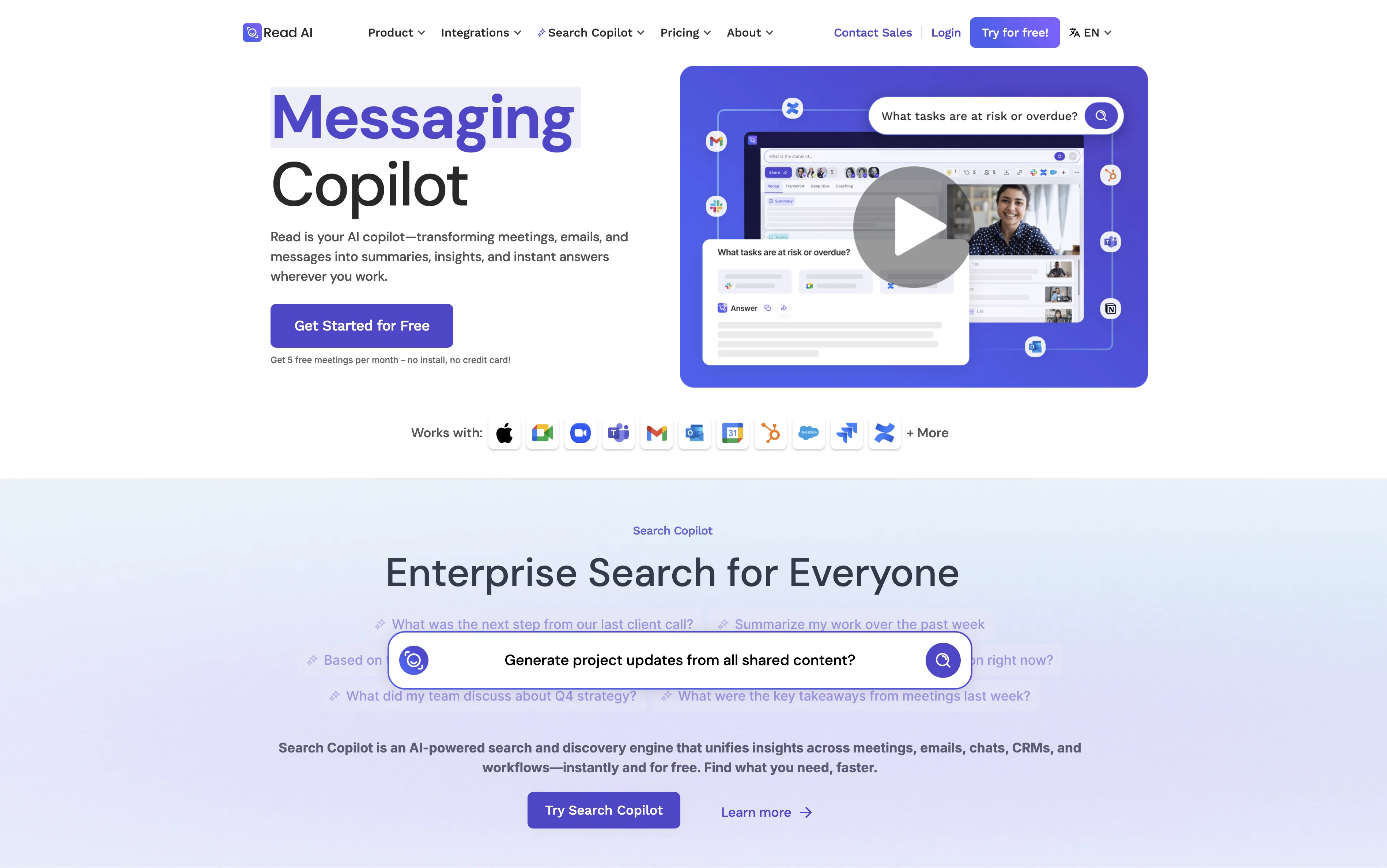
When considering Read Highlights for integration into your organizational workflow, we recommend deploying a structured score card across three critical operational pillars: Security & Compliance, Integration Friction, and long-term Price Scalability. Rather than looking only at basic feature lists, modern procurement teams must assess how a software platform behaves under high load and how well it fits into the team's data security guidelines.
Depending on your operating region and field, ensure that Read Highlights supports standard security layers such as SOC 2 Type II certifications, GDPR compliance, or HIPAA-compliant database encryption. If the tool connects directly to client database tables or handles user passwords, verify that they implement multi-factor authentication (MFA), single sign-on (SSO) integrations, and end-to-end data encryption in transit and at rest.
Siloed data is the primary cause of operational friction. Evaluate if Read Highlights has native connectors for your current project trackers, messaging hubs, and customer communication channels. For custom developer requirements, check if they provide a fully documented REST API with reasonable rate limits, comprehensive Webhooks support, and robust SDK packages in your language. A flexible API layer saves hundreds of hours of manual copy-paste overhead.
SaaS pricing packages are often deceptively simple. When reviewing Read Highlights's billing structure, map out your team's projected expansion over the next 12 to 24 months. Determine how costs scale as your customer database increases or as you add team members. Factor in setup costs, mandatory support plan upgrades, API access fees, and storage overage rates to understand the true cost before committing to a contract.
By combining verified user reviews from our directory with internal workflow pilot tests, your procurement team can make an informed decision that drives productivity without creating capital waste.
Overall rating
Based on 15 reviews
its very good
Dennis Müller
Great! I think @AI Lawyer is the best service I've ever seen. Perfect use. Prompting helps in the work
Yuri Gerasimov
An amazing app, I love the share feature and the comment section summaries
Silvia Cho
O GPT faz uma análise melhor e mais personalizada.
Vinicius Vilela
As the service was in beta-testing stage, I created there a dozen of AI-generated courses for free. I wanted to use them. Those courses remained in my account as they started subscription tiers. But recently I have found out that they were deleted. The support didn't answer to my e-mail at all.
Oldfag TV
Tested teh application. Saved 5 recipes. Three of them recognized as recipes. Two of them lost in translation. Other example. Saved three pages about company valuation. Two of them recognized. One lost in translation. Can't afford these kinds of tools ...
tyw
No good at pdfs
Chris Cox
Very expensive for most common pages, no way you pay that
Leandro Conti
Good idea, but full of bug. It removed my lunch to put a working task, the report bug form doesn't let you write anything. I'm out
Maxime
Really like how it finds connection in the content that I save. I don't think any other tool can do that.
amix ffx
I tried using it but the website has too many bugs.
João Neiva
The live AI feed during meetings is a game changer. All AI summaries and action items are also emailed to you and your team right away.
Sean
good multilingual transcription helps with active listening
Dmitriy Grankin
Quick thought after seeing @Convo. Meeting notes tools are a crowded $10 SaaS category. But a tool that helps sales reps answer questions and handle objections live sits in a completely different value tier. That shift alone can change pricing and conversion dynamics significantly.
Paul
Its a promising project and works well so far. Wishing them all the best and godspeed.
Dipak Rautela
Starting Price
Free plan available
Free tier available with optional paid upgrades.


