RAGNA Desktop

5.0(21 reviews)

Your private AI multitool for local productivity.

RAGNA Desktop Overview

What is RAGNA Desktop?

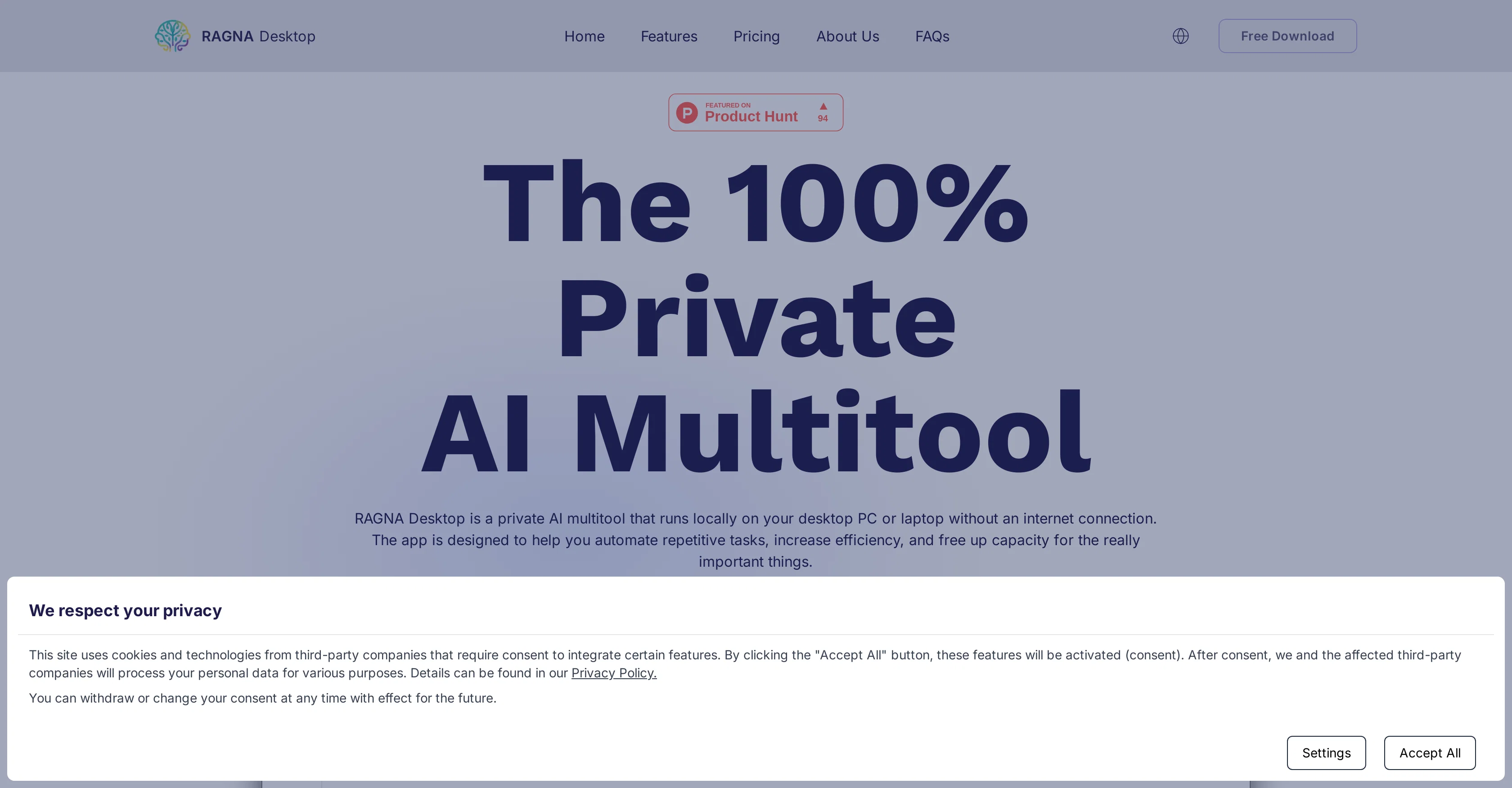
RAGNA Desktop is an AI multitool designed to improve productivity by automating repetitive tasks. This tool offers a variety of features, such as intelligent text processing and customization settings, tailored to enhance workflow efficiency. As a locally-run application, RAGNA Desktop functions without an internet connection, operating on your desktop PC or laptop, making it suitable for both personal and professional scenarios. A key feature of RAGNA Desktop includes the local processing of data, ensuring sensitive information remains private and secure within your device, avoiding the cloud entirely. This approach offers significant cybersecurity advantages by minimizing potential data breaches and risks of cyberattacks. Furthermore, it is built to comply with current data protection regulations like GDPR and other equivalent directives. RAGNA Desktop offers flexibility in its use, adapting to the needs of various sectors from IT to Research, transforming workstyles by automating tasks, thereby creating space for innovation and creativity. It incorporates an intuitive user interface for seamless operation of AI models and their integration into daily routine. Moreover, RAGNA Desktop can operate remotely, offering the flexibility to work from any location without being tied to a fixed workplace or dependent on a stable internet connection. With its focus on data security, RAGNA Desktop protects sensitive information regardless of the work location. The application is cost-optimized, reducing overall operating costs by eliminating the need for pricey cloud subscriptions or hardware upgrades. It offers a time-saving advantage by enabling team members to focus on more critical projects, leading to an overall increase in team efficiency. Help other people by letting them know if this AI was useful. Add your own prompts and outputs to help others understand how to use this AI.

Screenshot gallery

RAGNA Desktop screenshot

Pros & Cons

Pros

  • Automates repetitive tasks
  • Intelligent text processing
  • Customizable settings
  • Offline functionality
  • Data processed locally
  • Enhanced cybersecurity
  • GDPR compliant
  • Adaptable to various sectors
  • Transforms workstyles
  • User-friendly interface
  • Operates remotely
  • Protection of sensitive data
  • Cost-optimized
  • Saves time
  • Increased team efficiency
  • Functionality in any location
  • No internet dependency
  • Eliminates cloud risks
  • Compliant with data regulations
  • Encourages innovation
  • No need for hardware upgrade
  • Ideal for IT sector
  • Ideal for research sector
  • Optimized for local use
  • Secure data anywhere
  • Operates on standard PC
  • Suitable for individual or company
  • Free for non-commercial use
  • API server in Enterprise version
  • First Class Support in Enterprise version
  • No expensive subscriptions required
  • Fully offline operation
  • Perfect for business trips
  • Integrates into daily routine
  • Secure data at diverse work locations
  • Automates to free up space for important tasks
  • Eliminates cloud subscription costs
  • Curated models in all versions
  • Individual Assistant feature
  • No risk of data breaches
  • Reduces operating costs

Cons

  • Limited to desktop application
  • Requires installation on device
  • May not work with all operating systems
  • No cloud backup
  • Not device-agnostic
  • Limits on remote functionality
  • Unknown data processing speeds
  • Dependent on device capabilities
  • No clear accessibility features
  • Unclear multi-user options

A Professional Framework to Evaluate RAGNA Desktop

When considering RAGNA Desktop for integration into your organizational workflow, we recommend deploying a structured score card across three critical operational pillars: Security & Compliance, Integration Friction, and long-term Price Scalability. Rather than looking only at basic feature lists, modern procurement teams must assess how a software platform behaves under high load and how well it fits into the team's data security guidelines.

1. Security and Database Compliance

Depending on your operating region and field, ensure that RAGNA Desktop supports standard security layers such as SOC 2 Type II certifications, GDPR compliance, or HIPAA-compliant database encryption. If the tool connects directly to client database tables or handles user passwords, verify that they implement multi-factor authentication (MFA), single sign-on (SSO) integrations, and end-to-end data encryption in transit and at rest.

2. API Coverage and Custom Integrations

Siloed data is the primary cause of operational friction. Evaluate if RAGNA Desktop has native connectors for your current project trackers, messaging hubs, and customer communication channels. For custom developer requirements, check if they provide a fully documented REST API with reasonable rate limits, comprehensive Webhooks support, and robust SDK packages in your language. A flexible API layer saves hundreds of hours of manual copy-paste overhead.

3. Total Cost of Ownership (TCO)

SaaS pricing packages are often deceptively simple. When reviewing RAGNA Desktop's billing structure, map out your team's projected expansion over the next 12 to 24 months. Determine how costs scale as your customer database increases or as you add team members. Factor in setup costs, mandatory support plan upgrades, API access fees, and storage overage rates to understand the true cost before committing to a contract.

By combining verified user reviews from our directory with internal workflow pilot tests, your procurement team can make an informed decision that drives productivity without creating capital waste.

Features of RAGNA Desktop

  • Local
  • Desktop Automation
  • AI Multitool
  • Productivity Tool
  • Data Security
  • Offline Functionality

SaaS1to10 verified reviews for RAGNA Desktop

Overall rating

5.0

Based on 21 reviews

5.01 weeks ago

Review

I already have another transcription tool, but this one is much better. I love the different features such as the summary, quiz, and chapters. It does a great job of them. I've only done one transcript so far to try it out, but I'm truly impressed and am going to grab another code. A couple things that would make it even better are: - the ability to rename the files and organize them through folders. - the ability to download a copy of the other features as well as the transcript. Copying and pasting it works, but doesn't keep the format.

dunn

5.01 weeks ago

Review

Suppppeeeeerrr! Wowwww! @Mindsmith is absolutely fantastic! It is incredibly useful, easy to use, and very professional.

Claudia Scilletta

5.01 weeks ago

Review

Went from a C to an A in Cognitive Psychology using @Thea!!

Sarah White

5.01 weeks ago

Review

B12 exceeded my expectations especially after I tried a few similar tools. Signing up took under a minute and because I offer a very specific set of services as a consultant, I didn't expect the AI to be able to capture my work, but it did a great job with creating content for me. I only had to make a few edits, add my bio, and was able to publish that same day. Now I get lots of compliments on my site and I've even tried their other tools like email marketing, which is great because the emails match my site's appearance. Overall I would recommend B12 as an effective, affordable, and easy to use website solution.

Katie G

5.01 weeks ago

Review

O GPT faz uma análise melhor e mais personalizada.

Vinicius Vilela

5.01 weeks ago

Review

I think it's the best @Image Generator I ever found on the net. It gives more accurate image according to the prompt. And thank you for keeping it for free.

My Sawsiri

5.01 weeks ago

Review

The hybrid feature is very powerful. I finally don’t need to manage our local knowledge base anymore.

MemFree

5.01 weeks ago

Review

10 MB Limit does limit usability best if .pdf contains NO images.

Steve Bastiman

5.01 weeks ago

Review

Great accuracy and easy to crosscheck with the provided hyperlinks to the sources.

Marius Schmitt

5.01 weeks ago

Review

Really like how it finds connection in the content that I save. I don't think any other tool can do that.

amix ffx

5.01 weeks ago

Review

No other tool quite like this, it's pretty straightforward. Needed to extract a long interview from YouTube and it extracted everything, providing it in different meaningful formats in less than two minutes. Awesome

Juan Sierra

5.01 weeks ago

Review

easy to pick up and you get a few free file imports. it gives you results pretty fast, unfortunately i can't find a way to get back to these, they're locked behind the paid service.

Ron Jayson

5.01 weeks ago

Review

I’ve tried many AI writing tools in the past, but this one actually delivers content that sounds human and ranks. I love how you can create a full SEO blog post with just a keyword… and it’s ready to publish in one click. That saves me so much time. Also, small win for the wallet — use code FSL25 to get 25% off on any plan. Definitely helped me out when testing it for the first time. 👍 Hope this helps someone else who’s been struggling like I was!

Jason

5.01 weeks ago

Review

I tried using it but the website has too many bugs.

João Neiva

5.01 weeks ago

Review

I'm still testing the tool yet it looks very promising. I tested it with a 5.5k words Academic text that I had previously red. I tested the Key points feature, it does work!

Ivana González

5.01 weeks ago

Review

I've been playing around with this for a few hours. It's made me say "WOW" too many times than i wish to admit. I'm going to follow this and see how it evolves. For now, i managed to create quite a nice Expenses app for personal use. | It did have some problems when it came to moving some components on other pages, but for how short the prompts it uses can be, it is really impressive. With some proper prompts it can generate some strong stuff.

Bernard

5.03 weeks ago

Review

Used it for PPT generation and performed extremely well, especially the numbers and data part.

Salina Hook

5.03 weeks ago

Review

I’ve been using @Collate to go through technical PDFs, and it’s been surprisingly handy. Summarizing docs and being able to ask questions directly saves me time, especially when I’m skimming through research or API references. No sign-ups, works offline, and everything stays on my device — which I appreciate.

Harman

5.03 weeks ago

Review

Miro has massively improved how we collaborate and execute. The AI features have made a real difference in day-to-day productivity, helping us structure ideas quickly and get to decisions faster. What really surprised me is the new prototyping feature: it’s now much easier to turn a workshop board into an actual prototype and iterate with the team. If you’re running product work, workshops, roadmaps, or even GTM planning, Miro is worth it.

Joran Hofman

5.03 weeks ago

Review

Works well and connects with my apps easily. I’m considering using it for daily reports and posts

Ron Hardman

5.03 weeks ago

Review

Great tool! Was very helpful in content production

Duck Typer

Pricing

Starting Price

Contact vendor for pricing

Pricing may vary based on team size and features selected.

Where can RAGNA Desktop be deployed?

  • Cloud, SaaS, Web-Based

Recommended for you