5.01 months ago
“Review”
A little biased, but I think it's great.
Dawson Whitfield

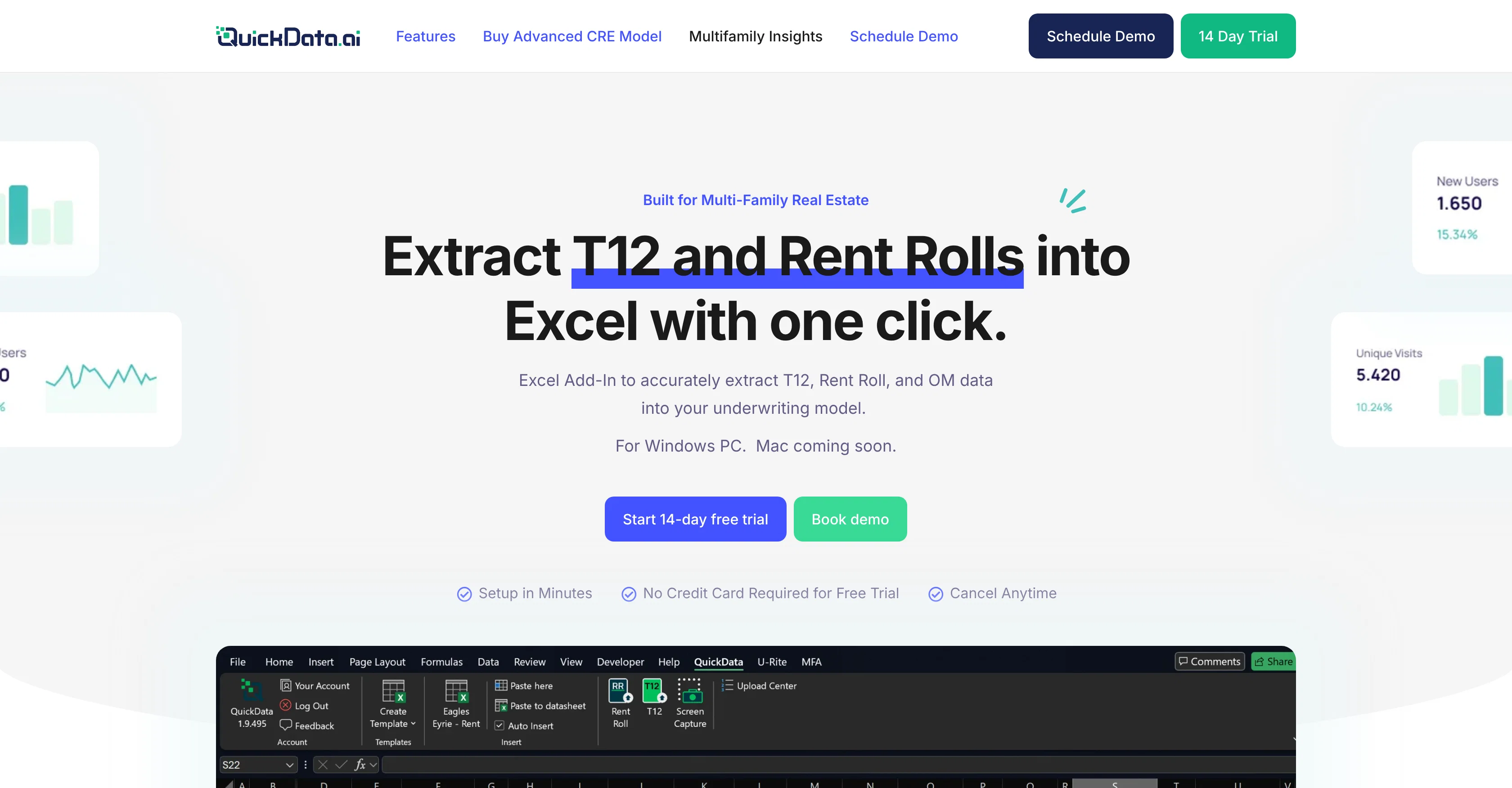
Extract T12 and Rent Rolls into Excel with one click.
QuickData.AI is an artificial intelligence tool designed for the multifamily real estate industry. It offers an automated method of extracting T12 and rent roll data into an Excel model, providing underwriters with an efficient way to process this critical information. By integrating with the user's preferred financial model within Excel, it replaces the need for manual data entry, thereby streamlining the underwriting process. This tool is compatible with Windows PCs, with a Mac version announced to be in development. QuickData.AI supports various document formats, allowing users to upload Excel, CSV, or PDF documents. It also offers several additional features that include auto-categorization of T12 line items and fast and secure extraction of any segment of Operating Memorandum (OM) data. Pricing plans are on a monthly subscription basis. A 14-day free trial is available for new users. The software is designed to cater to a range of industry professionals such as investors, brokers, lenders, and accounting firms. Help other people by letting them know if this AI was useful. Add your own prompts and outputs to help others understand how to use this AI.
When considering QuickData.ai for integration into your organizational workflow, we recommend deploying a structured score card across three critical operational pillars: Security & Compliance, Integration Friction, and long-term Price Scalability. Rather than looking only at basic feature lists, modern procurement teams must assess how a software platform behaves under high load and how well it fits into the team's data security guidelines.
Depending on your operating region and field, ensure that QuickData.ai supports standard security layers such as SOC 2 Type II certifications, GDPR compliance, or HIPAA-compliant database encryption. If the tool connects directly to client database tables or handles user passwords, verify that they implement multi-factor authentication (MFA), single sign-on (SSO) integrations, and end-to-end data encryption in transit and at rest.
Siloed data is the primary cause of operational friction. Evaluate if QuickData.ai has native connectors for your current project trackers, messaging hubs, and customer communication channels. For custom developer requirements, check if they provide a fully documented REST API with reasonable rate limits, comprehensive Webhooks support, and robust SDK packages in your language. A flexible API layer saves hundreds of hours of manual copy-paste overhead.
SaaS pricing packages are often deceptively simple. When reviewing QuickData.ai's billing structure, map out your team's projected expansion over the next 12 to 24 months. Determine how costs scale as your customer database increases or as you add team members. Factor in setup costs, mandatory support plan upgrades, API access fees, and storage overage rates to understand the true cost before committing to a contract.
By combining verified user reviews from our directory with internal workflow pilot tests, your procurement team can make an informed decision that drives productivity without creating capital waste.
Overall rating
Based on 18 reviews
A little biased, but I think it's great.
Dawson Whitfield
I got some top quality results after learning how to prompt songs 🤩
Claes Lanng
Really like how it finds connection in the content that I save. I don't think any other tool can do that.
amix ffx
This tool i found is super cool, I created 5 books from this tool to sell them online, which gives me great profit. I am creating more valuable books to spread knowledge, and earn some bucks as well 🤑.
Bilal Ashraf
Great tool! Was very helpful in content production
Duck Typer
I already have another transcription tool, but this one is much better. I love the different features such as the summary, quiz, and chapters. It does a great job of them. I've only done one transcript so far to try it out, but I'm truly impressed and am going to grab another code. A couple things that would make it even better are: - the ability to rename the files and organize them through folders. - the ability to download a copy of the other features as well as the transcript. Copying and pasting it works, but doesn't keep the format.
dunn
State of the Art
Dmitry G.
It's sad to see people want to try your tool out but you have no free sample for them. This may be the best tool out there, but, as mentioned, going through with the AI for minutes to explain what you want, then being prompted to pay, without even knowing if it CAN create something, is discouraging. I hope we can get a free sample or preview at one point, im interested in this one.
Ron Jayson
Well it goes to show that autocad can't be done by AI. At least for now
Wilson Abella
The art is whimsical and fun. The style is absolutely a joy to work with and I love how the characters look. The only struggle I have is for the prompt to understand what I want. I understand you have to be absolutely explicit with your instructions, but when I ask for a mother hugging two of her children, I get the children hugging each other instead or the mother is hugging only one child. I am unsure how to get the three to hug at once. But the style is on point. Keep up the good work!
MD
your answer is much too general, so useless. You could have just tell me to ask Perplexity.
Ta
Not at all accurate…. The only thing similar between original and generated images were the clothes and accessories… face was absolutely new and unconnected.
Shvetank Sharma
Nice tool, great insights and they have a good chat assistant
faris alahmdi
Thanks! So happy to hear you're liking @FlowPost.
CodeConda
This is the first AI marketing tool I’ve used that actually helps me get things done, not just suggest generic ideas. The mix of AI-powered strategy and real experts executing the work makes it feel like having a high-performance marketing team without the overhead
Zach Chmael
Big time saver but the download file is not very friendly
Paul Mercer
Very interesting
Béatrice Duval
tried quickdata on a stack of rent rolls (pdf+xls), a couple T12s and one chunky OM. setup's just an excel add in, super barebones ribbon button and it goes straight to work (no gimmicks). it mapped a lot of line items correctly and dumped them into my model fast. i like that it plugs into your existing model instead of forcing theirs. a clearer "why" for each auto category would be good.
Rami Jane
Starting Price
Free plan available
Free tier available with optional paid upgrades.


