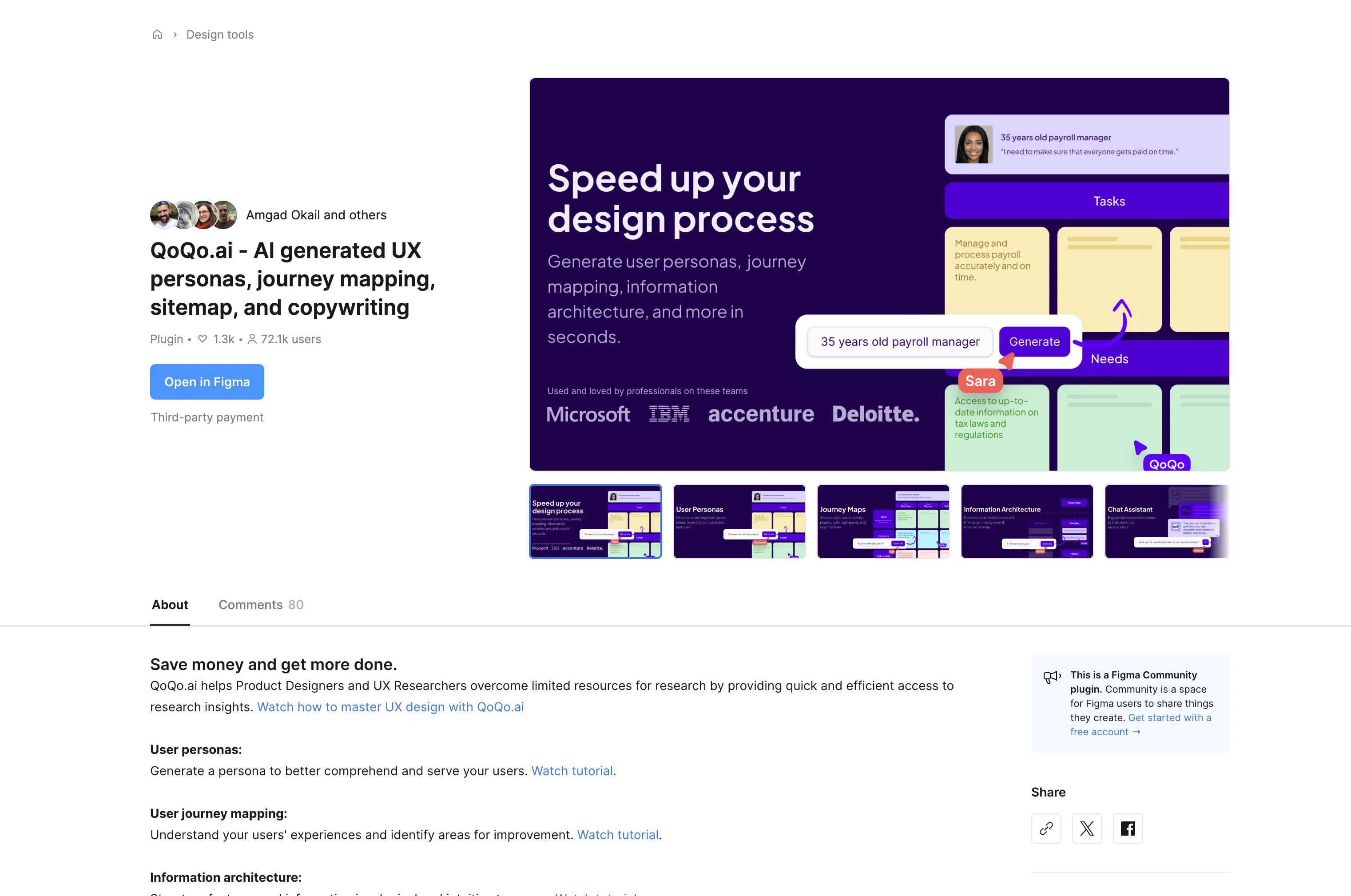
QoQo.ai is an AI-driven tool designed to facilitate various aspects of the User Experience (UX) design process. It offers multiple functionalities to overcome the challenges of limited research resources.
One of its key features includes the generation of UX personas. This tool can create a simulated archetype of the users, assisting designers to understand and serve their users more efficiently.
Furthermore, the tool enables journey mapping, translating customer interactions into meaningful sequences that illustrate the user's processes, experiences, and needs throughout their interaction with the product.
QoQo.ai also assists in building effective sitemaps, providing a clear visual representation of the structure of a website, its sections, links and more.
This facilitates the organization of content and aids in understanding the user flow. The tool also includes a function for AI-generated copywriting, thus streamlining the content creation process.
The QoQo.ai tool is also integrated with Figma, a popular interface design application, offering seamless application and extending its capabilities within that environment.
Its features are aimed at delivering quick and insightful results, allowing designers to focus more on application and less on time-consuming research.
Help other people by letting them know if this AI was useful.
Add your own prompts and outputs to help others understand how to use this AI.
Screenshot gallery
Pros & Cons
Pros
+Supports design discovery
+User personas feature
+Includes product brief
+User interview script
+Design checklist provision
+Offers user journey mapping
+All-in-one platform
+Good Discord support
+Twitter support available
+Figma Community Resource License
+Regular updates
+Multi-platform availability
+Streamlines UX design process
+Increases productivity
+Augments design with global knowledge
+Organizes ideas quickly
+Affordable qualitative UX design
+Content auto-generation
+Encourages user research
+Promotes user experience enhancement
+Video tutorial for scripts
+Performance improvements
+New feature updates
+Discovery process made affordable
+Good version history tracking
+Community resource sharing
+Licensed user-friendly tool
+Email support available
+Supports risk identification
Cons
−Figma Community Resource License
−No user journey mapping
−No API
−Limited third-party integrations
−Limited support options
−Discord-based support
−Not open-source
−Product brief lacks sophistication
−No independent version
−Updates not frequent enough
A Professional Framework to Evaluate QoQo
When considering QoQo for integration into your organizational workflow, we recommend deploying a structured score card across three critical operational pillars: Security & Compliance, Integration Friction, and long-term Price Scalability. Rather than looking only at basic feature lists, modern procurement teams must assess how a software platform behaves under high load and how well it fits into the team's data security guidelines.
1. Security and Database Compliance
Depending on your operating region and field, ensure that QoQo supports standard security layers such as SOC 2 Type II certifications, GDPR compliance, or HIPAA-compliant database encryption. If the tool connects directly to client database tables or handles user passwords, verify that they implement multi-factor authentication (MFA), single sign-on (SSO) integrations, and end-to-end data encryption in transit and at rest.
2. API Coverage and Custom Integrations
Siloed data is the primary cause of operational friction. Evaluate if QoQo has native connectors for your current project trackers, messaging hubs, and customer communication channels. For custom developer requirements, check if they provide a fully documented REST API with reasonable rate limits, comprehensive Webhooks support, and robust SDK packages in your language. A flexible API layer saves hundreds of hours of manual copy-paste overhead.
3. Total Cost of Ownership (TCO)
SaaS pricing packages are often deceptively simple. When reviewing QoQo's billing structure, map out your team's projected expansion over the next 12 to 24 months. Determine how costs scale as your customer database increases or as you add team members. Factor in setup costs, mandatory support plan upgrades, API access fees, and storage overage rates to understand the true cost before committing to a contract.
By combining verified user reviews from our directory with internal workflow pilot tests, your procurement team can make an informed decision that drives productivity without creating capital waste.
Features of QoQo
UX Design
Design Discovery
Design Automation
Journey Mapping
Sitemap Creation
User Persona Generation
Free + From $12/Mo
SaaS1to10 verified reviews for QoQo
Overall rating
★★★★★5.0
Based on 15 reviews
★★★★★5.01 months ago
“Review”
Good idea on democratization of AHP based Multiple Criteria Decision Making / Analysis (MCDM / MCDA). Helping common people to get AI powered MCDA at own mobile phone, otherwise only available expencive software with enterprises.
Shashi Bhattarai
★★★★★5.02 months ago
“Review”
easy to pick up and you get a few free file imports. it gives you results pretty fast, unfortunately i can't find a way to get back to these, they're locked behind the paid service.
Ron Jayson
★★★★★5.02 months ago
“Review”
It's sad to see people want to try your tool out but you have no free sample for them. This may be the best tool out there, but, as mentioned, going through with the AI for minutes to explain what you want, then being prompted to pay, without even knowing if it CAN create something, is discouraging. I hope we can get a free sample or preview at one point, im interested in this one.
Ron Jayson
★★★★★5.02 months ago
“Review”
Really amazing! Makes learning content and engaging with things so much easier!
Jamie McDonald
★★★★★5.02 months ago
“Review”
It has everything that I need in one place: ChatGPT, Copywriting templates, AI Images, Audio Transcription.
Dmytro
★★★★★5.02 months ago
“Review”
Great! I think @AI Lawyer is the best service I've ever seen. Perfect use. Prompting helps in the work
Yuri Gerasimov
★★★★★5.02 months ago
“Review”
Free Start with a Free Experience $0 /mo
Vitus Bering
★★★★★5.02 months ago
“Review”
Great idea, but does not find what you are looking for-about the same as Google Scholar
Andy
★★★★★5.02 months ago
“Review”
The website is pretty good but there are only a limited number of responses
Probal Roy
★★★★★5.02 months ago
“Review”
After my first use, I think it's surprisingly good. The only drawback so far is the PDF export option for the report which is formatless.
Alejandro Correa
★★★★★5.02 months ago
“Review”
I'm still testing the tool yet it looks very promising. I tested it with a 5.5k words Academic text that I had previously red. I tested the Key points feature, it does work!
Ivana González
★★★★★5.02 months ago
“Review”
O GPT faz uma análise melhor e mais personalizada.
Vinicius Vilela
★★★★★5.02 months ago
“Review”
As the service was in beta-testing stage, I created there a dozen of AI-generated courses for free. I wanted to use them. Those courses remained in my account as they started subscription tiers. But recently I have found out that they were deleted. The support didn't answer to my e-mail at all.
Oldfag TV
★★★★★5.02 months ago
“Review”
@Uizard is so great for spinning out ideas and iterating. You can generate designs from text prompts as well as individual screens and themes. Also has a ton of other cool AI features like turning screenshots into editable designs and attention heatmaps. I suck at design so this is a game changer for me.