5.02 months ago
“Review”
I used this tool today and loved how simple and insightful it was!
hasan jamal

Browser security telemetry for blue teams.
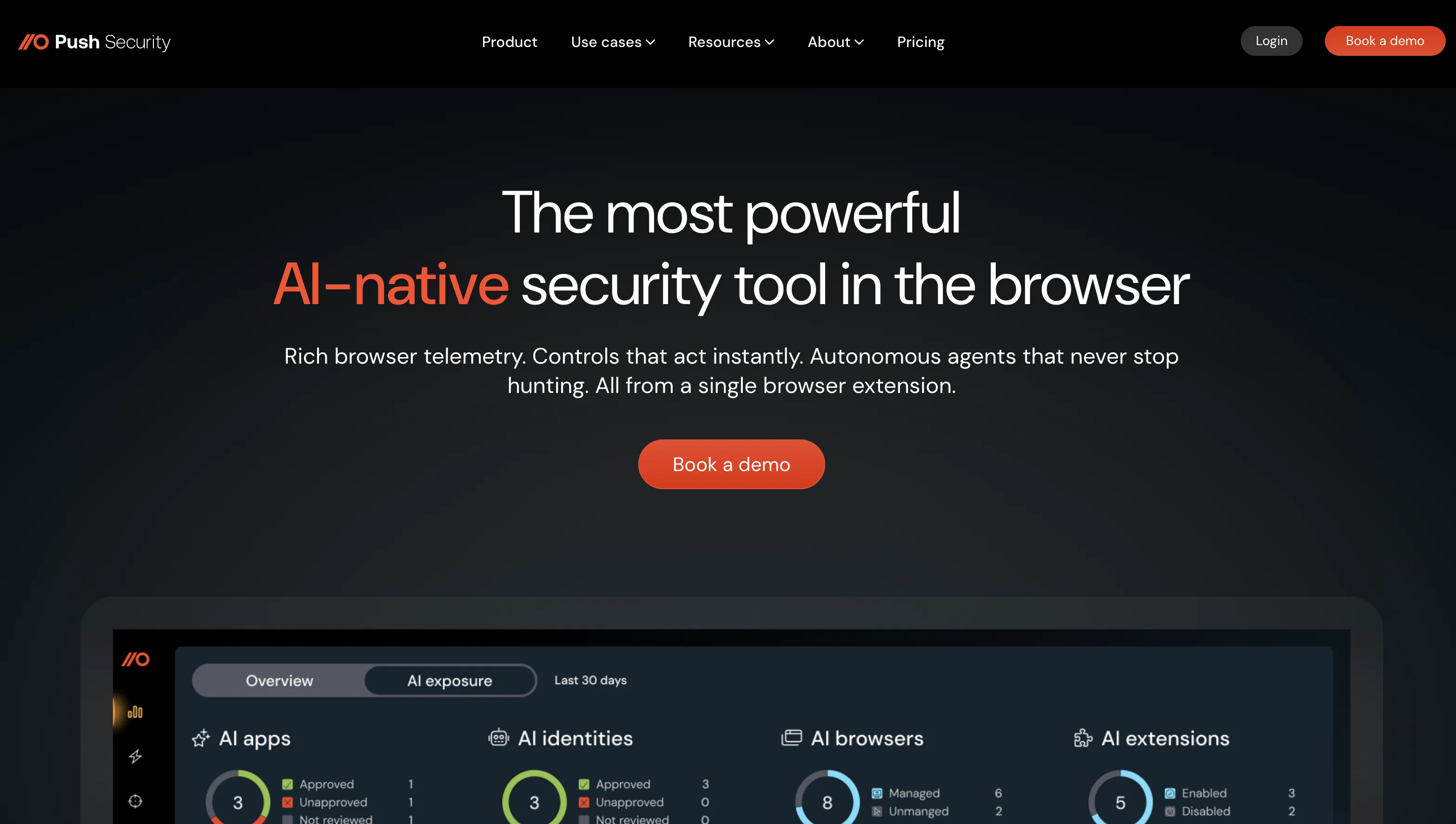
Push Security is an AI-native security tool that aims to provide blue teams a net-new visibility of browser-based attacks, intensifying their existing threat detection and response stack. With a strong focus on browser protection, its operations extend to identifying and preventing zero-day phishing attempts, account takeovers through stolen credentials, and usage of risky browser extensions. It also helps to harden user access paths with visibility, detection, and guardrails. The tool blocks attacks that trick users into executing malicious code and offers fast incident response supported by unique browser telemetry. Furthermore, it provides high-fidelity data to find and secure shadow accounts and apps, without hampering employee productivity. It is designed to offer visibility into page structures, scripts, and user interactions; this allows it to detect cloned logins, malicious scripts, and credential misuse. The tool creates user/session timelines by capturing page loads, click paths, credential use, and token activity. Push Security identifies common vulnerabilities, including missing multi-factor authentication, password reuse, non-SSO logins, shadow apps, and risky extensions. Moreover, it enables visibility and control of user activity inside AI tools, thereby providing a clear view of data movement and exposure risk. Help other people by letting them know if this AI was useful. Add your own prompts and outputs to help others understand how to use this AI.
When considering PushSecurity for integration into your organizational workflow, we recommend deploying a structured score card across three critical operational pillars: Security & Compliance, Integration Friction, and long-term Price Scalability. Rather than looking only at basic feature lists, modern procurement teams must assess how a software platform behaves under high load and how well it fits into the team's data security guidelines.
Depending on your operating region and field, ensure that PushSecurity supports standard security layers such as SOC 2 Type II certifications, GDPR compliance, or HIPAA-compliant database encryption. If the tool connects directly to client database tables or handles user passwords, verify that they implement multi-factor authentication (MFA), single sign-on (SSO) integrations, and end-to-end data encryption in transit and at rest.
Siloed data is the primary cause of operational friction. Evaluate if PushSecurity has native connectors for your current project trackers, messaging hubs, and customer communication channels. For custom developer requirements, check if they provide a fully documented REST API with reasonable rate limits, comprehensive Webhooks support, and robust SDK packages in your language. A flexible API layer saves hundreds of hours of manual copy-paste overhead.
SaaS pricing packages are often deceptively simple. When reviewing PushSecurity's billing structure, map out your team's projected expansion over the next 12 to 24 months. Determine how costs scale as your customer database increases or as you add team members. Factor in setup costs, mandatory support plan upgrades, API access fees, and storage overage rates to understand the true cost before committing to a contract.
By combining verified user reviews from our directory with internal workflow pilot tests, your procurement team can make an informed decision that drives productivity without creating capital waste.
Overall rating
Based on 3 reviews
I used this tool today and loved how simple and insightful it was!
hasan jamal
seems like a information rake to me every single time i try to make an account it waits til it has all my info then says marked as spam and dont let me in its joke
Marshall Dillon
Not just alerts - real time visibility for Slack, Google Workspace, and AI APIs to stop risks before they become breaches
Zack Fediay
Starting Price
From $17.00/user/month
Pricing may vary based on team size and features selected.