5.01 months ago
“Review”
Very smooth and effective. It could detect even Hindi language and could summarise pretty reasonably
Pankaj Dixit

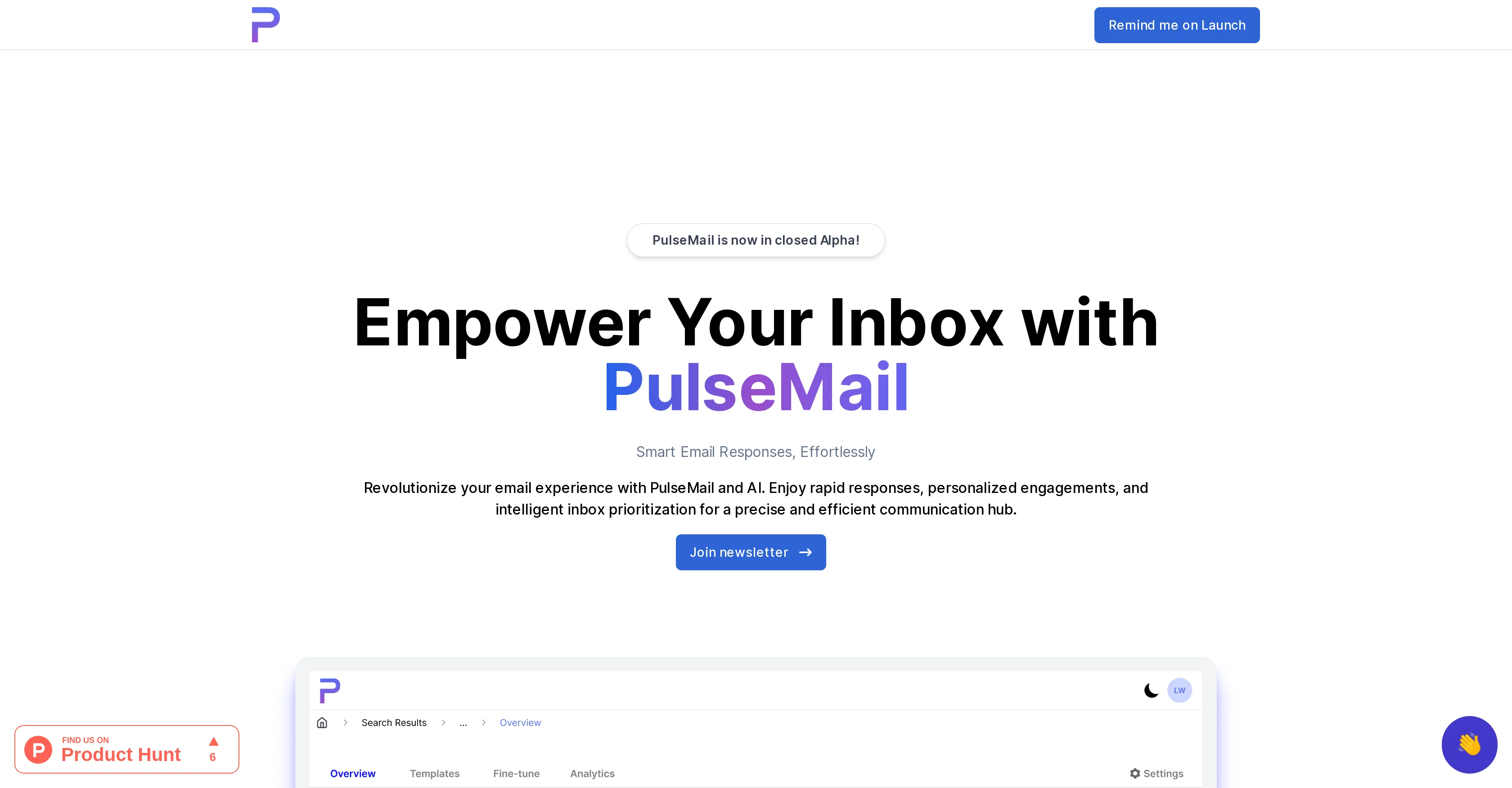
AI-powered email assistant for smart, effortless responses.
PulseMail is an AI-driven email assistant designed to streamline communication and improve productivity. It enables intelligent email responses, combined with tailor-made engagements and insightful inbox prioritizing, which form a precise and effective hub for communication. The tool responds to emails on behalf of the user, allowing them to manage their inboxes without needing to manually open every email for review. PulseMail further offers functionalities that recognize meeting requests, displaying the details on the user's dashboard to provide an easy avenue for confirmation, declination, or suggesting alternatives. Responding to emails then becomes automated, simplifying the correspondence process. Another key feature of this tool is the ability to sort and summarize emails based on their importance and relevance. It also provides flexibility in terms of accustoming the tool to the user's needs. Another feature is offering daily statistics and highlighting peak email times, which allows the tool to suggest optimal usage schedules based on this data, thus helping the user utilize the benefits of the tool at their convenience. Other features include a customization function, which adds a unique touch to emails, and analytics, which provide performance insights. PulseMail can be integrated with existing tools to create a cohesive communication ecosystem. Help other people by letting them know if this AI was useful. Add your own prompts and outputs to help others understand how to use this AI.
When considering PulseMail for integration into your organizational workflow, we recommend deploying a structured score card across three critical operational pillars: Security & Compliance, Integration Friction, and long-term Price Scalability. Rather than looking only at basic feature lists, modern procurement teams must assess how a software platform behaves under high load and how well it fits into the team's data security guidelines.
Depending on your operating region and field, ensure that PulseMail supports standard security layers such as SOC 2 Type II certifications, GDPR compliance, or HIPAA-compliant database encryption. If the tool connects directly to client database tables or handles user passwords, verify that they implement multi-factor authentication (MFA), single sign-on (SSO) integrations, and end-to-end data encryption in transit and at rest.
Siloed data is the primary cause of operational friction. Evaluate if PulseMail has native connectors for your current project trackers, messaging hubs, and customer communication channels. For custom developer requirements, check if they provide a fully documented REST API with reasonable rate limits, comprehensive Webhooks support, and robust SDK packages in your language. A flexible API layer saves hundreds of hours of manual copy-paste overhead.
SaaS pricing packages are often deceptively simple. When reviewing PulseMail's billing structure, map out your team's projected expansion over the next 12 to 24 months. Determine how costs scale as your customer database increases or as you add team members. Factor in setup costs, mandatory support plan upgrades, API access fees, and storage overage rates to understand the true cost before committing to a contract.
By combining verified user reviews from our directory with internal workflow pilot tests, your procurement team can make an informed decision that drives productivity without creating capital waste.
Overall rating
Based on 20 reviews
Very smooth and effective. It could detect even Hindi language and could summarise pretty reasonably
Pankaj Dixit
Honestly, with the website looking the way it does on 5.4.2024, I feel discouraged to even try it for free. First impressions matter IMO. It would be great to have a showcase of products, etc
Vineet Sinha
Works for me
Aramis
Great Product!!
Driton Selimaj
I can't explain how impressed i am by this. I've seen tools to help you brainstorm ideas, but not one to break your task down into big steps, then little steps for each of these. Plus "games" to help come up with more ideas for your project. I'm excited to use this!
ImpulseOscar
Easy to implement into my workflow and helps save time reviewing and drafting various legal documents
Meaghan Hounslow
This is a powerful and helpful real-life app.
Sue
filters my spam calls
Robin Haw
Finally, a prompt optimizer that makes sense, adding power to my own words. Easy to expand details, easy to go deeper and to get exactly what I need to squeeze out incredible results with ChatGPT. The Prompt_Enhancer setting is something serious. Thanks guys, keep on providing excellent AI tools!
Hollie Arsement
Great! I think @AI Lawyer is the best service I've ever seen. Perfect use. Prompting helps in the work
Yuri Gerasimov
My inbox was flooded before @AImReply—and it’s not anymore! Thanks, @AImReply
Nathan Hughess
Thanks for the feedback, and also for the tip for the community. One more tip: if you upload an image directly, you can add context that might be missing in the image. For example, the duration is 3 hours or prefix every event title with Name:
Caren Cioffi
It is not free. So i couldnt test anything
Isa Venancio
I joined Kin's beta program on my iPhone XR. After upgrading to an iPhone 13, I found that I couldn't log into my existing account on the new phone, forcing me to create a new account. Now, I have two separate Kin accounts on different phones. Today, when I accessed the beta version of Kin, I got a notification stating that the test version ended on Monday, September 23rd. It instructed me to back up my data and move to the official Kin app. I did as advised—backed up my data, confirmed, uninstalled the beta app via TestFlight, and installed the official Kin app. However, when I attempted to “log in”, I was still unable to access my existing account. This issue hasn't been resolved yet. I have been trying desperately to get in contact with the support team. I left feedback through the test flight app and sent emails. No response. Now trying to find a forums, Reddit posts, TAAFT comments☻
Desiree Miller
I tried using it but the website has too many bugs.
João Neiva
Saved so much gdrive space it is insane!!
Brad Anderson
Worth the $60 monthly if you're a small business especially because it sends email on your behalf - doesn't just draft and keep it in your inbox (that option also exists). Mails composed are accurate, it's as if the tool is thinking on your behalf too. Learns and understands your writing style, job role, etc. and tailors the response.
Akshatha
Been loving this tool so far, it's awesome to keep my inbox organized with the auto-tagging feature. I'll try the auto-draft as well, seems promising 🙏
Felipe Malara
Maybe making an browser extension to integrate directly into mail clients would be great here :)
Martin Durant
Hey TAAFT, I’m Richie, cofounder of @Forage Mail! 👋 Forage has seriously changed my relationship to my inbox, and I'm excited for more of you to experience it. Forage is not a new email app you need to learn. It’s an AI that plugs right into your Gmail account and filters out your low-priority mail. Then, it sends you a clean daily summary with everything it filtered out—including a TLDR of every newsletter you received.
Richie
Starting Price
From $14.00/user/month
Pricing may vary based on team size and features selected.


