5.02 months ago
“Review”
nice holistic
Amit ImmI

Transform ideas into stunning presentations instantly
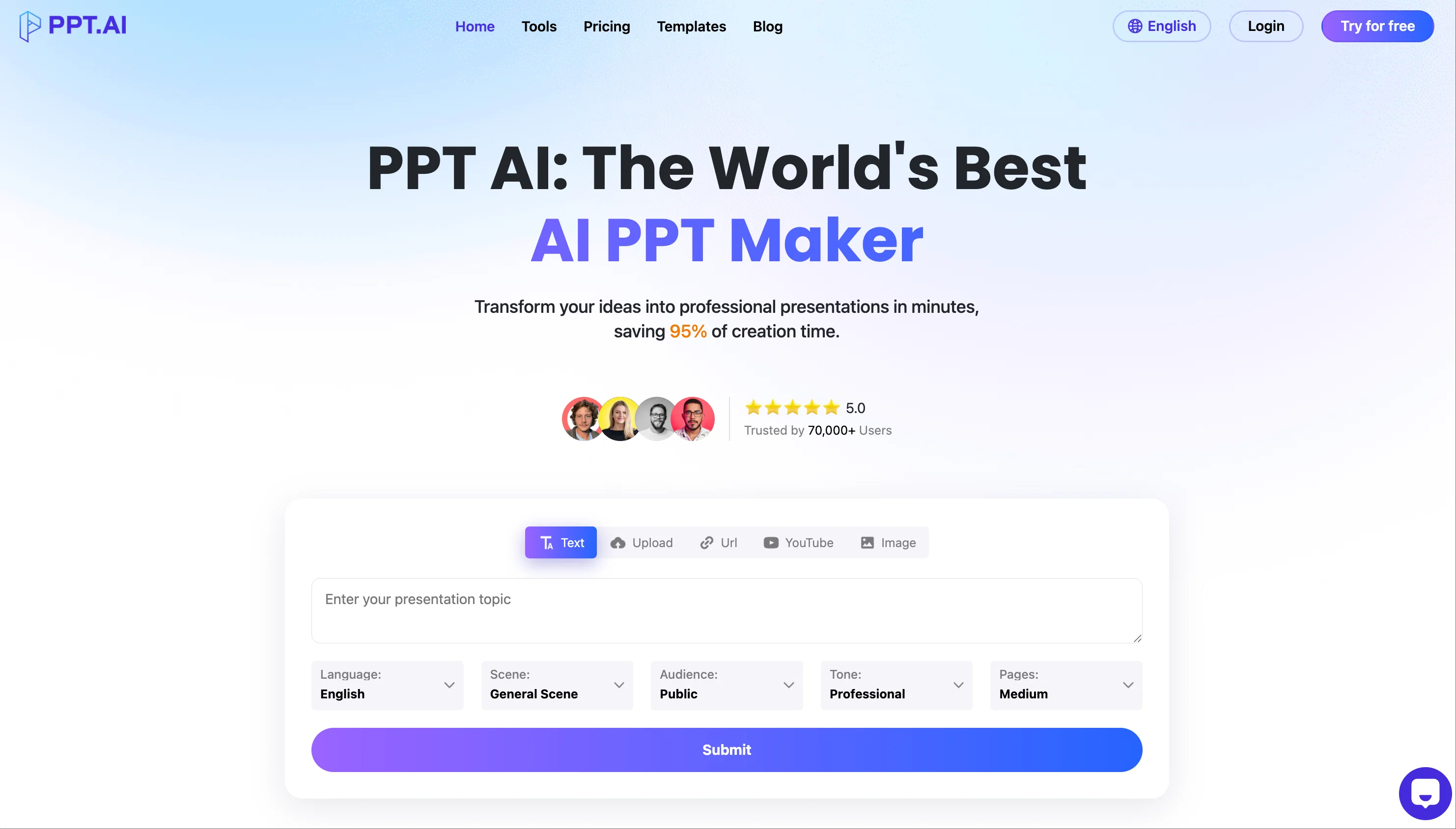
PPT.AI, the AI-powered presentation generator, has recently introduced several new features designed to enhance user experience and streamline the presentation creation process. 🛠️ Expanded Input Options Web Page to PPT: Convert web pages into presentations by simply providing a URL. YouTube Video to PPT: Generate slides summarizing YouTube video content by inputting the video link. PDF and Word to PPT: Transform PDF and Word documents into editable presentations effortlessly. Image to PPT: Convert images into slides, allowing for quick visual content integration. Help other people by letting them know if this AI was useful. Add your own prompts and outputs to help others understand how to use this AI.
When considering PPT.AIv1.2 for integration into your organizational workflow, we recommend deploying a structured score card across three critical operational pillars: Security & Compliance, Integration Friction, and long-term Price Scalability. Rather than looking only at basic feature lists, modern procurement teams must assess how a software platform behaves under high load and how well it fits into the team's data security guidelines.
Depending on your operating region and field, ensure that PPT.AIv1.2 supports standard security layers such as SOC 2 Type II certifications, GDPR compliance, or HIPAA-compliant database encryption. If the tool connects directly to client database tables or handles user passwords, verify that they implement multi-factor authentication (MFA), single sign-on (SSO) integrations, and end-to-end data encryption in transit and at rest.
Siloed data is the primary cause of operational friction. Evaluate if PPT.AIv1.2 has native connectors for your current project trackers, messaging hubs, and customer communication channels. For custom developer requirements, check if they provide a fully documented REST API with reasonable rate limits, comprehensive Webhooks support, and robust SDK packages in your language. A flexible API layer saves hundreds of hours of manual copy-paste overhead.
SaaS pricing packages are often deceptively simple. When reviewing PPT.AIv1.2's billing structure, map out your team's projected expansion over the next 12 to 24 months. Determine how costs scale as your customer database increases or as you add team members. Factor in setup costs, mandatory support plan upgrades, API access fees, and storage overage rates to understand the true cost before committing to a contract.
By combining verified user reviews from our directory with internal workflow pilot tests, your procurement team can make an informed decision that drives productivity without creating capital waste.
Overall rating
Based on 34 reviews
nice holistic
Amit ImmI
Try doing anything real with @Lovable and welcome to the error loop. Has a lot of potential but @Lovable does not seem to be ready to produce real apps with multiple pieces that need to work together without getting stuck in error loops. Disappointing.
Joe LK
Generating captions was super fast like seconds. Wish they had Anton font though
bob miller
Edisa, thanks for the reply. Didn't know about the confidentiality guarantee.
Kevin Corrigan
I recently started using @Napkin AI, and I couldn't be more impressed! This tool is incredibly user-friendly and intuitive, making it easy to generate clear visual representations from text. Moreover, the interface is clean and visually appealing, which enhances the overall user experience. @Napkin AI is a fantastic companion. Highly recommended for anyone looking to elevate their creative process!
Jobin Mathew
Not at all accurate…. The only thing similar between original and generated images were the clothes and accessories… face was absolutely new and unconnected.
Shvetank Sharma
Just implemented your instruction out how to run drip campaigns automatically, nice! Getting prospect calls coming in
Jenn N.
i would say it gives the mind a sense of clarity
Emmanuella Marshall
Makes it easy to get started with a presentation if you have an outline, but as soon as you want more control, you're better off using Google Slides. @Gamma's feature that I used the most was image generation - you can select among a variety of models (Ideogram, Flux, DALL-E, but not Midjourney), and it shows 3 variations to choose from. Performance is slow and a little janky, even in Chrome. Prompts and settings are often not respected - e.g. you set it to "preserve text" and just generate slides, and it goes onto dumping an entire 3 paragraphs of text in one slide. You can't overlay text over images (e.g. for image attribution), and there's no precise positioning control, or grouping elements. No way to control table layout, e.g. to have two images slide-by-side in full bleed mode. I tried @Gamma for a new presentation, but next time I need to make a presentation, I'll go back to Google Slides and generate images independently.
Dan Dascalescu
Suppppeeeeerrr! Wowwww! @Mindsmith is absolutely fantastic! It is incredibly useful, easy to use, and very professional.
Claudia Scilletta
This is the first slide creator I found that actually creates an outline, and nice looking slides with images. The one negative/con is it takes yoursubject and title and generates an outline, but it doesn't allow you to put in your own outline
Robert Scott
Great tool! Was very helpful in content production
Duck Typer
Went from a C to an A in Cognitive Psychology using @Thea!!
Sarah White
your answer is much too general, so useless. You could have just tell me to ask Perplexity.
Ta
I think it's the best @Image Generator I ever found on the net. It gives more accurate image according to the prompt. And thank you for keeping it for free.
My Sawsiri
Bad interface
Mayank Tiwari
The latest version has been updated on @PPT.AI (https://@PPT.AI), and the previous illustrations are the original versions (the theresanaiforthat team has not updated them yet).
ZenLee
Thank you so much for the kind words! We're glad to hear @PPT.AI stood out in your testing — we've put a lot of thought into making the experience fast, intuitive, and design-forward. More updates and customization features coming soon! 🙌✨
ZenLee
I've been testing a bunch of AI tools for slide creation, and @PPT.AI honestly stands out. I love how it takes just a text prompt — or even a file or YouTube link — and turns it into a full, polished presentation in minutes. The templates look great, and the ability to customize is super intuitive. Well done!
Marlowe
Really glad to hear that! 😊 We built @PPT.AI to make that transformation from raw notes to polished slides as effortless as possible. Thanks for giving it a try—more exciting features are on the way!
ZenLee
Tried @PPT.AI out of curiosity and was genuinely impressed. It turned my notes into a clean, professional deck in just a few clicks. Super handy!
GilbertoDCrocker
I tried uploading one of my PPTs for optimization — it did a lot of formatting work automatically. Definitely saved me time on alignment and layout tweaks. Impressive!
ZenLee
I had given one PPT to optimise. It did a lot of Format
SANTOSH SAHU
Thank you so much for the amazing feedback! We're thrilled to hear @PPT.AI is helping streamline your workflow and making collaboration easier. Your support means a lot to our team—we’re working hard to keep improving and adding even more powerful features. 🙌💡
ZenLee
Wow, thank you for such a thoughtful and detailed review! 🙏 We're so glad to hear @PPT.AI has made a real difference in your workflow. Helping users go from idea to polished deck in minutes — while supporting collaboration and customization — is exactly what we set out to do. Your support motivates us to keep improving. 🚀💡
ZenLee
@PPT.AI is an outstanding AI-powered presentation tool that has completely transformed my workflow! With just a few clicks, it turns my ideas, documents, or even YouTube links into polished, professional slides in minutes. The platform offers over 800 premium templates and smart editing tools, making customization both powerful and intuitive. I especially appreciate the real-time cloud collaboration and version control features, which make working in teams seamless. Whether you’re a professional, educator, or entrepreneur, @PPT.AI saves a tremendous amount of time and ensures every presentation looks visually engaging and consistent. Highly recommended—definitely a five-star experience!
Leo Wang
I’ve tried countless tools for making presentations, but @PPT.AI genuinely stands out. It takes my rough ideas, notes, or even links and turns them into clean, professional slides in just a few minutes. The template selection is huge—there’s something for every situation—and tweaking the design is super easy. What I love most is how much time it saves; I can focus on my content instead of wrestling with formatting. Collaboration with my team has been smooth, thanks to the real-time editing and version history. If you want your presentations to look polished without spending hours on them, this is the tool to use.
Stair Calculator
@PPT.AI has saved me at least 80% of the time spent on making PPTs. I just need to submit rough ideas or drafts to @PPT.AI, and it can create a relatively usable PPT. This is simply amazing! Although some revisions and optimizations are still needed afterward, it’s already a huge relief compared to starting from scratch.
VibeBuddy
PPT is good but not downlable in free version
Swati Singh
⭐⭐⭐⭐⭐ Great AI Presentation Tool! I really liked the Brand PPT feature. It helped me create professional, on-brand presentation slides in under 60 seconds. The AI-generated content was well-structured, the design looked polished, and the editing process was simple. It has saved me a lot of time compared to creating presentations manually. Highly recommended for anyone who needs fast, professional-quality PowerPoint presentations.
Alex Johnson
@Xpptx: Your One-Click Professional PowerPoint Solution. Making PowerPoint & Slides Creation Easier
Bo Zhang
It’s more than just a presentation maker, it also helps organize information.A great alternative to PowerPoint or Google Slides when you need something fast and professional. It has become part of my daily workflow at the office.
poen ai
Did not allow to download the slides.... ideally they should keep it free till sufficient traffic hits the platform and allow people to share feedback.
Pramesh Nair
The PowerPoint presentation I made met my expectations very well
kismettttt
Starting Price
Free plan available
Free tier available with optional paid upgrades.


