5.01 months ago
“Review”
I have been using it. It can write an interesting story.
Rafael Haddock

Auto-comment on LinkedIn with AI for visibility
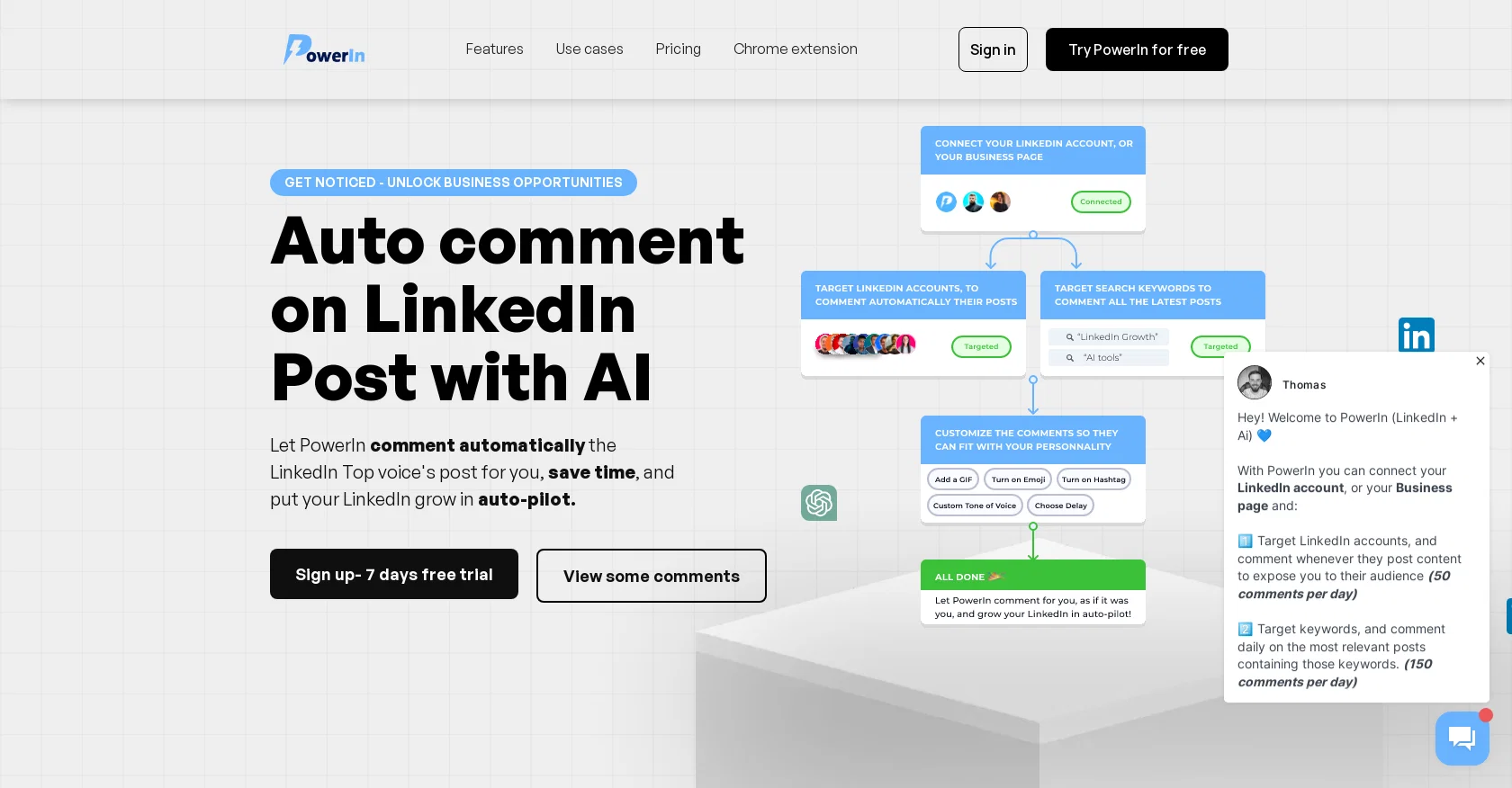
PowerIn is an AI-powered tool designed to automate and enhance user activity on LinkedIn, specifically by generating automatic comments using ChatGPT. Its purpose is to assist individuals and brands in boosting their online presence and achieving their business goals through increased visibility, sales, and subscribers. With PowerIn, users can leverage the tool's capabilities to automatically comment on LinkedIn Top voice's posts, saving time and putting their LinkedIn growth on autopilot.The generated comments aim to create engagement, thereby increasing visibility and attracting more curiosity from viewers. The tool allows users to seamlessly get started by choosing to target either specific LinkedIn accounts or keywords for automatic commenting on posts. PowerIn offers language support for comments, ensuring they are generated in the same language as the post. It prioritizes user safety by guaranteeing secure automation of LinkedIn without the risk of account restrictions.The tool also boasts the ability to create AI-generated comments that appear human-like and target competitors' publications. It utilizes the GPT 3.5 turbo API to analyze posts and deliver consistent and qualitative responses. PowerIn caters to a wide range of users, including both individuals and brands seeking to expand their reach and achieve business outcomes on LinkedIn. It offers flexible subscription plans without any minimum contract period and accepts various payment methods for convenience.PowerIn's mobile-responsive design enables access and usage on multiple devices, and it supports multiple languages to accommodate diverse user preferences. The tool provides a free trial period, allowing users to explore its features and functionality before committing to a subscription. PowerIn also offers data export functionality, ensuring users can access and export their data even after canceling their subscription. The tool does not impose any setup or implementation fees, making it accessible to users right from the start. Help other people by letting them know if this AI was useful. Add your own prompts and outputs to help others understand how to use this AI.
When considering PowerIn for integration into your organizational workflow, we recommend deploying a structured score card across three critical operational pillars: Security & Compliance, Integration Friction, and long-term Price Scalability. Rather than looking only at basic feature lists, modern procurement teams must assess how a software platform behaves under high load and how well it fits into the team's data security guidelines.
Depending on your operating region and field, ensure that PowerIn supports standard security layers such as SOC 2 Type II certifications, GDPR compliance, or HIPAA-compliant database encryption. If the tool connects directly to client database tables or handles user passwords, verify that they implement multi-factor authentication (MFA), single sign-on (SSO) integrations, and end-to-end data encryption in transit and at rest.
Siloed data is the primary cause of operational friction. Evaluate if PowerIn has native connectors for your current project trackers, messaging hubs, and customer communication channels. For custom developer requirements, check if they provide a fully documented REST API with reasonable rate limits, comprehensive Webhooks support, and robust SDK packages in your language. A flexible API layer saves hundreds of hours of manual copy-paste overhead.
SaaS pricing packages are often deceptively simple. When reviewing PowerIn's billing structure, map out your team's projected expansion over the next 12 to 24 months. Determine how costs scale as your customer database increases or as you add team members. Factor in setup costs, mandatory support plan upgrades, API access fees, and storage overage rates to understand the true cost before committing to a contract.
By combining verified user reviews from our directory with internal workflow pilot tests, your procurement team can make an informed decision that drives productivity without creating capital waste.
Overall rating
Based on 9 reviews
I have been using it. It can write an interesting story.
Rafael Haddock
Great for improving posts!
Arghya Dutta
Definitely a good way to grow your LinkedIn audience!
Dmytro Semonov
It's great, I built it and use it daily :)
Felix M
Hey there! Quick question — did you already purchase the subscription and it’s not working, or were you just assuming that because there’s no free trial? Just want to make sure I understand where you’re coming from.
Aramis
"Unfortunately, we cannot provide a description for this tool as it promotes the use of dark magic and the involvement of spirits, which is not a legitimate or safe practice." ..but those other AIs generating anorexically thin women with huge bazongaloos is totally fine. Especially when it involves NSFW stories about your adopted goth sister, your daughter's hot best friend, or even the hot slave you just bought. Totes safe practice. Cmon guys.
Haught Takke
Such an useful tool for my LinkedIn audience growth.
Alvin Risk
very good especially in text to images and text to video
Arip Rahayu58
Fantastic tool for anyone who is looking to promote their personal brand and gain followers on Linkedin with no experience. The tool has a lot of potential to grow and as someone who has recently purchased the tool I'm hoping for more topics in settings.
Ed Soltani
Starting Price
Free plan available
Free tier available with optional paid upgrades.