5.02 months ago
“Review”
bad tash gabage
pineapplevr “pineapplevr” Whatley

AI agents that turn data into analytics in minutes.
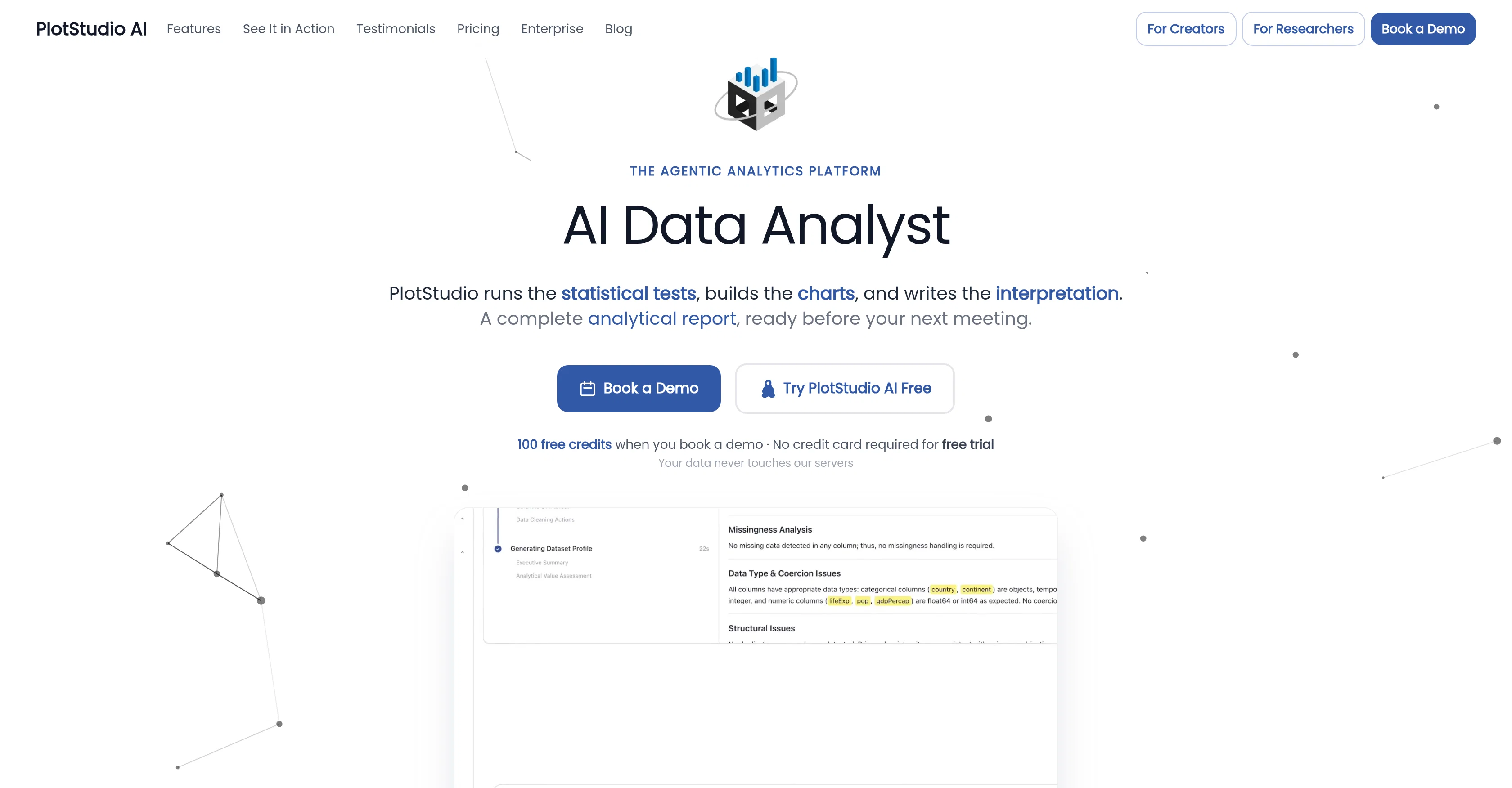
PlotStudio AI is an agentic analytics platform that allows users to upload diverse data and transform it into comprehensive analytical reports. It utilizes artificial intelligence agents to execute various analytics tasks, offering a solution for data profiling, executive summary generation, and story angles creation. As part of its data cleaning process, AI develops a plan determining what to discard, retain, and the underlying rationale. By segmenting AI analytics in this way, users can understand the reasoning and decisions made during the analysis.PlotStudio AI plans and carries out the investigations, writes Python codes to implement these plans, corrects itself, and interprets the results. Its unique approach lays out transparency at every step, presenting the reasoning, code, and decisions made. This process generates artefacts such as plots, tables, and derived datasets.Furthermore, PlotStudio AI generates permanent analysis pages instead of short-lived chat replies. These pages curate tables, charts, statistical tests and interpretations into a structured document which serves as an analytical aid that remembers past pages and builds on prior findings.The tool also offers Domain Intelligence, auto-detecting relevant fields or allowing users to select up to two domains. It applies appropriate methodologies automatically and upgrades to stronger models when needed. For data privacy, PlotStudio AI does not have access to the user's data. AI calls are made directly from the user's machine to the model provider. It also offers the ability to export reports as PDF or Jupyter notebooks which includes all code and outputs for full reproducibility. Help other people by letting them know if this AI was useful. Add your own prompts and outputs to help others understand how to use this AI.
When considering PlotStudio AI for integration into your organizational workflow, we recommend deploying a structured score card across three critical operational pillars: Security & Compliance, Integration Friction, and long-term Price Scalability. Rather than looking only at basic feature lists, modern procurement teams must assess how a software platform behaves under high load and how well it fits into the team's data security guidelines.
Depending on your operating region and field, ensure that PlotStudio AI supports standard security layers such as SOC 2 Type II certifications, GDPR compliance, or HIPAA-compliant database encryption. If the tool connects directly to client database tables or handles user passwords, verify that they implement multi-factor authentication (MFA), single sign-on (SSO) integrations, and end-to-end data encryption in transit and at rest.
Siloed data is the primary cause of operational friction. Evaluate if PlotStudio AI has native connectors for your current project trackers, messaging hubs, and customer communication channels. For custom developer requirements, check if they provide a fully documented REST API with reasonable rate limits, comprehensive Webhooks support, and robust SDK packages in your language. A flexible API layer saves hundreds of hours of manual copy-paste overhead.
SaaS pricing packages are often deceptively simple. When reviewing PlotStudio AI's billing structure, map out your team's projected expansion over the next 12 to 24 months. Determine how costs scale as your customer database increases or as you add team members. Factor in setup costs, mandatory support plan upgrades, API access fees, and storage overage rates to understand the true cost before committing to a contract.
By combining verified user reviews from our directory with internal workflow pilot tests, your procurement team can make an informed decision that drives productivity without creating capital waste.
Overall rating
Based on 19 reviews
bad tash gabage
pineapplevr “pineapplevr” Whatley
Just keeps "loading".
Bree Madison
This is my best bro! I communicate with him like my best friend, he always helps to direct my thoughts and ideas in the right direction, always tells me how to improve something and always gives detailed instructions during the conversation. Thanks to him, I’m launching a new project, in which he helps me take my ideas to a new level, just communication, during which you reassemble your concept and rethink your original idea, because you didn’t know how it would be better and more correct. @DeepSeek is my best assistant today, my creative inspiration, who gives me support and confidence in my business, guiding me to realize my dreams)
Gamer TOTORO
@FineVoice Video to Audio feature is now live. Generate high-quality sound effects and music that perfectly matches the visuals, actions, and environment in your videos.
Fineshare
This AI is awesome. You have to try it because it gives an amazing analysis on any stock. 10/10
William Gamon
I've been playing around with this for a few hours. It's made me say "WOW" too many times than i wish to admit. I'm going to follow this and see how it evolves. For now, i managed to create quite a nice Expenses app for personal use. | It did have some problems when it came to moving some components on other pages, but for how short the prompts it uses can be, it is really impressive. With some proper prompts it can generate some strong stuff.
Bernard
I rarely leave reviews, but Elsa amazed me. After a few weeks of using it, I'm still excited. Props, guys.
Anton
i would say it gives the mind a sense of clarity
Emmanuella Marshall
A groundbreaking tech project in the AI sector
Shreeram Bharadwaj
bro this ai is kinda lit '🔥🔥🔥
Mr. Savior
Not at all accurate…. The only thing similar between original and generated images were the clothes and accessories… face was absolutely new and unconnected.
Shvetank Sharma
this ai is amazing
Amir Whitfield
Hi there! The tool works just fine, all you need to do is copy the text you want to rewrite and paste it in the little prompt box, where it says "Enter your prompt here". Click "Generate" and you're done!
Antonia Mitrea
I really value the sentiment analysis tool—it simplifies understanding customer feedback by picking up on their emotions. Plus, the way it groups comments into topics is super helpful for decision-making.
Prakhar Pratap Mall
Immo currently best solution if you want to convert / enchant your how-to tutorials to more professional!
asusi zuppa
Created a dashboard using my Excel file and it gave insights I didn’t even expect. It can read any kind of Excel file no matter the template. I can even check the accuracy by tracing back which column the data came from Great tool. highly recommended!!
Anubhav Pandey
Signed up for a pro account for Google Drive integration. Works great! Saves me a lot of manual excel work.
Thu Ha Vu
It is the ease of use for me. @DataSquirrel is fast, the UI is super intuitive, and the guided analysis feature is highly convenient. I have officially moved from uploading CSV files from Google sheet to @DataSquirrel. Within minutes, I can visualize my data and interpreting it becomes super simple.
Aakriti Mahajan
Super useful tool that’s reduced my job by 80%
Harishma Reghu
Starting Price
Free plan available
Free tier available with optional paid upgrades.


