5.01 months ago
“Review”
A very clean website — simple, clear, and fast to generate results.
yiming zhou

AI-powered photo editing made easy.
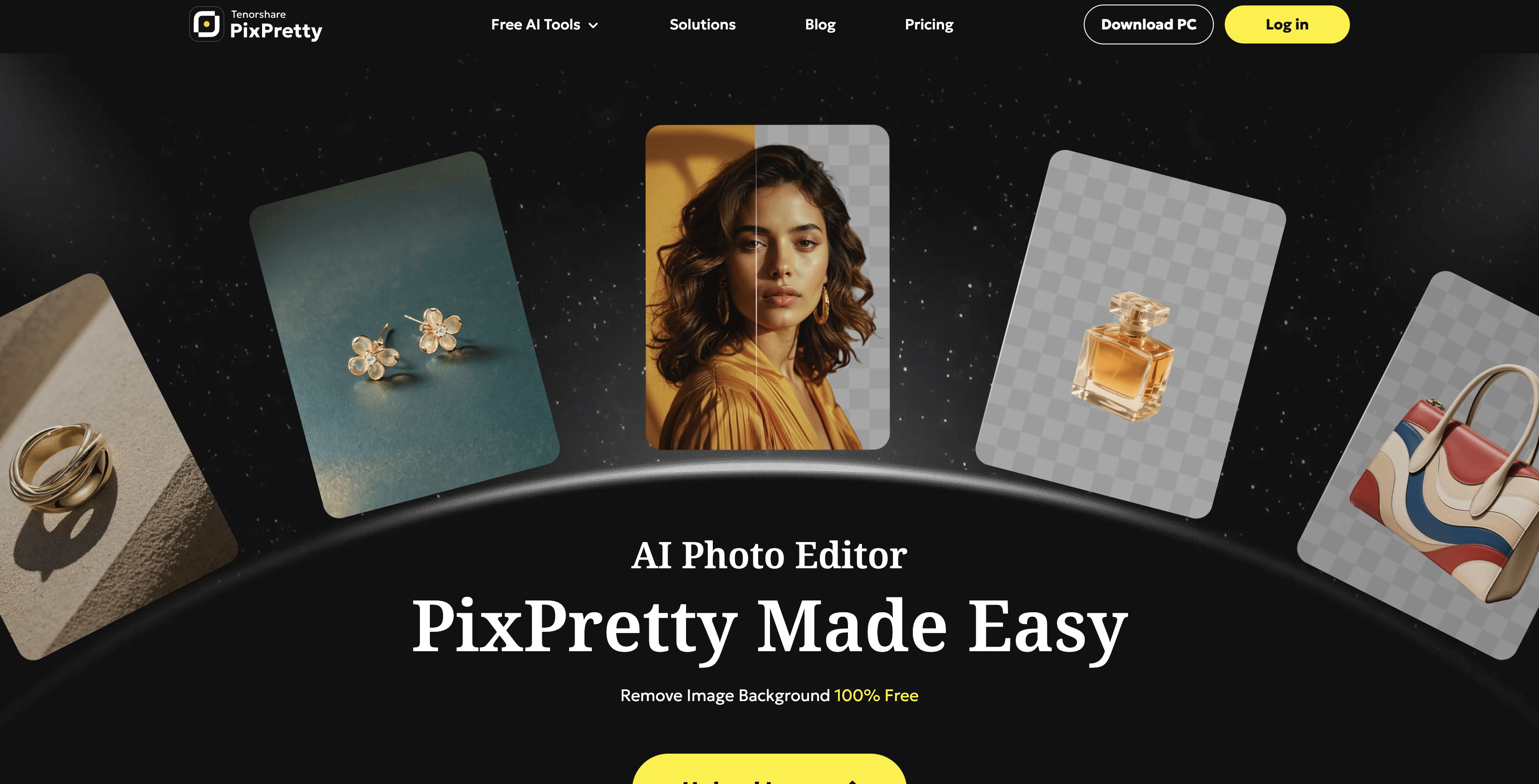
PixPretty is an AI-powered photo editing tool that allows users to remove backgrounds, resize, and edit photos online efficiently and quickly. It has been explicitly designed to enhance images for various applications like eCommerce, social media, and personal projects. It leverages advanced AI technology to provide accurate image editing features, making it suitable for all types of projects. Users can swiftly change background colors, erase backgrounds, and adjust photos on a batch level. PixPretty also offers image compressing and converting features, readily allowing conversions between several image formats like WEBP, PNG, and JPEG. Notably, PixPretty grants users the ability to handle multiple images at once for background removal and resizing, making it an efficient tool for bulk image processing. Additional functionalities include AI-assisted portrait retouching, AI-driven image translation, and an AI image detector for identifying and analyzing objects, faces, and scenes in any image. This versatile range of capabilities makes PixPretty an all-encompassing solution for digital image editing and management. Help other people by letting them know if this AI was useful. Add your own prompts and outputs to help others understand how to use this AI.
When considering PixPretty AI for integration into your organizational workflow, we recommend deploying a structured score card across three critical operational pillars: Security & Compliance, Integration Friction, and long-term Price Scalability. Rather than looking only at basic feature lists, modern procurement teams must assess how a software platform behaves under high load and how well it fits into the team's data security guidelines.
Depending on your operating region and field, ensure that PixPretty AI supports standard security layers such as SOC 2 Type II certifications, GDPR compliance, or HIPAA-compliant database encryption. If the tool connects directly to client database tables or handles user passwords, verify that they implement multi-factor authentication (MFA), single sign-on (SSO) integrations, and end-to-end data encryption in transit and at rest.
Siloed data is the primary cause of operational friction. Evaluate if PixPretty AI has native connectors for your current project trackers, messaging hubs, and customer communication channels. For custom developer requirements, check if they provide a fully documented REST API with reasonable rate limits, comprehensive Webhooks support, and robust SDK packages in your language. A flexible API layer saves hundreds of hours of manual copy-paste overhead.
SaaS pricing packages are often deceptively simple. When reviewing PixPretty AI's billing structure, map out your team's projected expansion over the next 12 to 24 months. Determine how costs scale as your customer database increases or as you add team members. Factor in setup costs, mandatory support plan upgrades, API access fees, and storage overage rates to understand the true cost before committing to a contract.
By combining verified user reviews from our directory with internal workflow pilot tests, your procurement team can make an informed decision that drives productivity without creating capital waste.
Overall rating
Based on 26 reviews
A very clean website — simple, clear, and fast to generate results.
yiming zhou
Great tool. I use it a lot. It's free, you don't have to sign up, and it's quick. I also made a video on it https://youtu.be/wWQHOtY6cYE
J.I.
Great and easy to use chatbot.... It is my personal advisor...
David Mavashev
Just tried it and it’s working fine for me. The results are actually nice, worth trying again!
Alexandru Bostina
@Cursor is underrated.
Vanessa
This tool finally helps me understand what makes a great prompt. It doesn't just give me a better version, it shows me to get there by analyzing why the original prompt is weak and showing what to improve. The difference this makes to the final AI output is incredible. An essential tool for getting more accurate and detailed results, Great Job!
Milo Quinn
This tool i found is super cool, I created 5 books from this tool to sell them online, which gives me great profit. I am creating more valuable books to spread knowledge, and earn some bucks as well 🤑.
Bilal Ashraf
nice holistic
Amit ImmI
There were no aristocratic Asians and Africans in ancient Rome.
Sándor Gajdos
still background removing accuracy is required. it only 80% not 100%
Krutika Creations
Really liked the performance dashboard features. Very unique. Also the output was very polished, ready to deploy. Did not have to use Supabase - though would like to have the option of also using it if I want. Also cheaper compared to alternatives
Akshay Vajpayee
The app is amazing, it doesnt change your natural features, simply applies perfect lighting, underlining you most favourable characteristics. Can 100% recommend it.
Mark Fejes
Been using CloneViral for my UGC ad campaigns and it's honestly a game-changer. The Agent Mode feature is what sold me - you basically describe what you want, and their AI agents collaborate to handle everything from scripting to final video. No more jumping between 5 different tools. The UGC Ads generator is surprisingly good. I can create authentic-looking user testimonials and product demos in minutes instead of hiring creators or spending days editing. Quality is solid enough that my clients can't tell the difference. Not perfect, but for the price and time it saves me, it's become essential in my workflow. If you're doing any kind of social media marketing or content creation at scale, worth trying out.
Marc
Many ai models help me create videos I love
long ff
Love how it offers stuff for both free and premium users. huge thanks to the devs and keep it up!
Burner Cruz
I tried to look at what their avatars look and sound like but could not find it on their website. I'm not going to make a purchase if I can't see what I'm buying.
Iamalright Jack
I think it's the best @Image Generator I ever found on the net. It gives more accurate image according to the prompt. And thank you for keeping it for free.
My Sawsiri
cool product
aaron7
tried it for quick photo cleanups, solid results. the bg remover is free with HD downloads and does clean cutouts on tricky edges. the full editor gives 5 daily credits, not badd
Lark Cube
i edited my picture twice because the first time it randomly got deleted. second time i did everything and i pressed download but nothing happened, after repeatedly trying it didn’t work in the end. regardless very good editing tool (fyi you can’t download high res pic without paying)
Georg
I think this is the point of a free trial...
Michael McWilliam
Works wonders for anime, has me taking it in consideration for a tool rotation.
Sean Gandhi
The prompt library is extremely practical.
yang li
I was struggling to create some free Christmas and New Year's e-cards, and these templates are really good. I recommend giving them a try. The only downside is that each free template can only be used once.
youngwind
Not at all accurate…. The only thing similar between original and generated images were the clothes and accessories… face was absolutely new and unconnected.
Shvetank Sharma
Hi Keratosii, I see the tool ran and you left a 4* rating. What felt like a scam?
Alin Andrei
Starting Price
Free plan available
Free tier available with optional paid upgrades.


