5.02 months ago
“Review”
It helped me set up my online business within minutes.
cherni hiba

One-click AI videos from product links.
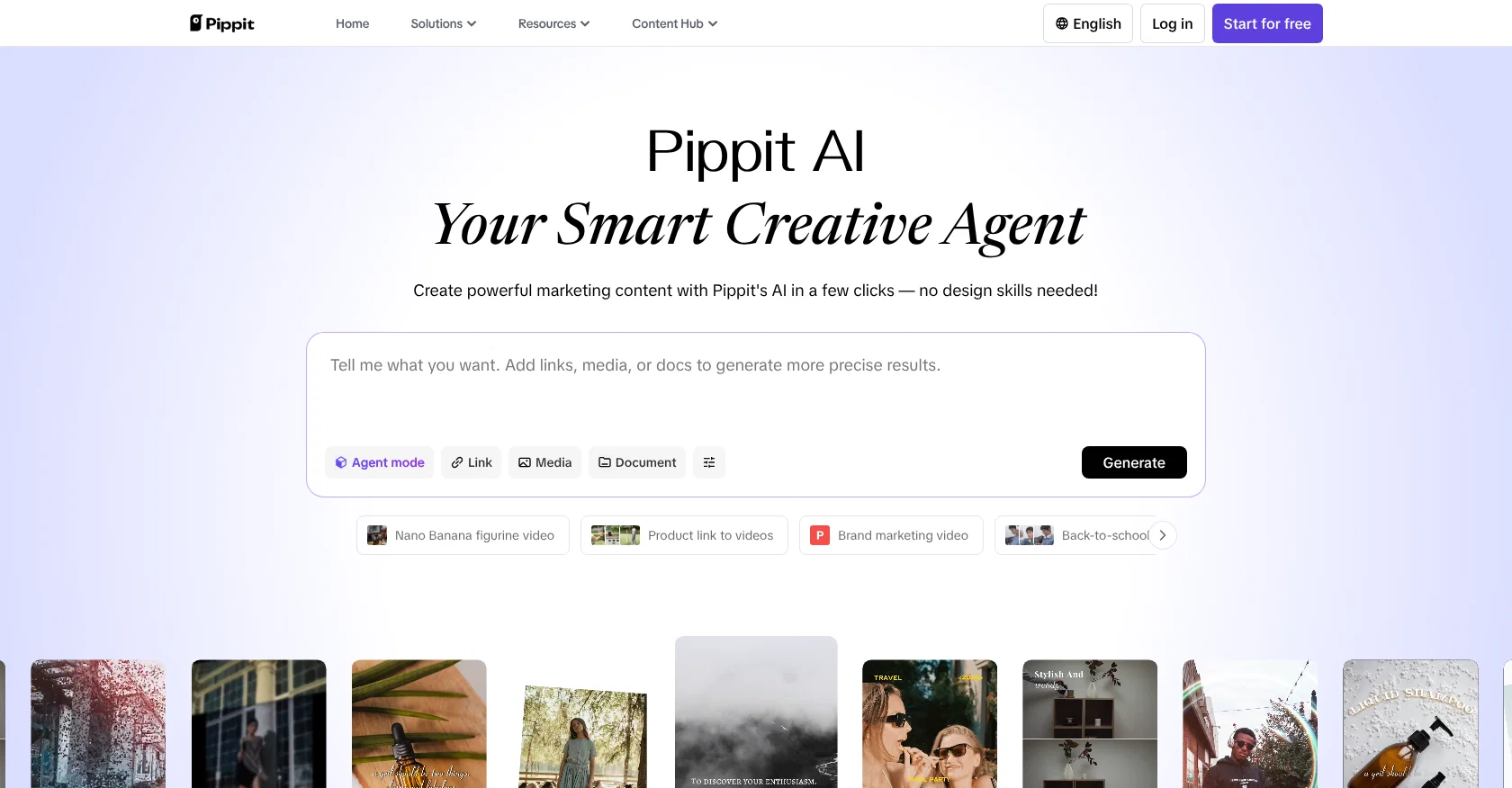
Pippit AI is an Artificial Intelligence-driven platform designed to facilitate the creation and management of marketing content such as videos, images, ads, and avatars. The main component of Pippit AI's offerings include the AI-powered video generator which allows for one-click generation of marketing videos via a product link or visual uploads. Further enhancing content creation is the platform's ability to offer a range of AI avatars and voices, which can help diversify and scale video production. Pippit AI introduces efficiency in content planning and distribution with its auto-publishing feature where users can schedule their social content to be published across various platforms at the desired time. The platform also provides insightful analytics which helps users track performance and streamline their marketing strategies. Pippit AI also provides a host of other tools for image editing, video cropping, and background removal among others. The platform serves a spectrum of users from amateurs to professionals, offering a simplified solution for quality content creation without requiring any design skills. Powered by CapCut, Pippit AI supercharges your content creation. Help other people by letting them know if this AI was useful. Add your own prompts and outputs to help others understand how to use this AI.
When considering Pippit AIv1.0 for integration into your organizational workflow, we recommend deploying a structured score card across three critical operational pillars: Security & Compliance, Integration Friction, and long-term Price Scalability. Rather than looking only at basic feature lists, modern procurement teams must assess how a software platform behaves under high load and how well it fits into the team's data security guidelines.
Depending on your operating region and field, ensure that Pippit AIv1.0 supports standard security layers such as SOC 2 Type II certifications, GDPR compliance, or HIPAA-compliant database encryption. If the tool connects directly to client database tables or handles user passwords, verify that they implement multi-factor authentication (MFA), single sign-on (SSO) integrations, and end-to-end data encryption in transit and at rest.
Siloed data is the primary cause of operational friction. Evaluate if Pippit AIv1.0 has native connectors for your current project trackers, messaging hubs, and customer communication channels. For custom developer requirements, check if they provide a fully documented REST API with reasonable rate limits, comprehensive Webhooks support, and robust SDK packages in your language. A flexible API layer saves hundreds of hours of manual copy-paste overhead.
SaaS pricing packages are often deceptively simple. When reviewing Pippit AIv1.0's billing structure, map out your team's projected expansion over the next 12 to 24 months. Determine how costs scale as your customer database increases or as you add team members. Factor in setup costs, mandatory support plan upgrades, API access fees, and storage overage rates to understand the true cost before committing to a contract.
By combining verified user reviews from our directory with internal workflow pilot tests, your procurement team can make an informed decision that drives productivity without creating capital waste.
Overall rating
Based on 18 reviews
It helped me set up my online business within minutes.
cherni hiba
Deploys the backend directly from chat!
Spam Trapper
Purely magic. It increases the productivity by a lot and the process is pretty addictive. I've been building websites like there's not tomorrow.
Geo Burlibasa
Just implemented your instruction out how to run drip campaigns automatically, nice! Getting prospect calls coming in
Jenn N.
Absolutely in love. I could create my own custom AI and shared it with my colleuges to get instant support from me, i mean digital AI of me :)
Derek W.
Ideal for stock-watchlist and not missing trade setups that correspond to my strategy.
Builder
The most humanly AI i have used so far but the problem is as soon as you start piling up messages in single chat session , it starts getting slow and at some point it starts freezing and also uses a lot of resources. For time being its okay to do 3 4 messages but as soon as we continue it has messages limitation and also starts getting very very slow . For the price of £18 per month this is unacceptable and with the newly introduced feature called project, if we start new chat within the project we cannot continue with the context we provided in other chats within same project. There are lot of improvements for them to work on. And to start with the its speed and its price
Bibash Katel
Very interesting
Béatrice Duval
Very impressed with the results! The illustrations are wonderful and really high quality
Antonia Mitrea
Really impressed by the multi-model planning and code review. Having different models collaborate instead of relying on just one actually leads to better decisions. You can feel the difference on more complex tasks.
Cara
I tried their Form Builder template to see how it converts descriptions into a user interface. And it produced a functional form almost exactly as I expected. Good for me 👍
Ingvar
Started out good and has real potential, but the owners got greedy. You used to be charged 1 credit for each generation and got 20 free credits a day. Now you get 30 credits, but (for example Flux pro ultra) costs 9 credits and some change, meaning you get just 3 credits a day in reality. And when a run fails you are still charged so if you click a fourth time and it fails, they subtract and put you into credit debt (negative credits). Greed... the downfall of so many AI art websites. You are better off just buying a miniPC with good memory and good video card and downloading Flux to your computer and running it locally. The pricing? Let's do the math. $2 for 200 credits, but a Flux ultra run will cost you 9.97 credits. So for $2 you get actually 20 runs, and that is what you used to get each day for free. Totally not worth your money, especially when they charge you for failed runs too and the fact that on the average, it will take you 5 or 6 runs to get a decent picture that doesn't have deformed hands or other defects or deviations from what you are looking for. Better to download stable diffusion and run flux on it or uses any of the other local ways to run AI art if you can.
Mic
Not at all accurate…. The only thing similar between original and generated images were the clothes and accessories… face was absolutely new and unconnected.
Shvetank Sharma
I think it's the best @Image Generator I ever found on the net. It gives more accurate image according to the prompt. And thank you for keeping it for free.
My Sawsiri
this ai module is not able to generate marketing content
red card
10x organic marketing effort!
Gaurav Thapa
pretty good for quick visuals. output’s clean and it follows prompts better than i expected, not bad at all.
Sean Gandhi
Video editing
Amrit kuli Amrit kuli
Starting Price
Free plan available
Free tier available with optional paid upgrades.