Help other people by letting them know if this AI was useful.
Add your own prompts and outputs to help others understand how to use this AI.
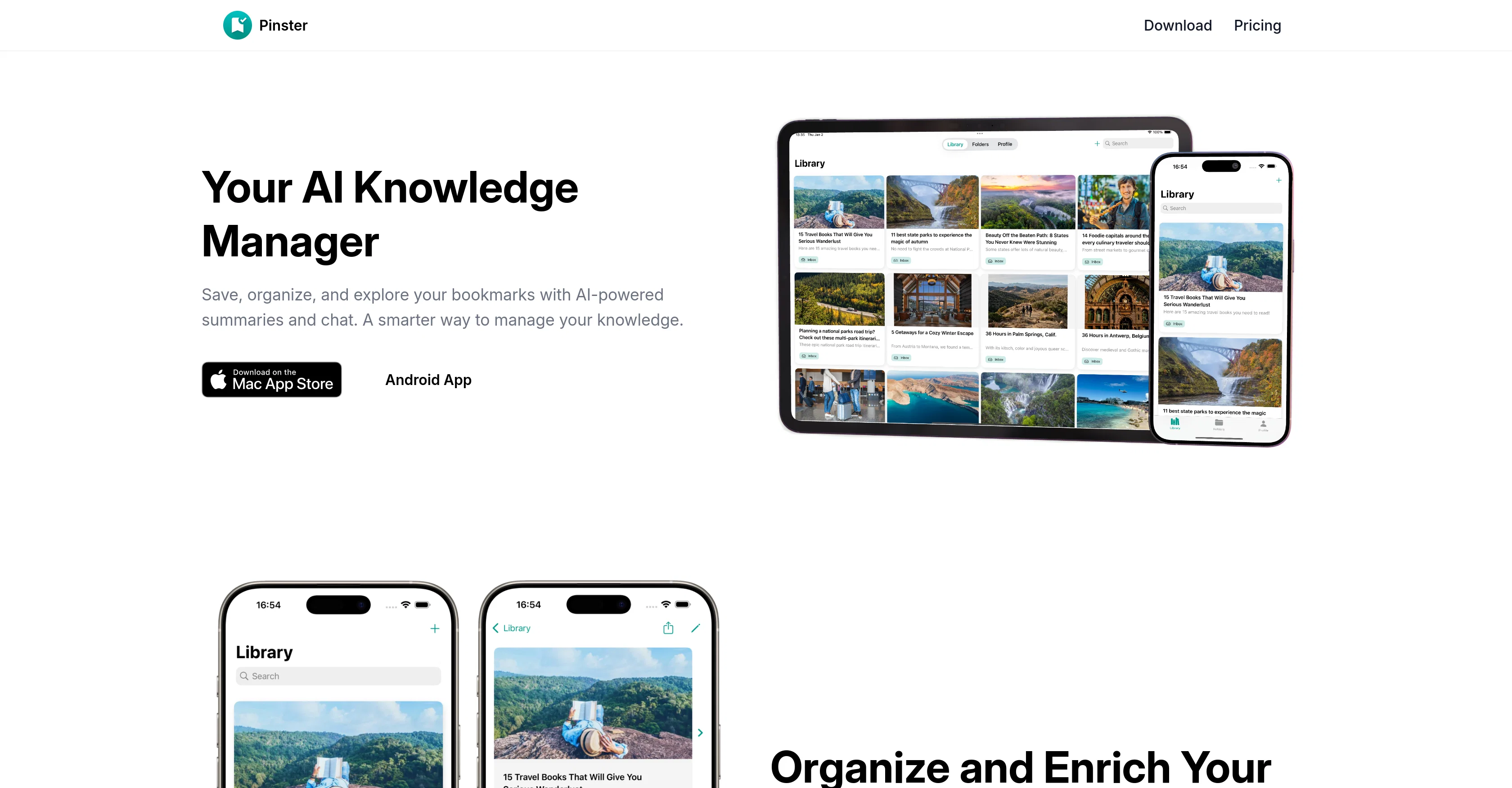
Screenshot gallery
Pros & Cons
Pros
+Designed for macOS and iOS
+Chat feature for bookmarks
+Automatic categorization and tagging
+Personal reading library builder
+Ask questions to saved articles
+Unlimited bookmark addition
+Notes and descriptions for bookmarks
+Title or URL search
+Cross-device cloud sync
+Secure login with Apple or Google
+Advanced search filters in Pro
+Customizable folder icons in Pro
+Priority cloud syncing in Pro
+Automatic content summarization in Pro
+Early access to new features
+Save links, images, notes, and files
+Share menu and share extensions
+Seamless experience across Safari, Chrome, Firefox
+Interactive bookmarks
+Unlimited bookmark addition
+Reading library generation
+Comprehensive search capabilities
+Nested organization of folders
+Automatic tagging system
+Multi-data type saving
+Pro version advantages
+Secure account access
+In-app bookmark previews
+Minimalist user-friendly interface
+Add PDFs, images to bookmarks
+Fast updates with cloud sync
+Flexible folder and tag organization
+Smart Lists based on metadata
+Web Archive bookmarking
+Fully integrated with Apple devices
Cons
−Only for macOS/iOS
−No Android support
−Advanced features for 'Pro' only
−Potential delay in cloud sync
−No in-app previews on free
−Lack information on security measures
−Bookmark chat UX is unknown
−Not open-source
−Paid version relatively expensive
−Limited support options
A Professional Framework to Evaluate Pinster AI
When considering Pinster AI for integration into your organizational workflow, we recommend deploying a structured score card across three critical operational pillars: Security & Compliance, Integration Friction, and long-term Price Scalability. Rather than looking only at basic feature lists, modern procurement teams must assess how a software platform behaves under high load and how well it fits into the team's data security guidelines.
1. Security and Database Compliance
Depending on your operating region and field, ensure that Pinster AI supports standard security layers such as SOC 2 Type II certifications, GDPR compliance, or HIPAA-compliant database encryption. If the tool connects directly to client database tables or handles user passwords, verify that they implement multi-factor authentication (MFA), single sign-on (SSO) integrations, and end-to-end data encryption in transit and at rest.
2. API Coverage and Custom Integrations
Siloed data is the primary cause of operational friction. Evaluate if Pinster AI has native connectors for your current project trackers, messaging hubs, and customer communication channels. For custom developer requirements, check if they provide a fully documented REST API with reasonable rate limits, comprehensive Webhooks support, and robust SDK packages in your language. A flexible API layer saves hundreds of hours of manual copy-paste overhead.
3. Total Cost of Ownership (TCO)
SaaS pricing packages are often deceptively simple. When reviewing Pinster AI's billing structure, map out your team's projected expansion over the next 12 to 24 months. Determine how costs scale as your customer database increases or as you add team members. Factor in setup costs, mandatory support plan upgrades, API access fees, and storage overage rates to understand the true cost before committing to a contract.
By combining verified user reviews from our directory with internal workflow pilot tests, your procurement team can make an informed decision that drives productivity without creating capital waste.
Features of Pinster AI
AI Chatbot
Knowledge Organizer
Bookmark Management
IOS App
MacOS App
Productivity Tool
Free + From $9.99/Mo
SaaS1to10 verified reviews for Pinster AI
Overall rating
★★★★★5.0
Based on 19 reviews
★★★★★5.01 months ago
“Review”
I've been playing around with this for a few hours. It's made me say "WOW" too many times than i wish to admit. I'm going to follow this and see how it evolves. For now, i managed to create quite a nice Expenses app for personal use. | It did have some problems when it came to moving some components on other pages, but for how short the prompts it uses can be, it is really impressive. With some proper prompts it can generate some strong stuff.
Bernard
★★★★★5.01 months ago
“Review”
the search functionality is a bit limited i think. like i save lots of webpages but it can't really know the pages content themselves
Lilly Walsh
★★★★★5.01 months ago
“Review”
i would say it gives the mind a sense of clarity
Emmanuella Marshall
★★★★★5.01 months ago
“Review”
I think the software is really good.
Jiahui Zhou
★★★★★5.01 months ago
“Review”
This tool i found is super cool, I created 5 books from this tool to sell them online, which gives me great profit. I am creating more valuable books to spread knowledge, and earn some bucks as well 🤑.
Bilal Ashraf
★★★★★5.01 months ago
“Review”
Suppppeeeeerrr! Wowwww! @Mindsmith is absolutely fantastic! It is incredibly useful, easy to use, and very professional.
Claudia Scilletta
★★★★★5.01 months ago
“Review”
Went from a C to an A in Cognitive Psychology using @Thea!!
Sarah White
★★★★★5.01 months ago
“Review”
As the service was in beta-testing stage, I created there a dozen of AI-generated courses for free. I wanted to use them. Those courses remained in my account as they started subscription tiers. But recently I have found out that they were deleted. The support didn't answer to my e-mail at all.
Oldfag TV
★★★★★5.01 months ago
“Review”
Can’t use it without an invite code.
Steven
★★★★★5.01 months ago
“Review”
This team took the time to understand the industry, problem and its users and designed a perfectly engineered solution. Kudos.
Junaid Ali
★★★★★5.01 months ago
“Review”
It is not free. So i couldnt test anything
Isa Venancio
★★★★★5.01 months ago
“Review”
I would highly recommend for researches and students. useful to manage your articles and use AI to get the key points.
Hamed Mousavi
★★★★★5.01 months ago
“Review”
Really like how it finds connection in the content that I save. I don't think any other tool can do that.
amix ffx
★★★★★5.01 months ago
“Review”
I’ve been using @Collate to go through technical PDFs, and it’s been surprisingly handy. Summarizing docs and being able to ask questions directly saves me time, especially when I’m skimming through research or API references. No sign-ups, works offline, and everything stays on my device — which I appreciate.
Harman
★★★★★5.01 months ago
“Review”
Great tool! Was very helpful in content production
Duck Typer
★★★★★5.01 months ago
“Review”
I think it's the best @Image Generator I ever found on the net. It gives more accurate image according to the prompt. And thank you for keeping it for free.
My Sawsiri
★★★★★5.02 months ago
“Review”
A Must-Have for Bookmarking! I used to struggle with keeping my saved links organized. This app automatically sorts and tags everything, making it super easy to find what I need.
Definitely one of the best tools I’ll add to my daily use!
bahareh msh
★★★★★5.02 months ago
“Review”
Who doesn’t have a never-ending list of saved items they never go back to? This app alleviates that by automatically tagging and grouping what you save. A chore becomes a joy!
Saeed
★★★★★5.02 months ago
“Review”
Tested teh application. Saved 5 recipes. Three of them recognized as recipes. Two of them lost in translation. Other example. Saved three pages about company valuation. Two of them recognized. One lost in translation. Can't afford these kinds of tools ...