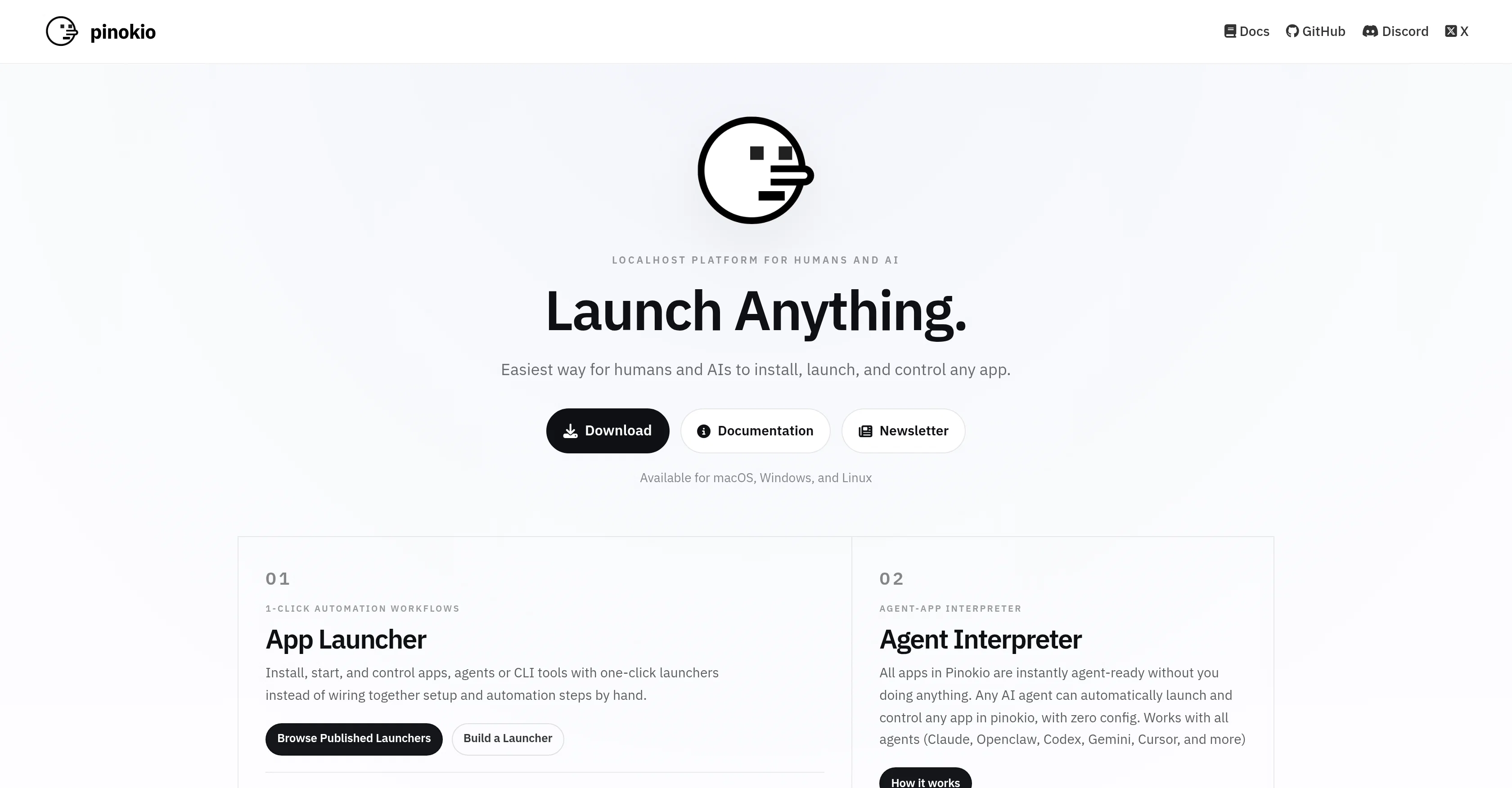
Pinokio is a localhost platform designed for both humans and AI to easily install, launch, and manage various apps. The platform is compatible with macOS, Windows, and Linux, making it accessible across different operating systems.
One of Pinokio's notable features is its 1-click automation workflows, enabling users to initiate and regulate apps, agents or CLI tools via one-click launchers.
This obviates the need for manually wiring together setup and automation steps. Furthermore, Pinokio comes equipped with an Agent-App Interpreter. This feature automatically prepares all apps in Pinokio to be instantly agent-ready, allowing any AI agent to launch and control any app without any configuration, catering to a range of agents including Claude, Openclaw, Codex, Gemini, Cursor, and more.
Pinokio also operates as a local runtime platform, which means you can run apps, agents, and web services directly on your own machine, with built-in resources for runtimes, package managers, routing, and shell access.
Additional features of the platform include a context-aware app assistant, which can assist users within any Pinokio app to ask questions or fix bugs without disrupting their workflow, and the capacity to create task-focused workspaces, ensuring every agent begins with the appropriate tools, context, and behavior for the task at hand.
Help other people by letting them know if this AI was useful.
Add your own prompts and outputs to help others understand how to use this AI.
Screenshot gallery
Pros & Cons
Pros
+MacOS, Windows, Linux compatible
+Launch apps with one-click
+Automates setup steps
+Agent-App Interpreter feature
+Local runtime platform
+Built-in package manager
+Built-in routing resources
+Includes shell access
+Context-aware app assistant
+Task-focused workspaces
+Local web services run
+Direct execution on machine
+One-click automation workflows
+App, agent, CLI control
+Automated app preparation
+Integrated runtime resources
+Workflow undisturbed during troubleshooting
+Customizable task starting state
Cons
−No mobile compatibility
−Limited to localhost use
−Could be overwhelming to beginners
−No cloud storage offered
−Lack of integration options
−Manual app installation needed
−No multi-langual support
−No collaboration features
−No offline functioning
A Professional Framework to Evaluate Pinokio
When considering Pinokio for integration into your organizational workflow, we recommend deploying a structured score card across three critical operational pillars: Security & Compliance, Integration Friction, and long-term Price Scalability. Rather than looking only at basic feature lists, modern procurement teams must assess how a software platform behaves under high load and how well it fits into the team's data security guidelines.
1. Security and Database Compliance
Depending on your operating region and field, ensure that Pinokio supports standard security layers such as SOC 2 Type II certifications, GDPR compliance, or HIPAA-compliant database encryption. If the tool connects directly to client database tables or handles user passwords, verify that they implement multi-factor authentication (MFA), single sign-on (SSO) integrations, and end-to-end data encryption in transit and at rest.
2. API Coverage and Custom Integrations
Siloed data is the primary cause of operational friction. Evaluate if Pinokio has native connectors for your current project trackers, messaging hubs, and customer communication channels. For custom developer requirements, check if they provide a fully documented REST API with reasonable rate limits, comprehensive Webhooks support, and robust SDK packages in your language. A flexible API layer saves hundreds of hours of manual copy-paste overhead.
3. Total Cost of Ownership (TCO)
SaaS pricing packages are often deceptively simple. When reviewing Pinokio's billing structure, map out your team's projected expansion over the next 12 to 24 months. Determine how costs scale as your customer database increases or as you add team members. Factor in setup costs, mandatory support plan upgrades, API access fees, and storage overage rates to understand the true cost before committing to a contract.
By combining verified user reviews from our directory with internal workflow pilot tests, your procurement team can make an informed decision that drives productivity without creating capital waste.
Features of Pinokio
Agent
Localhost Platform
1 Click Automation
Agent App Interpreter
App Management
Task Focused Workspaces
Free
SaaS1to10 verified reviews for Pinokio
Overall rating
★★★★★5.0
Based on 15 reviews
★★★★★5.01 months ago
“Review”
As a physician, I barely have time to create content — and hiring an agency would be far more expensive. With ContentsPilot, I can keep my social media active, and whenever I get a moment in my day, I just record what’s needed. The rest of the content is already prepared and organized. It’s become the perfect solution for my busy routine.
Virgínia Andrade
★★★★★5.01 months ago
“Review”
Simply upload your photo; you don't need to type anything in the prompt field. Just click "generate" and watch the magic happen.
nilton Jr
★★★★★5.01 months ago
“Review”
this AI is great!!!!!!!
sina1marvel
★★★★★5.01 months ago
“Review”
Oh dude, this thing is sick. Yo, any question you have like, I mean ask it how to go faster than the speed of light and you'll you'll see what kind of Visionary ideas it will give you. It's awesome. But. I made it so. Just being honest.
will cox`
★★★★★5.01 months ago
“Review”
Great job nice tool
Anik Turi
★★★★★5.01 months ago
“Review”
@Cursor is underrated.
Vanessa
★★★★★5.01 months ago
“Review”
It is ok to put a smile in a photo.
Alba RCA
★★★★★5.01 months ago
“Review”
This tool finally helps me understand what makes a great prompt. It doesn't just give me a better version, it shows me to get there by analyzing why the original prompt is weak and showing what to improve. The difference this makes to the final AI output is incredible. An essential tool for getting more accurate and detailed results, Great Job!
Milo Quinn
★★★★★5.01 months ago
“Review”
It’s quite nice! It does exactly what it suggests, which is amazing too.
Jojo
★★★★★5.01 months ago
“Review”
Recommended!
Grzegorz
★★★★★5.01 months ago
“Review”
I tried their Form Builder template to see how it converts descriptions into a user interface. And it produced a functional form almost exactly as I expected. Good for me 👍
Ingvar
★★★★★5.01 months ago
“Review”
I think it's the best @Image Generator I ever found on the net. It gives more accurate image according to the prompt. And thank you for keeping it for free.
My Sawsiri
★★★★★5.01 months ago
“Review”
Not at all accurate…. The only thing similar between original and generated images were the clothes and accessories… face was absolutely new and unconnected.