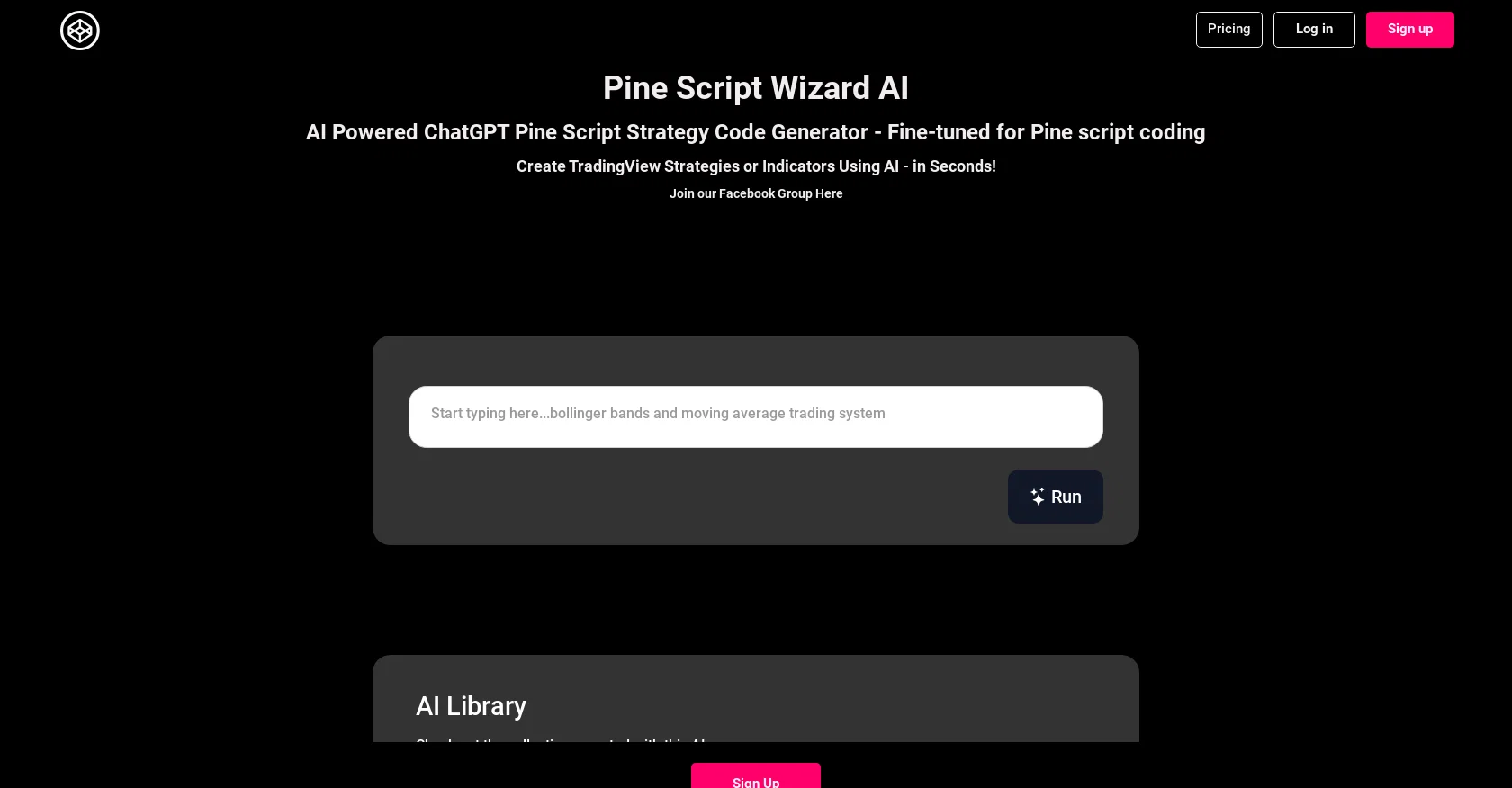
Pine Script Wizard ChatGPT is an AI-powered tool designed for generating Pine script strategy or function code for TradingView. It offers a quick and efficient solution for traders seeking high-quality code by leveraging the power of AI.
With Pine Script Wizard, users can create custom TradingView strategies or indicators in seconds.The tool operates through a chat-based interface, allowing users to input their coding objectives in text format.
The AI-powered system then formulates clear objectives based on user needs, guiding the code generation process. Users can specify the type of trading system they are looking for, such as trend-following, mean-reversion, breakout system, or simply an indicator.
They can also indicate their preferred indicators and settings, trading rules, and preferred market side (long or short signals). Additionally, users can define take profit and stop loss levels.Once the input is provided, Pine Script Wizard generates optimized and accurate Pine script code suitable for the TradingView platform.
Users can then conveniently copy and paste the generated code into the TradingView Pine Editor. In case of errors during code saving and compiling, users can paste the error back into the chat, and the AI will provide fixes.Please note that while the generated code is educational, it is not intended for actual trading without thorough testing and analysis.
Traders are advised to consider their objectives and experience level before making any trading decisions. Pine Script Wizard is not affiliated with OpenAI, TradingView, or PineScript™, and all brand names, logos, and product names mentioned belong to their respective owners.
Help other people by letting them know if this AI was useful.
Add your own prompts and outputs to help others understand how to use this AI.
Screenshot gallery
A Professional Framework to Evaluate PineScriptWizard
When considering PineScriptWizard for integration into your organizational workflow, we recommend deploying a structured score card across three critical operational pillars: Security & Compliance, Integration Friction, and long-term Price Scalability. Rather than looking only at basic feature lists, modern procurement teams must assess how a software platform behaves under high load and how well it fits into the team's data security guidelines.
1. Security and Database Compliance
Depending on your operating region and field, ensure that PineScriptWizard supports standard security layers such as SOC 2 Type II certifications, GDPR compliance, or HIPAA-compliant database encryption. If the tool connects directly to client database tables or handles user passwords, verify that they implement multi-factor authentication (MFA), single sign-on (SSO) integrations, and end-to-end data encryption in transit and at rest.
2. API Coverage and Custom Integrations
Siloed data is the primary cause of operational friction. Evaluate if PineScriptWizard has native connectors for your current project trackers, messaging hubs, and customer communication channels. For custom developer requirements, check if they provide a fully documented REST API with reasonable rate limits, comprehensive Webhooks support, and robust SDK packages in your language. A flexible API layer saves hundreds of hours of manual copy-paste overhead.
3. Total Cost of Ownership (TCO)
SaaS pricing packages are often deceptively simple. When reviewing PineScriptWizard's billing structure, map out your team's projected expansion over the next 12 to 24 months. Determine how costs scale as your customer database increases or as you add team members. Factor in setup costs, mandatory support plan upgrades, API access fees, and storage overage rates to understand the true cost before committing to a contract.
By combining verified user reviews from our directory with internal workflow pilot tests, your procurement team can make an informed decision that drives productivity without creating capital waste.
Features of PineScriptWizard
TradingView
Code Generation
PineScript
Trading Automation
Financial Technology
Algorithmic Trading
From $9/Mo
SaaS1to10 verified reviews for PineScriptWizard
Overall rating
★★★★★5.0
Based on 13 reviews
★★★★★5.02 months ago
“Review”
I tried to create a basic indicator for an order block but it couldn't write the right script.
I pasted it to Scripts in Trading View and Trading view editor gave too many and very basics errors. I don't think it's fine tuned.
Amad
★★★★★5.02 months ago
“Review”
I've been playing around with this for a few hours. It's made me say "WOW" too many times than i wish to admit. I'm going to follow this and see how it evolves. For now, i managed to create quite a nice Expenses app for personal use. | It did have some problems when it came to moving some components on other pages, but for how short the prompts it uses can be, it is really impressive. With some proper prompts it can generate some strong stuff.
Bernard
★★★★★5.02 months ago
“Review”
Very cool app! Build was fast as, and with a few tweaks I fully launched my website in 1 hour!
Joe Smythe
★★★★★5.02 months ago
“Review”
We will give you guys a go! thanks!
Silent Co
★★★★★5.02 months ago
“Review”
It's sad to see people want to try your tool out but you have no free sample for them. This may be the best tool out there, but, as mentioned, going through with the AI for minutes to explain what you want, then being prompted to pay, without even knowing if it CAN create something, is discouraging. I hope we can get a free sample or preview at one point, im interested in this one.
Ron Jayson
★★★★★5.02 months ago
“Review”
B12 exceeded my expectations especially after I tried a few similar tools. Signing up took under a minute and because I offer a very specific set of services as a consultant, I didn't expect the AI to be able to capture my work, but it did a great job with creating content for me. I only had to make a few edits, add my bio, and was able to publish that same day. Now I get lots of compliments on my site and I've even tried their other tools like email marketing, which is great because the emails match my site's appearance. Overall I would recommend B12 as an effective, affordable, and easy to use website solution.
Katie G
★★★★★5.02 months ago
“Review”
After my first use, I think it's surprisingly good. The only drawback so far is the PDF export option for the report which is formatless.
Alejandro Correa
★★★★★5.02 months ago
“Review”
I think it's the best @Image Generator I ever found on the net. It gives more accurate image according to the prompt. And thank you for keeping it for free.
My Sawsiri
★★★★★5.02 months ago
“Review”
Very functional and has up to date pricing and good for technical analysis! Recent this app stop working out of nowhere smh.
Nate Mcallister#1
★★★★★5.02 months ago
“Review”
AInvest is a platform that leverages artificial intelligence to assist users in reaching their financial objectives. By offering a range of tools and comprehensive information, AInvest empowers individuals to make optimal investment decisions.
徐梓喬
★★★★★5.02 months ago
“Review”
Over-priced for what it promises to do. Other AI powered services, at more affordable prices, or cheaper, some with incredible track records and scientists with great track records.
Claudio Bonafide
★★★★★5.02 months ago
“Review”
terrible app had to get a refund the data is wrong and doesnt match up when you check with the brokers
Creative App
★★★★★5.02 months ago
“Review”
This AI is awesome. You have to try it because it gives an amazing analysis on any stock. 10/10
William Gamon
Pricing
Starting Price
From $21.00/user/month
Pricing may vary based on team size and features selected.