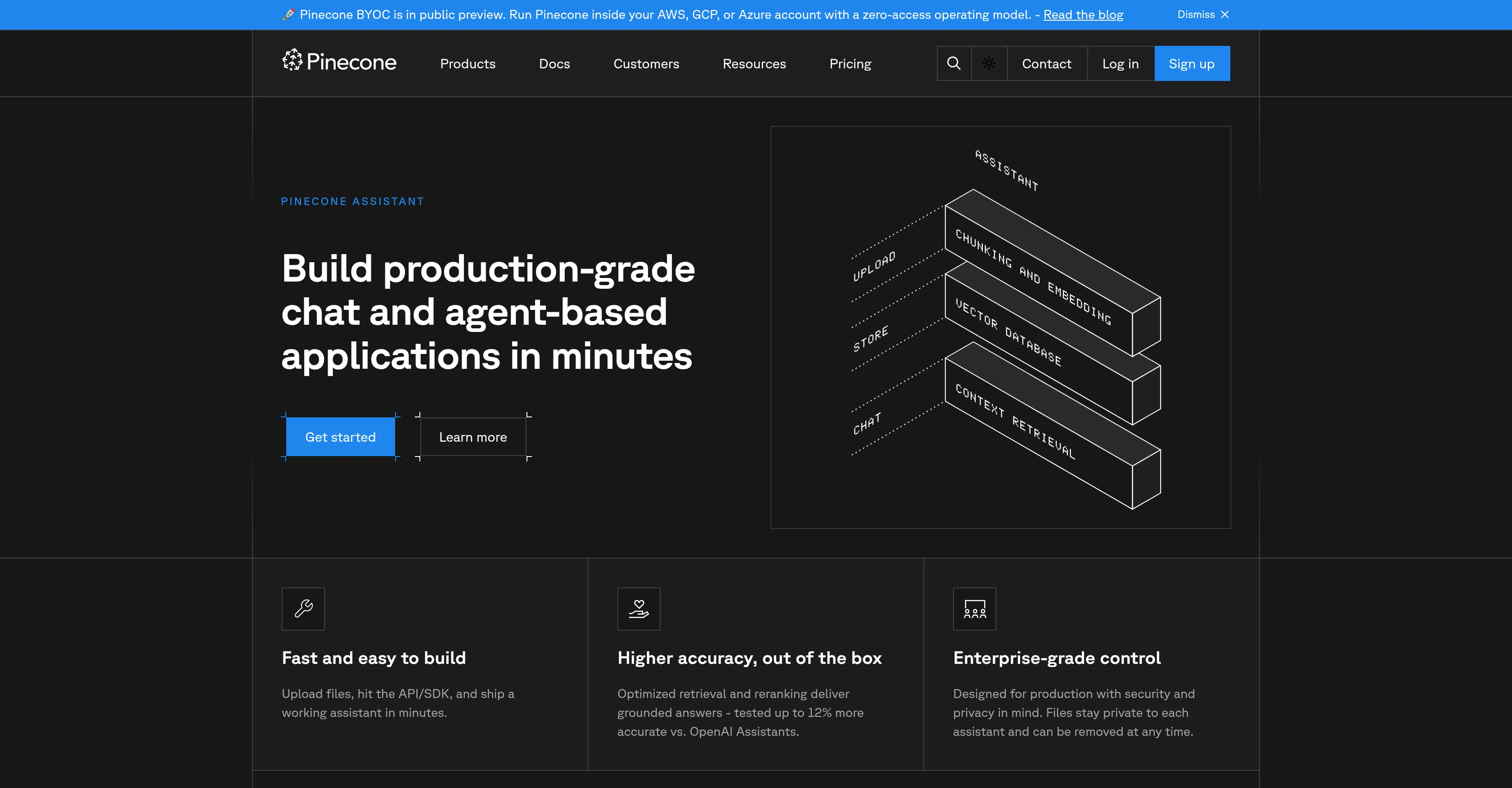
Pinecone Assistant is an API service designed to answer complex questions about your proprietary data accurately and securely. This tool is built with the intention to manage all of the infrastructure and operations needed for a Q&A system, allowing the user to concentrate more on developing the core product.
To use Pinecone Assistant, all one needs to do is add company data, and it's ready for action. This tool is ideal for building production-grade chat and agent-based applications in minutes, with features that simplify this process: files can be uploaded, the API/SDK can be hit, and a working assistant can be shipped almost instantly.
Pinecone Assistant boasts a higher accuracy rate that has been tested, delivering grounded answers. It is designed with an enterprise-grade control and built with security and privacy in mind, with features that allow files stay private to each assistant and can be removed any time as desired.
This tool also integrates a no-code feature, with a Pinecone Assistant node that can be added to any workflow, connected to data sources, and uploaded with files and start querying, with automatic chunking, embedding, and retrieval as included features.In addition, Pinecone Assistant is modelled in a way that it can be deployed in seconds, enabling one to scale seamlessly while ensuring accurate results in multiple domains.
Help other people by letting them know if this AI was useful.
Add your own prompts and outputs to help others understand how to use this AI.
Screenshot gallery
Pros & Cons
Pros
+Manages infrastructure and operations
+Ideal for agent applications
+Fast file uploads
+Quick API/SDK integration
+Rapid deployment capabilities
+Higher tested accuracy rate
+Enterprise-grade control
+Integrated security features
+Privacy-controlled file management
+No-code feature integration
+Automatic chunking
+Data embedding
+In-built data retrieval
+Ease of scalability
+Accurate multi-domain results
+Easy data integration
+Proprietary data manager
+Can remove files anytime
+Modelled for instant deployment
+Seamless scaling
+Can build chat applications
+Privacy in file handling
+12% more accurate than competitors
+Zero-access operating model
+BYOC inside AWS, GCP, Azure
+Free for first Assistant
Cons
−Limited to API/SDK interaction
−No offline functionality mentioned
−No multi-language support mentioned
−Limited control over training data
−Automatic chunking may limit customization
−Lack of third-party integrations
−Requires constant data uploading
−Potential over-reliance on accuracy testing
−Unclear error handling protocols
−No explicit support for non-English languages
A Professional Framework to Evaluate Pinecone Assistant
When considering Pinecone Assistant for integration into your organizational workflow, we recommend deploying a structured score card across three critical operational pillars: Security & Compliance, Integration Friction, and long-term Price Scalability. Rather than looking only at basic feature lists, modern procurement teams must assess how a software platform behaves under high load and how well it fits into the team's data security guidelines.
1. Security and Database Compliance
Depending on your operating region and field, ensure that Pinecone Assistant supports standard security layers such as SOC 2 Type II certifications, GDPR compliance, or HIPAA-compliant database encryption. If the tool connects directly to client database tables or handles user passwords, verify that they implement multi-factor authentication (MFA), single sign-on (SSO) integrations, and end-to-end data encryption in transit and at rest.
2. API Coverage and Custom Integrations
Siloed data is the primary cause of operational friction. Evaluate if Pinecone Assistant has native connectors for your current project trackers, messaging hubs, and customer communication channels. For custom developer requirements, check if they provide a fully documented REST API with reasonable rate limits, comprehensive Webhooks support, and robust SDK packages in your language. A flexible API layer saves hundreds of hours of manual copy-paste overhead.
3. Total Cost of Ownership (TCO)
SaaS pricing packages are often deceptively simple. When reviewing Pinecone Assistant's billing structure, map out your team's projected expansion over the next 12 to 24 months. Determine how costs scale as your customer database increases or as you add team members. Factor in setup costs, mandatory support plan upgrades, API access fees, and storage overage rates to understand the true cost before committing to a contract.
By combining verified user reviews from our directory with internal workflow pilot tests, your procurement team can make an informed decision that drives productivity without creating capital waste.
Features of Pinecone Assistant
AI API Service
QnA System
Complex Questions
Production Grade Chat
Agent Applications
Accurate Responses
Free + From $50/Mo
SaaS1to10 verified reviews for Pinecone Assistant
Overall rating
★★★★★5.0
Based on 11 reviews
★★★★★5.02 months ago
“Review”
I have seen it on Reddit, surprisingly, it did help me to save 30% in input/output agent tokens, not 60% unfortunately, but for sure better than not using it. Saved way more than I spent on subscription, shame didnt know of 50% discount :)
L2TopServers
★★★★★5.02 months ago
“Review”
Hey, I just checked out your AI tools site—nice launch, you’re on the right track 👌 One thing I’d suggest early on is focusing on distribution, not just the product. A lot of AI tool sites struggle with visibility because they don’t position themselves inside the right communities. For example, targeting niche subreddits where people are actively looking for solutions (not just posting links, but actually joining conversations, sharing use-cases, and soft-introducing your tool) can drive highly targeted traffic and real users. Also, creating comparison-style posts like “X vs Y tools” or “best tools for [specific use case]” tends to perform really well and brings consistent organic traffic over time. If you’re not already doing something like that, I can share a few ideas specific to your niche that could bring in your first consistent users pretty fast.
High Bee Expert
★★★★★5.02 months ago
“Review”
create a ppt with example and small case study on augmented marketing mix
Sukanya Sharma
★★★★★5.02 months ago
“Review”
If ai agents collect data but don’t qualify or convert leads, you’re storing inputs instead of generating revenue -> ~25% loss. How many submissions actually turn into deals?
Paul
★★★★★5.02 months ago
“Review”
Hi there, I’m Alix, co-founder of Invent. We’re building the future of Customer Support UX, where humans and AI truly collaborate. Would love to read&hear your thoughts. DM for any questions. We ship fast!
Alix Gallardo
★★★★★5.02 months ago
“Review”
very easy to use!
Thomas Ramirez
★★★★★5.02 months ago
“Review”
This is a fantastic tool for creating a bespoke chatbot that understands the nuances of your business. It's so easy to set up, works with all the platforms I use, like Slack, Google Drive, Notion, and Zapier, and it's massively helped with customer service queries. Would definitely recommend.
Amanda GreenWood
★★★★★5.02 months ago
“Review”
Amazing, easy-to-use tool. Would definitely recommend it to anyone who wants to automate in a customer-friendly way!
Fleur Nouwens
★★★★★5.02 months ago
“Review”
We used @Rumora for our SaaS app and went from 512 to 23,956 signed up users in 3 months, here's the case study with screenshots: https://@Rumora.ai/case-studies/olovka
Rade Joksimovic
★★★★★5.02 months ago
“Review”
Easy to start and made a customer support agent for my website in a few minutes!
PeersIdea Inc.
★★★★★5.02 months ago
“Review”
Absolutely in love. I could create my own custom AI and shared it with my colleuges to get instant support from me, i mean digital AI of me :)